Newsletter
Join the Community
Subscribe to our newsletter for the latest news and updates

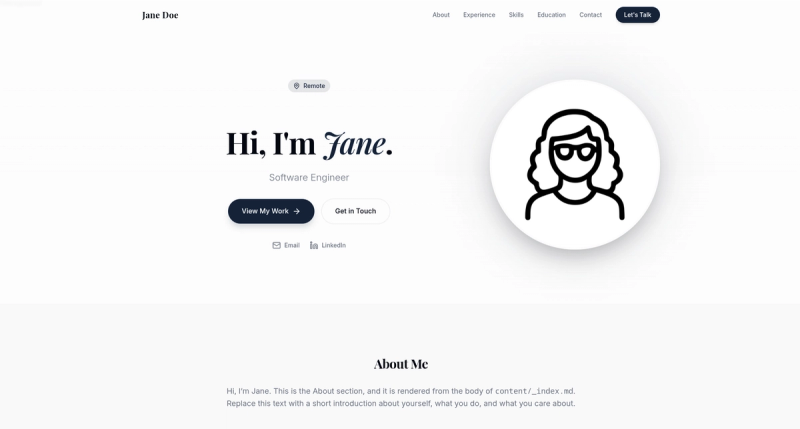
Single-page Hugo portfolio theme with animated hero, experience timeline, clickable skills, presentations, education, awards, and a floating contact button.
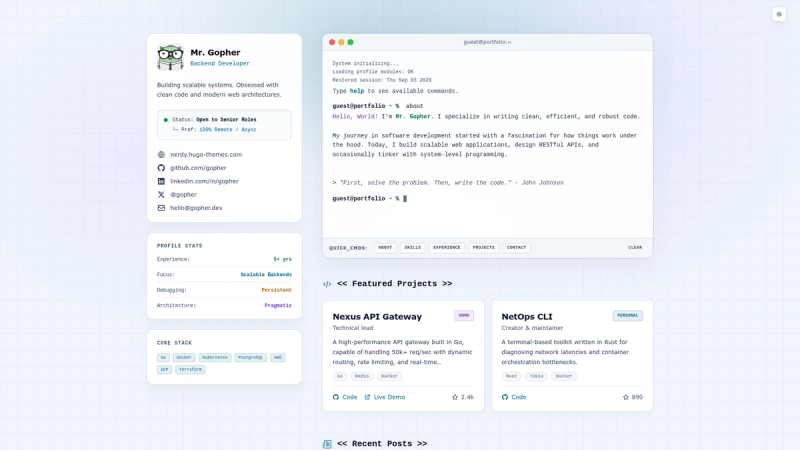
Nerd-vibed Hugo theme for personal portfolios and blogs, featuring an interactive terminal and light/dark modes.
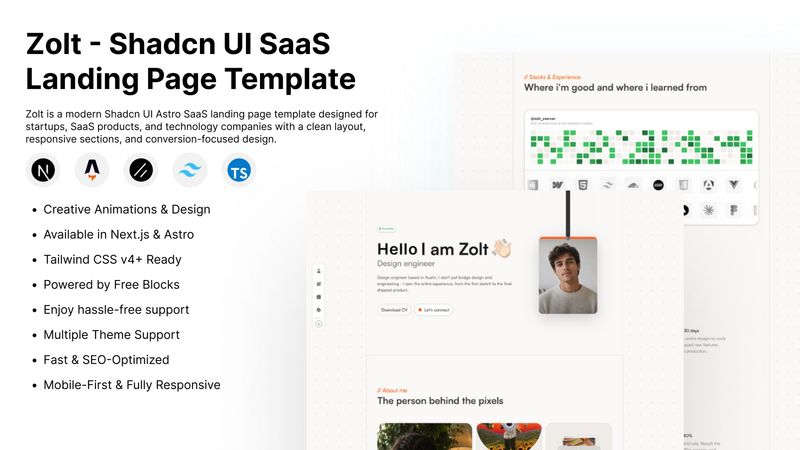
Free Astro and Shadcn UI portfolio template for designers, developers, freelancers, and agencies to create fast, responsive, SEO-friendly portfolio sites.
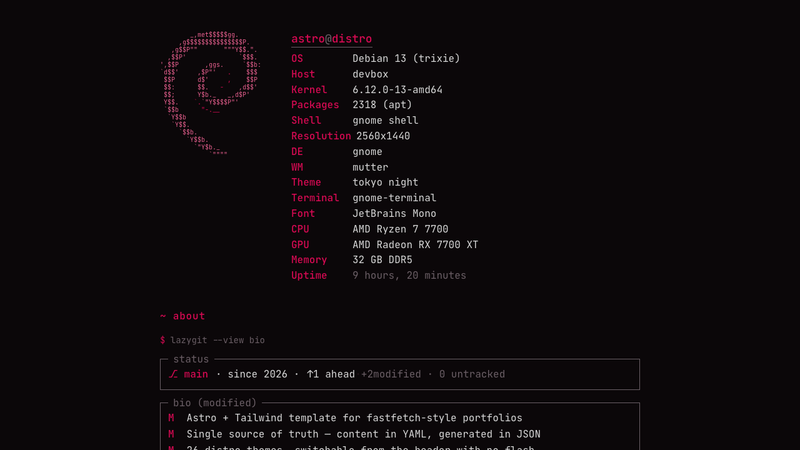
Astro + Tailwind template for a fastfetch-style terminal portfolio. Configured from YAML, projects synced from GitHub, single source of truth.
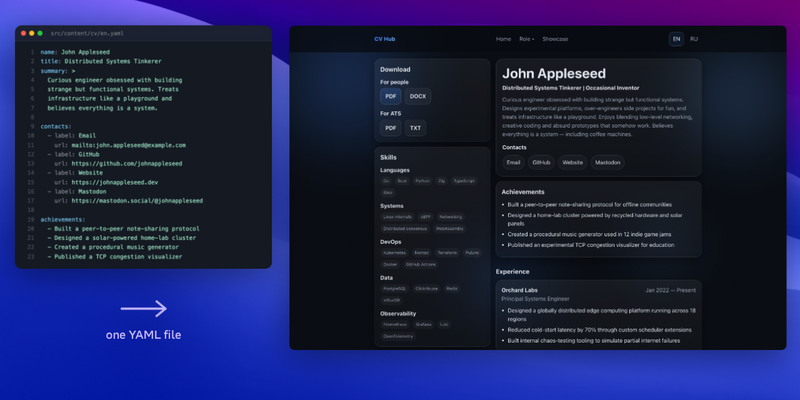
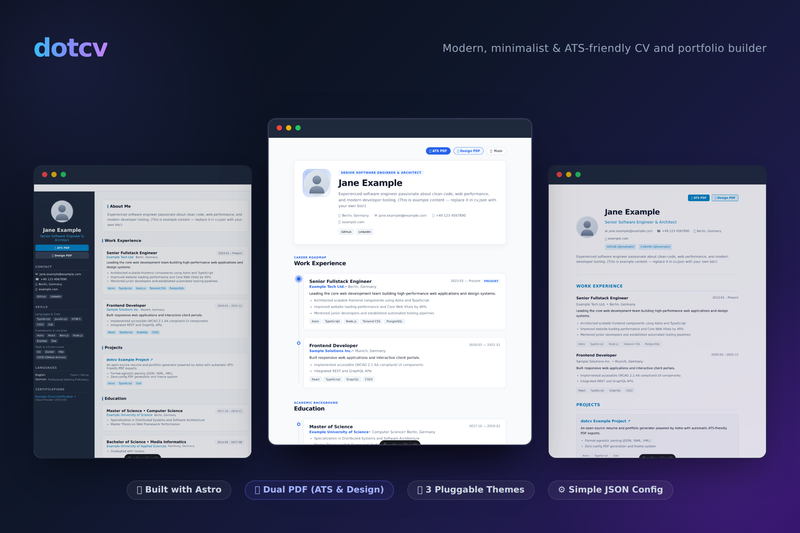
Astro template that turns one YAML file into a personal site, CV, portfolio, and multi-format resumes.
kiyomi-portfolio is a single-page Hugo portfolio theme that turns YAML data files and a handful of site parameters into a personal homepage with an animated hero, an experience timeline, clickable skill pills, and a floating contact button.
kiyomi-portfolio is a free, MIT-licensed portfolio theme for the Hugo static site generator, published on GitHub as mathscantor/hugo-theme-kiyomi-portfolio. It takes content from YAML files in your site's data/ folder and parameters in hugo.toml, plus a single Markdown file for the About section, and produces a responsive one-page site. The theme requires Hugo extended edition, version 0.128.0 or newer, and its optional sections — experience, presentations, skills, languages, education, certifications, and awards — each disappear automatically when their data file is absent.
data/ directory (experience.yaml, presentations.yaml, skills.yaml, languages.yaml, education.yaml, certifications.yaml, awards.yaml); if a file is missing or empty, that section is hidden.experience.yaml and may include context, bullets, nested projects with tags, and media_mentions featuring publication, article title, excerpt, and URL.skills.yaml groups skills by category; each pill opens an explanation on click. languages.yaml adds a level label and a proficiency bar using a percent value from 0 to 100.presentations.yaml accepts media_type as image or video, points media_src at a file under static/, and supports optional tags, event, date, description, and an external slides link.education.yaml is chronological, certifications.yaml groups credentials by year, and awards.yaml renders linked recognition cards; the Awards section can be removed by emptying its file.[params] block in hugo.toml exposes email, linkedin, location, profileImage, heroBackground, favicon, ogImage, and resumeFile; a floating contact button links to email or LinkedIn and the resume file is downloadable.assets/css/main.css; override them in custom CSS without editing theme templates. Animations live in assets/css/animations.css.hugo.toml can personalize a portfolio by filling the YAML starter files copied by init-data.sh, without writing layout or template code.experience.yaml.resumeFile param.Install the theme with either a git submodule or Hugo Modules, then set theme = 'kiyomi-portfolio' in hugo.toml. Run bash themes/kiyomi-portfolio/scripts/init-data.sh to copy the editable starter data and content/_index.md into your site only when those files do not already exist, then edit [params], the data YAML files, and the About content. Add images under static/ and launch hugo server to preview.
The theme is free and open source under the MIT License. Nothing in the repository indicates paid tiers, and all source files are available on GitHub for reuse under the license terms.
Yes. The theme is released under the MIT License, so it can be used, modified, and redistributed under those terms. The documentation describes no purchase or paid tier, and all theme code lives in its public GitHub repository.
It requires the extended edition of Hugo, version 0.128.0 or newer. The theme's asset pipeline depends on the extended build, so older versions or the standard build are not supported.
That section is hidden. Each section is guarded in layouts/index.html, so an empty or missing data file simply does not render, and the theme intentionally has no default data/ directory. This design prevents Hugo's data-override warnings and gives full control of every section.
Yes. In presentations.yaml, each item sets media_type to image or video, and media_src points to a file such as a PNG or MP4 under static/. Each presentation can also carry tags, an event name/date, and an optional link to its slides.
Choose one of two methods: add it as a git submodule with git submodule add https://github.com/mathscantor/hugo-theme-kiyomi-portfolio.git themes/kiyomi-portfolio, or import it as a Hugo Module via hugo mod init and the module path github.com/mathscantor/hugo-theme-kiyomi-portfolio.