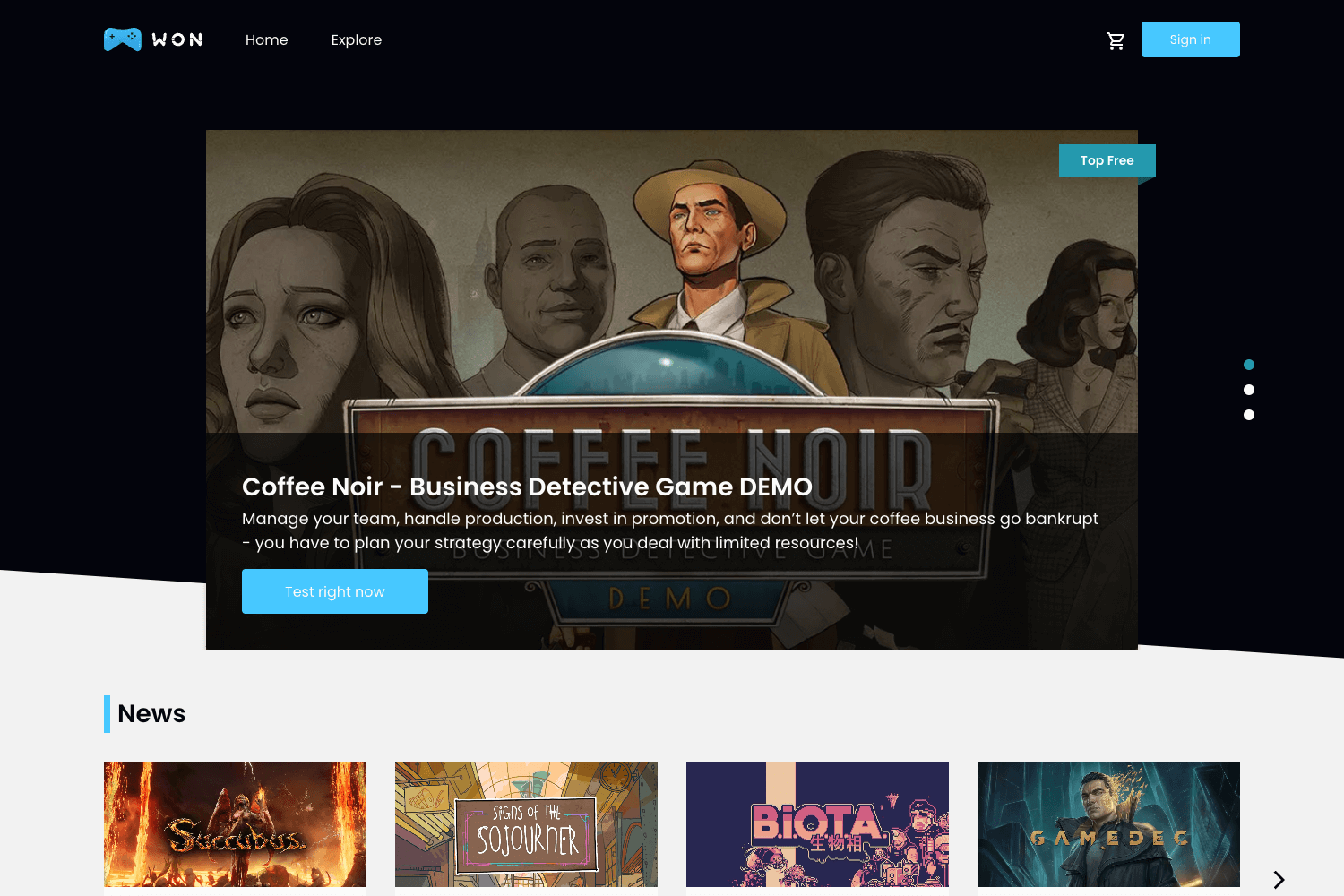
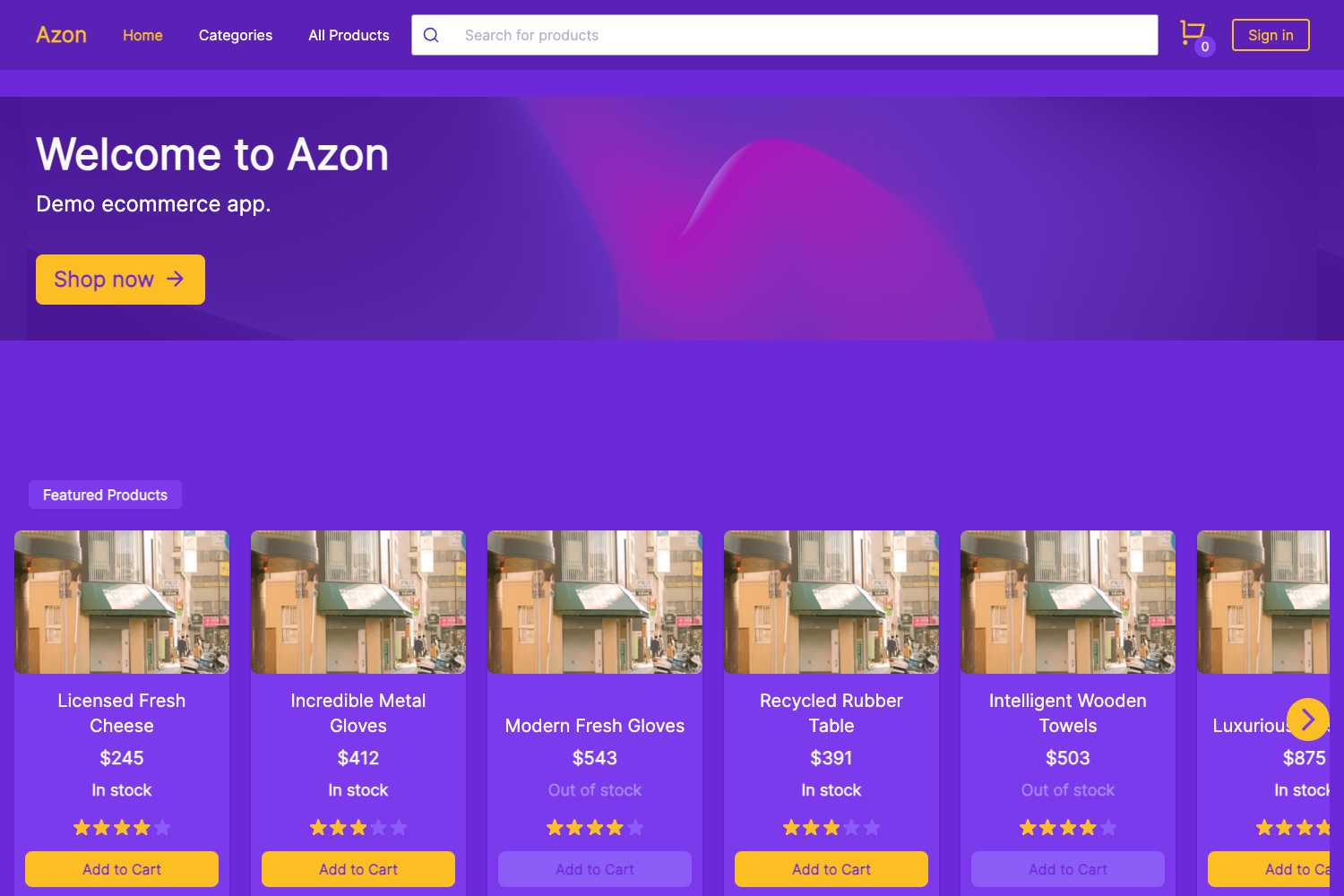
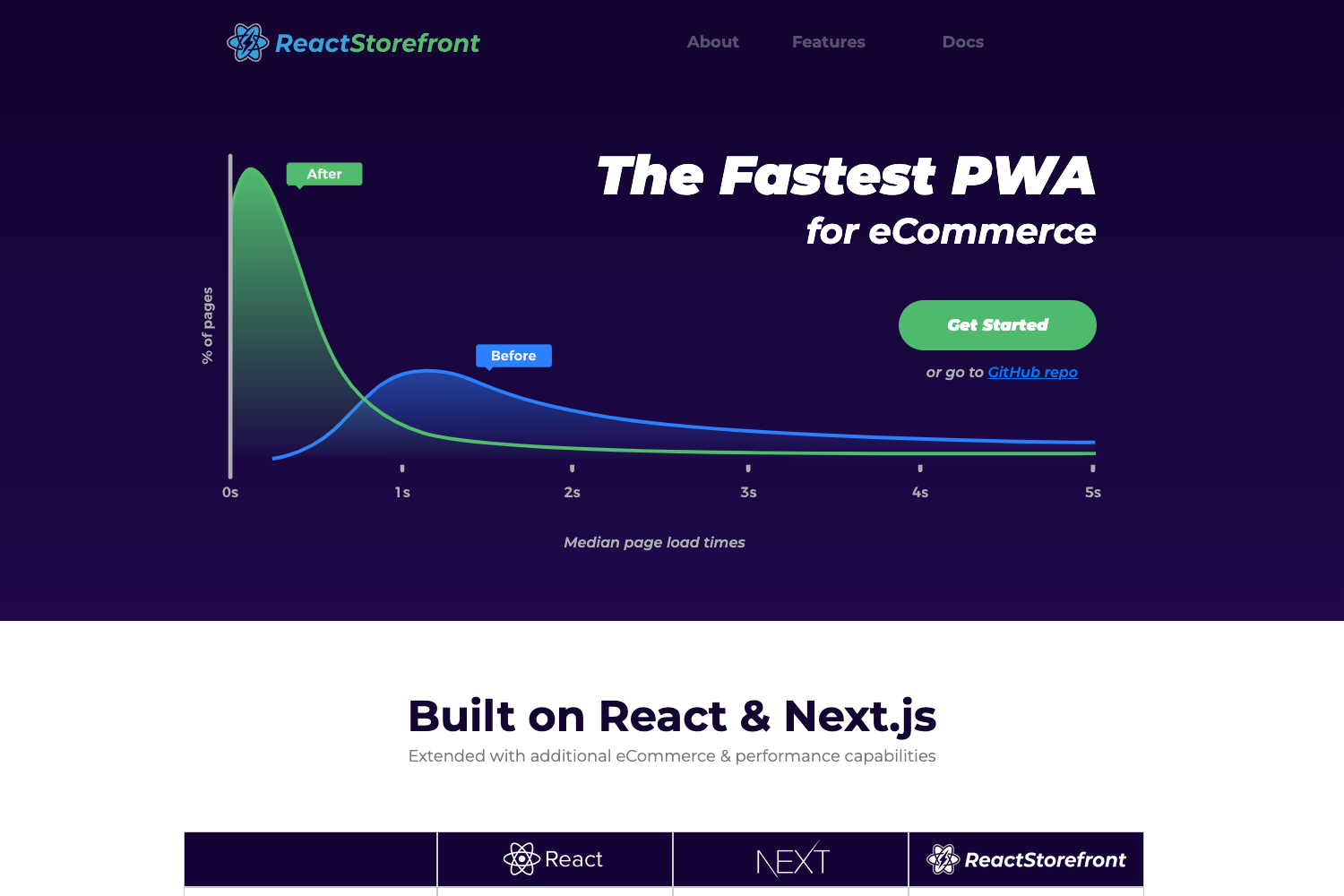
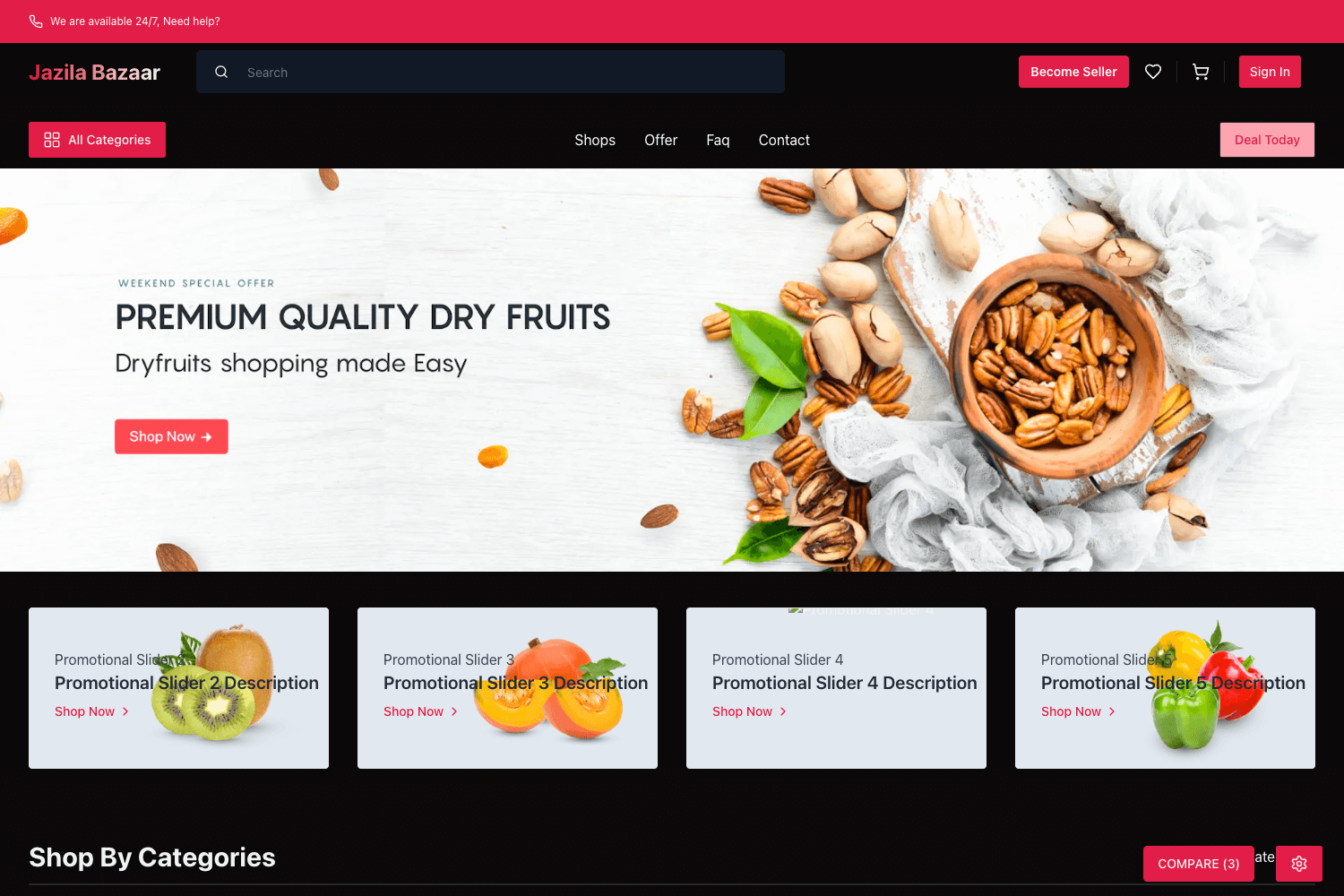
Template details
Astro Ecommerce
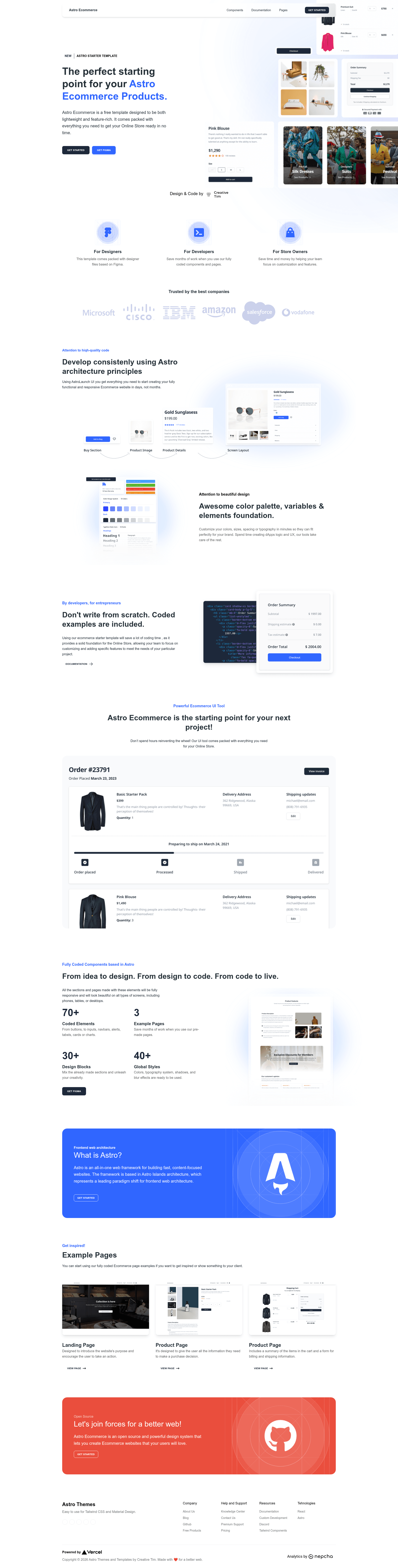
Astro Ecommerce is a starter template for building e-commerce websites with Astro, featuring 70+ coded elements, 3 example pages, and 30+ blocks.
About this template
Astro Ecommerce is an e-commerce starter template for the Astro framework, published by Creative Tim, that bundles 70+ coded UI elements, 30+ blocks, and three fully coded example pages to accelerate storefront development.
What is Astro Ecommerce?
Astro Ecommerce is a ready-to-use project scaffold for building online stores, built on Astro's island architecture and maintained by Creative Tim. It takes a basic Astro project (with a src/pages directory and Layout.astro) and adds e-commerce-specific components such as cart, checkout, incentives, order, products, promo, and reviews, plus a navbar and footer. The template's output is a static or server-rendered website depending on your Astro configuration, and it ships with landing, product, and shopping-cart pages that demonstrate common commerce flows.
Key Features
- 70+ fully coded elements — Ready-made UI components for product cards, promotional sections, reviews, and checkout flows that you can drop into any page.
- 3 fully coded example pages — Includes a landing page, a product detail page, and a shopping cart page with a billing/shipping form, each linked from the live demo.
- 30+ blocks — Reusable sections organized under
src/components(cart, checkout, incentives, order, products, promo, reviews, store) that can be combined to assemble unique layouts. - Responsive design — The template is built to adapt to mobile, tablet, and desktop viewports without custom breakpoint work.
- Astro island architecture — JavaScript is only sent for interactive components, improving initial load performance; React components can be mounted alongside vanilla Astro components.
- SCSS-based styling — The repository's topics list SCSS, indicating styles are written as SCSS partials rather than with a CSS utility framework.
- Clear project structure — Routes follow Astro's file-based routing (
src/pages/index.astro,landing.astro,product.astro,shopping-cart.astro), and shared code lives insrc/componentswith dedicated folders per feature. - Documentation and community links — The README points to Creative Tim's Astro documentation and an official Discord server for support.
Who is Astro Ecommerce for?
- Web developers building a new storefront: they can clone the repository, run
npm installandnpm run dev, and start editing the Astro and SCSS files immediately. - Agencies and freelancers who need a polished starting point for client projects: the three example pages serve as pitch material and a foundation for custom builds.
- Startup teams launching an e-commerce site without a dedicated design phase: they can replace placeholder content with their own products and branding.
- Astro learners who want to see a real-world Astro project structure, including component folders, layouts, and routing conventions.
What can you do with Astro Ecommerce?
- Launch a storefront: Use the included landing, product, and cart pages as a base, then swap in your product data, payment integration, and custom components.
- Create client demos: The three coded example pages let you show a realistic storefront flow (landing → product → checkout) during sales conversations.
- Prototype e-commerce UIs: With 70+ elements and 30+ blocks, you can quickly assemble different page layouts and gauge the visual direction before writing production code.
How does Astro Ecommerce work?
Astro Ecommerce follows Astro's standard workflow. After downloading the repository, run npm install to install dependencies, npm run dev to start a local dev server at localhost:3000, npm run build to produce a production build in ./dist/, and npm run preview to test that build locally. Customize components in src/components, add routes by creating files in src/pages, and place static assets in public/. The included tsconfig.json and package.json set up TypeScript and npm scripts for the project.
FAQ
What does Astro Ecommerce include?
It includes 70+ coded UI elements, 30+ blocks, and three fully coded example pages (landing, product, shopping cart). The project also ships with a responsive layout, SCSS styling, and component folders for cart, checkout, incentives, order, products, promo, reviews, store, plus navbar and footer.
How do I run Astro Ecommerce?
Clone the repository and run npm install to install dependencies, then npm run dev to start the development server at localhost:3000. Use npm run build to generate a production version in ./dist/ and npm run preview to view it.
What is the project structure?
The project has public/ for static assets, src/components/ for Astro/React/Vue/Svelte/Preact components, src/layouts/Layout.astro as the base layout, and src/pages/ for routes. Pages include index, landing, product, and shopping-cart.
Where can I get help?
The README links to Creative Tim's Astro documentation at creative-tim.com/learning-lab/astro/overview/astro-ecommerce and an official Discord server for questions.