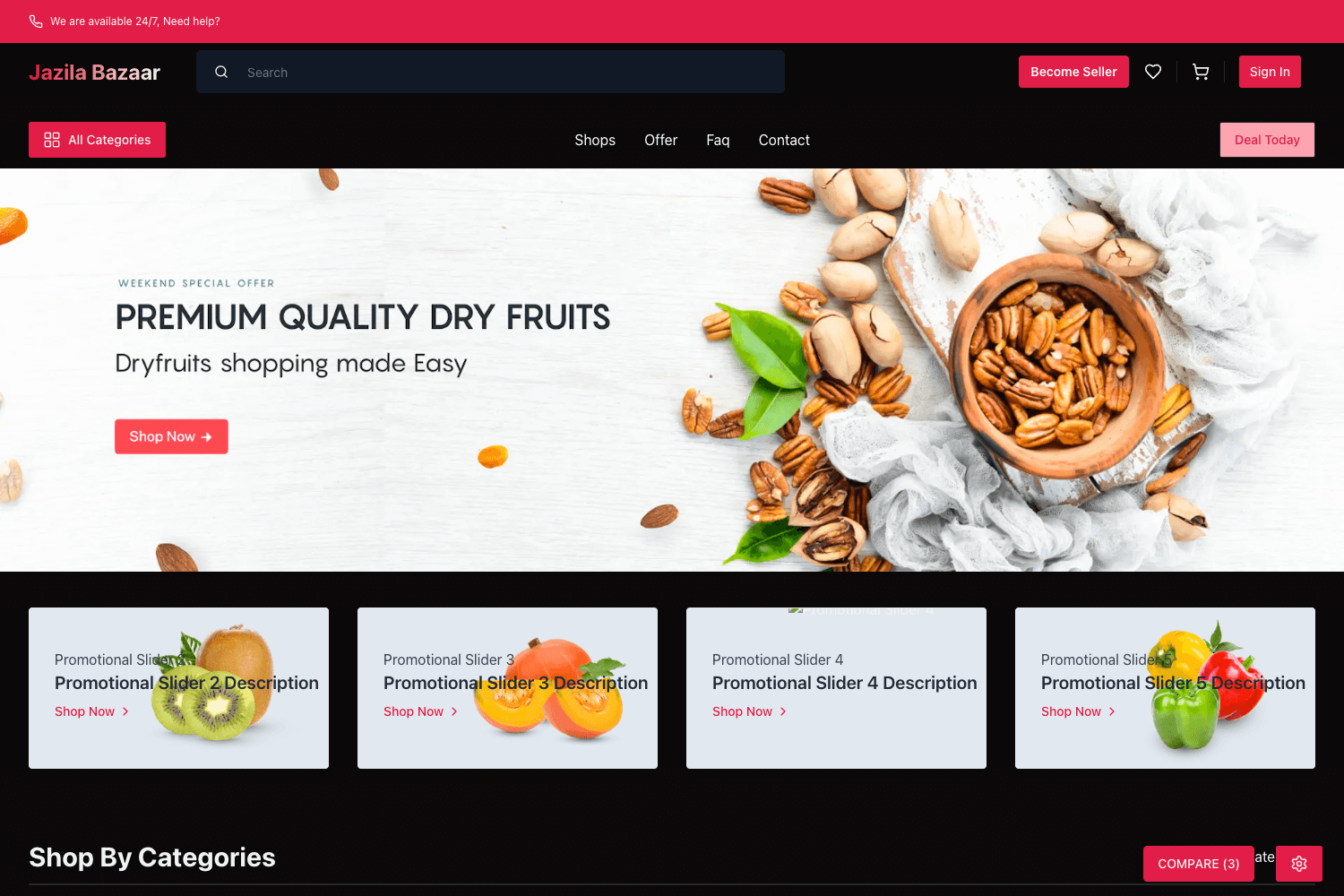
Template details
Electra - Gatsby WooCommerce Theme
A decoupled Gatsby theme for WooCommerce with React frontend, WordPress backend, GraphQL, PWA and offline support.
About this template
Electra is a Gatsby theme that builds a WooCommerce storefront on a decoupled architecture, pairing a React frontend with a WordPress backend via GraphQL.
What is Electra?
Electra is an open-source Gatsby theme for WooCommerce e-commerce sites that separates the frontend and backend. It takes a WordPress site running WooCommerce as its data source and produces a static, progressive web app with product pages, search, cart, checkout, and a customer account area. The theme is maintained by Imran Sayed and uses gatsby-source-wordpress@v4 BETA to pull content into Gatsby.
Key Features
- PWA offline support — The storefront works offline, and product search with pagination also functions without a connection.
- GraphQL data layer — Uses WP GraphQL on WordPress and Apollo Client on the frontend to query products, pages, and menus.
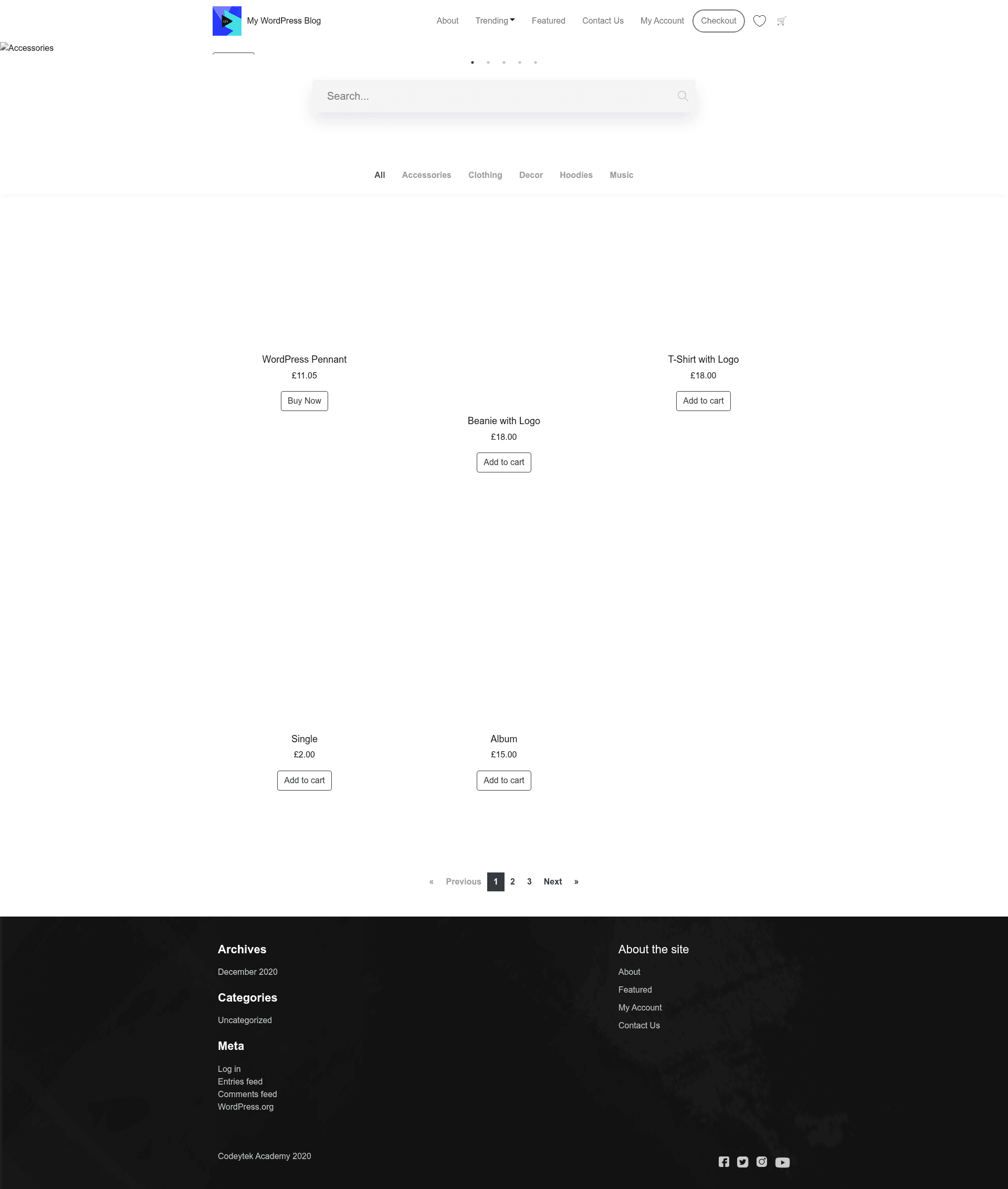
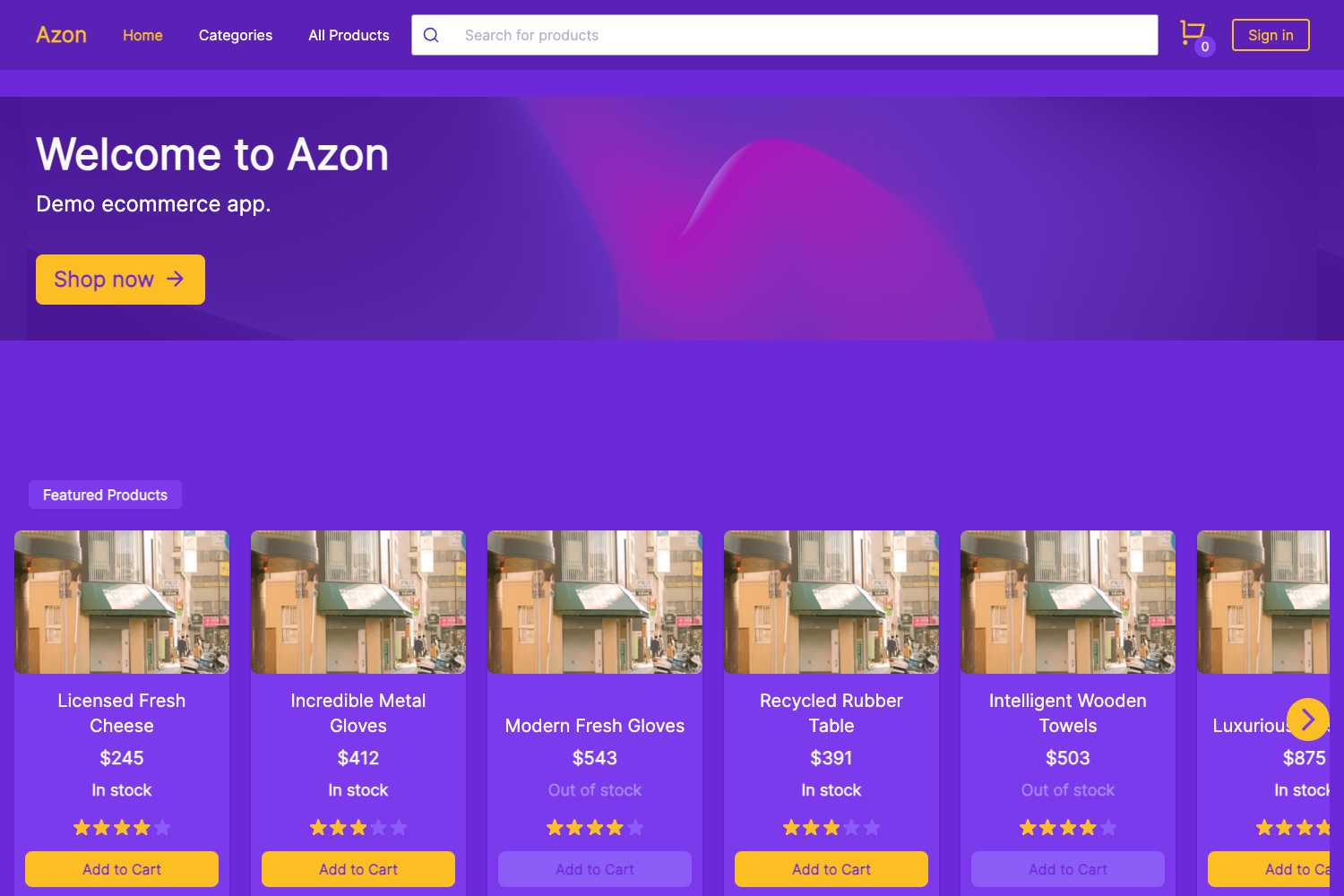
- WooCommerce storefront — Includes product archives, single product pages with image zoom, product carousel, add-to-cart, cart page, and checkout with account creation.
- Customer accounts — My Account page with login and registration, and authentication through JWT.
- SEO and analytics — Supports Yoast SEO with Open Graph tags and includes Google Analytics integration.
- Image optimization — Gatsby image processing adds blur-up placeholders for optimized loading.
- Search and wishlist — Product search with pagination and an add-to-wishlist feature, both persisted offline.
- Customizable menus and widgets — Header and footer menus are set in WordPress, along with footer widgets.
Who is it for?
- WordPress developers — Build headless e-commerce sites with React while keeping the WordPress admin for content and product management.
- Agencies — Use the theme as a starting point for custom WooCommerce storefronts, with the ability to add packages via Yarn workspaces.
- Store owners — Gain a faster, app-like storefront with offline capabilities while continuing to manage orders and payments in WooCommerce.
What can you do with Electra?
- Launch a headless WooCommerce store — Set up the WordPress plugins, configure environment variables, and run
npm run buildto generate a production-ready static site. - Add custom functionality — Extend the theme using Yarn workspaces, either in the
sitepackage or thegatsby-woocommerce-themepackage. - Deploy to Vercel — Use the provided Vercel configuration with build command
npm run buildand output directorysite/publicfor hosting.
How does Electra work?
After cloning the repository and installing dependencies, you add WordPress plugins (including wp-graphql, wp-graphql-woocommerce, and wp-gatsby) and set up menu locations and widgets. Then you create .env and .env.development/.env.production files with your WordPress URL and IDs. Running npm run dev starts a local server at http://localhost:8000 with a GraphQL playground at http://localhost:8000/___graphql.
FAQ
Is Electra free?
Yes, the theme is open source and available on GitHub. There are no paid tiers mentioned in the repository documentation.
What WordPress plugins are required?
The setup requires: Headless CMS, WooCommerce, WP GraphQL, WP GraphQL WooCommerce, WP Gatsby, Yoast SEO, WP GraphQL Yoast SEO, and WP GraphQL JWT Authentication. All are provided as zips in the repository's wordpress/plugins folder.
Does the store work offline?
Yes, the theme is built as a PWA. Product search with pagination and the wishlist feature work even when there is no network connection.
Which version of the Gatsby source plugin is used?
The theme uses gatsby-source-wordpress@v4 BETA, which means it is built against a beta release of the source plugin. You should check for updates or issues when using it in production.
How do I deploy the theme?
You can deploy to Vercel by importing the project and adding the build command npm run build with output directory site/public. Environment variables such as WORDPRESS_SITE_URL must be added to the project settings.