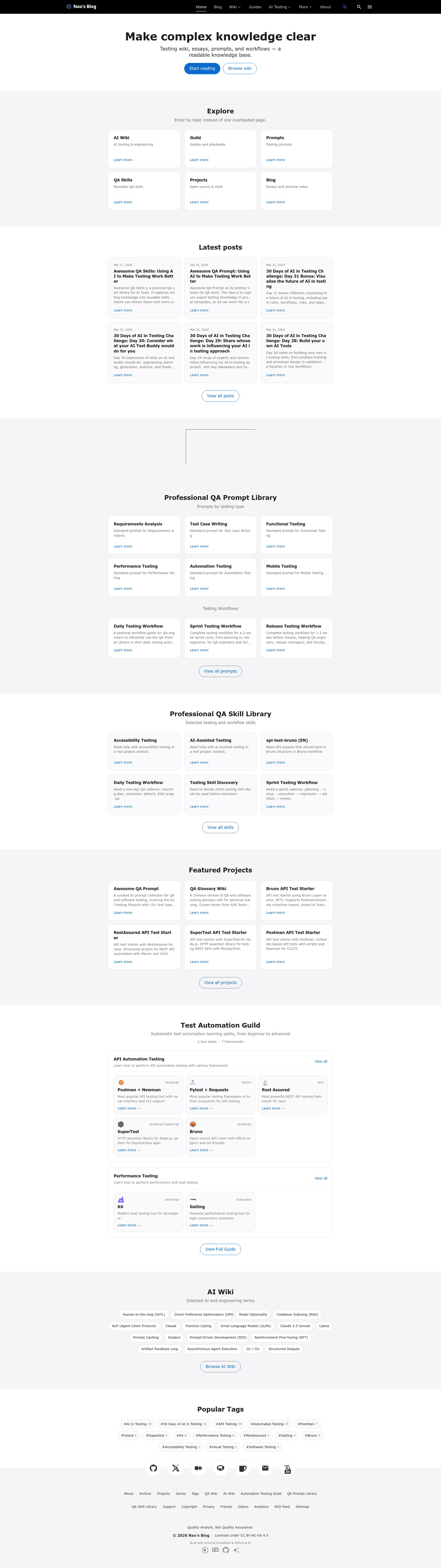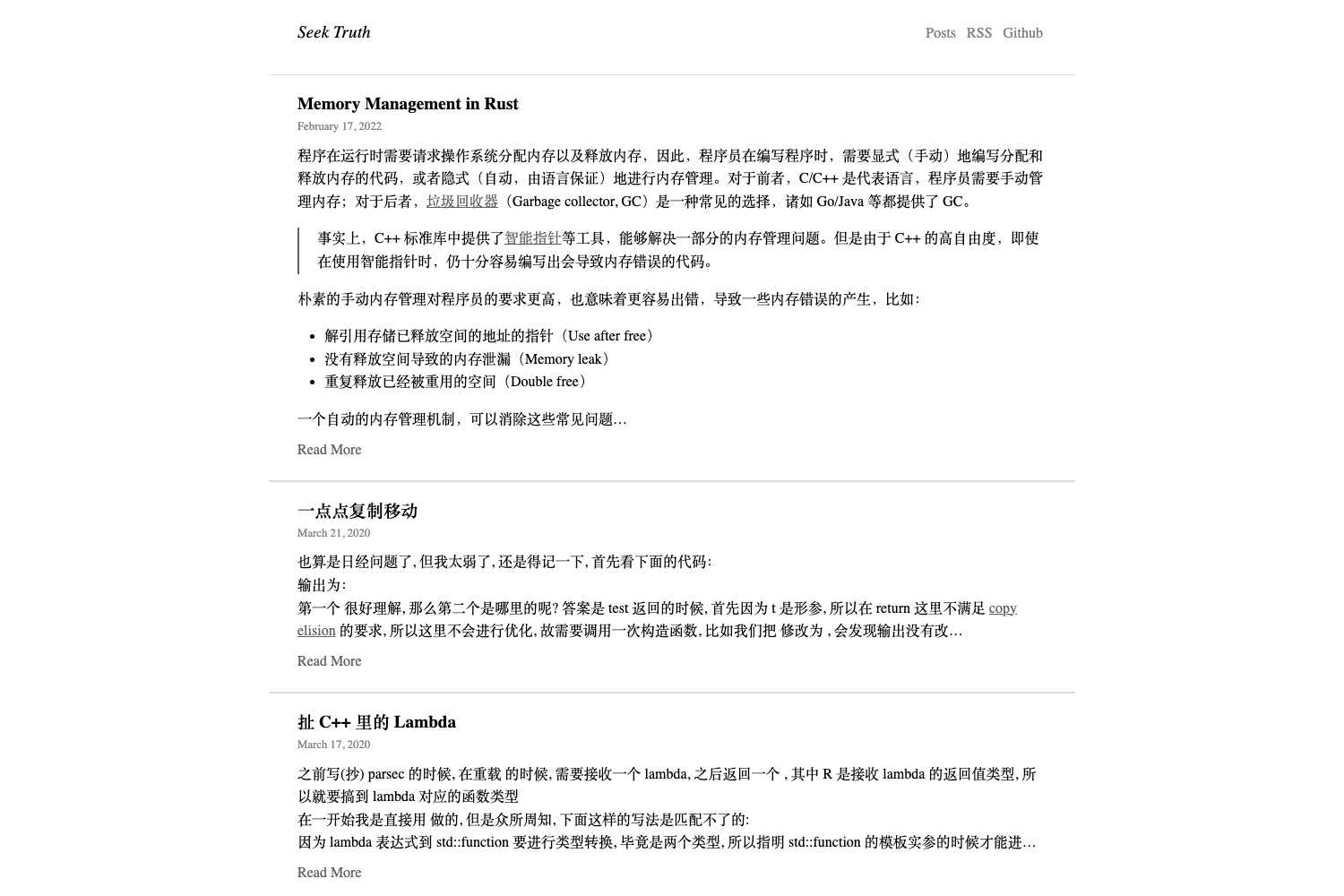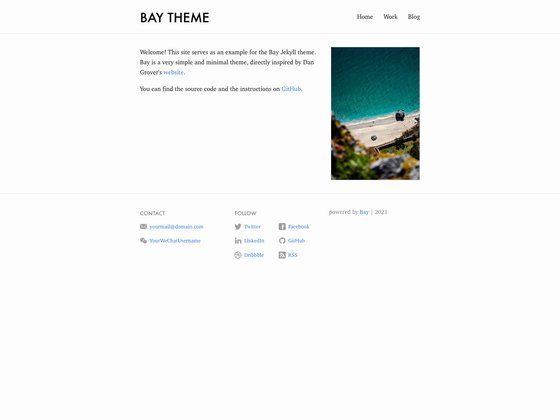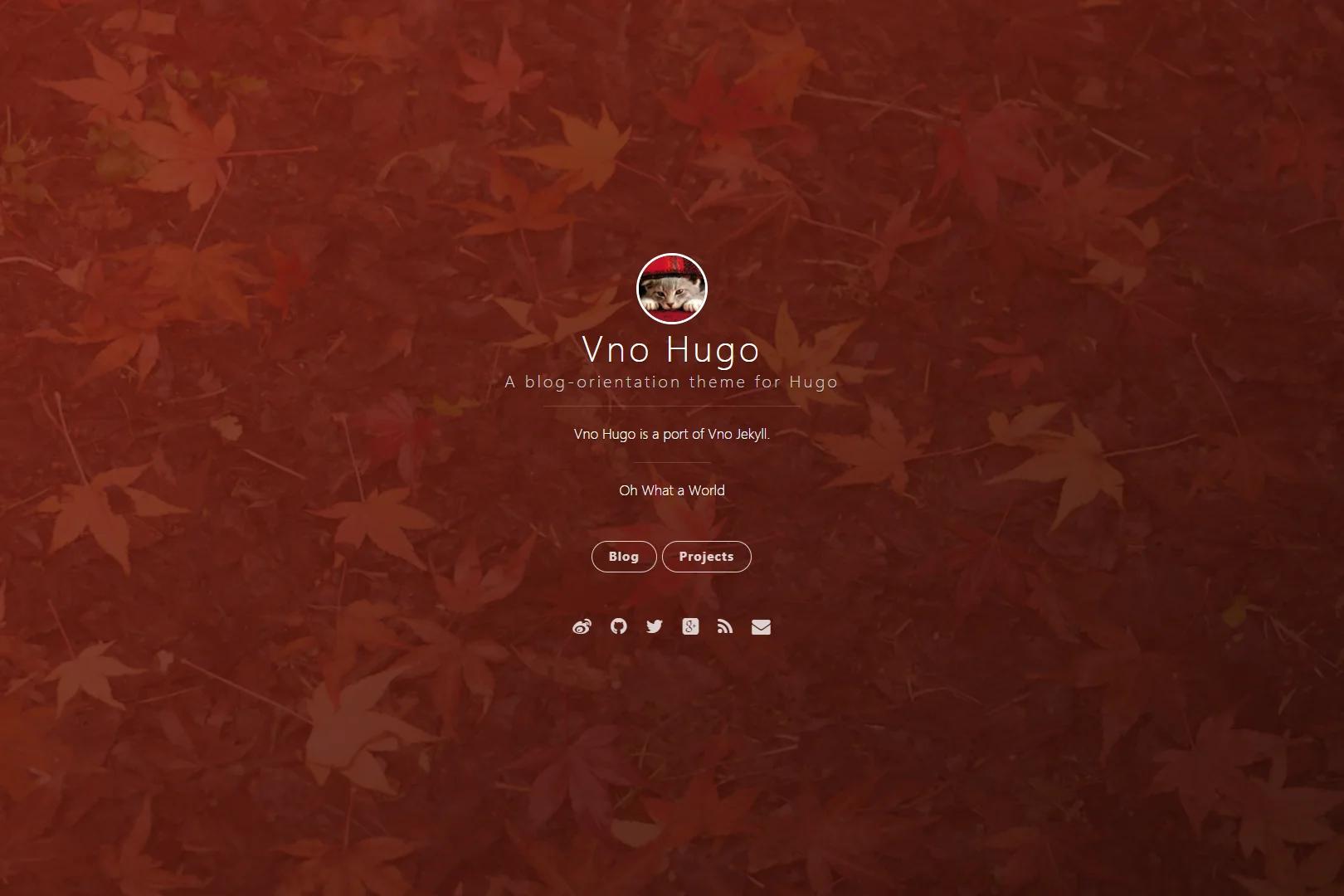
Template details
astro-i18n-starter-pro
Astro 5 bilingual blog template with env-var-driven site and author config, MDX posts, search, comments, and static deployment.
About this template
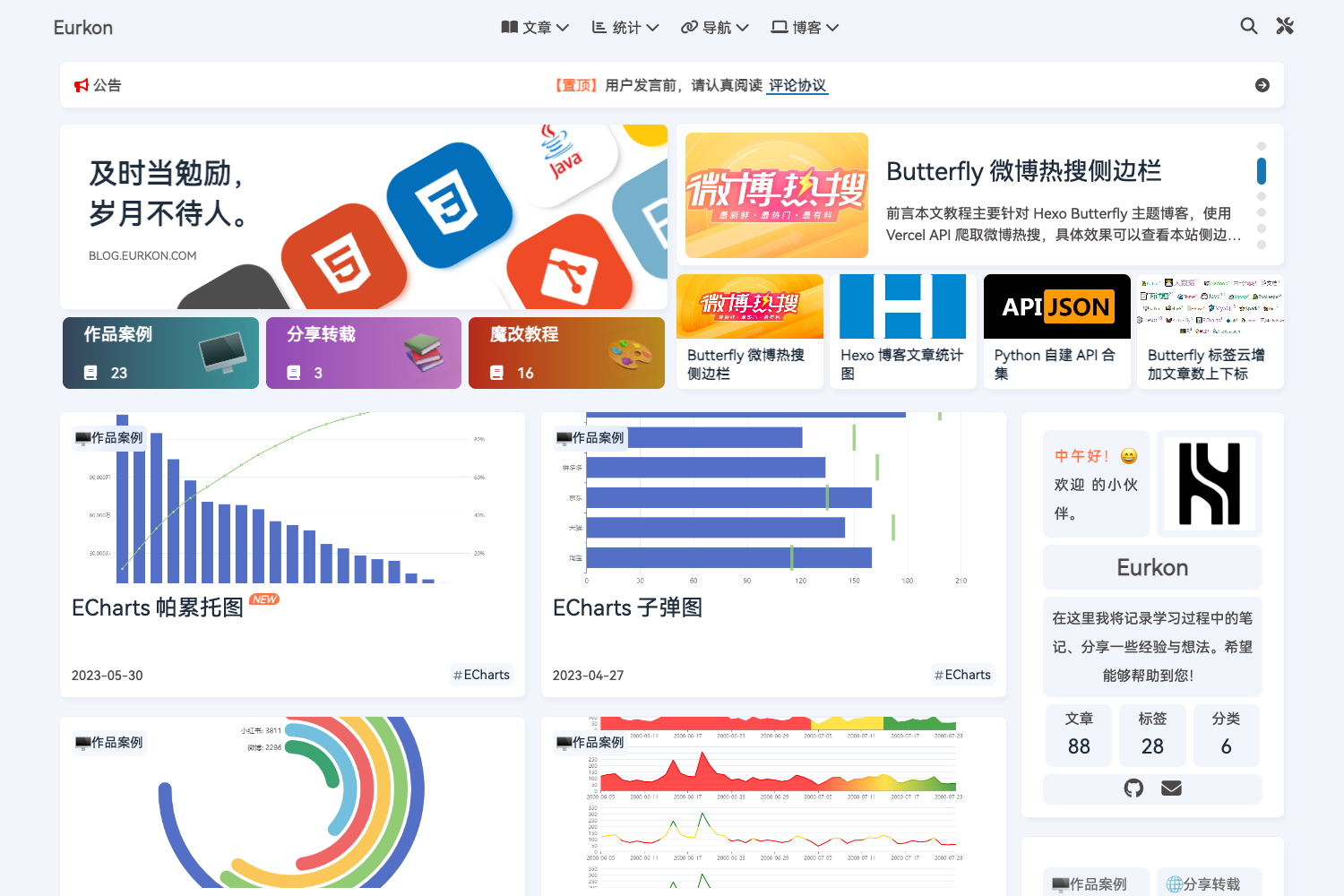
astro-i18n-starter-pro is an open-source Astro 5 blog template that builds a bilingual (English and Simplified Chinese) static site with site identity, author, and third-party services configured via environment variables. It is a fork of astro-i18n-starter by psephopaiktes, adapted so the same repository can be reused for multiple sites by editing a single .env file.
What is astro-i18n-starter-pro?
astro-i18n-starter-pro is a blog-themed Astro 5 starter that takes MDX posts from src/blog/en/ and src/blog/zh-cn/ and outputs a static site with RSS, sitemap, pagination, and share buttons. All key site information — URL, titles, descriptions, author name, social links, and status/stats pages — is read from environment variables rather than hard-coded, which lets you deploy the same template to different domains without touching components. The template includes GitHub Actions workflows for Cloudflare and GitHub Pages deployment.
What makes astro-i18n-starter-pro stand out?
- Environment-variable configuration — Set
PUBLIC_SITE_URL,PUBLIC_SITE_TITLE_EN,PUBLIC_SITE_TITLE_ZH_CN,PUBLIC_SITE_DESCRIPTION_EN,PUBLIC_SITE_DESCRIPTION_ZH_CN, andPUBLIC_AUTHOR_NAMEin.env; Giscus, Algolia, Google Analytics GA4, and social links are also configured there. - Astro 5 with i18n — Supports
enandzh-cnlocales; languages and default locale are defined insrc/locales.ts. - MDX blog posts — Posts support tags (maximum 3 per post), optional series, and categories; posts live in per-language subdirectories.
- Search options — Includes a local
search-index.jsonimplementation, with Algolia as an optional replacement. - Comments via Giscus — Optionally enable GitHub-based discussions on posts.
- Analytics via GA4 — Optional Google Analytics integration.
- RSS, sitemap, pagination, and sharing — Share buttons support copy-link, X, Weibo, LinkedIn, Facebook, and Instagram.
- Static export deployment — Output is a static site deployable to Cloudflare Pages/Workers or GitHub Pages, with workflows at
.github/workflows/deploy-cloudflare.ymland.github/workflows/gh-pages.yml.
Who should use astro-i18n-starter-pro?
Developers and bloggers who want a ready-made two-language blog without building i18n routing and content structures from scratch will find this template useful. It also fits anyone who maintains several small blogs or documentation sites and wants to switch branding by changing environment variables instead of forking code. Teams deploying on Cloudflare Pages/Workers or GitHub Pages get CI/CD scripts already in the repo.
What can you do with astro-i18n-starter-pro?
- Bilingual bloggers: Write MDX posts in English or Simplified Chinese under the corresponding content directories, and publish a static site with local search, RSS, and social sharing built in.
- Multi-site operators: Clone the repository once, edit
.envto change the site URL, title, description, author, and social links, then deploy a separately-branded blog without modifying components. - Automated publishers: Use the supplied GitHub Actions workflows to auto-deploy to Cloudflare or GitHub Pages whenever you push to the main branch.
How does astro-i18n-starter-pro work?
Start by cloning or downloading the repository, then run npm install. Copy .env.example to .env and fill in at least the required variables (PUBLIC_SITE_URL, bilingual titles/descriptions, and PUBLIC_AUTHOR_NAME). Add MDX files to src/blog/en/ or src/blog/zh-cn/, then run npm run dev for local development, npm run build to generate the static site, and npm run preview to verify the build.
FAQ
Is astro-i18n-starter-pro free?
The template is open source, and its license matches the upstream project and the LICENSE file in the repository. Content you publish using the template belongs to the site's author.
What environment variables are required?
At minimum you must set PUBLIC_SITE_URL, PUBLIC_SITE_TITLE_EN, PUBLIC_SITE_TITLE_ZH_CN, PUBLIC_SITE_DESCRIPTION_EN, PUBLIC_SITE_DESCRIPTION_ZH_CN, and PUBLIC_AUTHOR_NAME. All other variables, such as Giscus, Algolia, GA4, and social links, are optional and documented in .env.example.
How many tags can a blog post have?
Each MDX post's frontmatter supports up to 3 tags. It can also include an optional author, updated date, series, and categories.
How do I deploy to GitHub Pages?
Push the repo with .github/workflows/gh-pages.yml included; the workflow builds and publishes to the gh-pages branch. Make sure PUBLIC_SITE_URL and other build-time variables are available in the GitHub Actions environment (Settings → Secrets and variables → Actions).
Does the template include a search feature?
Yes, a local search-index.json search is included by default. You can switch to Algolia by configuring the appropriate environment variables.