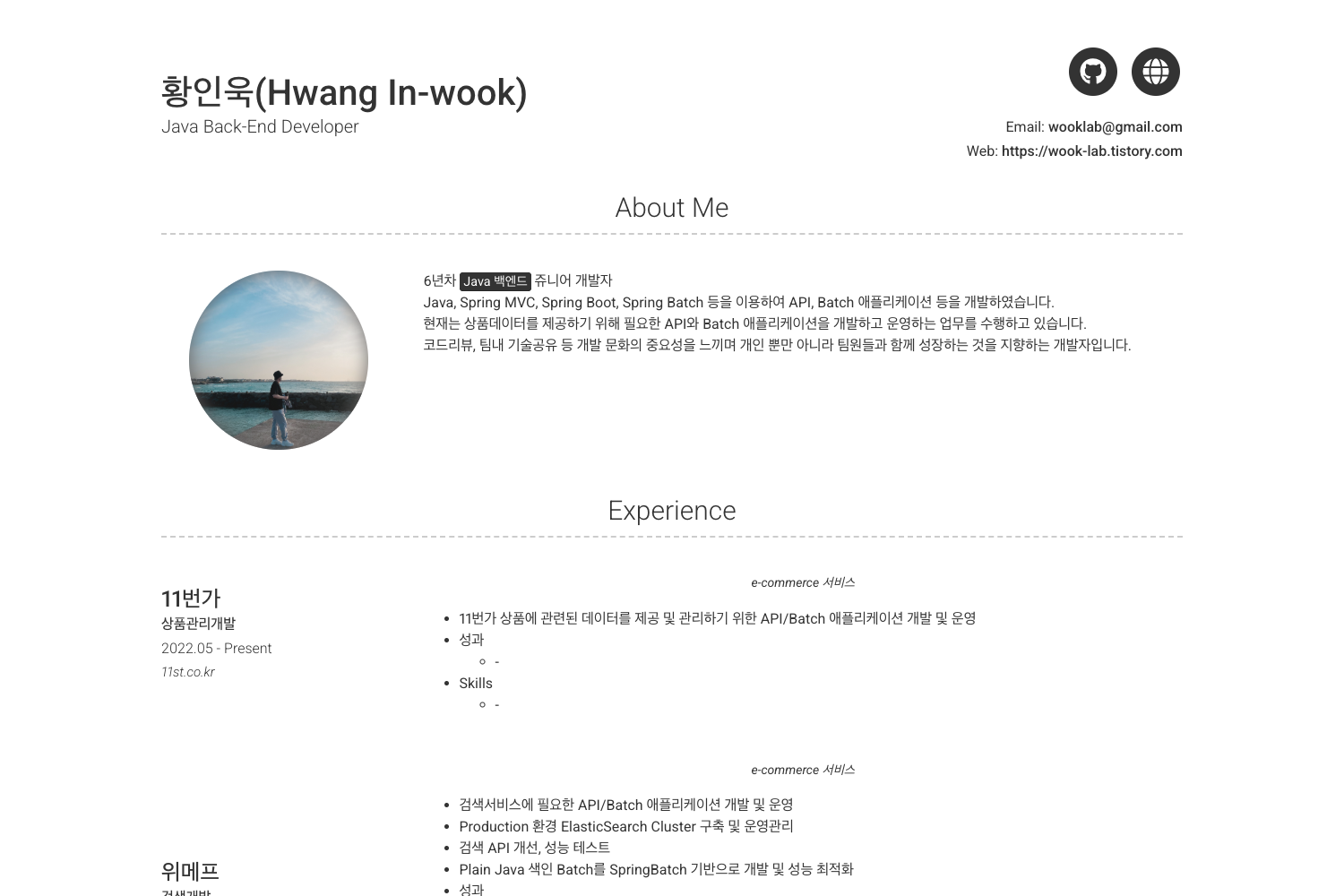
Template details
Bay
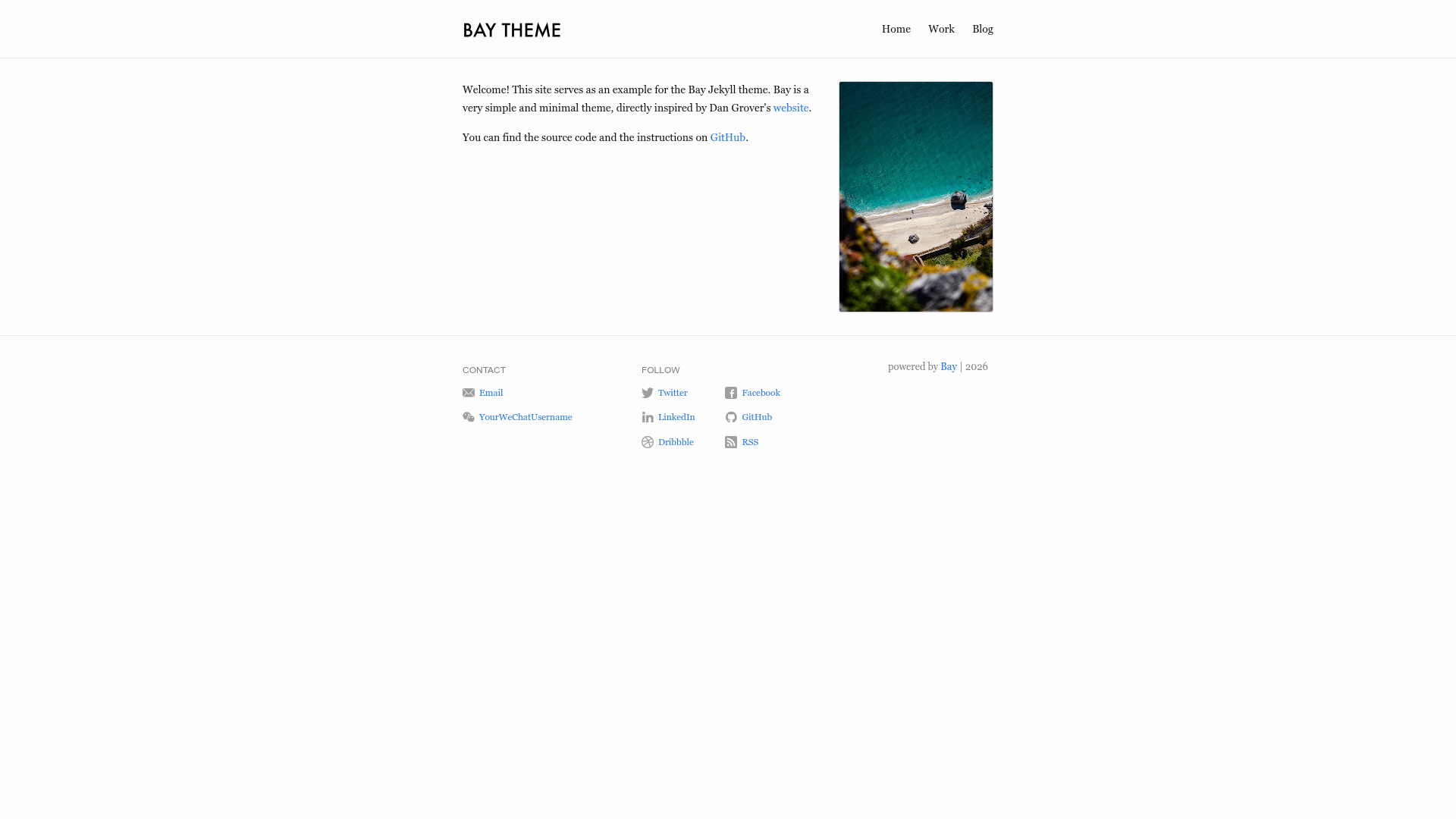
A minimal Jekyll theme for personal websites and blogs with configurable header, footer, and blog layout.
About this template
Bay is a minimal Jekyll theme for personal websites and blogs, distributed as the bay_jekyll_theme Ruby gem and designed as a simple alternative to Jekyll's default minima theme.
What is Bay?
Bay is a simple theme for Jekyll that turns a standard Jekyll site into a personal website with a home page, a blog page, a configurable header navigation bar, and a footer with contact and social links. It is distributed as the bay_jekyll_theme gem, requires Jekyll 4.3 or newer because it relies on a more modern Sass processor, and is maintained on GitHub by eliottvincent. The theme is inspired by dangrover.com and powers the live site at eliottvincent.com.
Key Features
- Gem-based installation — Replace the line
gem "minima"in your Gemfile withgem "bay_jekyll_theme"and settheme: bay_jekyll_themein_config.yml; alternatively useremote_theme: eliottvincent/bayfor GitHub Pages. - Configurable header navigation — Define header pages in
_config.ymlunderheader.pages, each entry specifying anameandslugthat points to a markdown file (e.g./for Home,/blogfor Blog). - Configurable footer — Add contact entries (email, WeChat) and follow links (Twitter, Facebook, LinkedIn, GitHub, Dribbble, RSS) through the
footersection of_config.yml; an optionalshow_powered_byflag controls the attribution line. - Home page layout — Create an
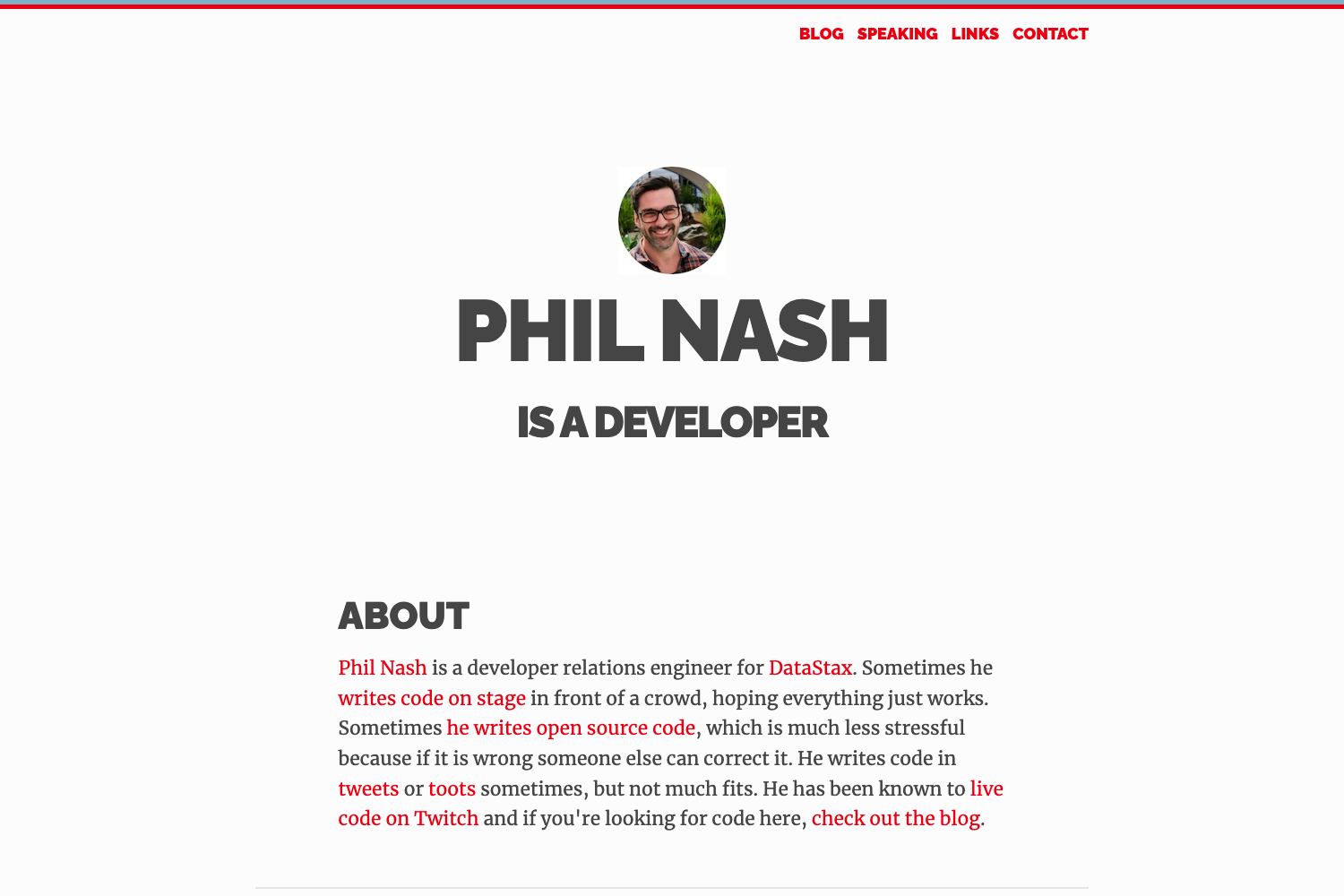
index.markdownwithlayout: home, and setprofile_picture.srcplusprofile_picture.altin front matter to display a profile image above a short welcome text. - Blog page layout — Create
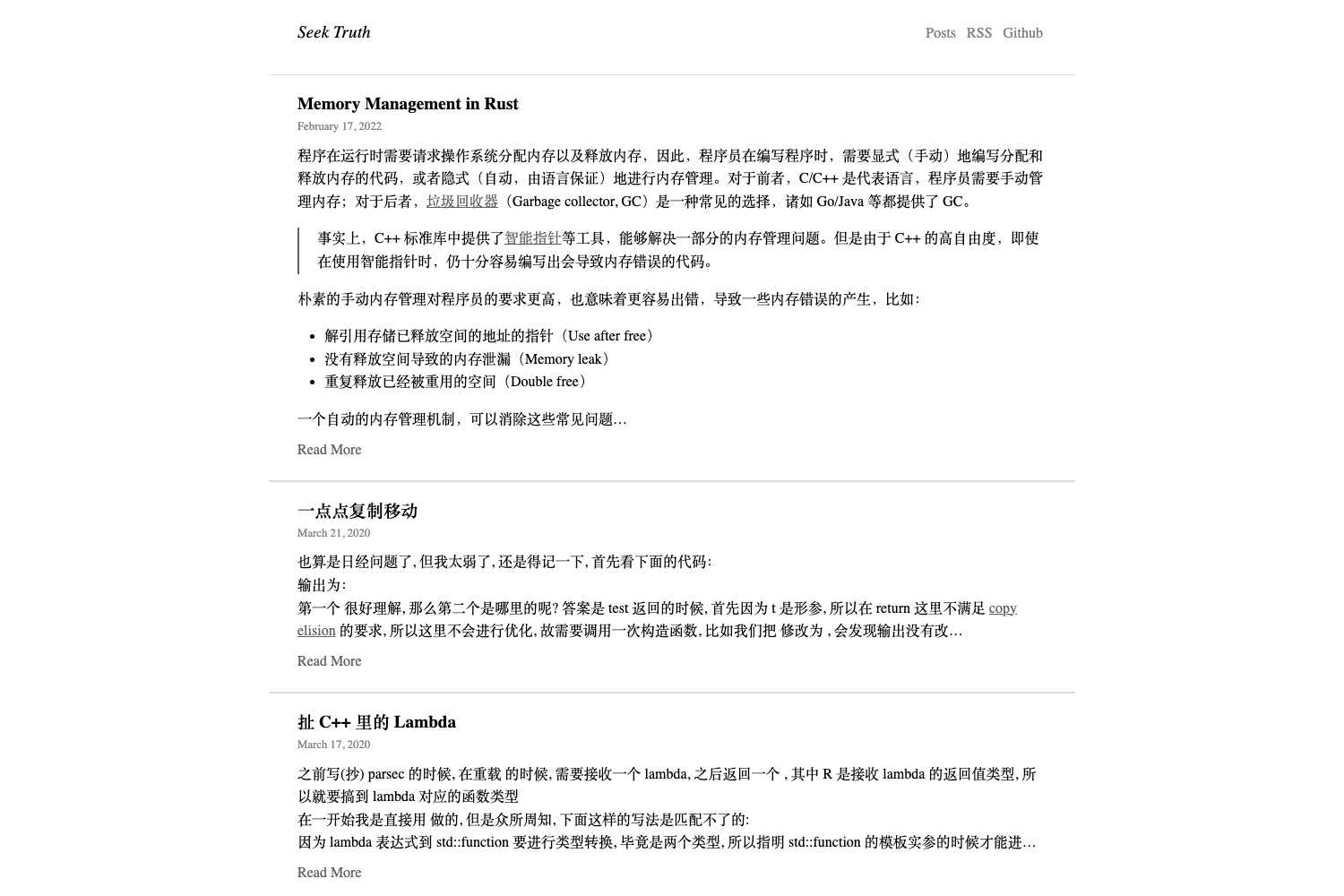
blog.markdownwithlayout: blogand aslug: /blogto display a list of posts. - GitHub Actions deployment — The repository ships a
.github/workflows/deploy.ymlworkflow that builds the site with Jekyll 4.3+ and publishes it to GitHub Pages, compensating for the older Jekyll used by the 1-click Pages builder.
Who is it for?
- Jekyll bloggers — People who already use Jekyll and want a clean, text-focused design without building a layout from scratch.
- Personal site owners — Individuals who need a simple homepage with a profile picture, a link list, and a blog feed.
- GitHub Pages publishers — Users who want to host a personal site on GitHub Pages and are comfortable using GitHub Actions for the build step because the built-in Pages builder does not support Jekyll 4.3+.
Use cases
- Personal bloggers: Set up a blog page by creating a
blog.markdownfile with thebloglayout, and Jekyll will render a list of posts from the_postsfolder. - Developers: Fork the repository, adjust
header.pagesandfooterin_config.yml, and deploy using the included GitHub Actions workflow. - Designers: Use the home page layout's profile picture feature to present a short bio or portfolio statement above the welcome text.
How does Bay work?
Bay works like any Jekyll theme: add it to your Gemfile and _config.yml, run bundle install, then jekyll serve to preview locally. The theme reads header and footer settings from _config.yml, and uses the home and blog layouts for the index and blog pages. For production, you can build and deploy to GitHub Pages using the provided GitHub Actions workflow.
FAQ
Is Bay free?
Bay is an open-source Jekyll theme distributed as a Ruby gem; the repository is public on GitHub and no pricing or license fee is mentioned in the documentation.
Does Bay work with the default GitHub Pages builder?
No. The 1-click GitHub Pages build-and-deploy system uses an older version of Jekyll, while Bay requires Jekyll 4.3+. The recommended path is to build with GitHub Actions and use GitHub Pages only for hosting.
How do I add a profile picture to the home page?
In your index.markdown file, set the front matter to layout: home, then add profile_picture.src with the image path (e.g. /assets/img/profile-pic.jpg) and profile_picture.alt with descriptive text.
What configuration options exist for the footer?
The footer supports a contact list with email and WeChat entries, a follow list with Twitter, Facebook, LinkedIn, GitHub, Dribbble, and RSS links, and a show_powered_by boolean. All are set in _config.yml.