Template details
Vno Hugo
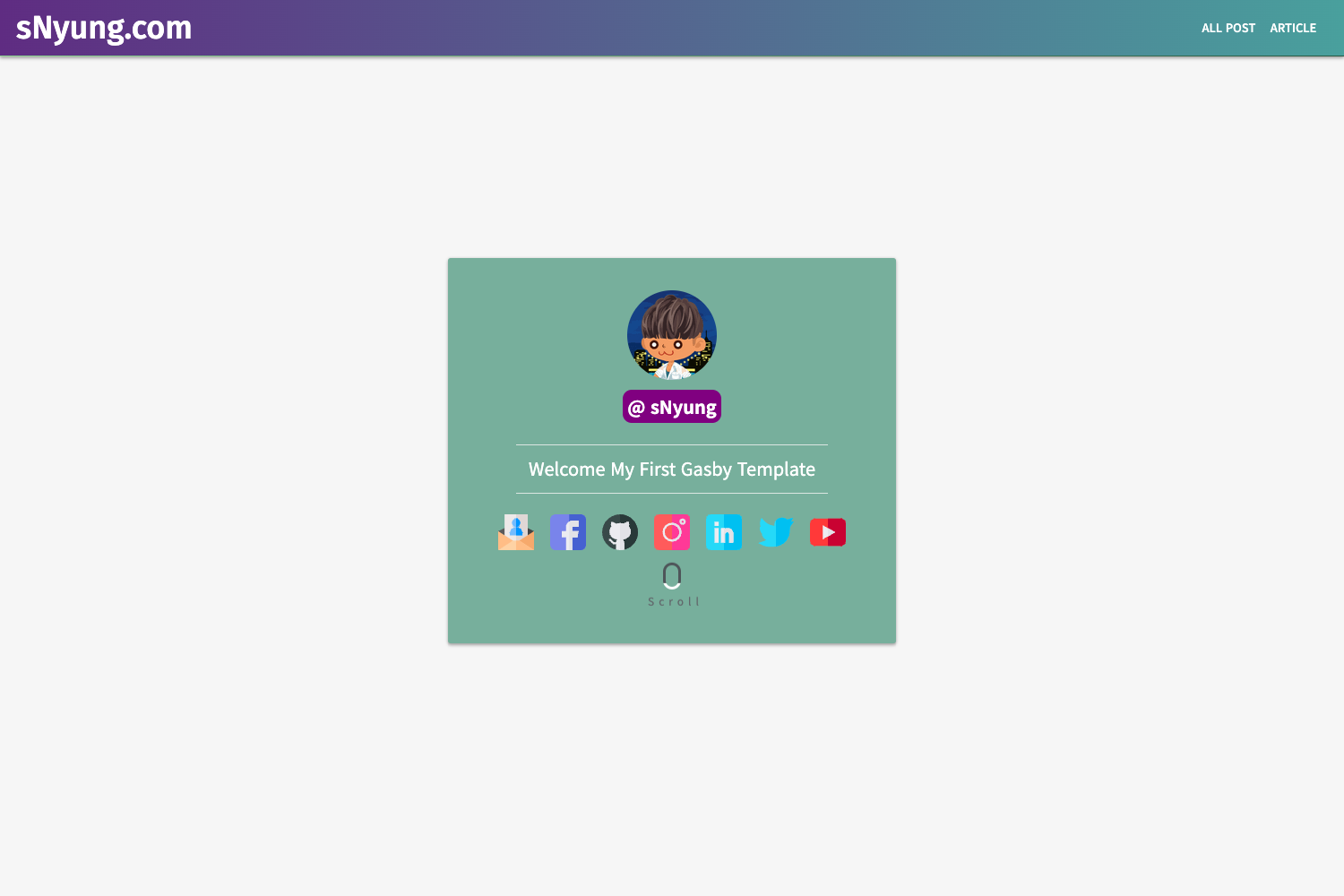
Simple responsive Hugo theme ported from Vno-Jekyll, with MathJax support and easy customization.
About this template
Vno Hugo is a Hugo theme that ports onevcat's Vno-Jekyll design into a simple, responsive blog layout, converting static site content into clean HTML with optional MathJax rendering. The theme is maintained by xslingcn, runs on the Hugo static site generator, and is released under the Creative Commons Attribution 4.0 International license.
Key Features
- Responsive layout — adapts to screen sizes automatically with a simple, single-column design.
- MathJax support — enable on individual posts by setting the
mathfront matter parameter totrue. - Customizable visual assets — replace background and avatar images by overwriting files in the
static/imagesfolder. - Single-file configuration — all theme settings are managed in
config.yml, with self-explanatory options. - Git submodule installation — add the theme to your Hugo site with one command:
git submodule add https://github.com/xslingcn/vno-hugo.git themes/vno-hugo. - Example site included — copy the
exampleSitefolder to your site root to get a working site immediately. - Open license — released under Creative Commons Attribution 4.0 International, allowing free use with attribution.
Who is it for?
- Hugo bloggers wanting a minimal, responsive personal blog theme with a background image and avatar.
- Technical writers who need MathJax support for displaying LaTeX formulas in posts.
- Jekyll users migrating to Hugo who want to keep the familiar Vno visual style.
- Hugo beginners looking for a simple theme structure to study or customize, using the bundled example site.
What can you do with Vno Hugo?
- Personal bloggers: set up a clean blog layout, customize the background and avatar, and publish posts through Hugo's standard build process.
- Math-heavy writers: enable MathJax per post by adding a single front matter parameter, so equations render in the browser.
- Theme explorers: copy the exampleSite to test the theme locally in minutes, then modify config.yml to see how settings affect output.
How does Vno Hugo work?
The theme installs as a git submodule inside your Hugo site's themes folder. After adding it, you copy the contents of exampleSite to your site root and run hugo serve to preview the site at http://localhost:1313/. The theme uses standard Hugo templates and reads all visible configuration from config.yml.
FAQ
Is Vno Hugo free?
Yes, Vno Hugo is free and open source, licensed under Creative Commons Attribution 4.0 International. You can use it for personal or commercial projects as long as you provide attribution.
How do I enable MathJax?
Add the math parameter to a post's front matter and set it to true. This is a per-post setting, so MathJax is off by default unless you enable it for each post that needs it.
How do I change the background and avatar?
The theme stores these images in static/images. Replace the existing background and avatar files with your own images and rebuild your site; no configuration change is required.
Where can I see a live demo?
The repository links to a live demo at https://vno-hugo.netlify.app/, where you can inspect the theme's default appearance and layout.