Template details
Purainite
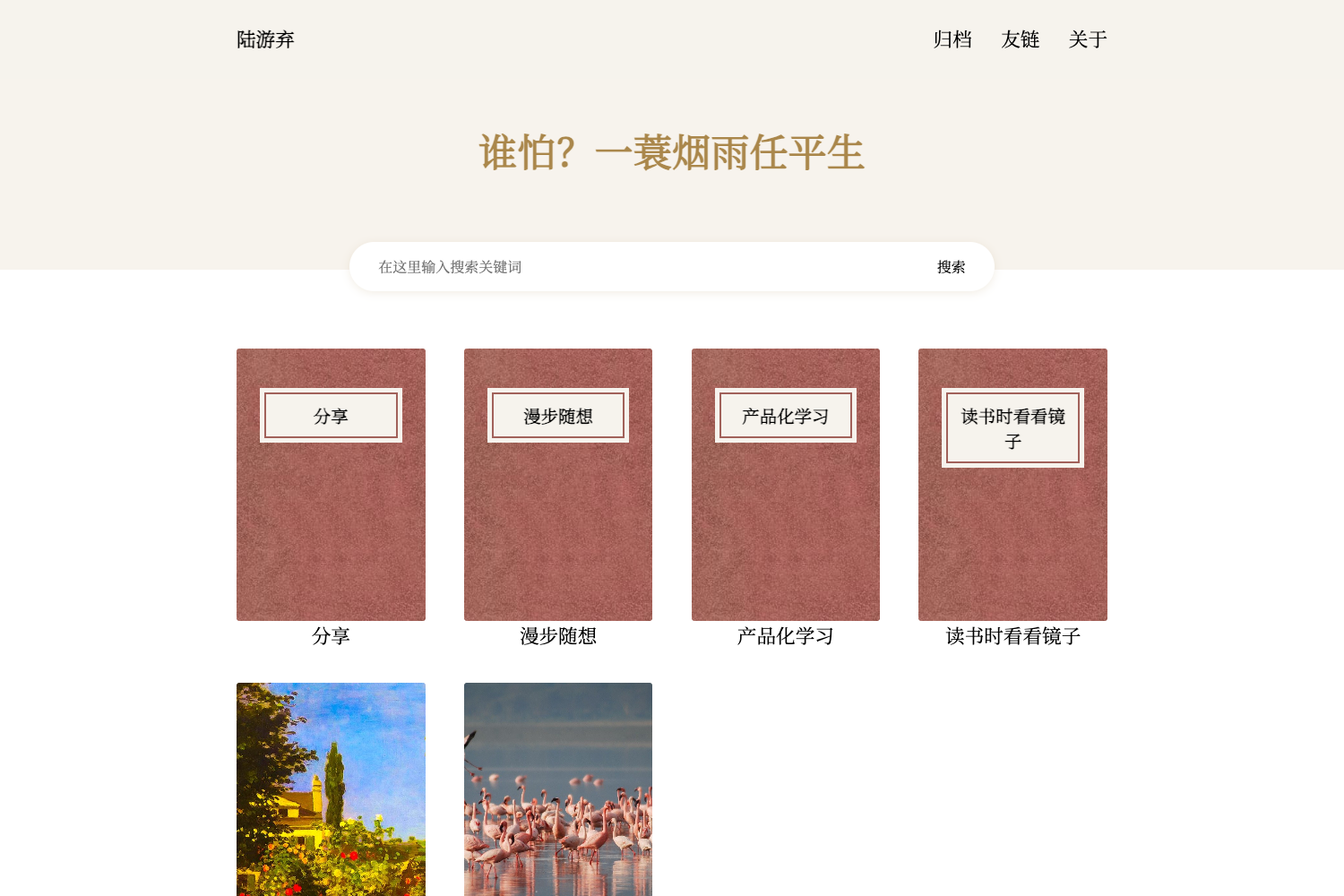
Purainite is a simple and clean theme for Hexo, a static site generator, with easy installation and syntax highlighting.
About this template
Purainite is a minimal, clean theme for Hexo, a static site generator, that renders a Hexo blog's Markdown content into a styled static site with optional code highlighting.
What is Purainite?
Purainite is a simple and clean theme for Hexo, built for bloggers who want an uncluttered layout. It takes a Hexo site's Markdown posts and configuration as input and produces a styled static blog. The theme is distributed as a Git repository on GitHub (https://github.com/MU001999/purainite.git) and is installed directly into Hexo's themes directory.
Key Features
- Clean design — The repository describes Purainite as simple and clean, with no extra visual clutter.
- Hexo integration — Installed by cloning into
$BLOG/themesand activated with a singletheme: purainiteline in_config.yml. - Code syntax highlighting — Supports Hexo's built-in highlighting; setting
highlightwithenable: trueandhljs: trueenables hljs for code blocks. - Markdown content — Works with Hexo's standard Markdown posts and pages, so you write in plain text and get rendered pages.
- Minimal setup — The two-step installation outlined in the README requires only a git clone and a config change.
Who is it for?
Purainite suits Hexo users who want a straightforward, uncluttered blog theme. It fits:
- Hexo bloggers who want a clean, simple layout without extra features.
- Technical writers who post code samples and need syntax highlighting.
- Static site newcomers who need a theme that installs quickly with a two-step process.
What can you do with it?
- Personal bloggers: install Purainite to give a Hexo-powered personal site a lightweight, readable appearance.
- Developers: enable
hljsto present code snippets in posts with colored syntax. - Hobbyist writers: publish Markdown essays on a self-hosted Hexo blog using this theme's minimal styling.
How does Purainite work?
Purainite is used through Hexo's theme system. To set it up:
- Navigate to your Hexo folder and clone the theme into
$BLOG/themeswithgit clone https://github.com/MU001999/purainite.git. - Set
theme: purainitein$BLOG/_config.yml. - Optionally, add a
highlightblock in_config.ymlwithenable: trueandhljs: truefor code highlighting.
FAQ
Is Purainite free?
The theme is distributed openly on GitHub with no mention of paid licensing, so it is free to use.
How do I install Purainite?
Run git clone https://github.com/MU001999/purainite.git inside your Hexo themes directory, then set theme: purainite in _config.yml.
How do I enable code highlighting in Purainite?
Edit or add the highlight section in _config.yml with enable: true and hljs: true.