Template details
Astro Login Template
A website with a simple design, with an example of how to make a login website with Astro.
About this template
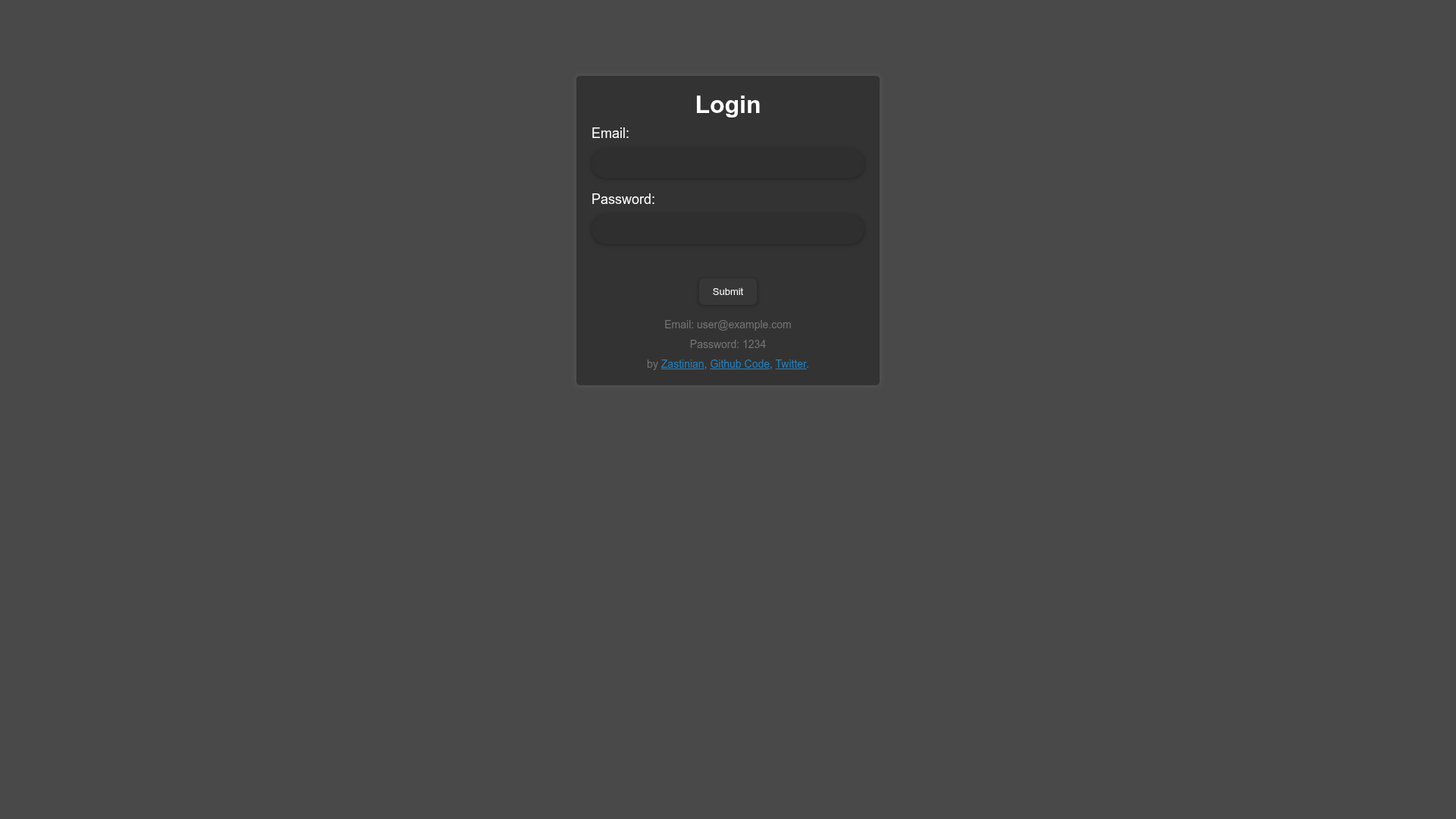
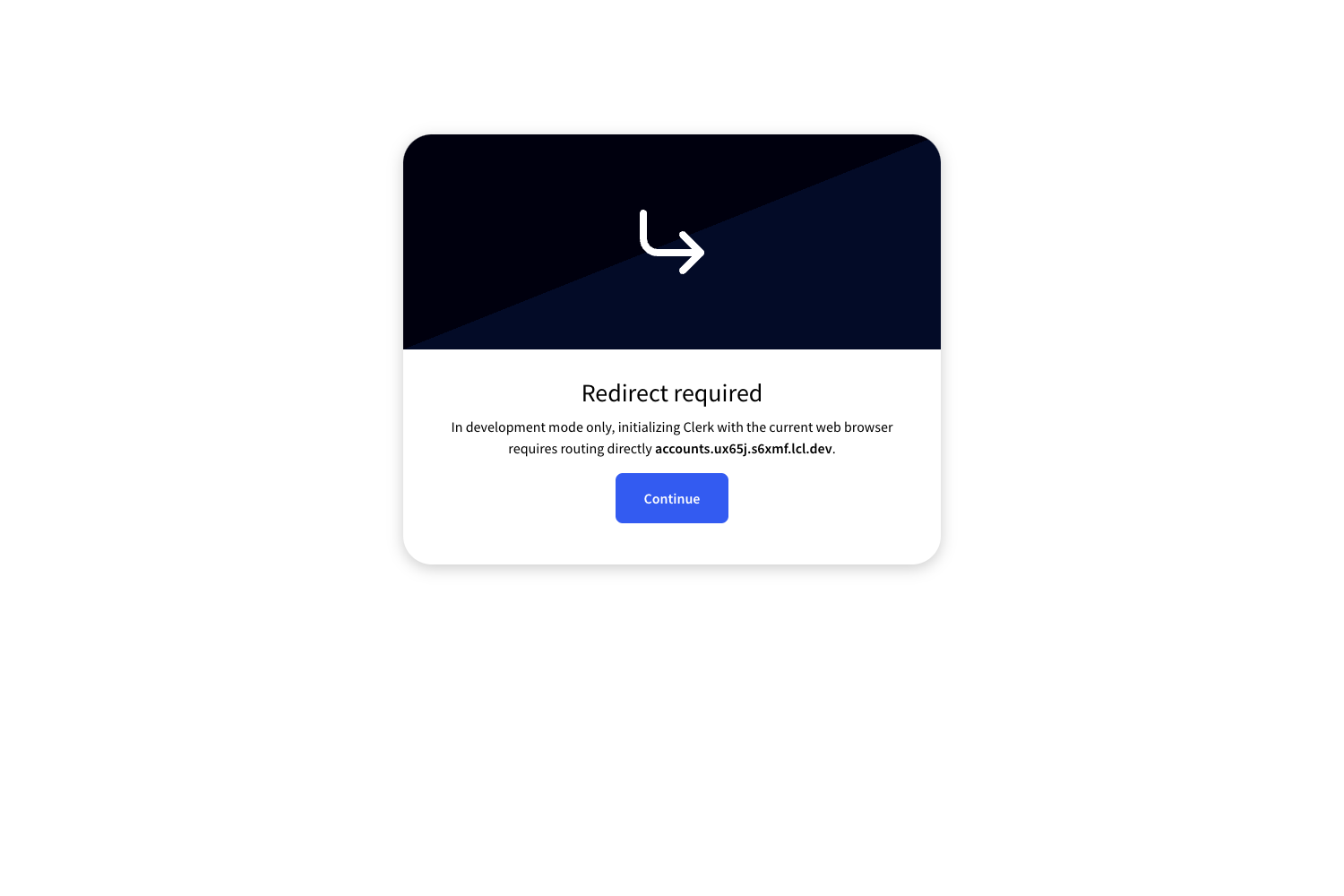
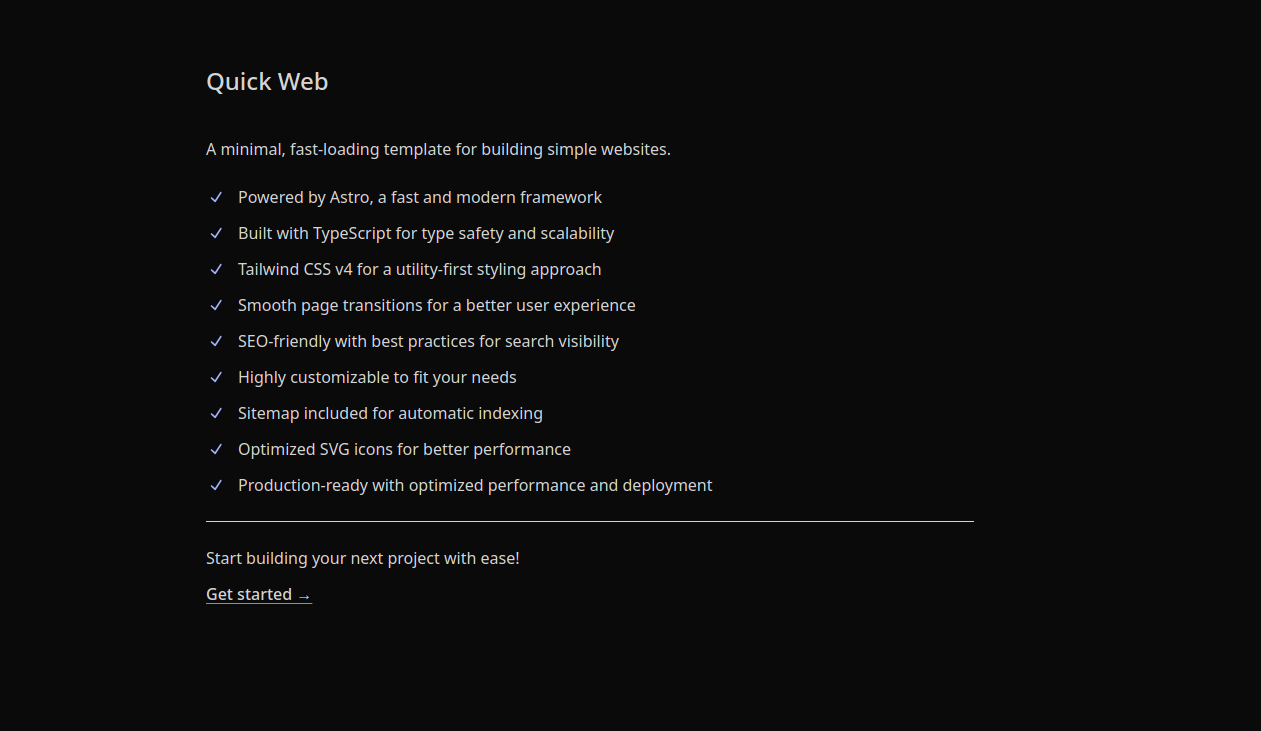
Astro Login is a boilerplate template that provides a working username-and-password login flow built with the Astro framework, including a styled dark-theme login page, an error page, and an authenticated profile page. It is maintained by Zastinian, who also runs Hedystia, and is demonstrated live at astro-login.hedystia.com.
What is Astro Login?
Astro Login is an open-source Astro project that gives developers a complete login system to copy into their own sites. It takes login credentials from src/utils/routes.ts, reads user profile data from src/utils/profile.ts, and outputs a session cookie that protects the rest of the site. The template runs on Astro's development server, uses environment variables to control cookie behavior, and is distributed through the Zastinian GitHub repository.
What makes Astro Login stand out?
- Cookie-based authentication — Uses a configurable cookie name, secret, secure flag, and max age (default 604800 seconds, or 7 days) to manage login state.
- Simple configuration files — All credentials and profile data live in
src/utils/routes.tsandsrc/utils/profile.ts, so you can edit one file instead of a database. - Three complete views — Includes pre-designed login, error, and authenticated profile pages with a dark theme, visible in the project previews.
- Environment variable driven — Copy
.env.exampleand setCOOKIE_SECRET,COOKIE_SECURE,MAX_AGE,PORT(default 4321), andHOST(default localhost) to fit your deployment. - Pair with Astro tooling — Uses Express and Node.js options common in Astro API routes, making it easy to integrate with existing Astro projects.
- Community-ready repo — The GitHub project includes contributing guidelines, an issue tracker, and contributor badges.
Who should use Astro Login?
- Astro developers — who want a reference implementation of cookie-based login without writing the boilerplate themselves.
- Freelance web builders — who need a quick authentication wall for client sites or internal dashboards.
- Students learning Astro — who can study how routes.ts and profile.ts connect to the UI to understand request handling and session management.
Use cases
- Add login to an Astro site — Replace the sample users in routes.ts with your own and immediately get a working login form and session cookie.
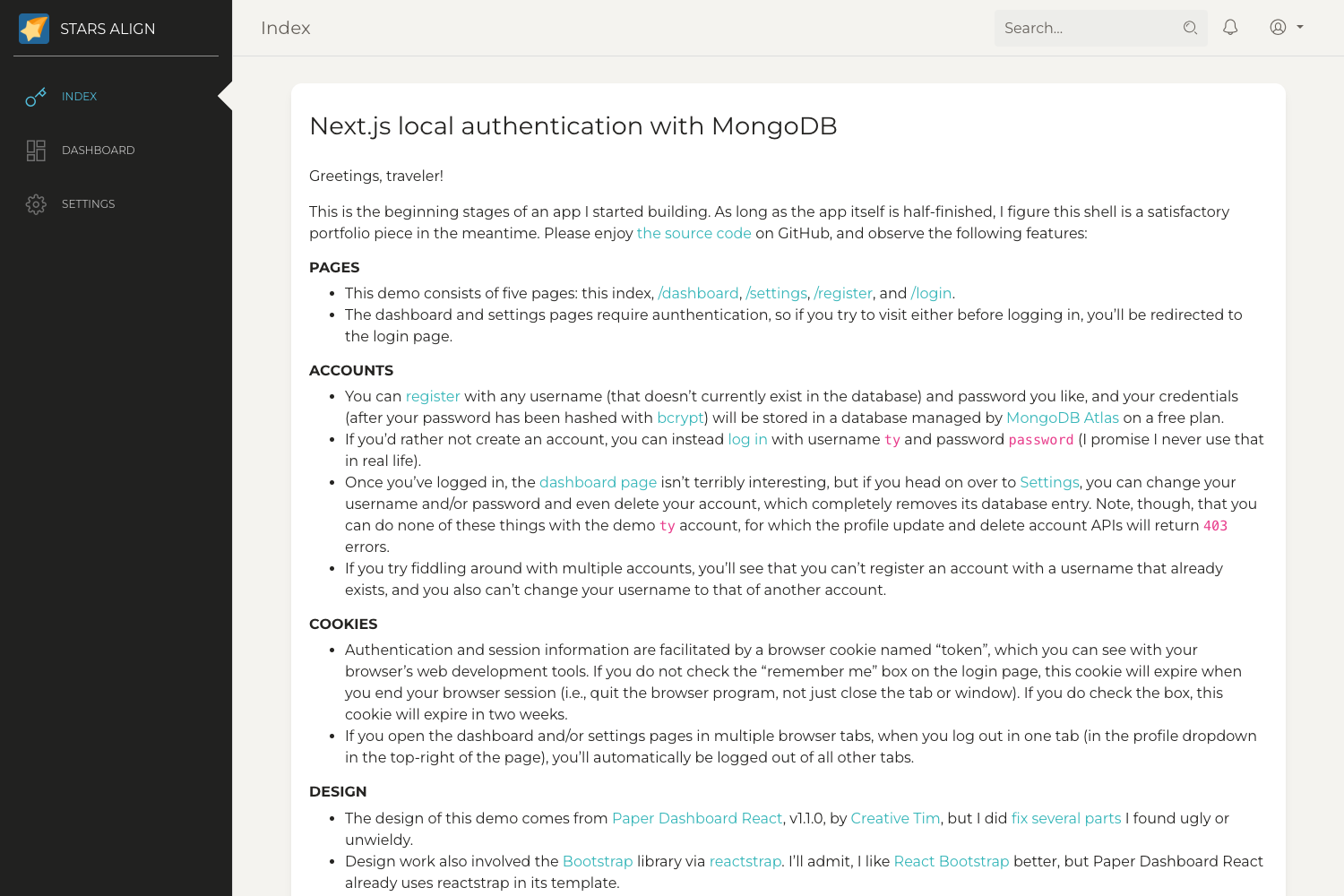
- Customize the logged-in experience — Edit profile.ts to show user-specific information after authentication, matching the included after-login preview.
- Deploy behind a custom host — Adjust PORT and HOST to run on a specific domain or local port, and set COOKIE_SECURE to true over HTTPS.
How does Astro Login work?
When a user submits the login form, the Astro API route checks the credentials against the data in routes.ts. On success it sets a signed cookie with the configured secret, valid for MAX_AGE seconds; on failure it renders the error page. The profile page then reads the cookie and displays the user's data from profile.ts.
FAQ
Is Astro Login free to use?
Yes, it is published as an open-source GitHub repository under the Zastinian account, and the README explicitly invites contributions and reports, with no mention of any license fee.
What files do I need to edit?
The README's "How to edit" table lists three files: src/utils/routes.ts for login database or user details, src/utils/profile.ts for profile data, and .env.example for environment variables.
What is the default port and host?
The default PORT is 4321 and the default HOST is localhost. These can be changed through environment variables without touching code.
Does it require an external database?
No. The default configuration stores login details inside routes.ts, so you can run a functional login flow with only the source files. If you need a real database, you can replace the contents of routes.ts with your own logic.