Template details
Astro Me
Crisp, minimal, personal portfolio theme for Astro
About this template
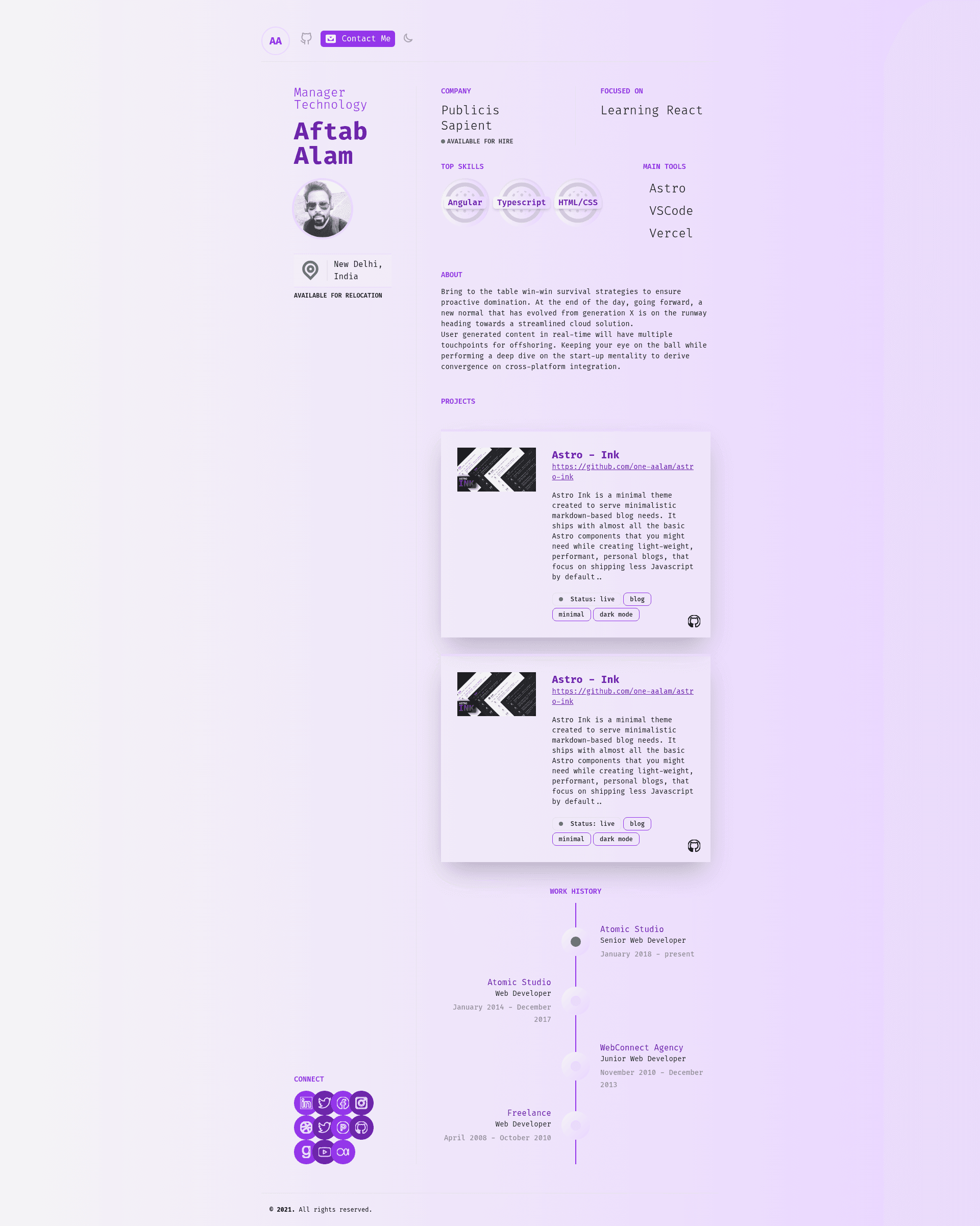
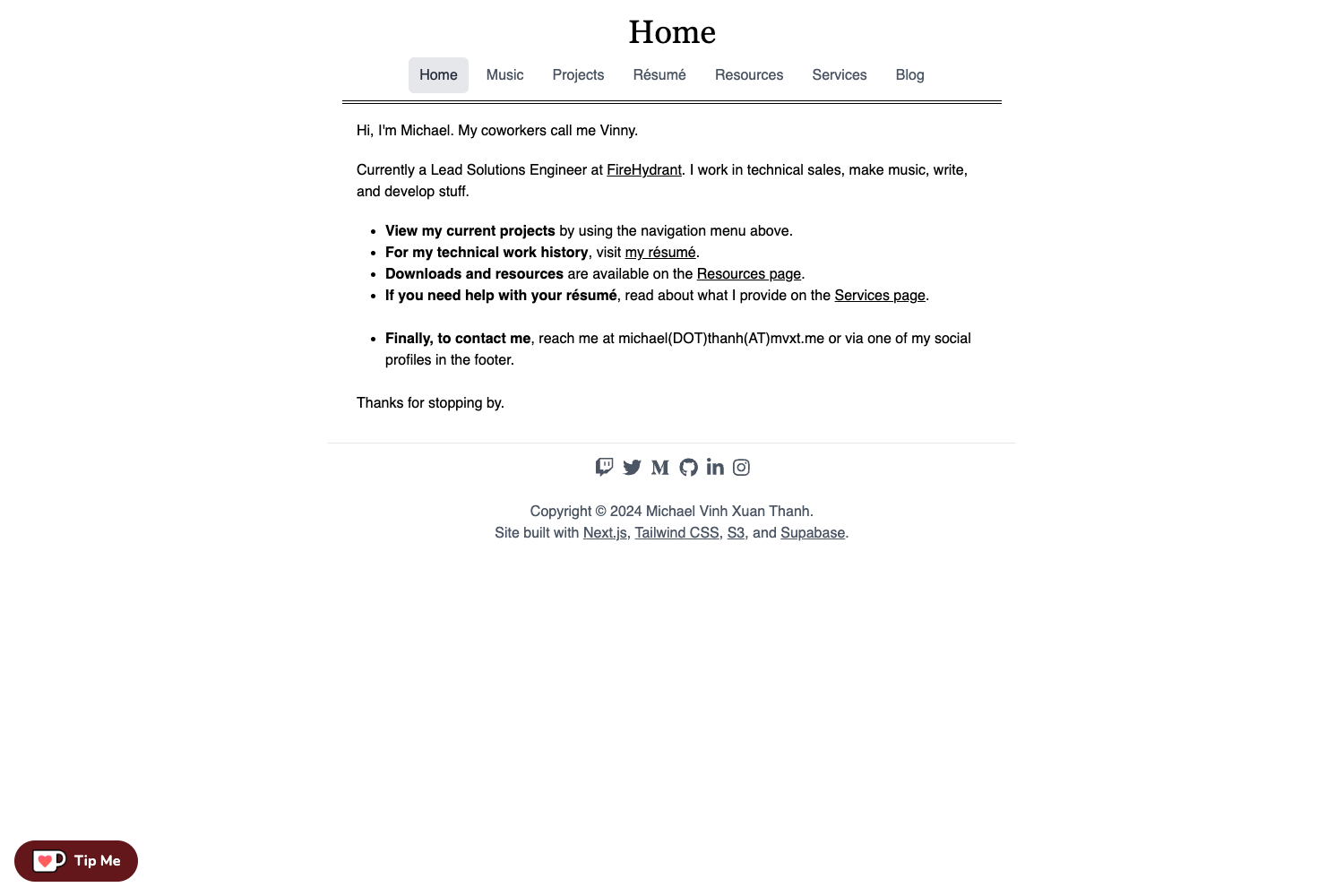
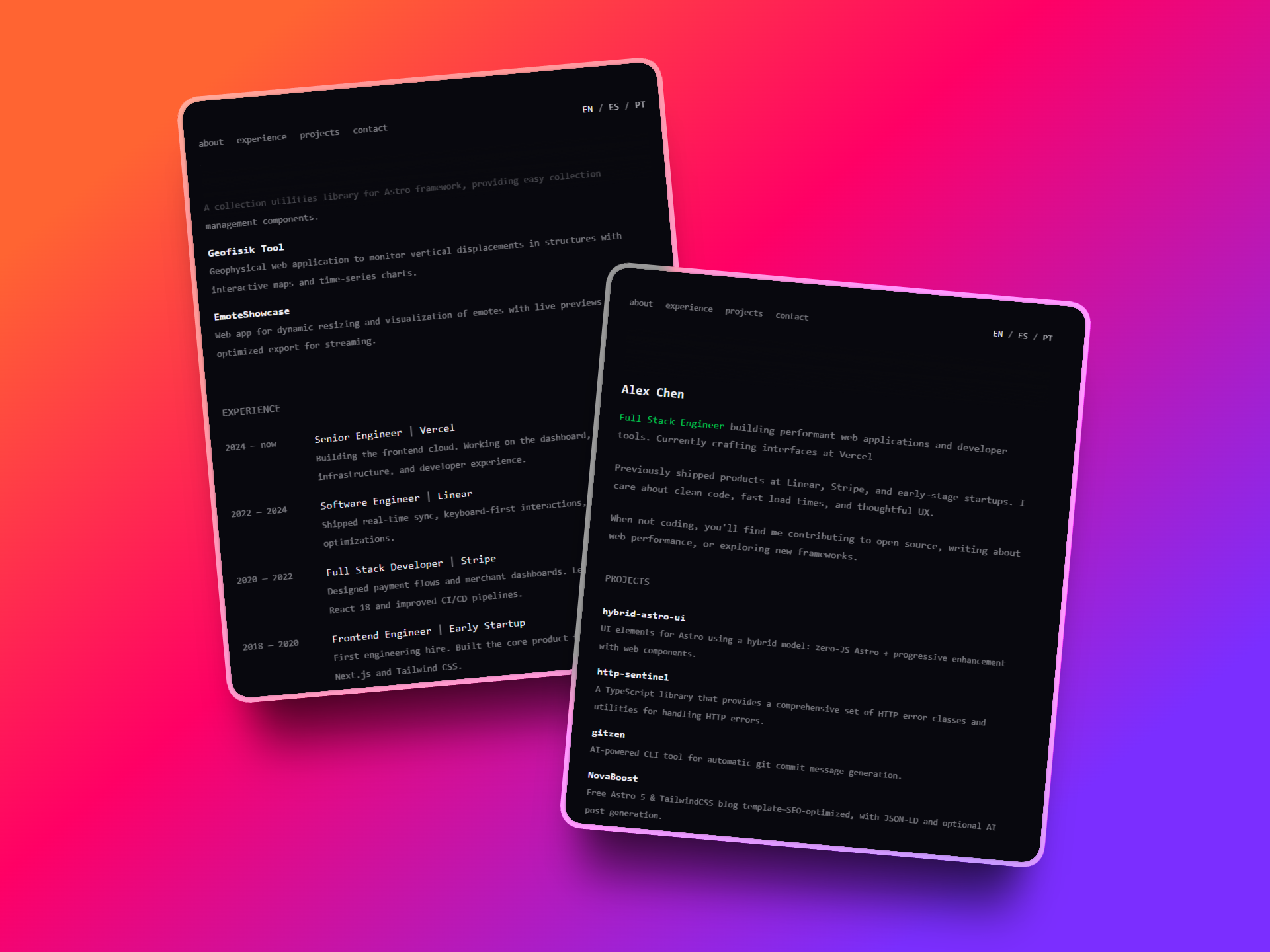
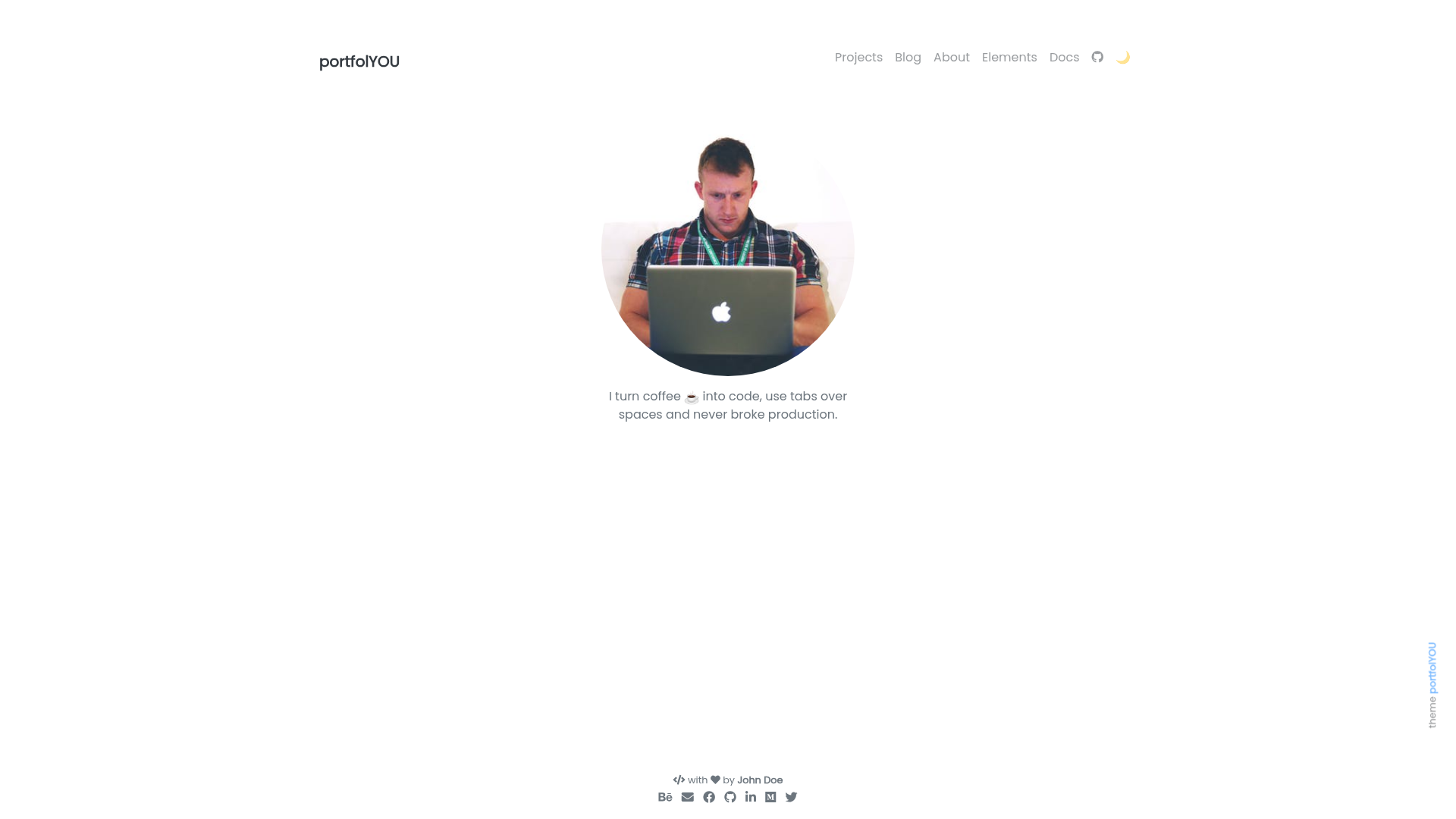
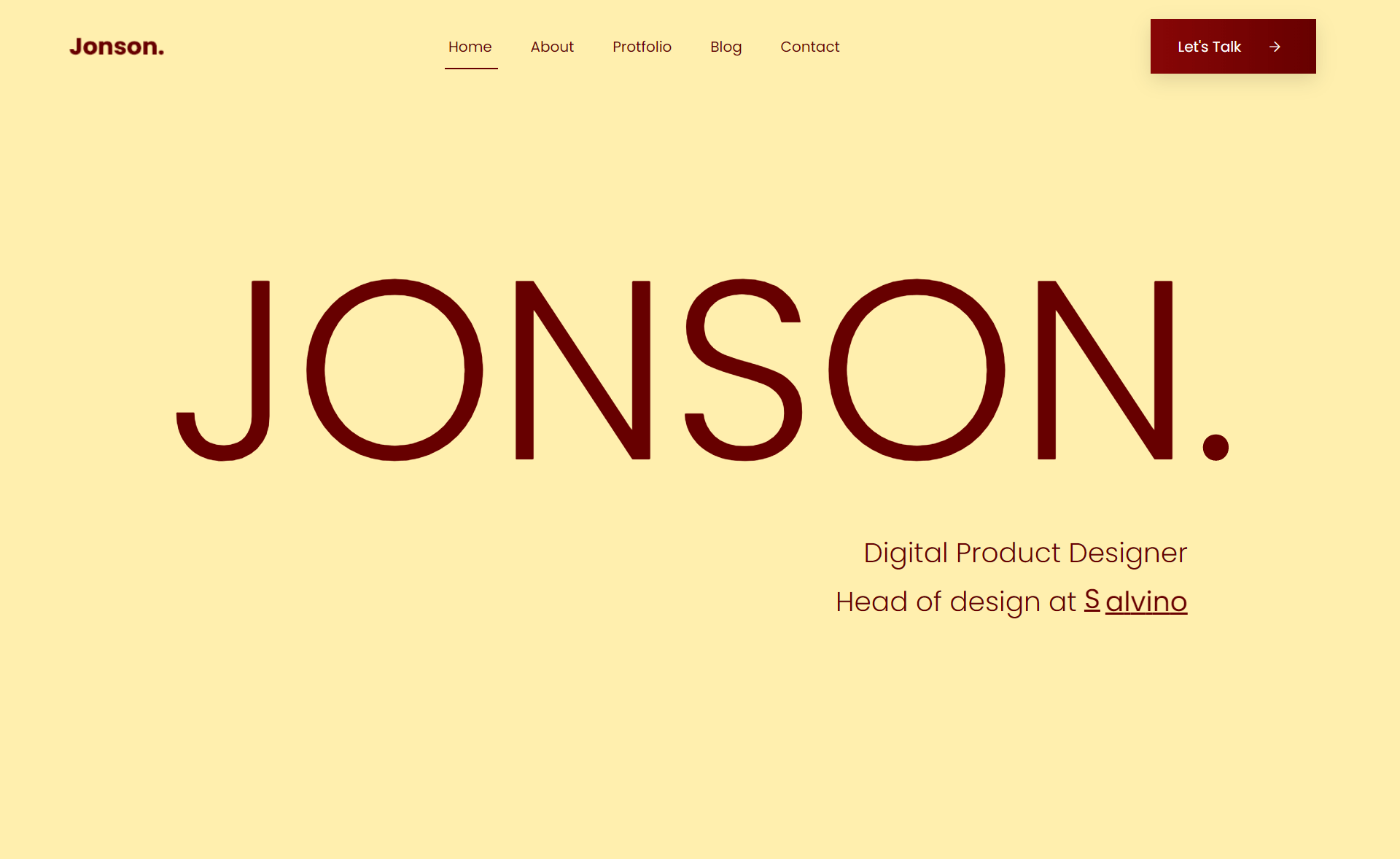
Astro Me is a minimal, crisp personal portfolio theme built on the Astro framework that ships a lightweight one-page resume-style site with markdown content, YAML data configuration, and zero excess JavaScript by default.
What is Astro Me?
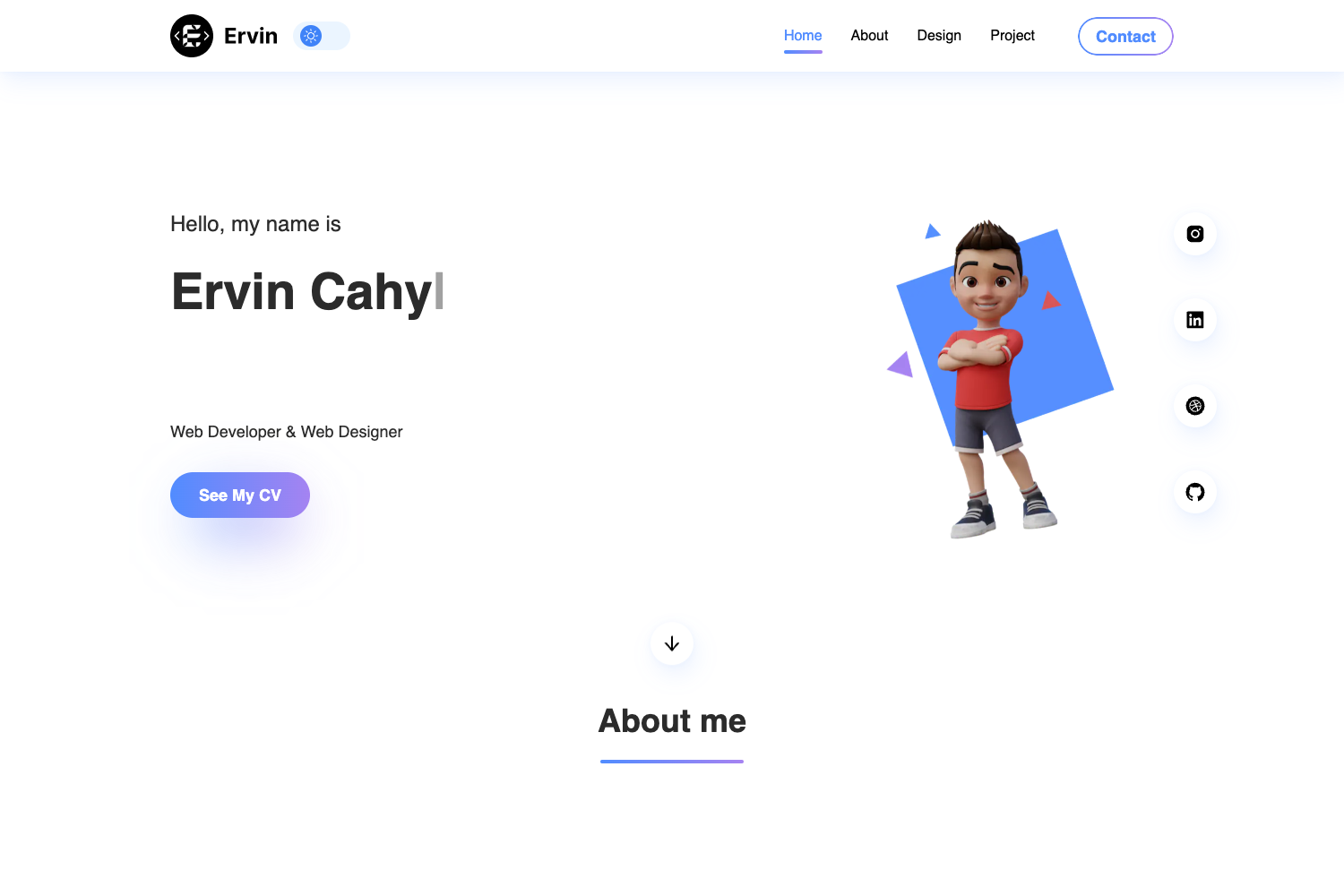
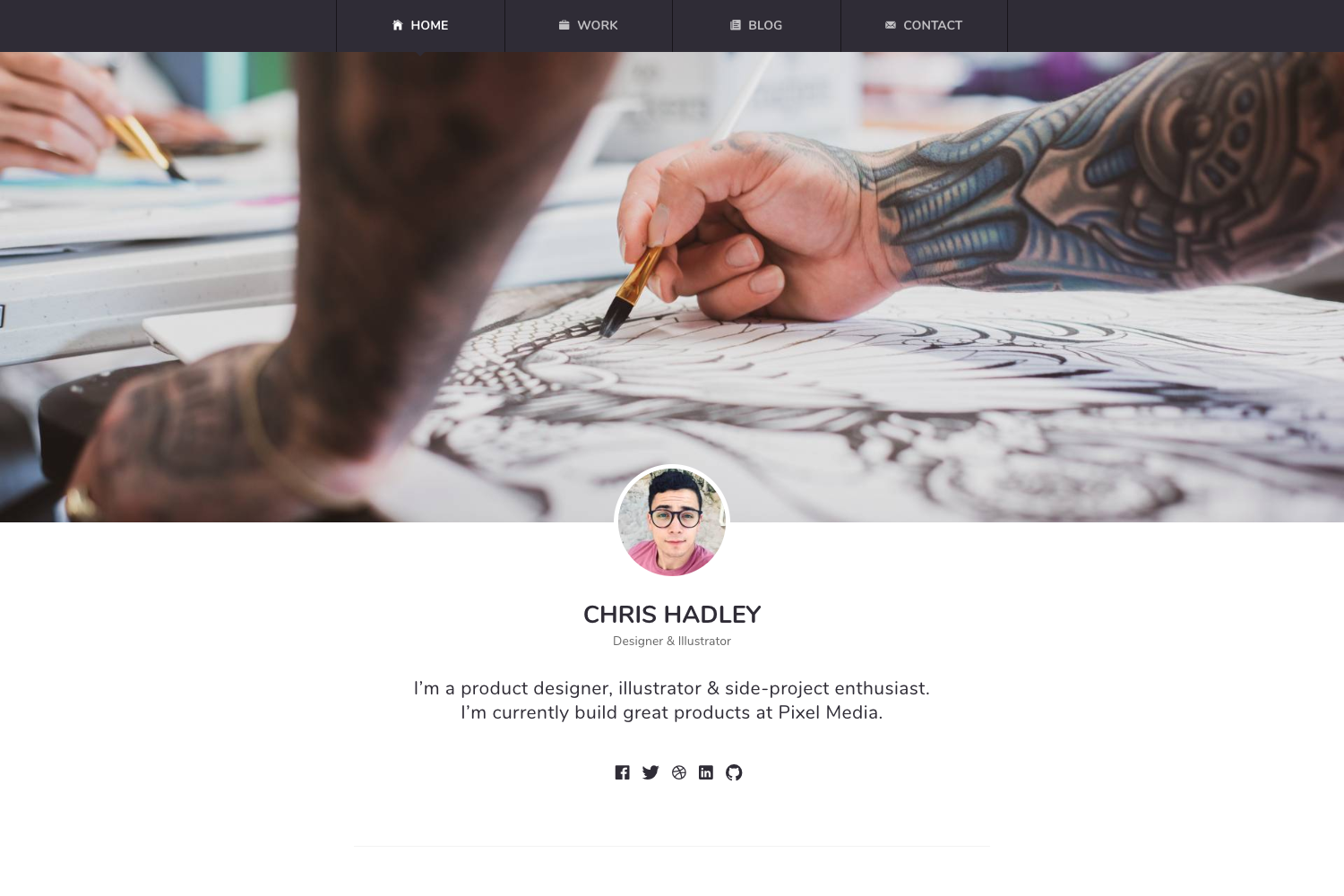
Astro Me is a starter-kit portfolio theme for the Astro static site generator, designed to produce a minimal one-page personal website. It takes content written in Markdown and site data stored in YAML files and outputs a static, responsive portfolio with support for dark mode, six-plus color themes, and a downloadable resume. The theme runs on Astro, uses Tailwind CSS for styling, and Svelte for its few interactive components; it was inspired by the Gatsby Intro theme.
Key Features
- Minimal and Markdown Ready — Portfolio content is authored in Markdown, keeping the theme light and easy to edit.
- YAML Data Configuration — Site data such as profile details and links are configured through YAML files instead of hard-coded JSX.
- Svelte Interactive Components — The theme switcher and other interactive pieces use Svelte, adding minimal JavaScript to the page.
- 6+ Color Themes — Color schemes are set in tailwind.config.js, with support for dark mode across all themes.
- Print-Ready CSS — The one-page layout includes print media styles so the browser's print function outputs a clean resume page.
- Resume Download API — Visiting /site-url/api/resume triggers a downloadable resume, with the endpoint compatible with Vercel's serverless functions.
- Modular Component Structure — Components are split to do one job each, making the codebase easy to navigate and customize.
- Responsive Design — The layout adapts to different screen sizes without extra work.
Who is it for?
- Frontend developers who want a lightweight, customizable Astro starter for their own portfolio without shipping a heavy JS framework.
- Designers and creatives who need a clean one-page resume site that supports dark mode, color themes, and a printable version.
- Developers familiar with Tailwind CSS who want to tweak the theme's colors and layout directly through familiar config files.
What can you do with Astro Me?
- Set up a personal portfolio in minutes: clone the starter, fill in your Markdown and YAML data, and deploy a static site.
- Create a printable one-page resume: use the print-ready CSS to save or print the page exactly as styled.
- Offer a downloadable resume: point visitors to the /site-url/api/resume endpoint to fetch a resume, useful for job applications.
How does Astro Me work?
Astro Me is installed like any Astro starter: clone the repository, install dependencies with yarn, and run yarn start to start the local dev server (the theme uses yarn start rather than the default yarn dev to stay compatible with vercel dev). Content is edited in Markdown files, site data lives in YAML, and color themes are controlled through tailwind.config.js, which requires a restart when developing to see changes.
Alternatives
- Gatsby Intro — the Gatsby portfolio theme that inspired Astro Me's minimal layout.
FAQ
Does Astro Me support dark mode?
Yes. Every color theme in the theme includes a dark mode variant, and all six-plus themes are configurable through tailwind.config.js.
How do I change the color theme of Astro Me?
Edit the theme colors in tailwind.config.js. According to the theme's instructions, you should restart the development server after changing the config to see the new colors.
What is the default development command for Astro Me?
The theme uses yarn start instead of Astro's default yarn dev. This is intentional to keep the local dev server compatible with vercel dev for testing serverless functions like the resume download.
Can I download my resume from the site?
Yes, Astro Me includes a resume endpoint at /site-url/api/resume that lets visitors download the resume, leveraging Vercel's serverless function support.