Template details
Hugo minimalist SPA
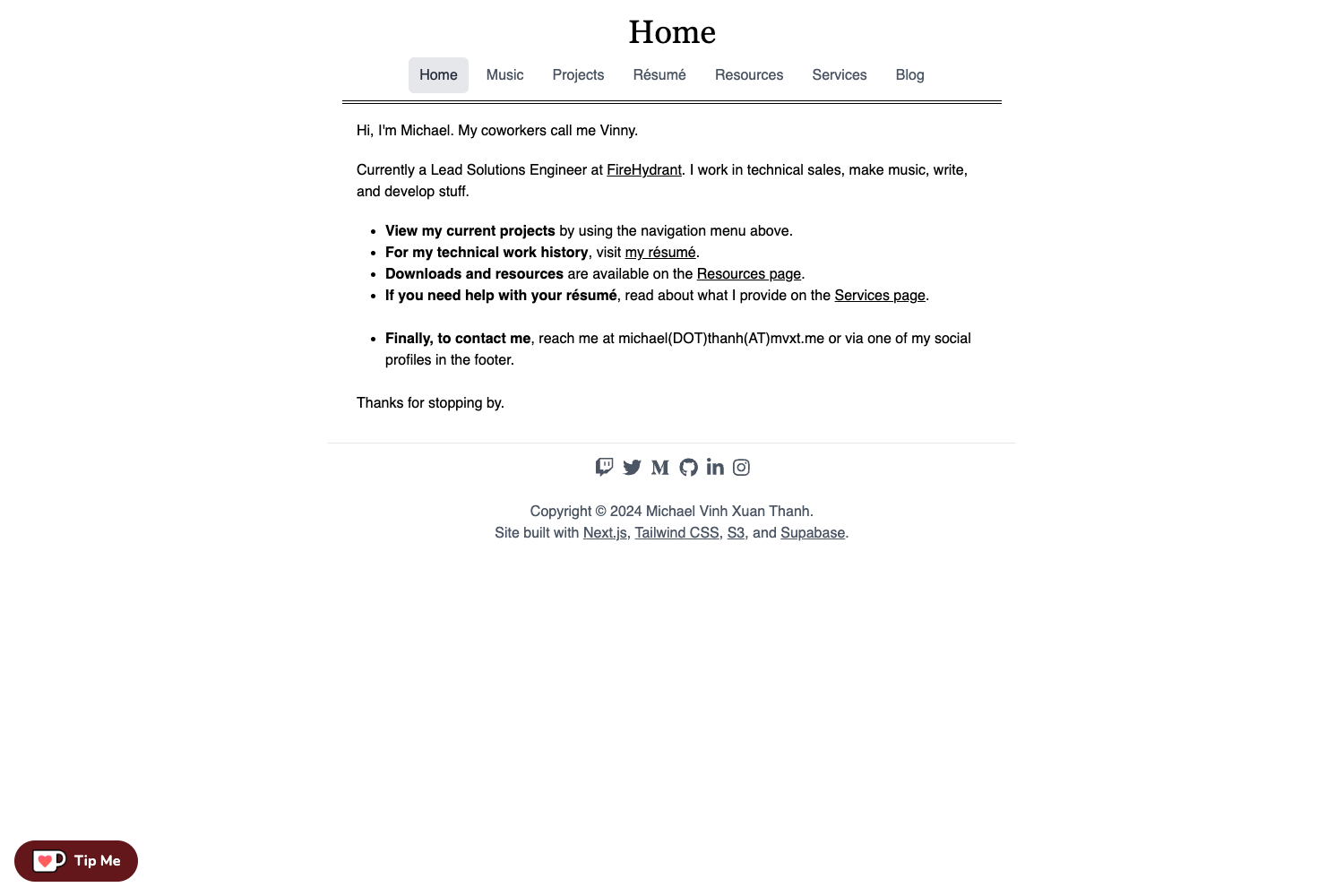
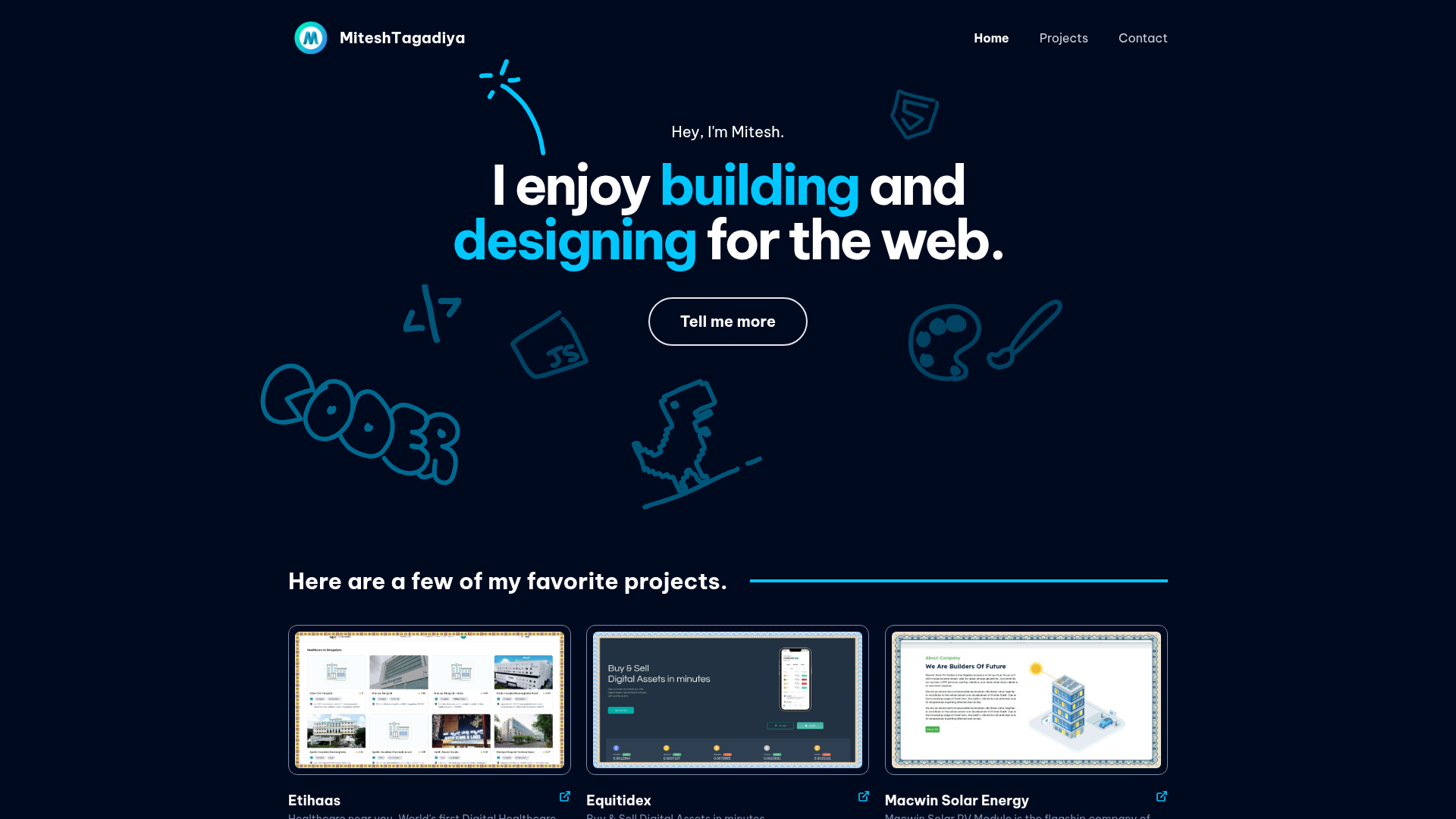
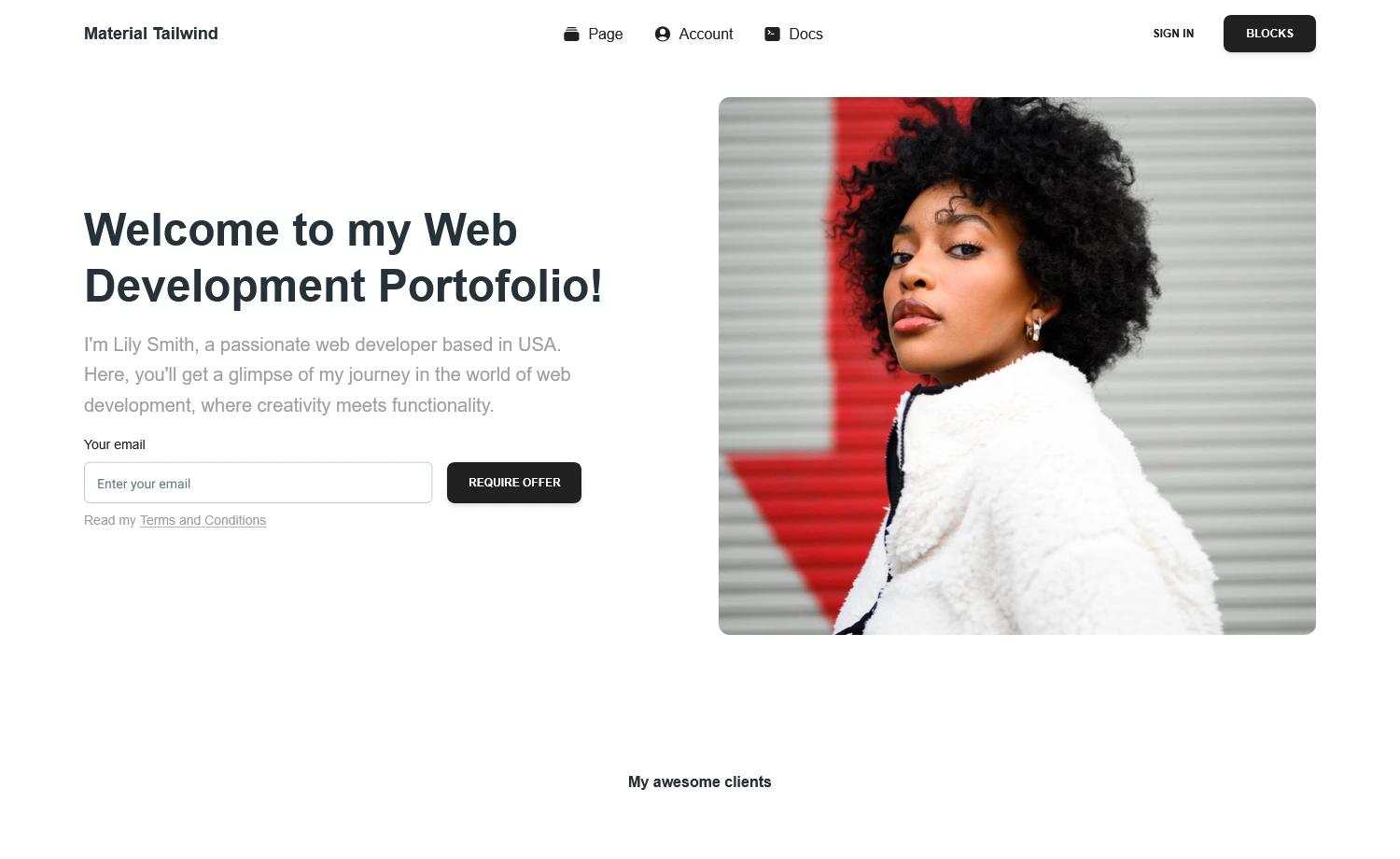
A minimalist single page application theme for Hugo, focused on responsiveness, simplicity and elegance.
About this template
Hugo minimalist SPA is a single-page application theme for the Hugo static site generator that assembles all Markdown content into one responsive HTML page and loads it dynamically with plain JavaScript and jQuery.
What is Hugo minimalist SPA?
Hugo minimalist SPA is a theme for Hugo (a static site generator) that turns Markdown files placed in the content folder into a single-page application. The theme produces a single index.html and uses jQuery-based AJAX requests to fetch content sections without full page reloads. It was created by the developer sag-dev (SAGGameDeveloper) and is licensed under the MIT License. The theme requires Hugo 0.48 or higher (0.43 may work) and is configured through site-level files such as config.toml, data/theme_style.toml, and data/social-media.toml.
Key Features
- Single-page application core — Built on plain JavaScript with jQuery used only for AJAX requests, enabling content switching without reloading the page.
- Markdown-driven content — All page content is written as
.mdfiles in thecontentfolder; HTML inside Markdown is added to the finalindex.html. - Custom color system — Five theme colors (header, navbar, social media icons, text, headings, links) are configurable via a
data/theme_style.tomlfile, passed directly into SASS. - Social media icons — Supported icons ship in
images/social_media/; add your own by creatingdata/social-media.tomland pointing to an SVG path and target URL. - Automatic font and logo replacement — Rename your font to
default.otf,default-light.otf, anddefault-bold.otfinstatic/fonts, or put alogo.pnginstatic/images, and the theme picks them up automatically. - SASS-based styling — The theme is built entirely with SASS; source files live in
assets/sass/and are compiled by Hugo rather than a separate build step. - Responsive layout — The theme focuses on responsiveness, simplicity, and elegance, with a navigation bar that orders content alphabetically by filename.
- Custom imports — Add
layouts/partials/custom_imports.htmlto inject your own CSS, fonts, or scripts into the page.
Who is it for?
Hugo minimalist SPA suits developers and site owners who want a minimalist, fast single-page website without a heavy JavaScript framework. Hugo developers can use it as a starting point and modify the SASS or JavaScript core in static/js for deeper customization. Portfolio owners can publish a one-page site with a simple navigation bar and social media links. Professionals who need a personal landing page can set up the theme in a few terminal commands and write content in Markdown.
What can you do with it?
- Personal portfolios: Build a one-page portfolio with a custom color scheme, logo, and social media icons, using Markdown files for each section.
- Professional landing pages: Publish a clean, responsive company or personal site with navigation, dynamic content sections, and an optional custom font.
- Theme tinkering and learning: Explore how a Hugo static site can be turned into an SPA; the JavaScript core and Go-based layout logic are visible and modifiable in the theme source.
How does Hugo minimalist SPA work?
Installation follows the standard Hugo theme process: create a new site with hugo new site NAME_OF_YOUR_SITE, clone this repository into the themes folder, set theme = "hugo-minimalist-spa" in config.toml, and run hugo server -w. Content is added as Markdown files in the content folder, with optional YAML front matter for a custom title. The navigation bar is generated from filenames, so ordering is alphabetical by filename; to control order, prefix filenames with numbers. The layouts assign dynamic id attributes that the JavaScript router reads to load the right files, and custom titles are resolved through a temporary <div> in the single.html layout.
Configuration and customization
Site-wide parameters like author, title, and languageCode are set normally in config.toml, while description goes under [params]. Social media links are configured in data/social-media.toml with each entry specifying an icon source path and target URL; entries appear alphabetically unless you prefix names with numbers. The theme's five colors are defined in data/theme_style.toml (e.g., color_header, color_navbar, color_link), and the main content background image is replaced by adding background.png to static/images. For advanced changes, you can edit the SASS files in assets/sass/, though Hugo will look at the theme's assets before your site's — modifying the theme files directly is the simplest approach.
Pros and cons
- Pros: MIT-licensed, responsive, uses a minimal SPA architecture (no framework), fully themeable via
datafiles, and content is plain Markdown. - Cons: Content files must be Markdown only — other files inside
contentbreak the build; navigation ordering is alphabetical by filename, so manual ordering requires renaming files; customizing SASS beyond the provided colors means editing the theme's source.
FAQ
What Hugo version does this theme require?
The author recommends Hugo 0.48 or higher, though it may work with versions above 0.43. If you run into issues, you can open a GitHub issue.
How do I change the theme colors?
Create a data/theme_style.toml file in your site root and set the five color variables such as color_header, color_navbar, and color_link. These values are passed directly to SASS, so any CSS-supported color works.
Can I add custom social media icons?
Yes. Add your SVG files to static/images/social_media/ and reference them in data/social-media.toml with a source path and a target URL. The theme's default social media icons disappear once you define your own.
Is Hugo minimalist SPA free to use?
Yes, it is released under the MIT License. If you distribute a modified version, the author asks that you include a link back to the original repository.