Template details
Astro Minimal Starter
A minimal starting point for developers looking to build a website with Astro, and edit it with CloudCannon's CMS.
About this template
Astro Minimal Starter
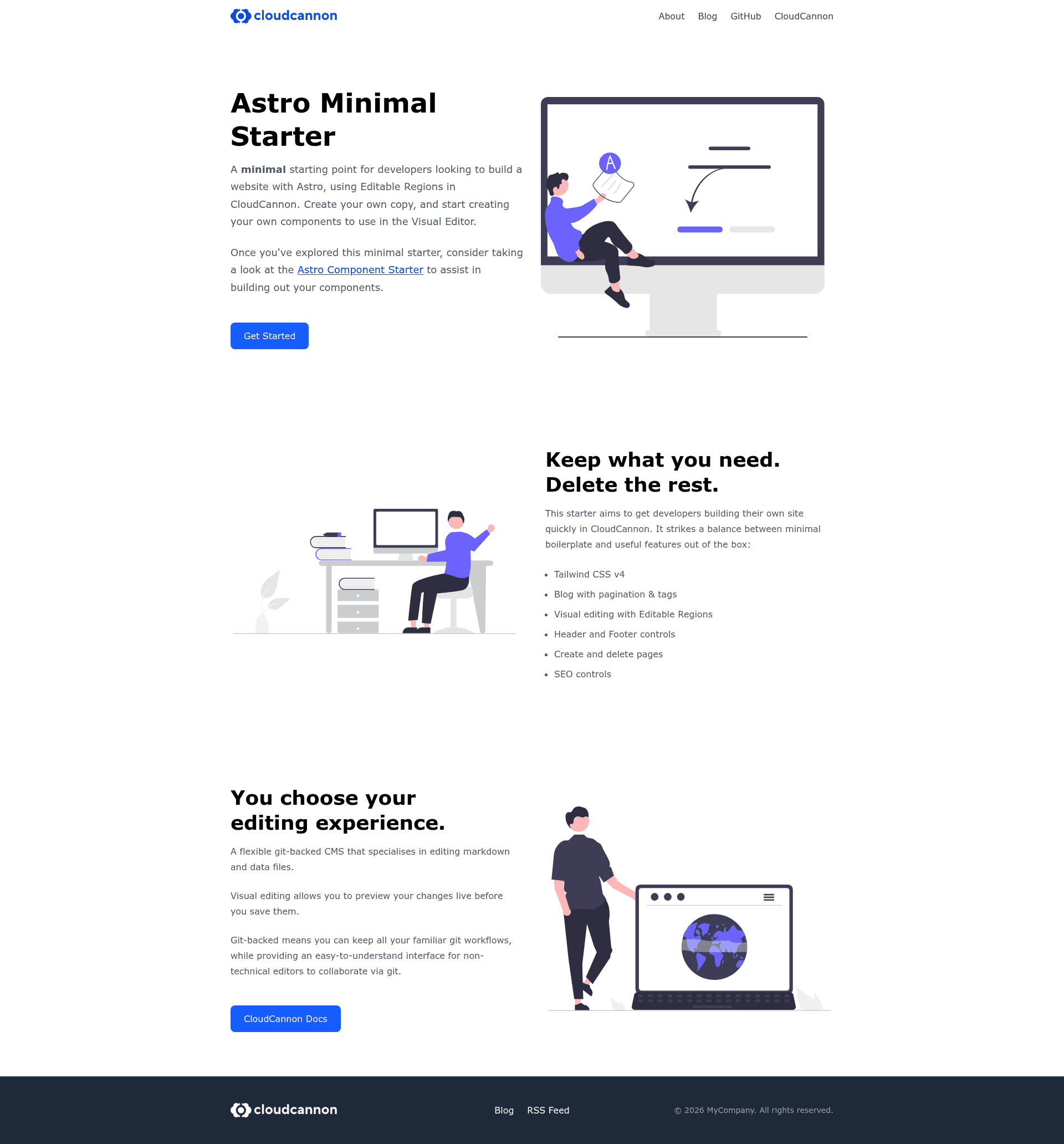
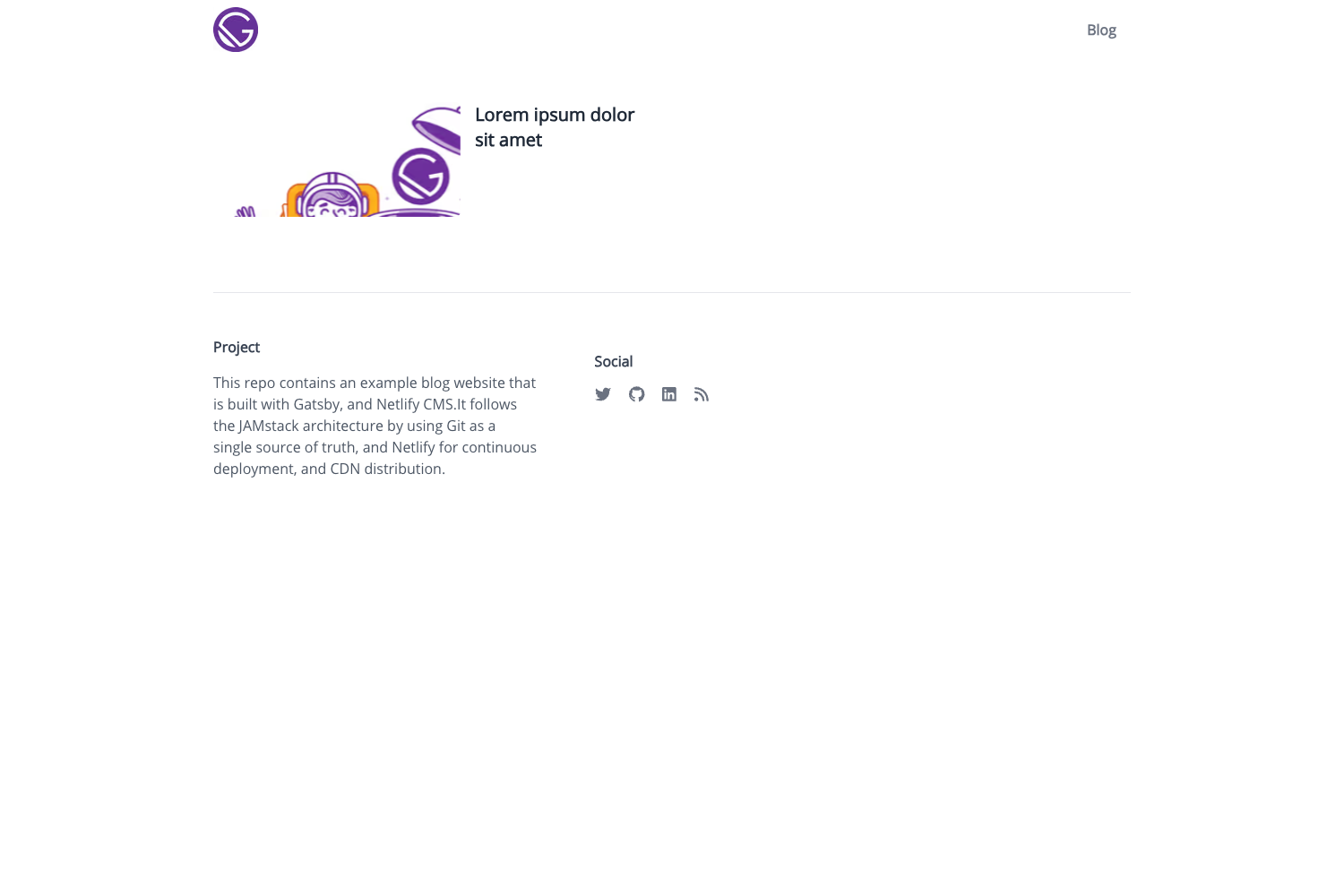
Astro Minimal Starter is a preconfigured Astro template that pairs the Astro static-site framework with CloudCannon's visual CMS, giving developers a ready-made starting point for an editable website with inline text, image, array, source, and component regions.
What is Astro Minimal Starter?
Astro Minimal Starter is an open-source boilerplate that produces a static Astro site with Tailwind CSS v4, a paginated blog, and Pagefind search, pre-wired for visual editing in CloudCannon. It uses a content-collection structure where pages live in src/content/pages as Markdown, blog posts live in src/content/blog as MDX, and site-wide data sits in data/. The template is created by CloudCannon and includes a live demo at https://tiny-jackal.cloudvent.net/.
Key Features
- Editable Regions — Five types of inline editing are demonstrated: text, image, array, source, and component regions. Components registered in
src/scripts/register-components.tsre-render live in CloudCannon's Visual Editor. - Tailwind CSS v4 — Styling uses Tailwind CSS v4 with CSS-first configuration; global styles are in
src/styles/global.css. - Blog with pagination and tags — Blog posts are MDX files in
src/content/blog/, and the template includes pagination and tag-based filtering out of the box. - Pagefind search — A static-site search solution is built in, so visitors can search the site without running a server.
- SEO controls — Each page's front matter includes fields for title, description, and social sharing metadata.
- Page-building components — Three reusable components (Hero, LeftRight, TextBlock) let editors assemble pages from structured content without writing code.
- Source editables — Standalone pages like About (
src/content/pages/about.astro) are editable directly throughdata-editable="source",data-path, anddata-keyattributes, and CloudCannon writes changes back to the.astrofile. - Preconfigured CloudCannon —
.cloudcannon/initial-site-settings.jsonandcloudcannon.config.ymldefine the editing experience; connecting a repository triggers automatic build and preview.
Who is it for?
This template is aimed at developers who want to build a content-managed Astro site without assembling the CloudCannon integration from scratch. Agencies and freelancers can use it to hand off a client site where editors update text and images visually through Editable Regions. Content editors and non-technical users benefit from the inline visual editing workflow, while developers keep full control over markup and components. It's also a good starting point for a personal blog or marketing site that needs built-in search and a familiar Git-based workflow.
What can you do with Astro Minimal Starter?
Astro Minimal Starter supports four concrete workflows out of the box, each built on the components, content collections, and CloudCannon integration included in the template.
- Agencies building client sites: Customize the three included components or add new ones, then let clients edit pages visually in CloudCannon's Visual Editor.
- Developers prototyping a blog: Use the prebuilt MDX blog with pagination and tags to publish posts quickly, with Pagefind search already connected.
- Teams adopting visual editing: Experiment with all five Editable Region types plus source editables to decide which approach fits each page's content model.
- Individuals running a static site: Deploy the generated Astro output to any static host and manage content through CloudCannon's Git-backed CMS.
How does Astro Minimal Starter work?
Start by clicking "Use this template" on the GitHub repository, cloning the copy, and running npm install and npm run dev for local development. To enable visual editing, connect the repository to CloudCannon; the platform detects .cloudcannon/initial-site-settings.json and builds the site automatically. The editing interface is defined in cloudcannon.config.yml, so you can add or restrict editable regions, content collections, and schemas without changing your Astro code.
FAQ
Does Astro Minimal Starter require CloudCannon?
The template works as a standalone Astro site without CloudCannon — all Editable Region attributes are inert on a normal static build. CloudCannon is only needed for the visual editing experience and for the live re-rendering of registered components.
What versions of Tailwind CSS and Astro does it use?
The template uses Tailwind CSS v4 with CSS-first configuration and relies on the current Astro release. Exact version numbers are pinned in the repository's package.json and are not listed on the template's readme page.
What is a source editable?
A source editable (data-editable="source") marks a part of an Astro template file as content that CloudCannon can rewrite. The About page demonstrates this, letting editors change text directly in the .astro file without needing a Markdown front matter schema.
Can I add my own editable components?
Yes. Components that need live re-rendering are registered in src/scripts/register-components.ts and loaded conditionally when the site is open in CloudCannon's Visual Editor, so you can add new components by following the same registration pattern.
What content collections are included?
Two collections are preconfigured: pages in src/content/pages (Markdown with structured front matter, used for component-based page building) and blog posts in src/content/blog (MDX). Site-wide data files for settings and navigation are stored in data/.