Template details
Gatsby Starter Notes
A Gatsby starter for building a static, markdown-based notes site organized by subject and topic.
About this template
Gatsby Starter Notes is a Gatsby boilerplate that turns a folder tree of markdown files into a static website of notes organized by subject and topic. Its repository metadata shows 10 stars on GitHub and the starter is designed to both display and manage markdown notes.
What is Gatsby Starter Notes?
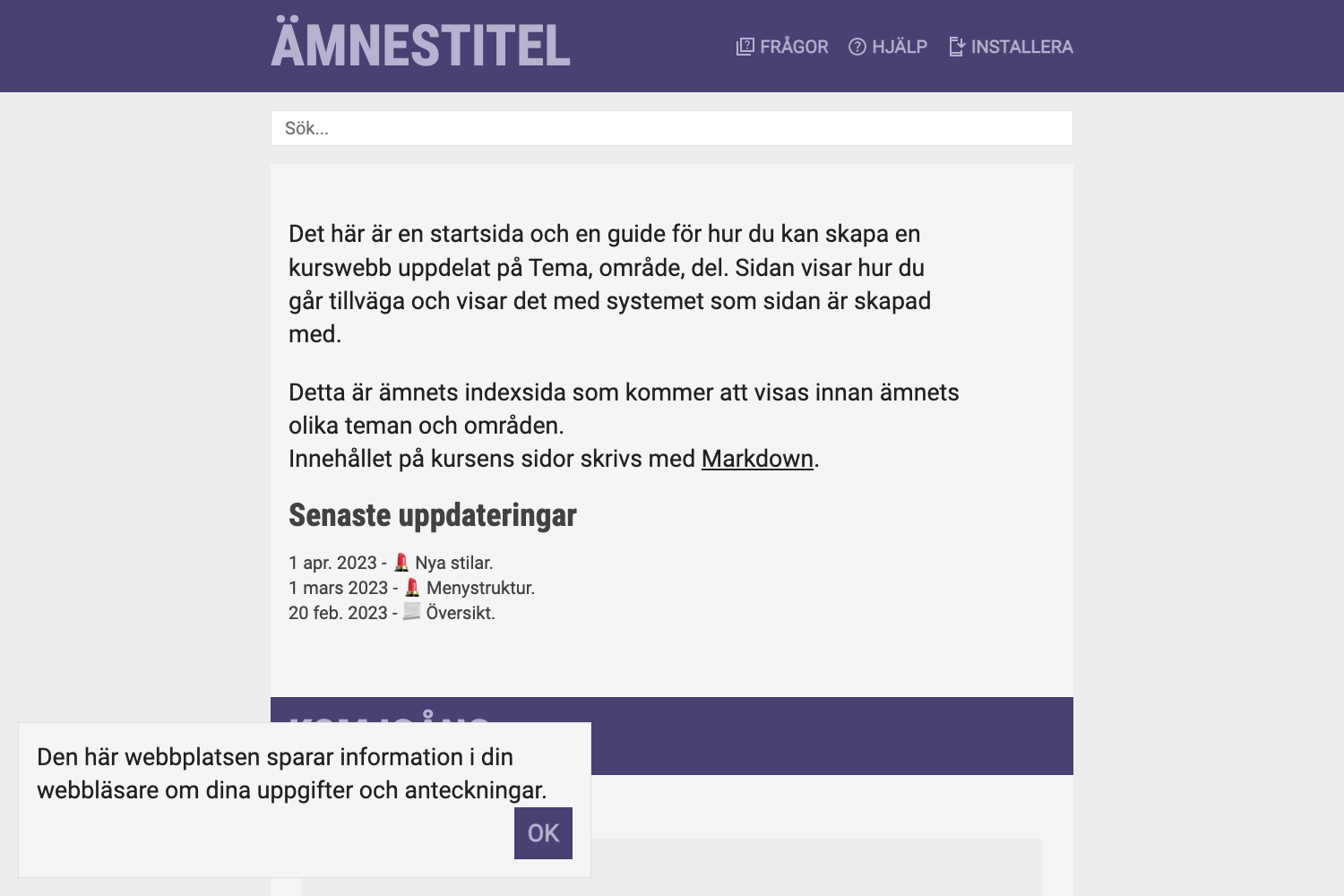
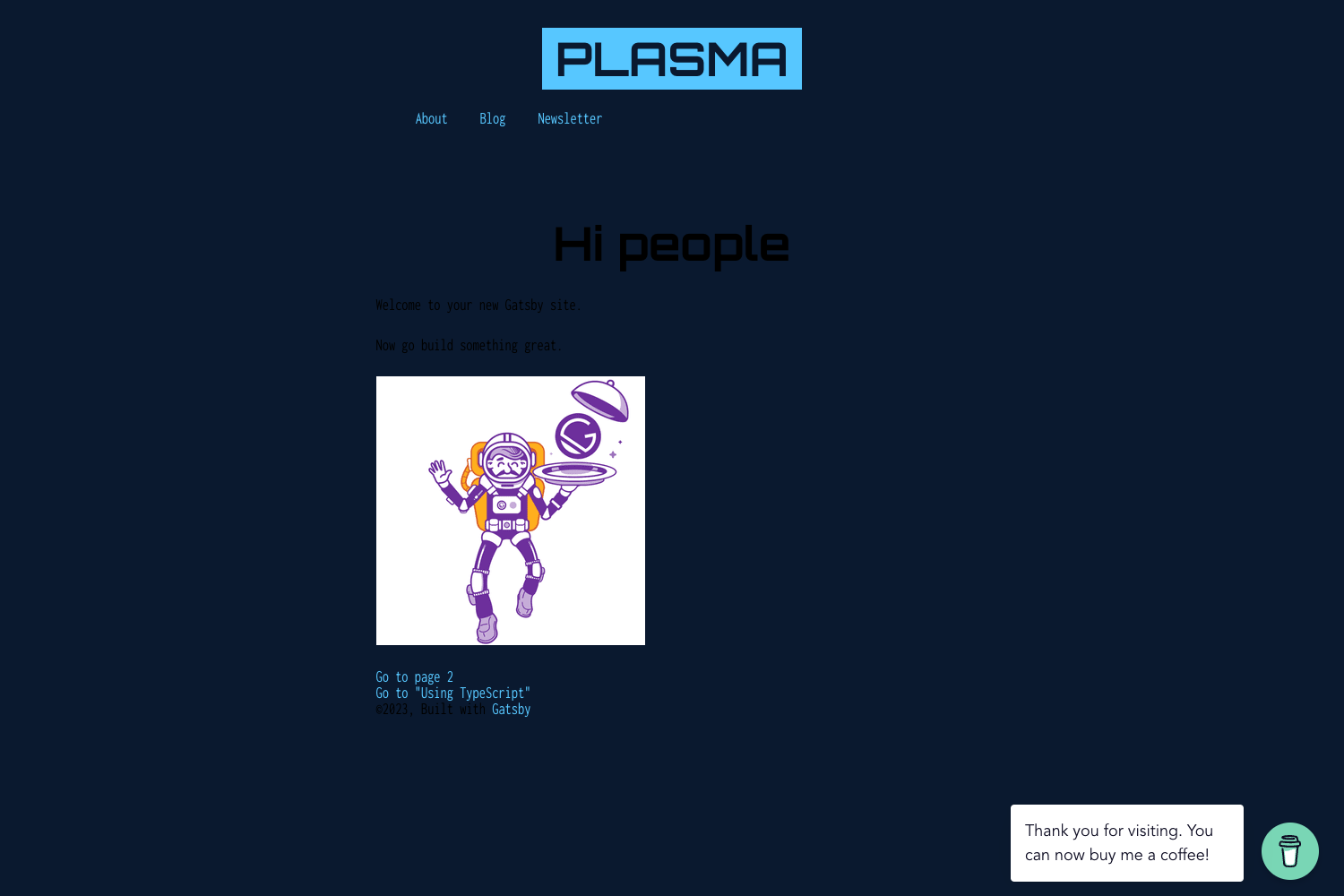
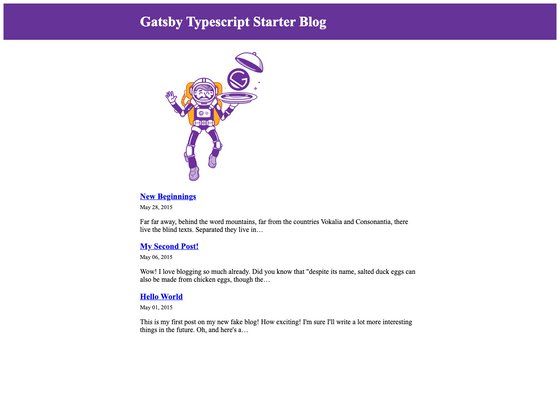
Gatsby Starter Notes is a Gatsby starter template for creating a simple static site that displays markdown notes in a visually readable way. It takes markdown files arranged in directories as input and produces a static site as output. It runs on Gatsby, the React-based static site generator, and acts as both a display and management layer for your notes. An example site is available at https://gatsby-starter-notes.netlify.com/.
Key Features
- Markdown-based notes — Each note is a markdown file, so you can write in any plain-text editor and version control the content.
- Subject and topic hierarchy — Create a directory named after a subject under
pages; inside it, create a folder per topic containing anindex.mdfile with the notes for that topic. - Static site output — Gatsby generates static HTML at build time, making the result fast to host; the example site is deployed at https://gatsby-starter-notes.netlify.com/.
- Simple local development — Run
gatsby developto start the development server and preview changes instantly. - File-system management — Organizing notes is just file management; the site structure follows your directory structure automatically.
Who should use Gatsby Starter Notes?
- Students and self-learners — Organize lecture or reading notes by subject, then by topic, and publish the result as a browsable static site.
- Technical writers — Keep technical documentation or code snippets as markdown notes sorted into subjects and topics, then deploy the generated site.
- Gatsby developers — Use the starter as a minimal base to build a custom notes or documentation site, with the content model already mapped to the file system.
What can you do with it?
- Create a new subject — Add a directory under
pageswith the subject name to start a new subject section on the site. - Add a topic note — Inside a subject directory, create a topic folder and put an
index.mdfile there; the template renders that file as a note page. - Preview and deploy — Run
gatsby developfor local development, then build and host the static output on any static hosting service like Netlify.
How does it work?
- Install the starter and its dependencies.
- Run
gatsby developin the project root to serve the site locally. - Create subject directories under
pages, and topic folders withindex.mdfiles inside them. - Gatsby scans the file system and builds a page for each markdown file, preserving the subject and topic hierarchy in the navigation.
FAQ
How do I add a new subject to the notes site?
Create a new directory under the pages directory with the subject name, for example pages/physics. The site will pick it up as a new subject section.
How do I add notes for a specific topic?
Inside the subject directory, create a folder named after the topic and place an index.md file inside it. Write your notes in that file using markdown.
What command starts the development server?
Run gatsby develop in the project directory. It starts a local server with hot reloading so you can see changes live.
Where can I see an example of the starter?
The starter's README links to a live example at https://gatsby-starter-notes.netlify.com/, which demonstrates the subject/topic note layout.