Template details
Astro Portfolio Starter
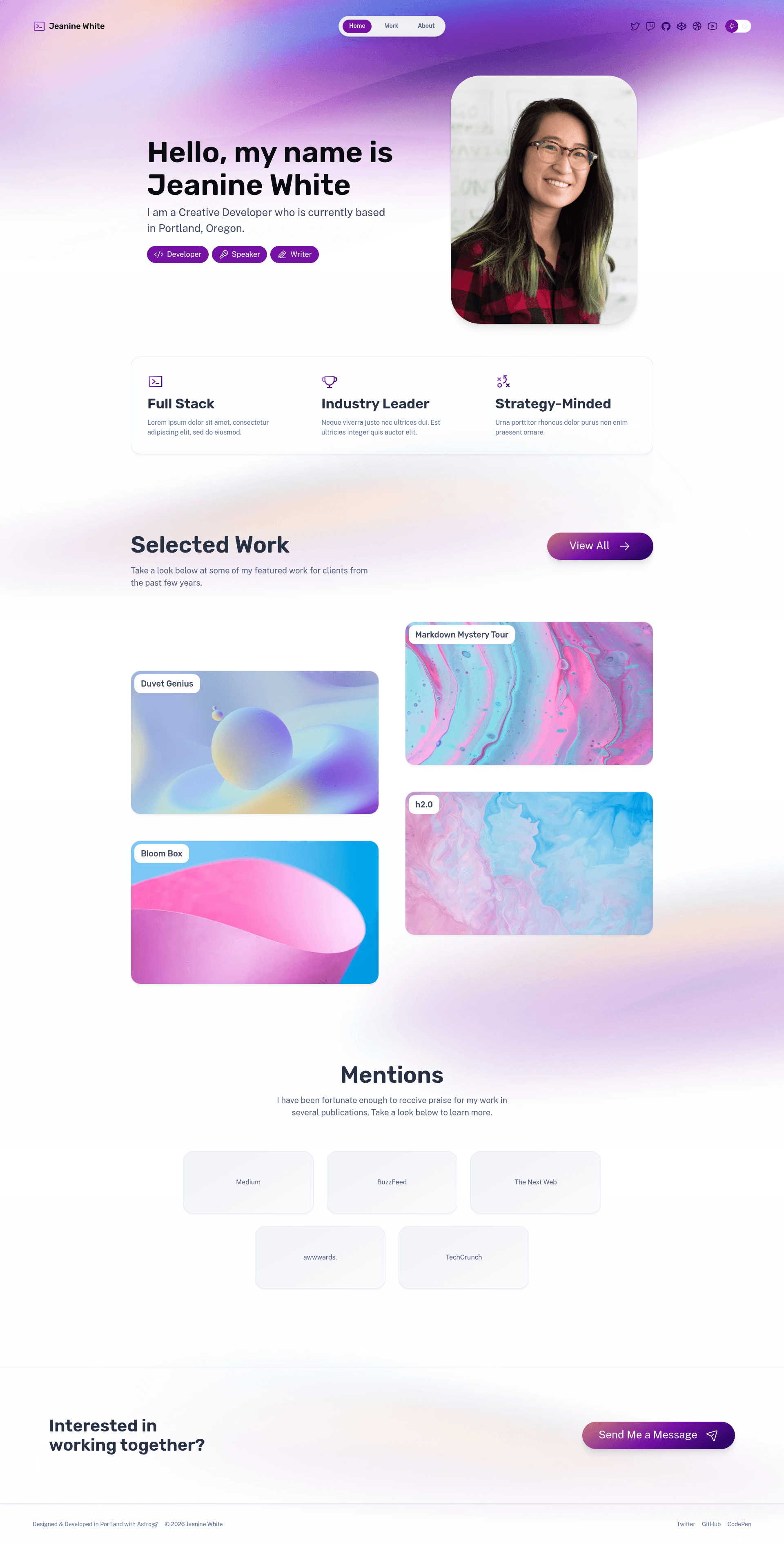
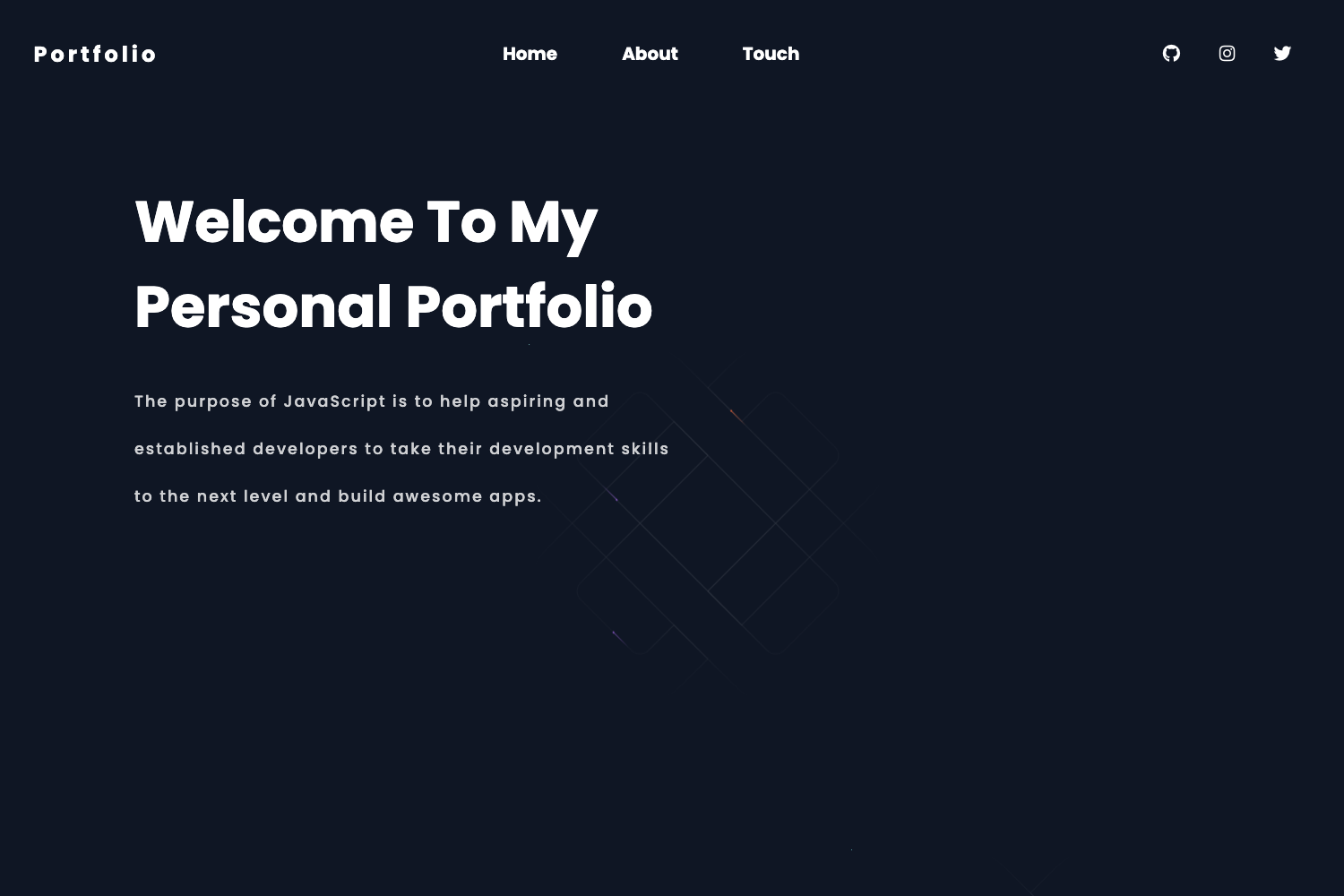
Share your hard work with this portfolio starter from the Astro team.
About this template
Astro Portfolio Starter is an official Astro template for building a personal portfolio website, created by the Astro team and listed in the portfolio example of the withastro/astro repository.
What is the Astro Portfolio Starter?
The Astro Portfolio Starter is a minimal, official example project that demonstrates how to build a portfolio site with Astro, the web framework for content-driven websites. It accepts a new project name and scaffolded files as input and produces a runnable Astro site with source files, a public folder, and configuration files. The template runs on Node.js and, by default, builds to static HTML, CSS, and JavaScript at ./dist/, with support for hybrid rendering that lets you opt into server-side rendering for specific routes.
Key Features
- Official Astro template — Built by the Astro team and maintained in the withastro/astro GitHub repository, so it stays aligned with Astro releases.
- One-command scaffold — Run
npm create astro@latest -- --template portfolioin a terminal to generate a new project based on this starter. - Local development server —
npm run devstarts a live-reloading server atlocalhost:4321where you can preview changes instantly. - Static production build —
npm run buildoutputs a production-ready site into the./dist/directory that you can upload to any static hosting service. - Local preview —
npm run previewserves your built site locally to confirm everything works before deployment. - Full Astro CLI access —
npm run astro ...lets you run commands likeastro addto install integrations orastro checkto validate your project. - Cloud development environments — The template can be launched directly in StackBlitz, CodeSandbox, or GitHub Codespaces, with no local setup required.
- Islands architecture — Because it uses Astro, pages render as static HTML by default and only hydrate interactive components when needed, keeping the initial JavaScript weight low.
Who is it for?
- Freelancers and independent creatives: Launch a portfolio site preconfigured with Astro so you can spend your time adding projects and writing about your work instead of configuring build tools.
- Developers learning Astro: The starter is a minimal and official reference for how Astro pages, components, and the
astro.configfile are structured. - Developers shipping to static hosts: With a static build output and no required server, the template fits neatly into standard static hosting workflows and CDN deployments.
What can you do with it?
- Scaffold a new portfolio site in one command: Run
npm create astro@latest -- --template portfolio, then add your own content and styles. - Build and preview the output: Use
npm run devfor day-to-day editing,npm run buildto generate deployable files in./dist/, andnpm run previewto test the compiled site. - Extend the project with Astro integrations: Through
npm run astro add, you can add frameworks like React, Vue, or Svelte, or add integrations for Tailwind, MDX, and other tools.
How does the Astro Portfolio Starter work?
The starter is distributed as an example in the Astro repository and installed via the Astro CLI. After running the npm create astro@latest -- --template portfolio command, you scaffold a new project with the template's files. Then you install dependencies with npm install and start the development server with npm run dev. When you are ready to publish, npm run build compiles the site into ./dist/, and npm run preview lets you check the build locally.
FAQ
How do I create a new project with this portfolio template?
Run npm create astro@latest -- --template portfolio in your terminal. The Astro CLI will ask you for a project name and then scaffold the portfolio starter files into a new directory.
What port does the development server use?
The dev server runs on localhost:4321 by default. You can start it with npm run dev and then open that address in your browser to see the site.
Where does the production build go?
Running npm run build outputs your compiled site to the ./dist/ folder. That directory contains the static HTML, CSS, and JavaScript files ready for deployment.
Is the Astro Portfolio Starter free to use?
Yes. It is an official example stored in the open-source withastro/astro repository, and you can use, modify, and deploy it without paying anything.
Can I use this portfolio with server-side rendering?
Astro sites default to static output, but Astro supports hybrid and server-side rendering. You can enable output: 'server' or output: 'hybrid' in your Astro config if you need server rendering for certain routes.