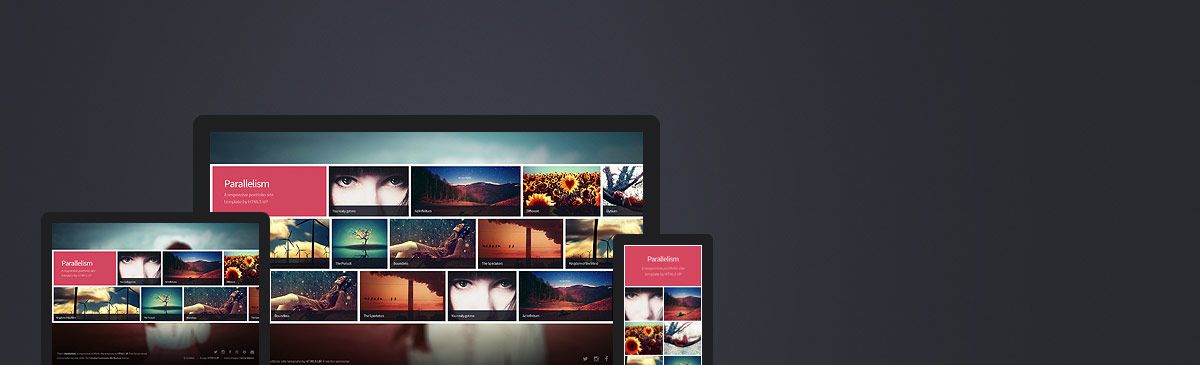
Template details
Micrology
Free one-page responsive portfolio HTML template with off-canvas navigation, mega menu, Instagram feed, and Bootstrap 4.
About this template
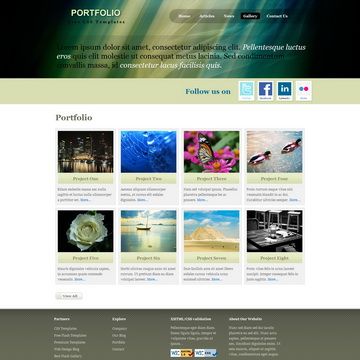
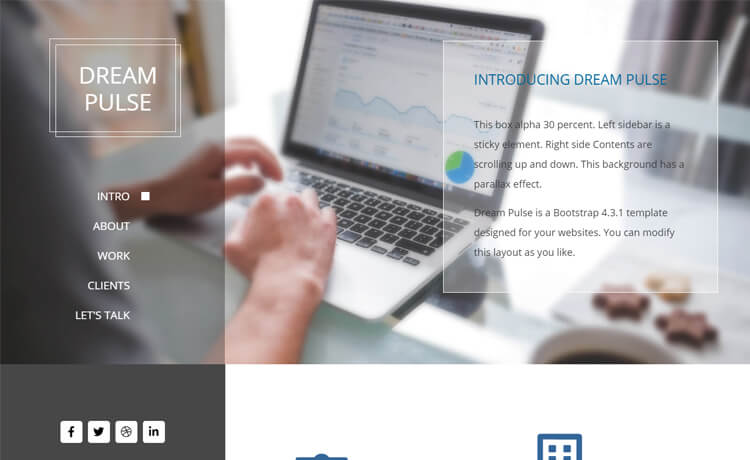
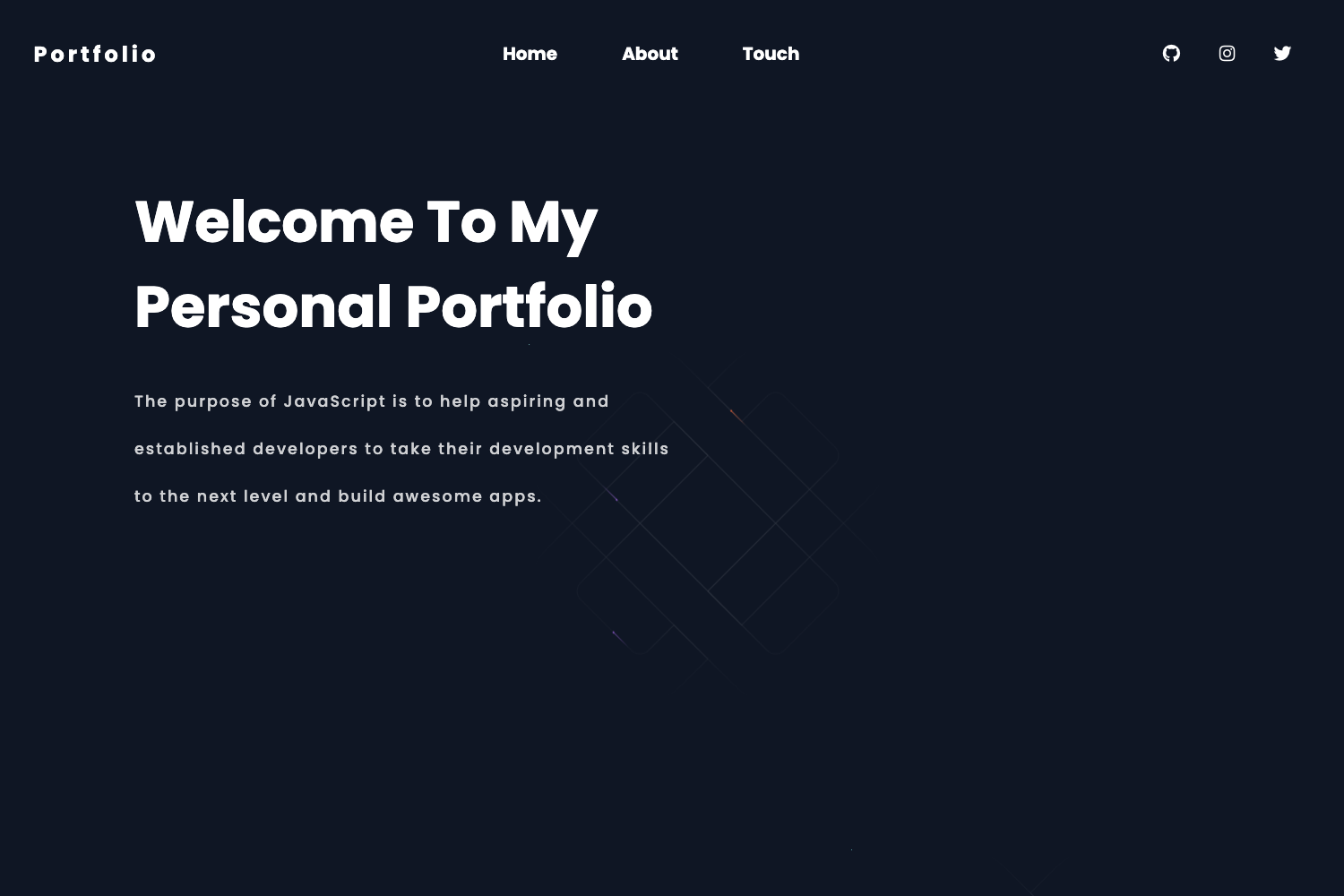
Micrology is a free one-page responsive portfolio HTML template built on Bootstrap 4, offering a set of navigation, animation, and media features for creative professionals and small studios.
What is Micrology?
Micrology is a free responsive portfolio website template distributed by ThemeWagon and created by HTML Design. It is a single-page HTML site with a one-page layout that fits multiple screen sizes, built with Bootstrap v4.0.0-alpha.6, jQuery v1.12.4, FontAwesome, Animate.css, and Owl Carousel. The template takes placeholder images and text content and produces a complete portfolio landing page with sections for a GitHub-style Instagram feed, YouTube video, carousel slider, and descriptive footer. It runs entirely in the browser with no backend, and the download package contains 1 HTML file, 22 CSS files, 10 JavaScript files, and placeholder images.
Key Features
- One-page layout — All portfolio content is presented on a single scrollable page, so visitors navigate without page reloads.
- Off-canvas navigation — The menu slides in from the side, saving space on mobile and desktop views.
- Dropdown and mega menu — Both standard dropdowns and a wider mega menu are built into the navigation system.
- Instagram feed section — A dedicated Instagram feed area shows images with a small Instagram icon overlay and a clean hover effect.
- Carousel slider — Owl Carousel powers an image carousel for showcasing multiple portfolio pieces.
- YouTube video section — A video embed area lets you place a YouTube video directly into the page for demo reels or project videos.
- Gradient effects and smooth animation — Gradient backgrounds and Animate.css animations add motion to sections and buttons.
- Social media icons — FontAwesome icons link out to social profiles from the header and footer.
- Back to top button — A floating button returns visitors to the top of the page.
Who should use Micrology?
- Freelance designers and developers who need a quick one-page portfolio to showcase recent work and contact links.
- Photographers and videographers who want to display a visual gallery plus an embedded YouTube showreel.
- Creative agencies that need a lightweight landing page to introduce their services, team, and Instagram presence.
What can you do with Micrology?
- Showcase portfolio items: Organize work samples into a carousel slider and Instagram feed with hover effects that invite clicks.
- Embed a video introduction: Use the YouTube video section to place a project walkthrough or agency promo directly on the page.
- Build a mobile-friendly presence: The off-canvas menu and responsive grid keep the site usable on phones, tablets, and desktops.
- Link out to social channels: Add social media icons in the header and footer so visitors can follow your profiles.
Pricing and license
Micrology is free to download and open source. ThemeWagon's license permits use in commercial projects and includes lifetime free updates. No payment or account tier is required beyond an email address to receive the download link.
FAQ
Is Micrology free?
Yes, Micrology is free. ThemeWagon distributes it as a free downloadable template, and the license allows commercial use. You only need to provide an email address to receive the download link.
What technologies does Micrology use?
Micrology is built with Bootstrap v4.0.0-alpha.6, jQuery v1.12.4, FontAwesome, Animate.css, and Owl Carousel. It also uses HTML5 and CSS3, and is compatible with Chrome, Edge, Firefox, Mobile, Opera, and Safari.
How many files are in the download?
The package includes 1 HTML file, 22 CSS files, 10 JavaScript files, and placeholder images. The single HTML file contains the main index page, with styles and scripts split across the supporting files.
Does Micrology support a blog or e-commerce?
No, Micrology is a one-page portfolio template without a blog or e-commerce functionality. It is designed for showcasing work and linking to social media, not for selling products or publishing articles.
Is Micrology still updated?
The template was released 8 years ago and last updated 5 years ago, version 1. It is no longer actively developed, so you may need to adapt it to modern browser standards if you use it in a new project.