Template details
Nextjs Responsive Portfolio
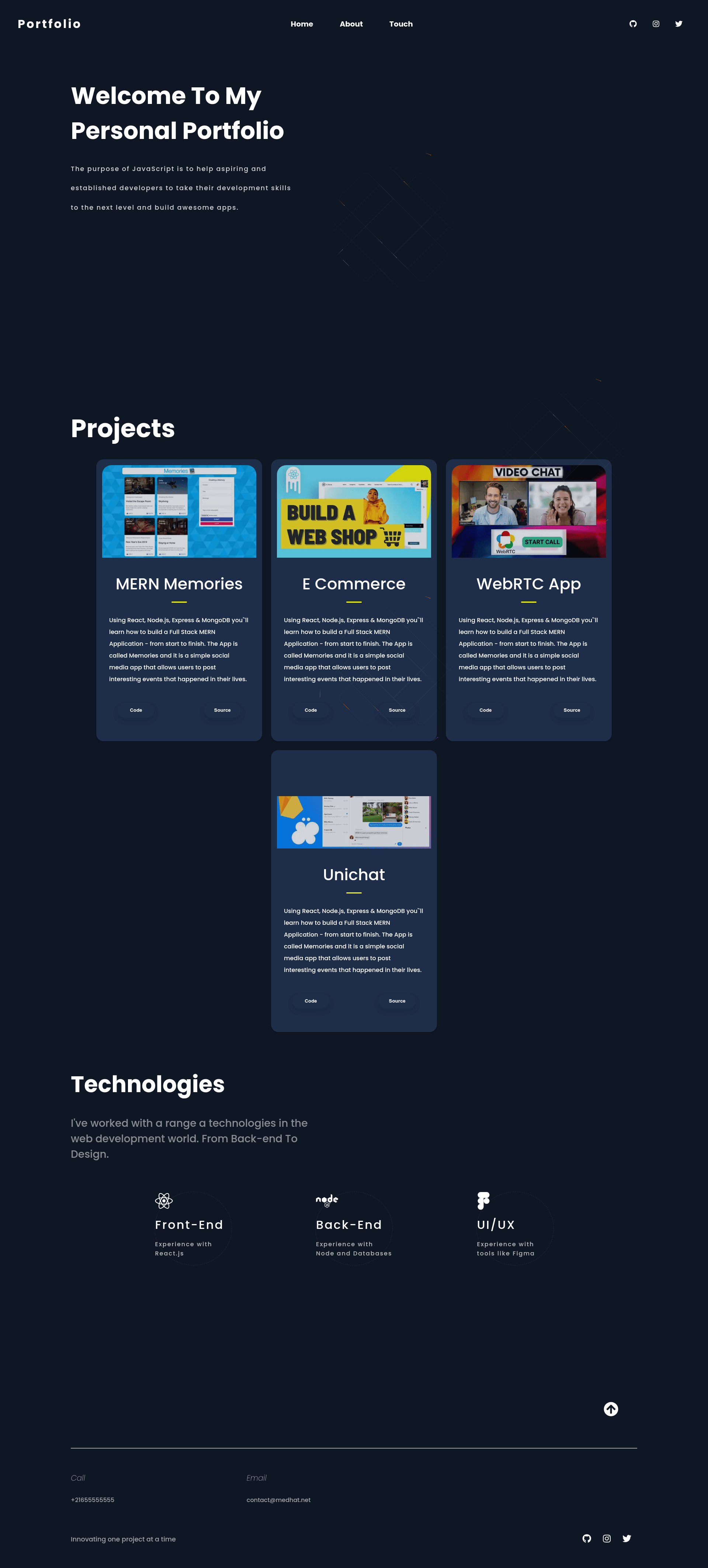
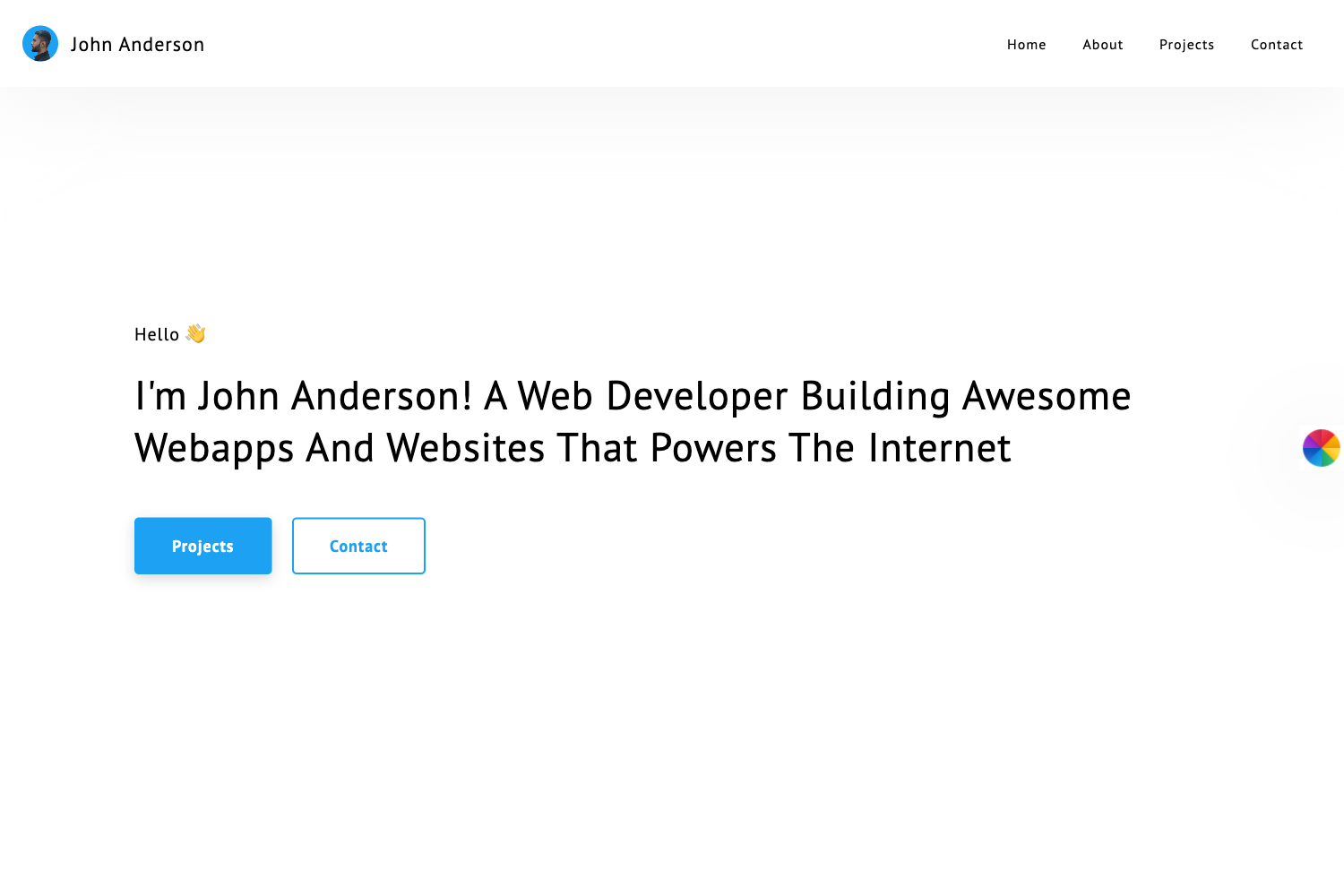
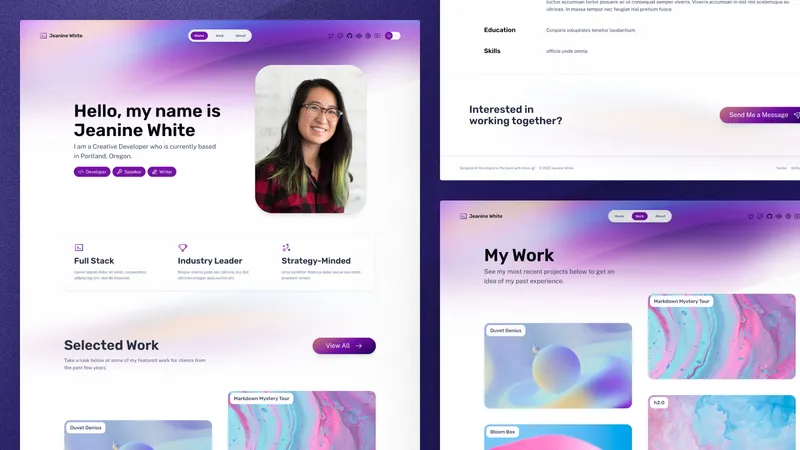
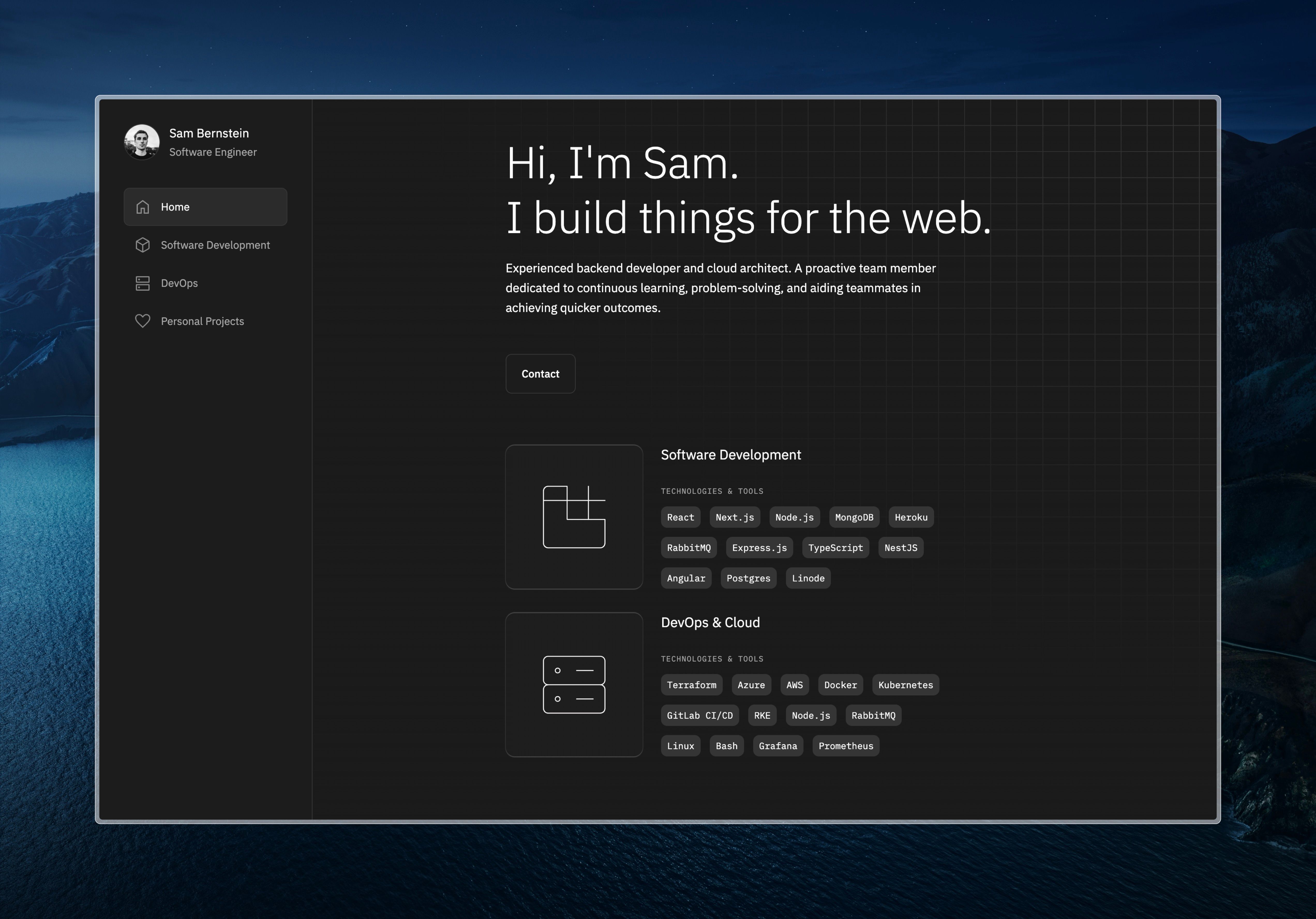
A responsive portfolio starter built with Next.js, Framer Motion, and create-next-app for fast personal-site launches.
About this template
Nextjs Responsive Portfolio is a portfolio website template built on Next.js and bootstrapped with create-next-app, using a React pages-router architecture with Framer Motion animations and a responsive layout.
What is Nextjs Responsive Portfolio?
Nextjs Responsive Portfolio is a portfolio website template built on Next.js and bootstrapped with create-next-app, using a React pages-router architecture with Framer Motion animations and a responsive layout. It takes a developer's personal and project content, which you edit directly in pages/index.js, and produces a browser-rendered portfolio that adapts to different screen sizes. The project runs on the Next.js framework from Vercel, as shown by the official Next.js documentation and GitHub repository linked in the README. The repository topics — framer-motion, nextjs, portfolio-website, react, and responsive-design — confirm the template's intended role as an animated, device-friendly personal portfolio.
Key Features
- Next.js pages directory — The project uses the classic pages/index.js structure; every file in pages/ becomes a route, and editing pages/index.js updates the page in the browser automatically.
- Built-in API routes — Files in pages/api are treated as API routes rather than React pages; a working example at pages/api/hello.js is served at localhost:3000/api/hello.
- Framer Motion animation — The repository is tagged framer-motion, associating the template with the Framer Motion animation library for React.
- Responsive design — Tagged responsive-design, the template's layout is described as adapting to different screen sizes.
- Local development server — Run npm run dev or yarn dev to start a server at localhost:3000, with hot reload for immediate feedback while editing.
- Vercel deployment link — The README points directly to the Vercel Platform and Next.js deployment documentation, offering a straightforward path from local project to live site.
Who is it for?
- Freelance developers — quickly turn the starter into a personal site by replacing the sample content in pages/index.js with their own work, while the Next.js tooling serves and builds the app.
- Students learning Next.js — use the working pages/API-route pair as a minimal, runnable example of how React pages and serverless endpoints fit together.
- Designers who code — restyle the responsive layout and add Framer Motion effects for a custom portfolio without configuring a React build setup from zero.
What can you do with it?
- Personal portfolio site — edit pages/index.js with your bio and projects to launch a professional one-page portfolio, then deploy to Vercel with no server management.
- API experiment — modify pages/api/hello.js to return custom JSON, letting you practice building a small backend at the /api path.
- Framework learning tool — navigate the Next.js documentation and interactive tutorial linked in the README while testing behavior in the starter.
How does Nextjs Responsive Portfolio work?
Install the dependencies if they are not already present, then run npm run dev or yarn dev to start the development server. Open localhost:3000 to view the default page, and edit pages/index.js — the browser auto-refreshes with each save. For server-side code, edit pages/api/hello.js and visit localhost:3000/api/hello to see the JSON response. To publish, deploy the repository on the Vercel Platform following the README's link, or use Vercel's CLI.
Pros and cons
- Pros: create-next-app removes build configuration, so the project runs immediately after install; an API route example is included; the README provides a direct Vercel deployment path.
- Cons: the content shown is the default create-next-app boilerplate — there is no custom portfolio layout or styling in the visible README, so the visual design still needs to be built.
FAQ
How do I run the template locally?
Run npm run dev or yarn dev from the project root, then open http://localhost:3000 in your browser. The development server starts there, and any edit to pages/index.js appears immediately.
How do I create an API route?
Create a file in the pages/api directory. The README explains that files in this directory are treated as API routes, with the included pages/api/hello.js responding at localhost:3000/api/hello.
Can I deploy this to Vercel?
Yes. The README describes Vercel as the easiest way to deploy a Next.js app and links to both the Vercel Platform and the Next.js deployment documentation. Import the Git repository using the Vercel platform or use the Vercel CLI.
What is the Next.js folder structure?
The main page is pages/index.js, and API routes live in pages/api. Files in pages/ map directly to routes — for example, pages/index.js corresponds to the root URL, and pages/api/hello.js responds under /api/hello.
Does this template include portfolio-specific content?
The visible README is the standard create-next-app boilerplate and does not contain portfolio page sections or design files. The portfolio purpose comes from the repository topics, so you will add your own content and styling on top of the starter.