Template details
Astro Portfolio Template
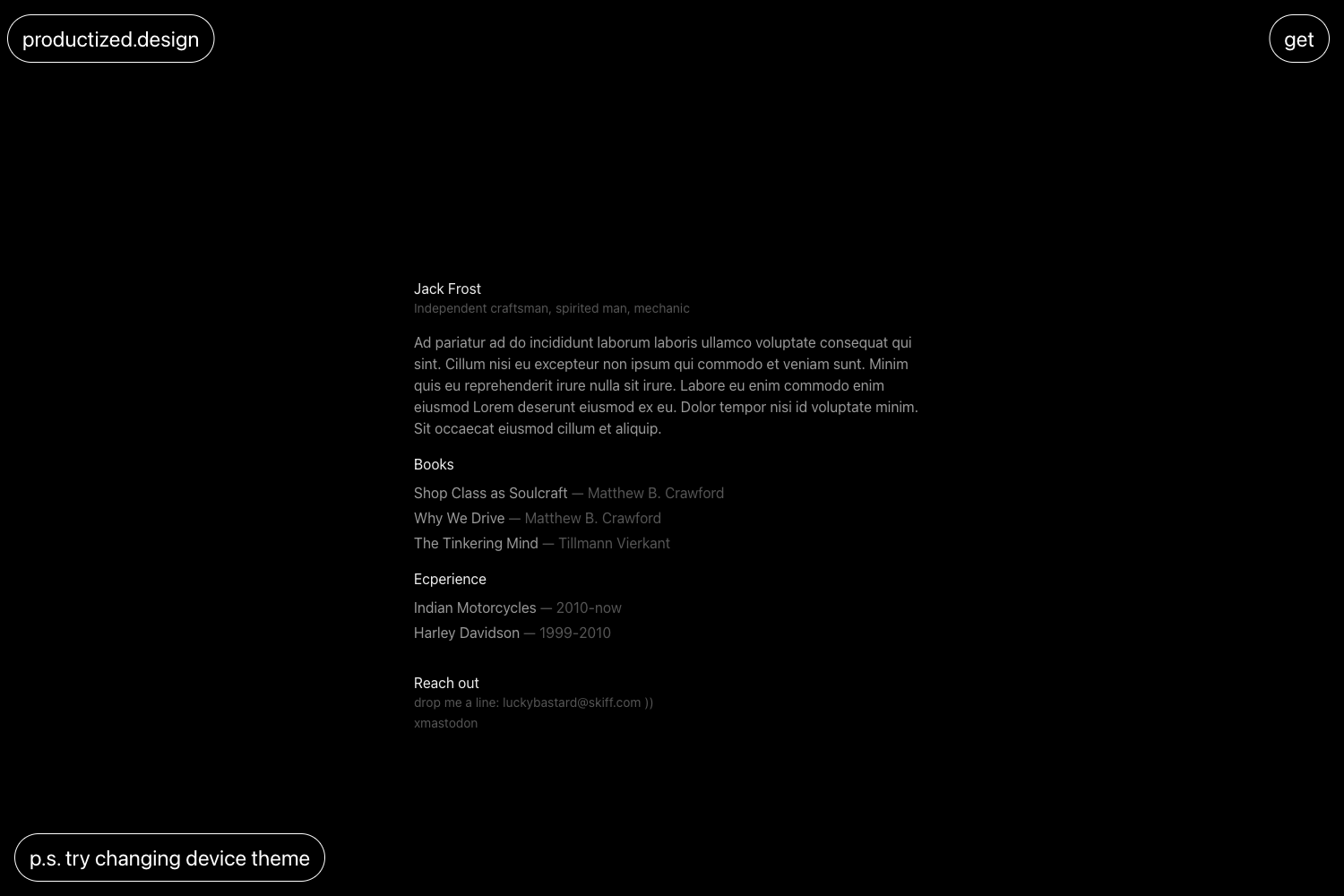
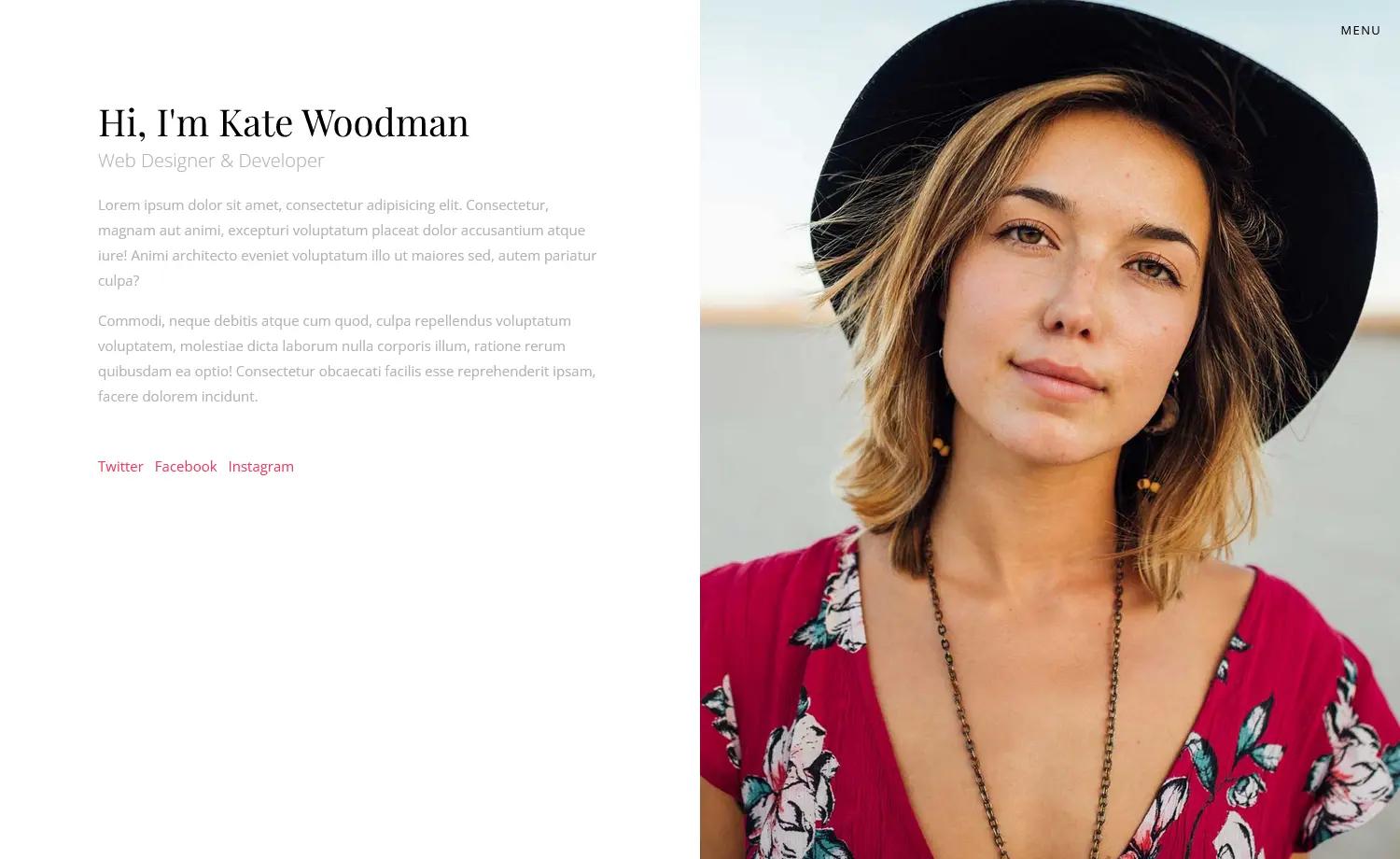
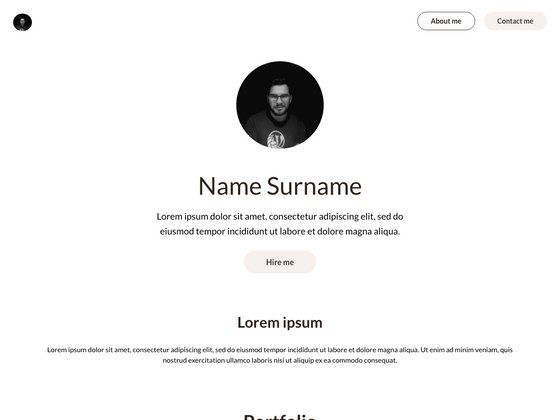
A minimal single-page personal portfolio template built with Astro 6.0.8, customizable through TypeScript data files.
About this template
Astro Portfolio Template is a minimal, single-page personal portfolio site built on Astro 6.0.8, designed to be customized by editing TypeScript data files instead of component markup.
What is the Astro Portfolio template?
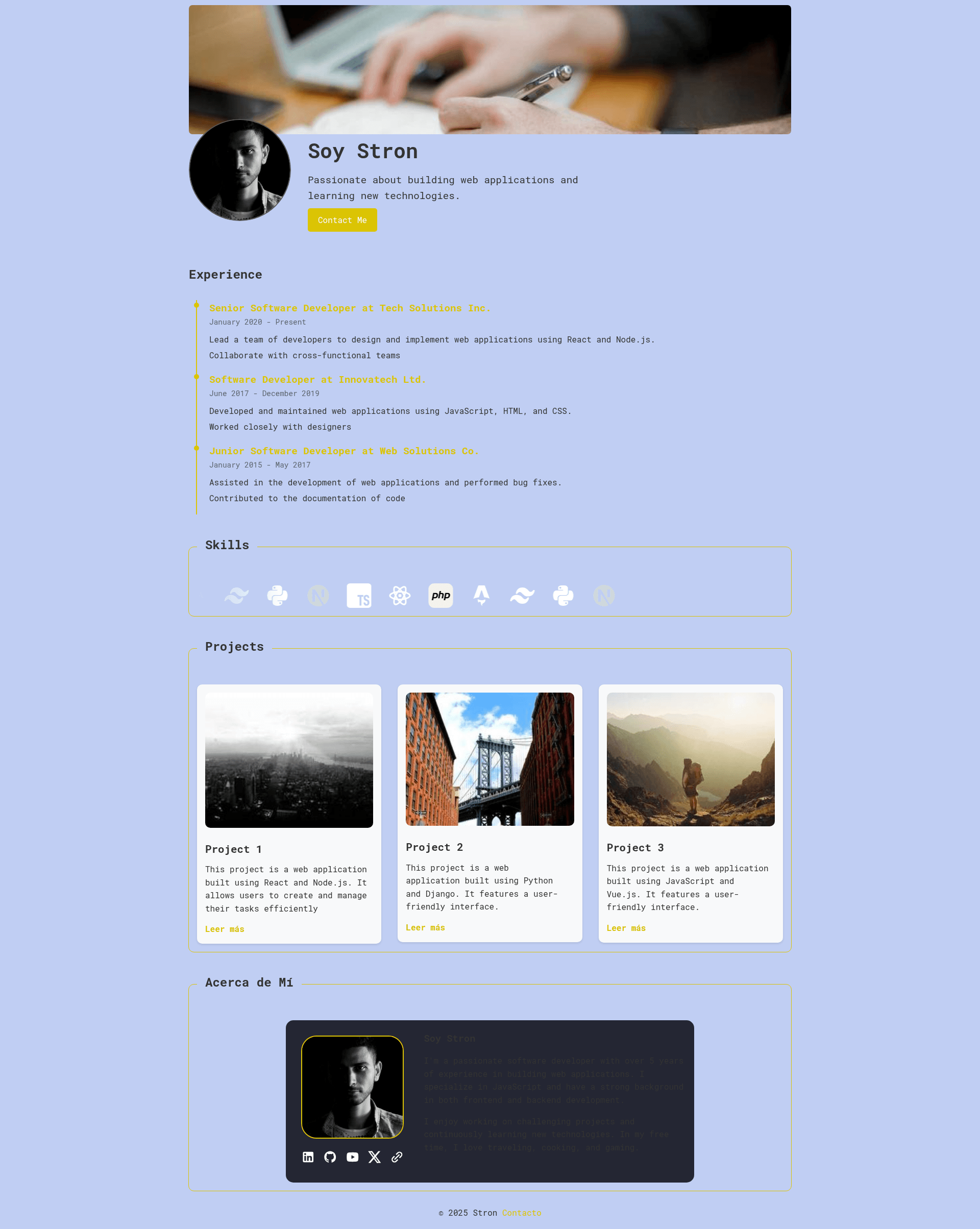
The Astro Portfolio template is a portfolio starter project created by GitHub user elstron that runs on the Astro static-site framework. It takes your personal data — name, profession, bio paragraphs, skills, work experience, projects, and social links — from TypeScript files in src/data and produces a single-page website with Hero, About, Experience, Projects, and Skills sections. The project is configured to run in server (SSR) mode by default, but can be switched to fully static output by changing one line in astro.config.mjs.
What makes the template stand out?
- TypeScript data files — All content lives in src/data/aboutMe.ts, experience.ts, projects.ts, and skills.ts; edit arrays and strings to update the site, no HTML or JSX knowledge needed.
- Astro component architecture — The page is composed of reusable Astro components including ExperienceCard, ProjectCard, and section components for Hero, About, Experience, Projects, and Skills.
- Automatic theming with CSS variables — styles.css uses native CSS variables and the light-dark() function to switch between light and dark themes automatically based on the user's system preference.
- Roboto Mono Variable font — Bundled from Fontsource, giving the template a consistent monospace typography without external font requests.
- Single-page layout — The entire site is rendered from src/pages/index.astro, applying a shared layout from src/Layouts/Layout.astro that includes meta tags and HTML structure.
- SSR-to-static flexibility — The default output mode is 'server' (SSR), but the README documents changing it to 'static' to generate a static site.
- SVG icon system — Skill icons are stored as SVG files in src/assets/icons, and social icons in src/assets/social, referenced from the data files.
Who is this template for?
- Software developers — Publish a clean portfolio that lists their technical skills and project stack (declared as arrays of strings in projects.ts).
- Designers and freelancers — Showcase a visual resume with contact info, social media links, and a profile picture, all configured in aboutMe.ts.
- Students and recent graduates — Build a professional-looking personal page for job or internship applications without learning a full frontend framework.
- Anyone new to Astro — Use the project as a learning example of how data-driven components and Astro sections fit together in a minimal codebase.
What can you do with it?
- Deploy a personal portfolio quickly — Clone the repo, run pnpm install, edit the data files, and push to a static host after switching output to 'static'.
- Maintain a resume site without touching markup — Experience entries, project cards, and skill icons are all generated from arrays in the data folder.
- Customize the visual theme — Adjust colors and spacing via CSS variables in styles.css, or replace the Roboto Mono font entirely.
- Extend it with new sections — Add new Astro components and wire them into src/pages/index.astro, following the existing section pattern.
How does the template work?
The README walks through a simple workflow: clone the repository, install dependencies with pnpm, and run pnpm dev to start a development server on port 4321. Content is edited in src/data, then imported by section components, which pass data to card components that render individual experiences and projects. The project includes Prettier for code formatting and uses Astro config from astro.config.mjs.
FAQ
What Astro version does the template use?
The template was built with Astro 6.0.8, as stated in the repository's technologies section.
How do I change the content of the portfolio?
Edit the TypeScript files under src/data. Each file exports typed arrays or objects — aboutMe.ts for personal details and contact, experience.ts for work history, projects.ts for project entries with images and tech stacks, and skills.ts for skill icons.
Does this template support static (SSG) output?
Yes. The default configuration is server (SSR) mode, but the README explains changing output from 'server' to 'static' in astro.config.mjs to generate a static site suitable for any static host.
What package manager is required?
The project uses pnpm — installation commands are listed as pnpm install, pnpm dev, pnpm build, and pnpm preview.
Is the template open source?
Yes, the repository is licensed under the ISC license, and the repository has 2 stars on GitHub.