Template details
Gatsby Starter Portfolio
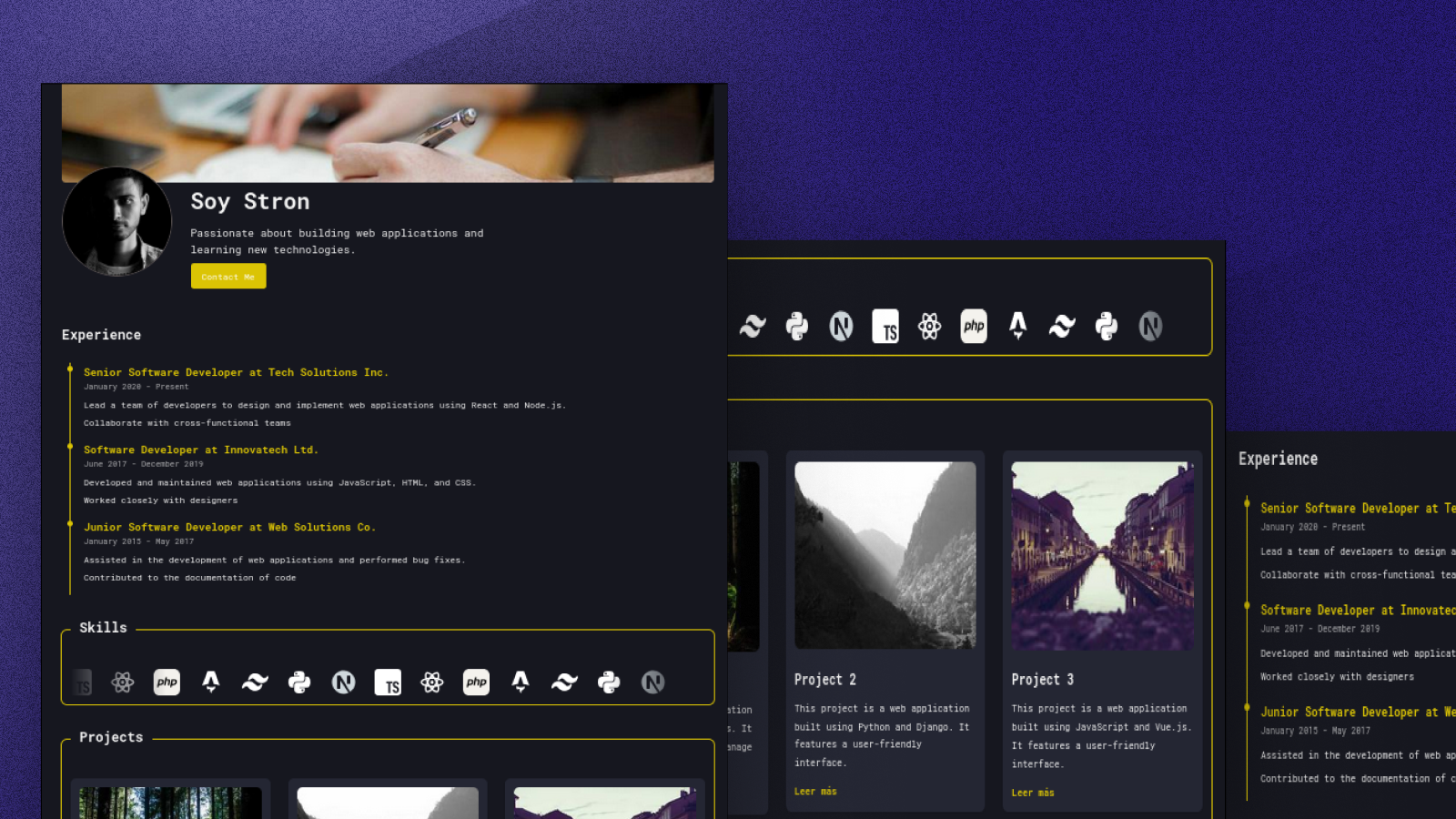
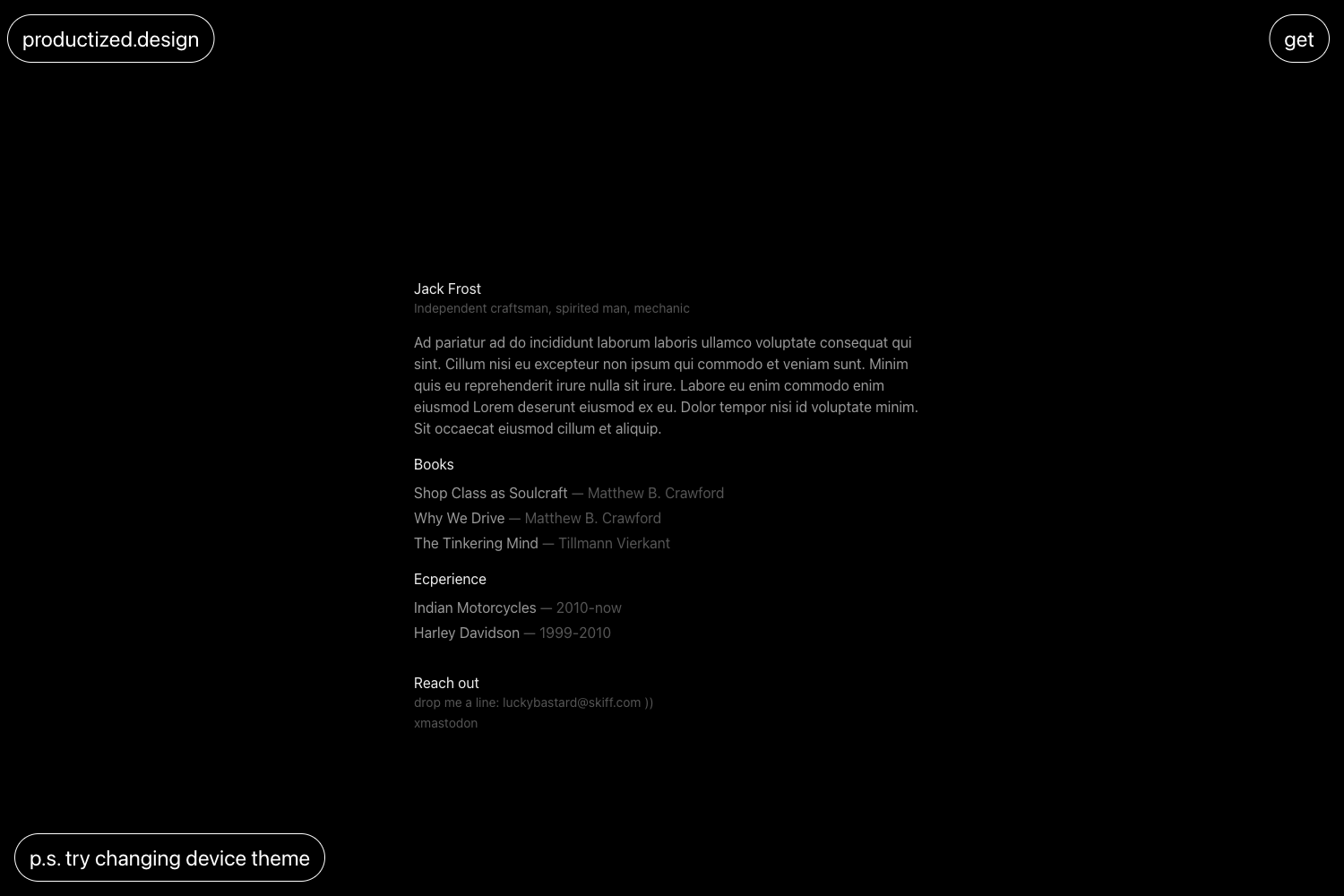
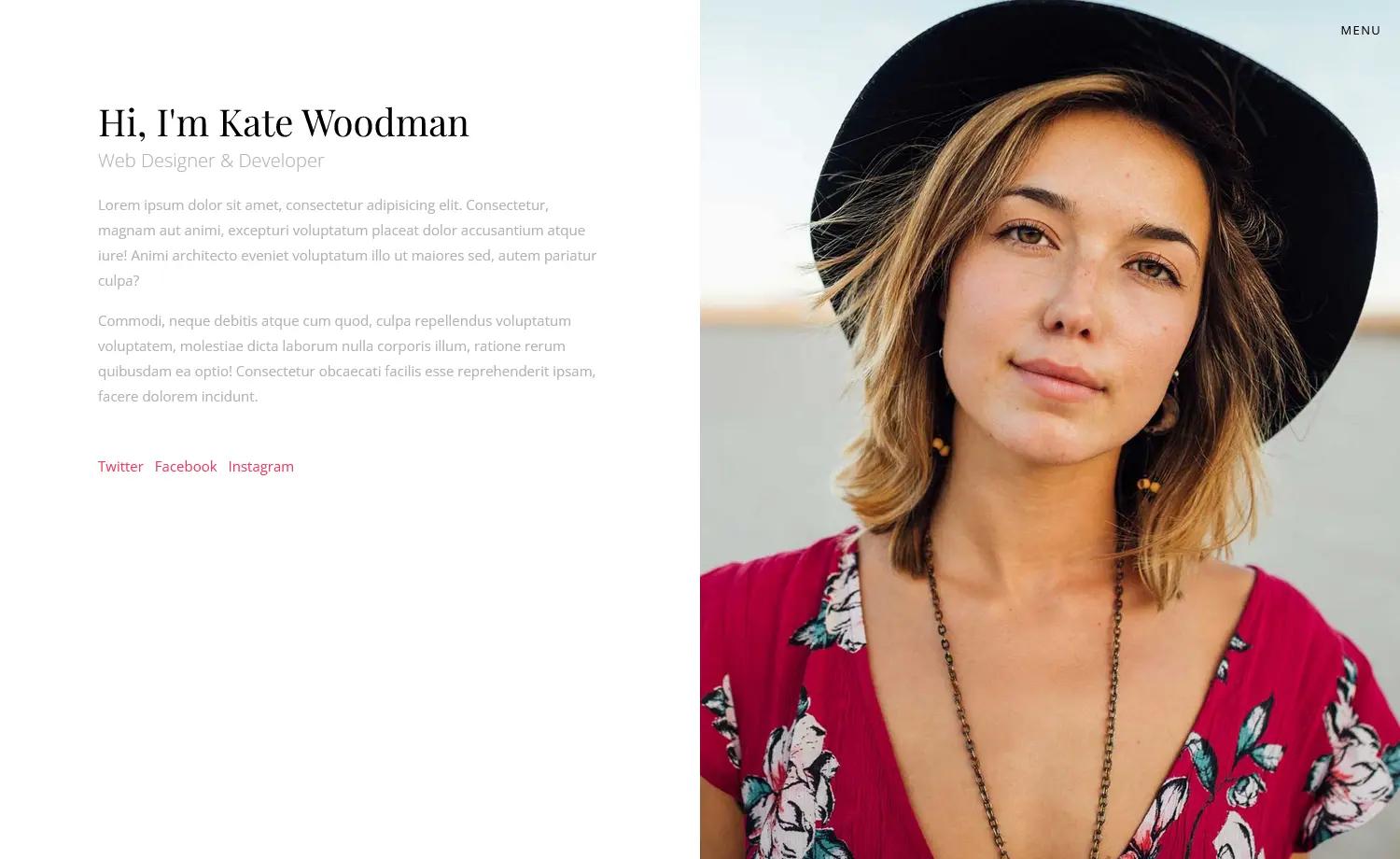
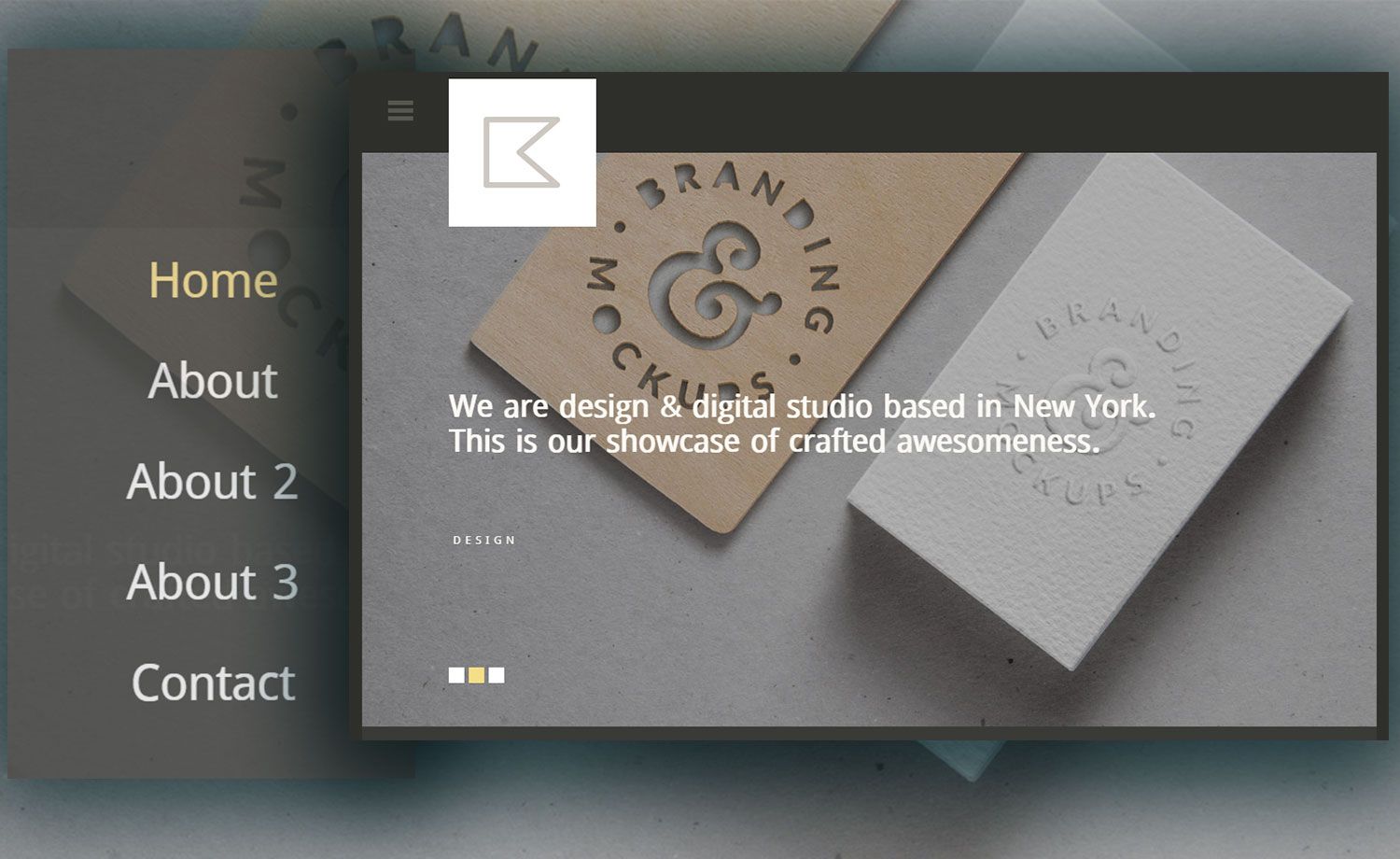
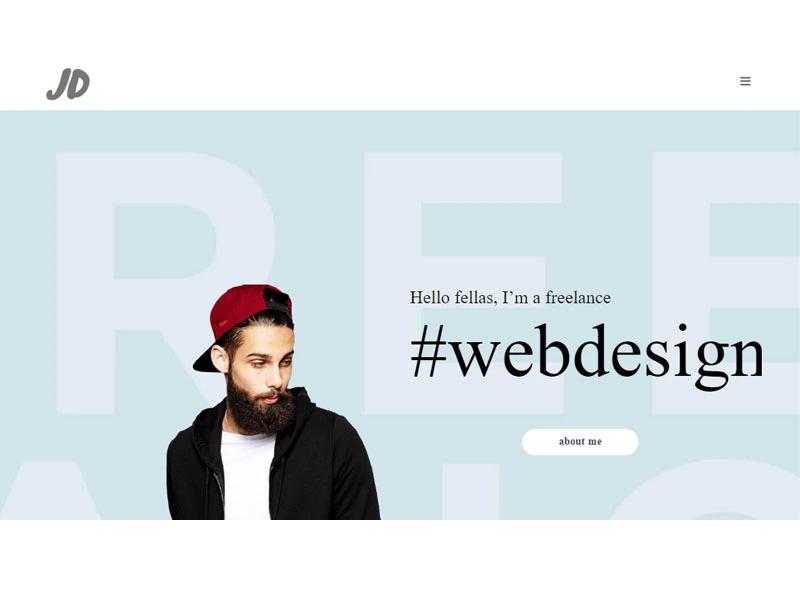
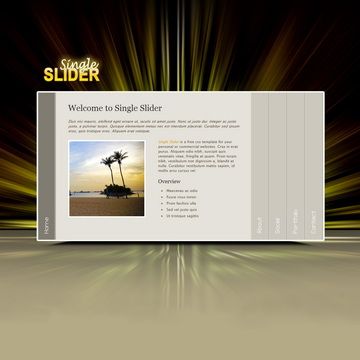
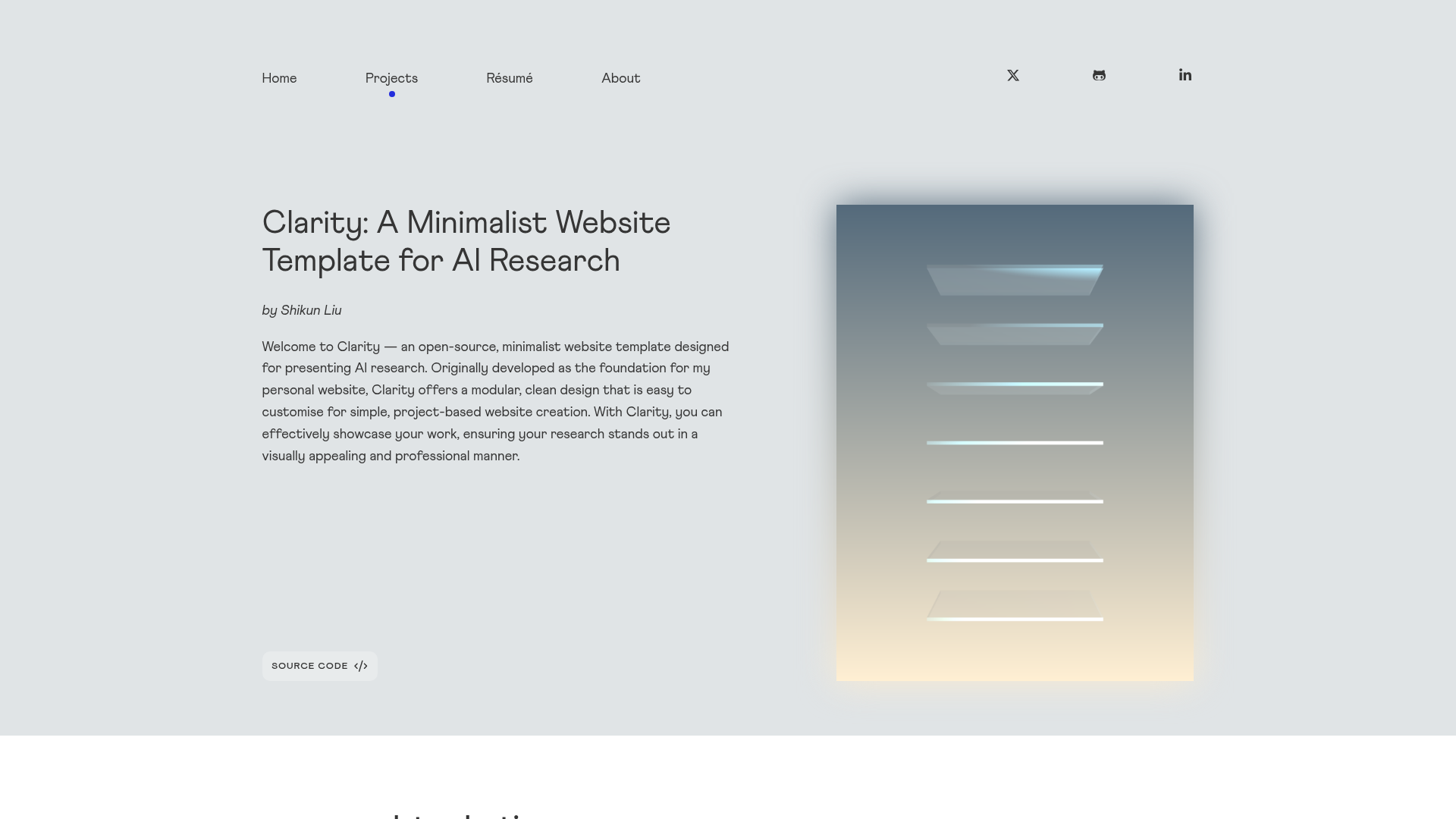
A barebones Gatsby starter for quickly creating a deployable portfolio website.
About this template
Gatsby Starter Portfolio is a free and open-source Gatsby boilerplate for building a personal portfolio website, created by Milos Lekovic and published on GitHub. This starter gives you a minimal static site skeleton with the core portfolio sections already in place, so you can start adding your own content and deploy immediately.
What is the Gatsby Starter Portfolio?
The Gatsby Starter Portfolio is a barebones Gatsby starter designed to kick off a portfolio website. It runs on Gatsby, a React-based static site generator, and takes a fresh project directory as input, producing a development-ready site and a production build you can host anywhere. The starter is open source and maintained as part of the Gatsby starter ecosystem, with a live preview available on Netlify.
Key features
- Gatsby framework — built on Gatsby, which compiles React components into fast, static HTML at build time.
- Barebones file structure — ships only the main portfolio items needed to get started, without extra pages or complex configuration.
- Live preview — a deployed version of the default look is available at a Netlify URL, letting you see the starting design before customizing.
- Simple workflow — three commands get you running: npm install, gatsby develop, and gatsby build.
- Local development server — gatsby develop starts a server at http://localhost:8000 for immediate editing.
- Production build — gatsby build generates static files, and gatsby serve lets you preview the optimized output locally.
- Extendable codebase — the GitHub repository can be forked and modified, and the README links to official and community Gatsby starters for other ideas.
Who is the Gatsby Starter Portfolio for?
- Developers who want a minimal JavaScript-based portfolio without hand-building site infrastructure.
- Tech job seekers who need a clean static page to present their work and project history.
- Gatsby learners who want a small, readable starter to understand how a Gatsby site is organized and built.
What can you do with it?
- Personal portfolio: quickly set up a site with your name, bio, and project links, then customize the styling and layout.
- Freelance presence: use the starter as the base for a professional page where you can list services and past work.
- Gatsby practice: edit the source files and run gatsby develop to see how changes appear in real time.
How does the Gatsby starter work?
- Run npm install to install all dependencies.
- Run gatsby develop to start the development server.
- Edit the project source to add your content and change the design.
- Run gatsby build to generate the static production files, then gatsby serve to preview them.
FAQ
Is this Gatsby starter free?
Yes, it is free and open source. The GitHub repository is publicly available, and you can clone, modify, and use it without charge.
What prerequisites do I need?
You need Node.js and npm installed on your computer. The starter’s quick start assumes npm is available and then uses npm install, gatsby develop, and gatsby build.
Can I deploy it to Netlify?
Yes. The live preview for this starter is hosted on Netlify, so you can deploy your output there. After running gatsby build, upload the public folder to any static host.
Does the starter include a blog?
No, the README describes it as a barebones starter with the main portfolio items only. It doesn't mention a blog integration or other advanced features.