Template details
Personify
Free Bootstrap 4 HTML5 CV and resume template with 4 pages, drawer menu, and contact form UI.
About this template
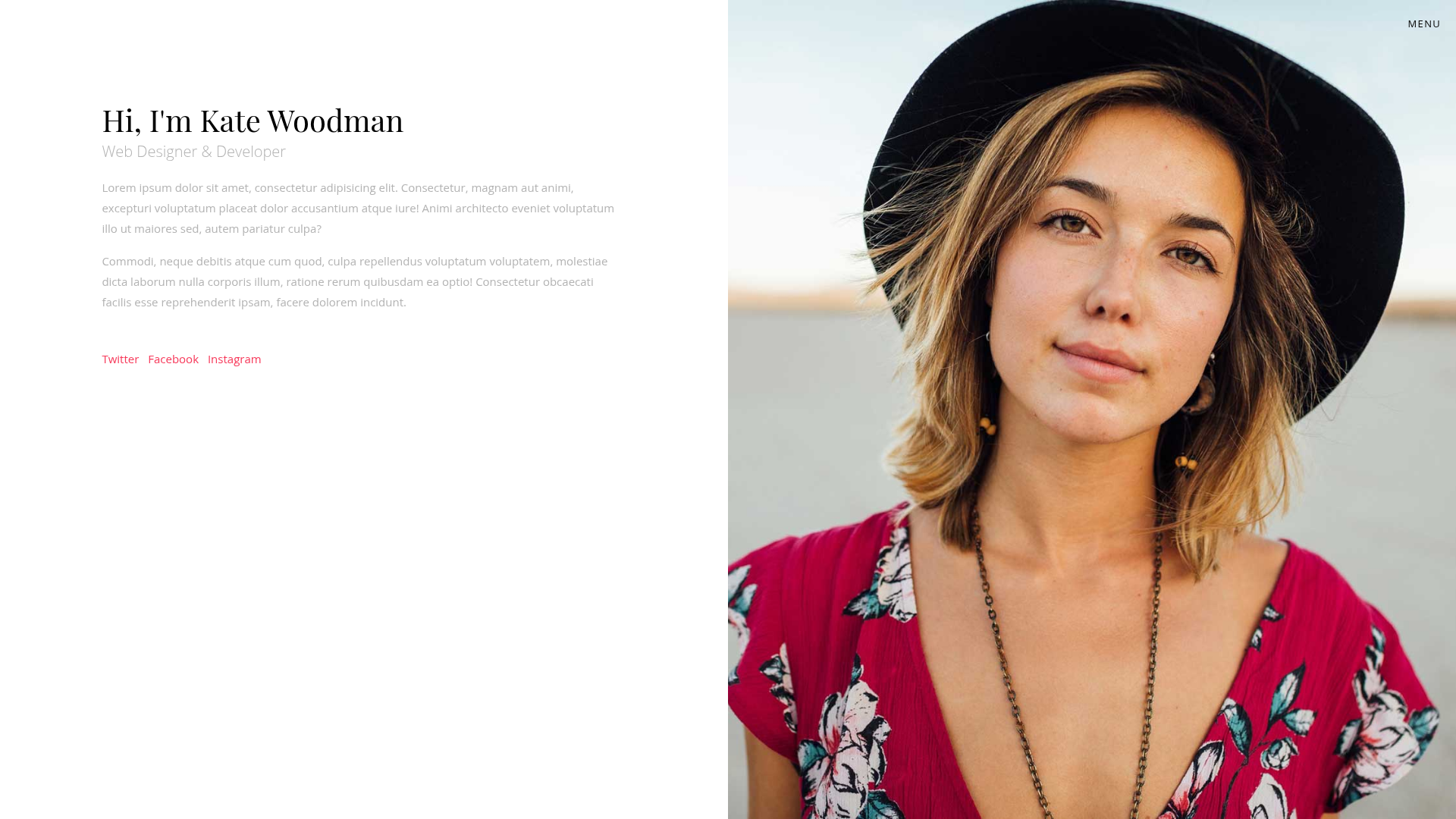
Personify is a free Bootstrap 4 HTML5 CV and resume website template from ThemeWagon that packages your bio, work history, academic achievements, and a contact form into four linked pages with a half-screen image layout.
What is Personify?
Personify is a multipage CV/resume template built on Bootstrap 4 and distributed by ThemeWagon, created by Colorlib. It takes text content such as a biography, prior work, experience, education, and contact details and renders them as a full-width, minimal personal website. The template ships with 4 HTML files (Home, Profile, Resume, Contact) and uses a split layout where one half of the screen holds an image and the other holds your information. A live preview is available at themewagon.github.io/personify.
What makes Personify stand out?
- Half-screen split layout — Each page keeps a fixed image on one half of the viewport while content scrolls on the other, giving the CV a vCard-style presentation.
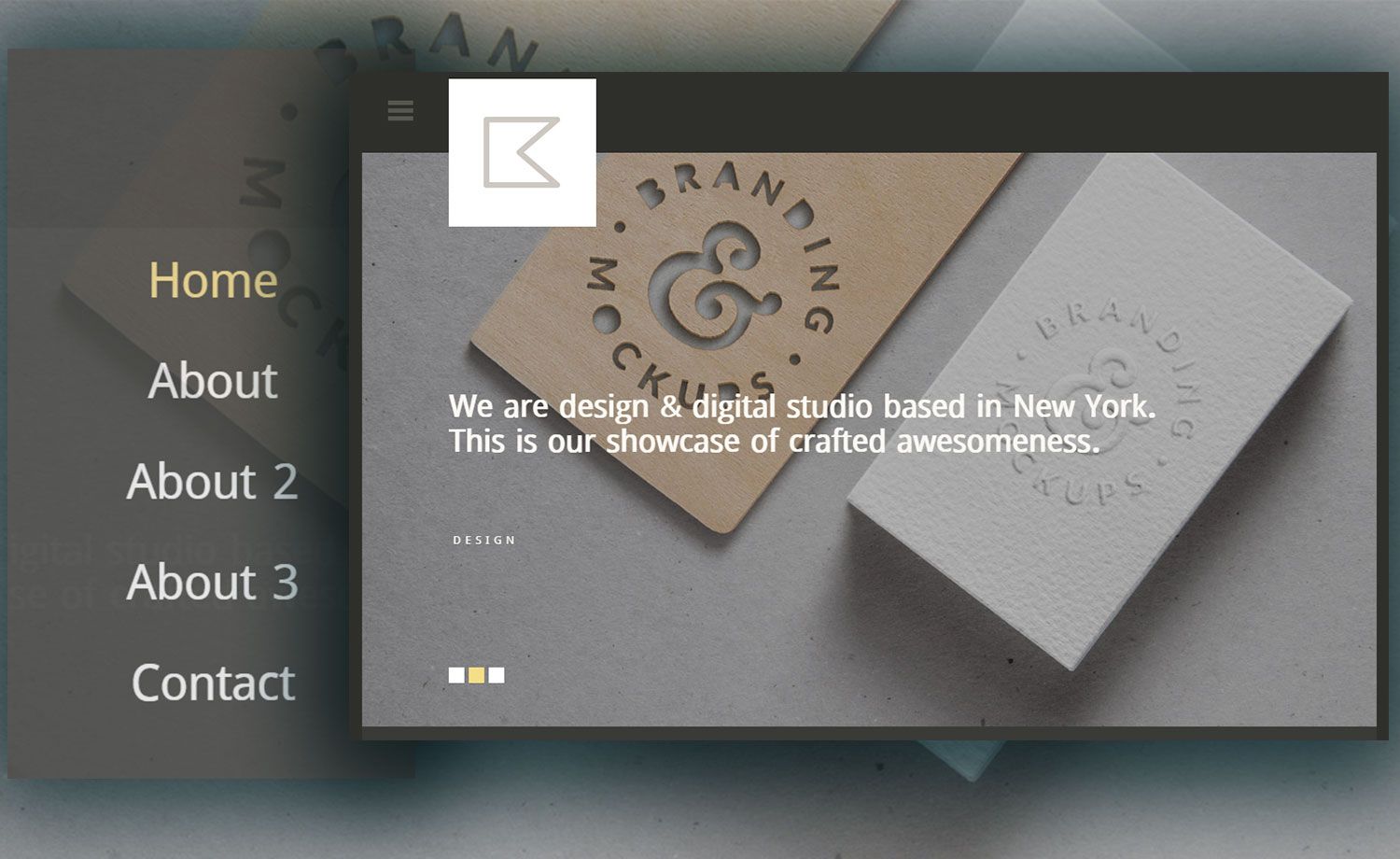
- Drawer menu — Navigation slides out from the side rather than a traditional top bar, controlled by a hamburger-style toggle.
- Four dedicated pages — Home for your bio, Profile for previously completed work, Resume for experience and academic achievements, and Contact with a contact form UI.
- Bootstrap 4 + jQuery stack — Built on Bootstrap 4.0.0 with jQuery 3.2.1, Popper.js, Waypoints, Owl Carousel, and Font Awesome icons.
- Fully responsive — The compatibility list covers Chrome, Edge, Firefox, Mobile, Opera, and Safari.
- SCSS source files — The download includes SCSS files so you can customize variables and styles instead of editing compiled CSS.
- Complete file package — Inside the box you get 4 HTML files, 6 CSS files, 3 JavaScript files, 2 font files, and demo images.
- SEO and UI-friendly — The listing describes the markup as clean, simple, and friendly to search engines.
Who should use Personify?
- Job seekers — publish an online CV with dedicated Resume and Profile pages that lay out work experience and academic achievements.
- Freelancers and creatives — use the Profile page to show prior work and link social media profiles from the menu icons.
- Students — quickly assemble a personal site for internship or graduate school applications with the Home bio section and Contact form.
- Web developers — customize the theme through SCSS and reuse its Bootstrap 4 components for client projects that need a small, static personal site.
What can you do with Personify?
- Job seekers: fill the Resume page with your employment history and education, then share the live URL with recruiters.
- Freelancers: build a one-page-style portfolio where your photo and social links stay visible while project descriptions scroll.
- Developers: replace demo images and edit the four HTML files to create a branded personal site that can be hosted on any static server.
Pros and cons
- Pro: Free to download under a license that permits open-source use, commercial projects, and lifetime free updates.
- Pro: Lightweight static HTML/CSS build with no backend requirements.
- Con: One customer review reports the drawer menu does not work on Windows 7 with Internet Explorer 11.
Pricing
Personify is free from ThemeWagon. The listing states the template is open source, usable in commercial projects, and receives lifetime free updates. No paid tier or premium version is mentioned on the page.
Alternatives
- Folio — another free Bootstrap 4 personal website template from ThemeWagon, offered on the same page as an alternative for personal sites.
- Mark — a free Bootstrap 4 HTML5 portfolio website template listed in the related products section of this ThemeWagon page.
FAQ
Is Personify free?
Yes, Personify is free to download from ThemeWagon. The page lists it as open source and explicitly states you can use it in commercial projects and receive lifetime free updates.
What pages are included in Personify?
Personify includes 4 HTML files: Home, Profile, Resume, and Contact. Home shows your bio, Profile holds previous work, Resume lists experience and academic achievements, and Contact provides a contact form UI.
Who created Personify?
Personify was created by Colorlib, according to the author credit on the ThemeWagon page.
Does Personify work in Internet Explorer 11?
A customer review reports that the menu is not working on Windows 7 with Internet Explorer 11. The compatibility list on the page includes Chrome, Edge, Firefox, Mobile, Opera, and Safari, but not IE11.
How many times has Personify been downloaded?
The ThemeWagon page shows 4,534 downloads for the template.