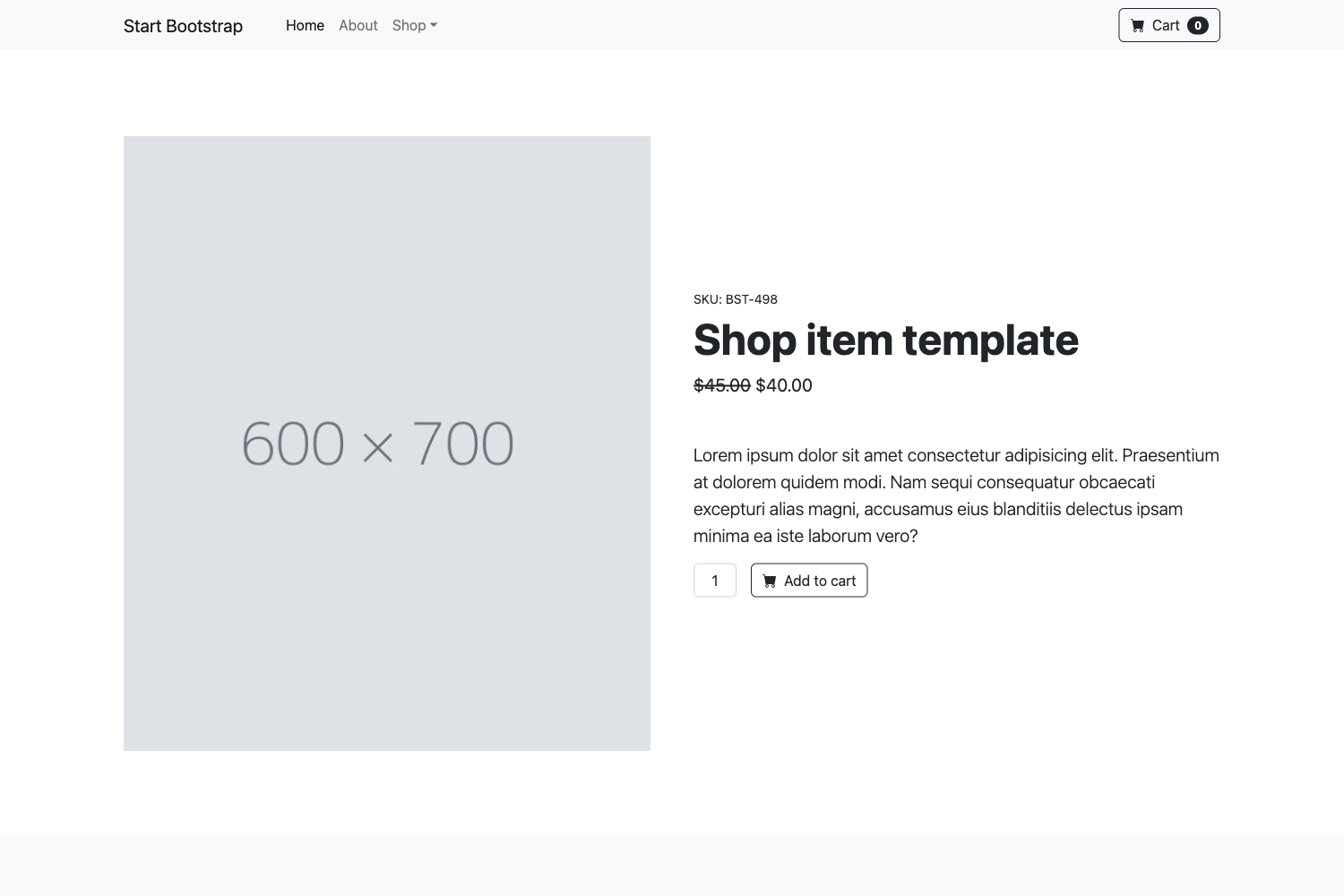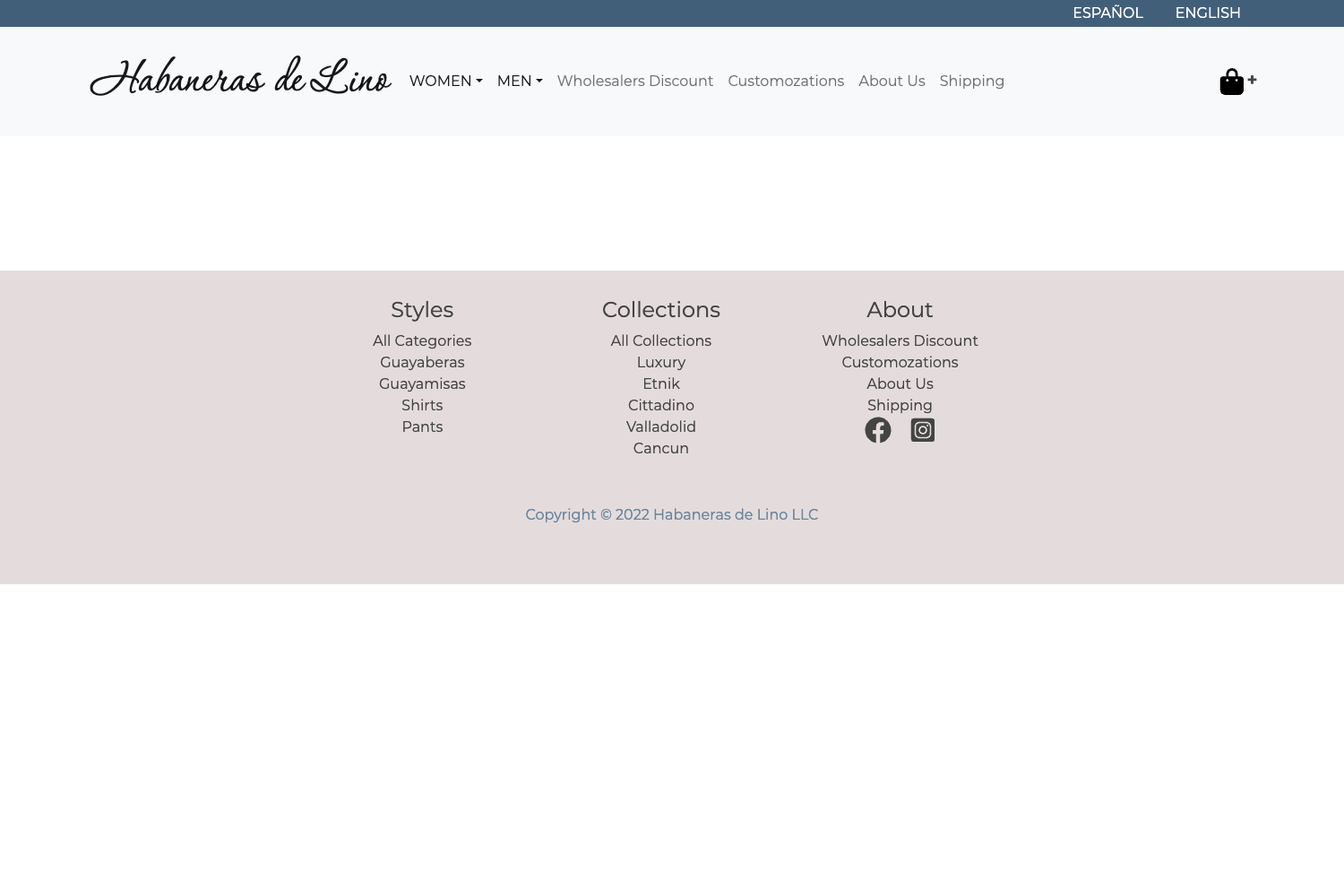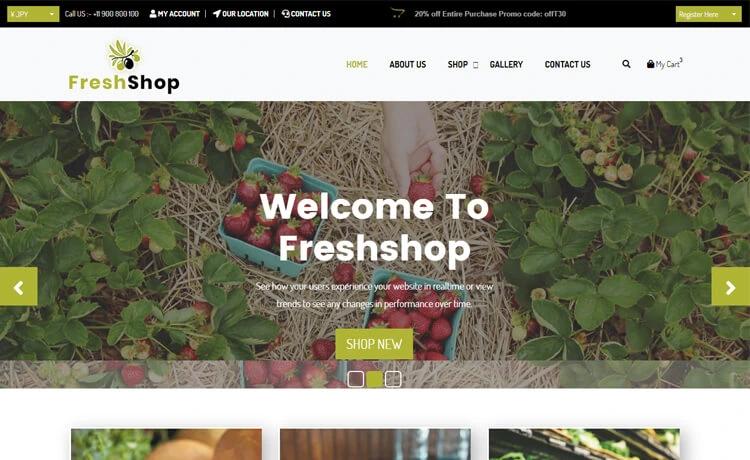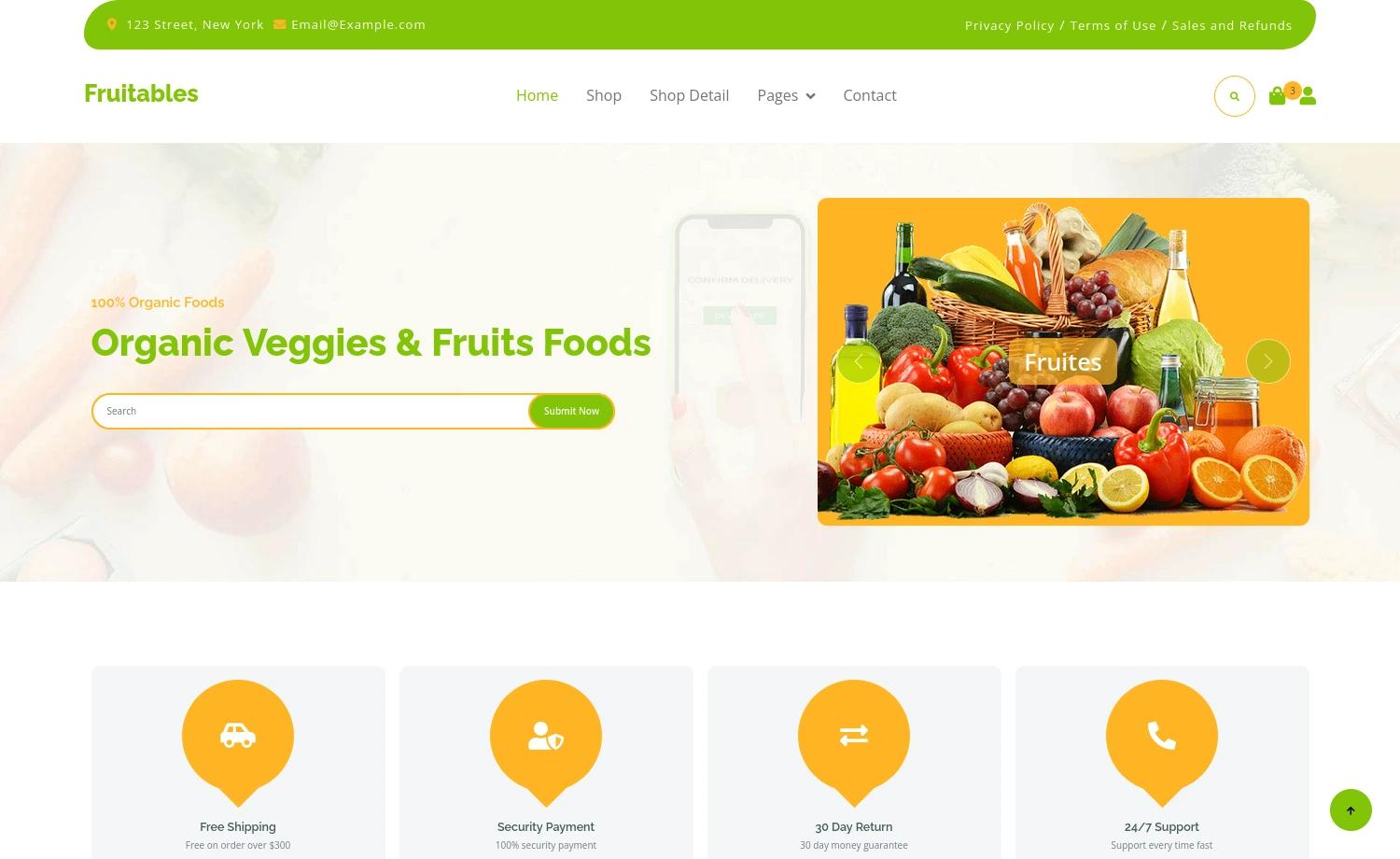
Template details
Astro Shopify
A starter theme to build headless ecommerce websites using Astro and Shopify.
About this template
Astro Shopify is an ecommerce starter theme for building headless Shopify storefronts with Astro, using the Shopify Storefront API instead of Liquid templates. It takes your store URL and access tokens, then provides a working product catalog and cart flow in a lightweight, framework-agnostic Astro project.
What is Astro Shopify?
Astro Shopify is a starter theme that connects an Astro frontend to Shopify's Headless channel, producing a headless ecommerce site. Inputs are your Shopify store URL, public and private access tokens; the output is a static or SSR-rendered site with product data and cart state. The default components are written in Svelte, but Astro's island architecture lets you use React, Vue, Solid, or other frameworks. Styling comes from Tailwind UI free components. The repository is maintained on GitHub with 497 stars.
Key Features
- Framework-agnostic components — Although built with Svelte, this starter works with React, Vue, Solid, or any framework Astro supports, so you can pick a familiar stack.
- Shopify Storefront API integration — Utility code in
src/utils/shopify.tshandles API requests; credentials are stored in.envand the API version is set insrc/utils/config.ts. - Cart store —
src/stores/cart.tsprovides a reactive Svelte store for adding products and managing the checkout sidebar. - Pre-configured project structure — Includes
src/layouts/BaseLayout.astro,src/components/Header.astro,src/pages/index.astro,src/styles/global.css, andsrc/utils/shopify.ts. - Tailwind UI styling — Uses free Tailwind UI components, giving you a responsive design without writing custom CSS from scratch.
- Simple build workflow —
npm run devserves onlocalhost:3000,npm run buildoutputs to./dist/, andnpm run previewtests the production build. - Lighthouse-tested — The repository includes a Lighthouse screenshot, indicating performance was checked during development.
Who is it for?
- Developers starting a headless Shopify project — Skip the setup of Storefront API scopes and Astro config; the theme provides a working base with products, cart, and layout.
- Agencies delivering storefronts — Use the starter to spin up client sites quickly, then customize components with your preferred framework.
- Astro learners — This repository shows how Astro pages, layouts, components, and stores fit together, and how to connect a third-party API like Shopify.
What can you do with it?
- Launch a dev storefront in minutes — After adding your Shopify store credentials to
.env, runnpm installandnpm run devto see a working catalog locally. - Fetch products and inventory — With the scopes
unauthenticated_read_product_listingsandunauthenticated_read_product_inventory, the theme can display listings and stock levels. - Use any UI framework — Replace the Svelte components with React or Vue and the Astro layer keeps the integration intact.
- Build for production —
npm run buildcreates a static site in./dist/that can be deployed anywhere.
How does it work?
- Create a
.envfile from.env.examplewith your Shopify store URL and both public/private access tokens. - Install the Shopify Headless channel in your store, add a storefront, and copy the tokens.
- Run
npm run dev. The theme fetches product data through the Storefront API and renders it insrc/pages/index.astro.
Troubleshooting
If you get a 401 error, the theme's docs say your access scopes are wrong — double-check that you're using Storefront API (not Admin API) and have at least one test product. If the checkout sidebar is empty after adding a product, add an image to the test product so it can render.
FAQ
Why am I getting a 401 error?
A 401 error usually means your Shopify access scopes are not configured correctly. Make sure you are using the Storefront API (not the Admin API), have added at least one test product, and re-check the public and private tokens in your .env file.
Why is my checkout sidebar empty after adding a product?
The sidebar appears empty when your test product has no image. The theme needs an image to render the product in the cart; add an image to the product in your Shopify admin and refresh.
Can I use React instead of Svelte?
Yes. Astro supports multiple UI frameworks, so you can replace the Svelte components with React, Vue, Solid, or any framework Astro islands support, and the rest of the theme continues to work.
What Shopify scopes do I need?
To get started, the theme documentation recommends unauthenticated_read_product_listings and unauthenticated_read_product_inventory. You can add more scopes if your storefront needs additional permissions.