Template details
Builder.io Shopify Starter
Next.js + Shopify + Builder.io starter for building high-performance headless Shopify storefronts with visual CMS.
About this template
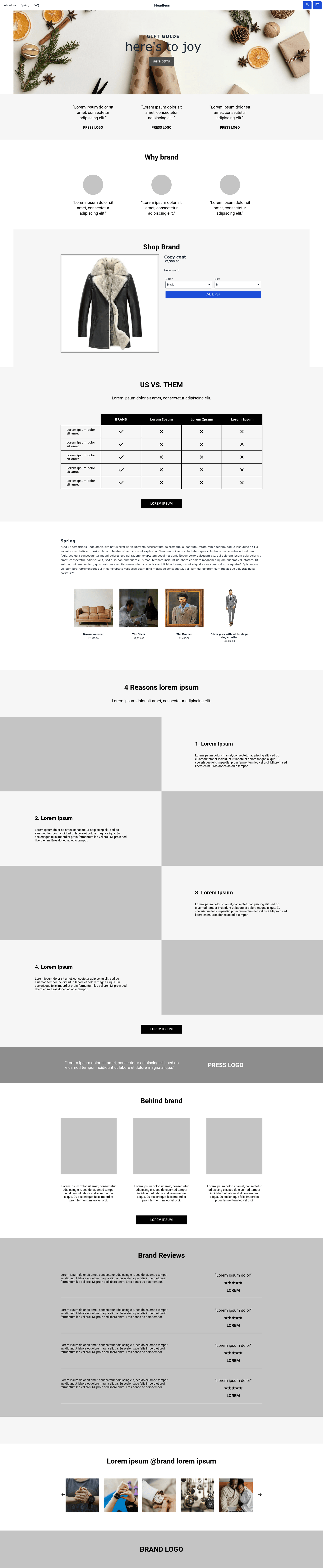
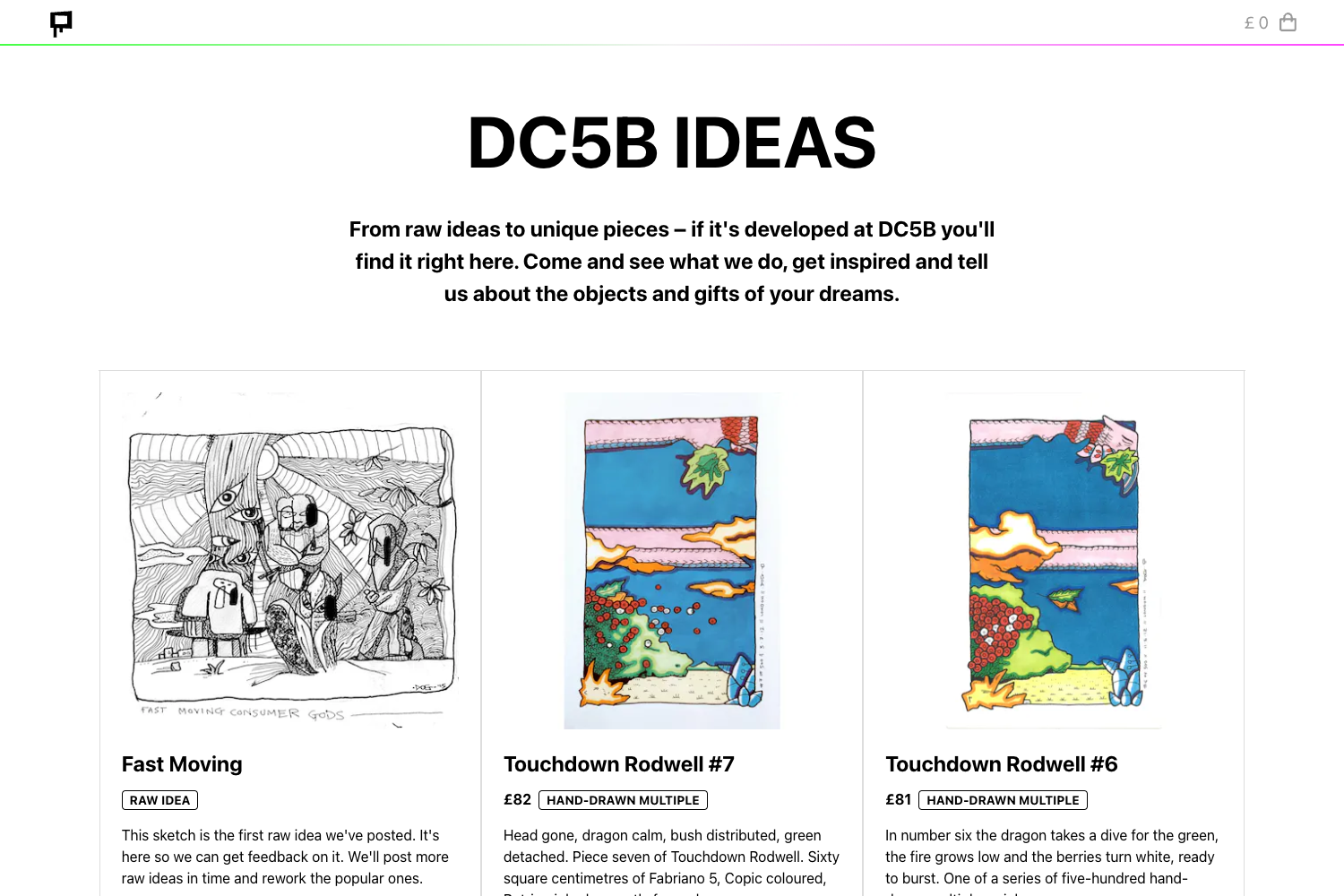
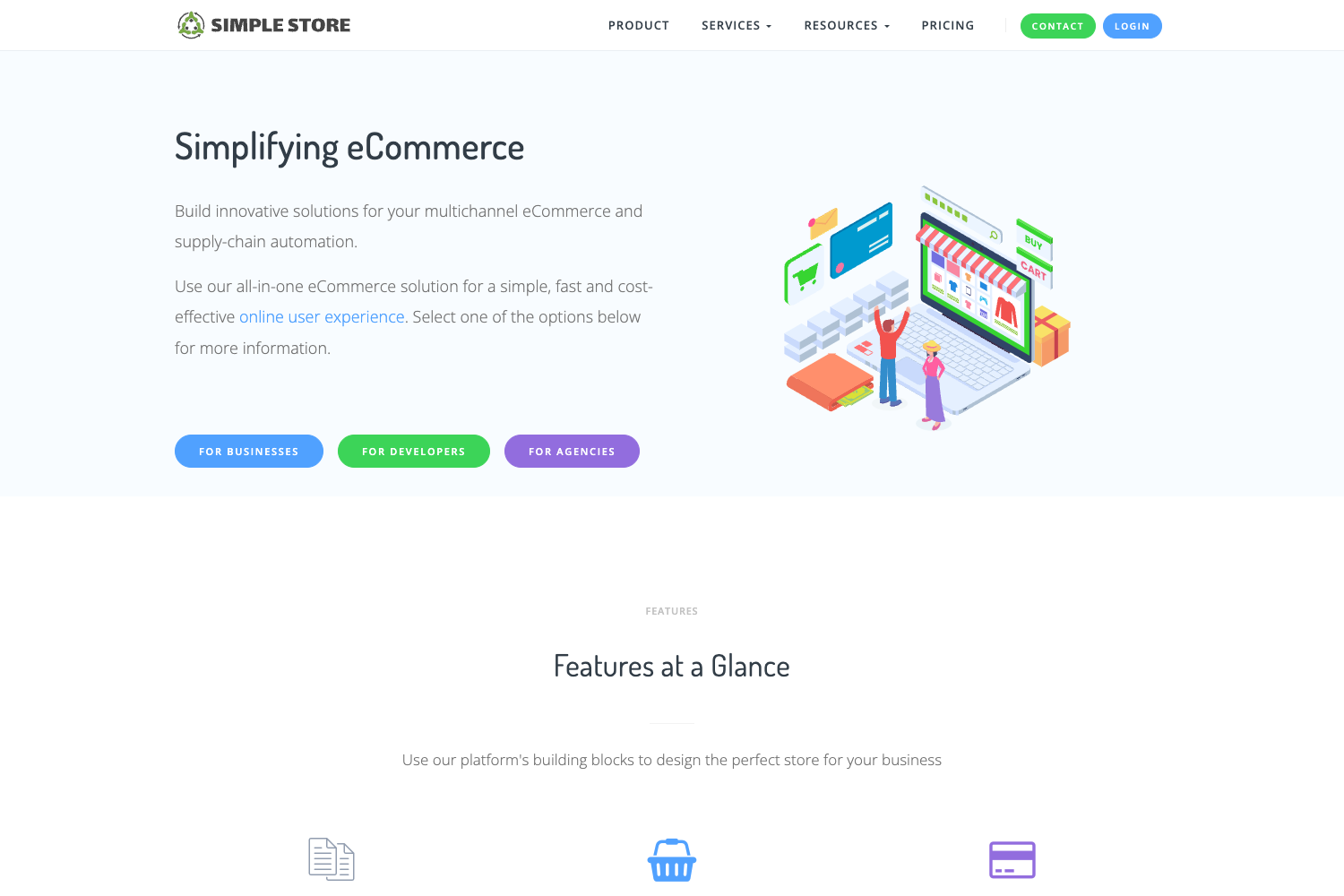
The Builder.io Next.js Shopify Starter is a headless ecommerce boilerplate that connects a Next.js storefront to Shopify's Storefront API, with Builder.io's visual CMS layered on top for drag-and-drop page management.
What is the Builder.io Next.js Shopify Starter?
It is an open-source starter repository that combines Next.js, Shopify, and Builder.io, pulling live product and collection data from Shopify while letting editors build and publish pages through the Builder.io visual interface. The project also publishes starter CMS content from the builder folder into a new Builder.io space when you run the CLI setup. It is maintained by Builder.io and demonstrated at headless.builders. The starter includes a video walkthrough and supports theming, personalization (including internationalization and A/B testing), and SEO optimization.
Key Features
- Ultra high performance — The Next.js architecture with SSR and SSG is set up to deliver fast page loads; the starter's stated goal is ultra high performance.
- SEO optimized — Server-side rendering and static generation provide SEO-friendly HTML; the starter is built with SEO best practices in mind.
- Builder.io Visual CMS — A drag-and-drop page builder is integrated, letting non-technical users create and edit landing, product, and collection pages in a visual editor.
- Shopify Storefront API integration — The project reads live collection and product information from your Shopify store using the Storefront API, with a custom app providing the required token.
- Themable and personalizable — Pages support custom theming and Builder.io personalization features, including internationalization (i18n) and A/B testing.
- One-click deployment — Ready-to-use deploy buttons for Vercel and Netlify let you ship the storefront quickly; any Next.js hosting provider also works.
- Pre-built starter content — The CLI automatically publishes sample content (homepage, product page, collection page) to your Builder.io space, so you have a starting point immediately.
- Environment variable configuration — Uses .env.development and .env.production files to manage the Builder public key and Shopify credentials, making local and production setups straightforward.
Who is it for?
- Developers — who want a pre-configured headless Shopify storefront in Next.js, saving hours of wiring up the Storefront API and CMS.
- Ecommerce teams — who want to update store content without touching code, using Builder.io's visual editor for pages, banners, and product templates.
- Agencies — who build custom Shopify stores for clients and need a themable, deployable starter they can rebrand and extend.
What can you do with the Builder.io Next.js Shopify Starter?
- Create a custom homepage — Use Builder.io's drag-and-drop editor to assemble a landing page that pulls featured products from Shopify.
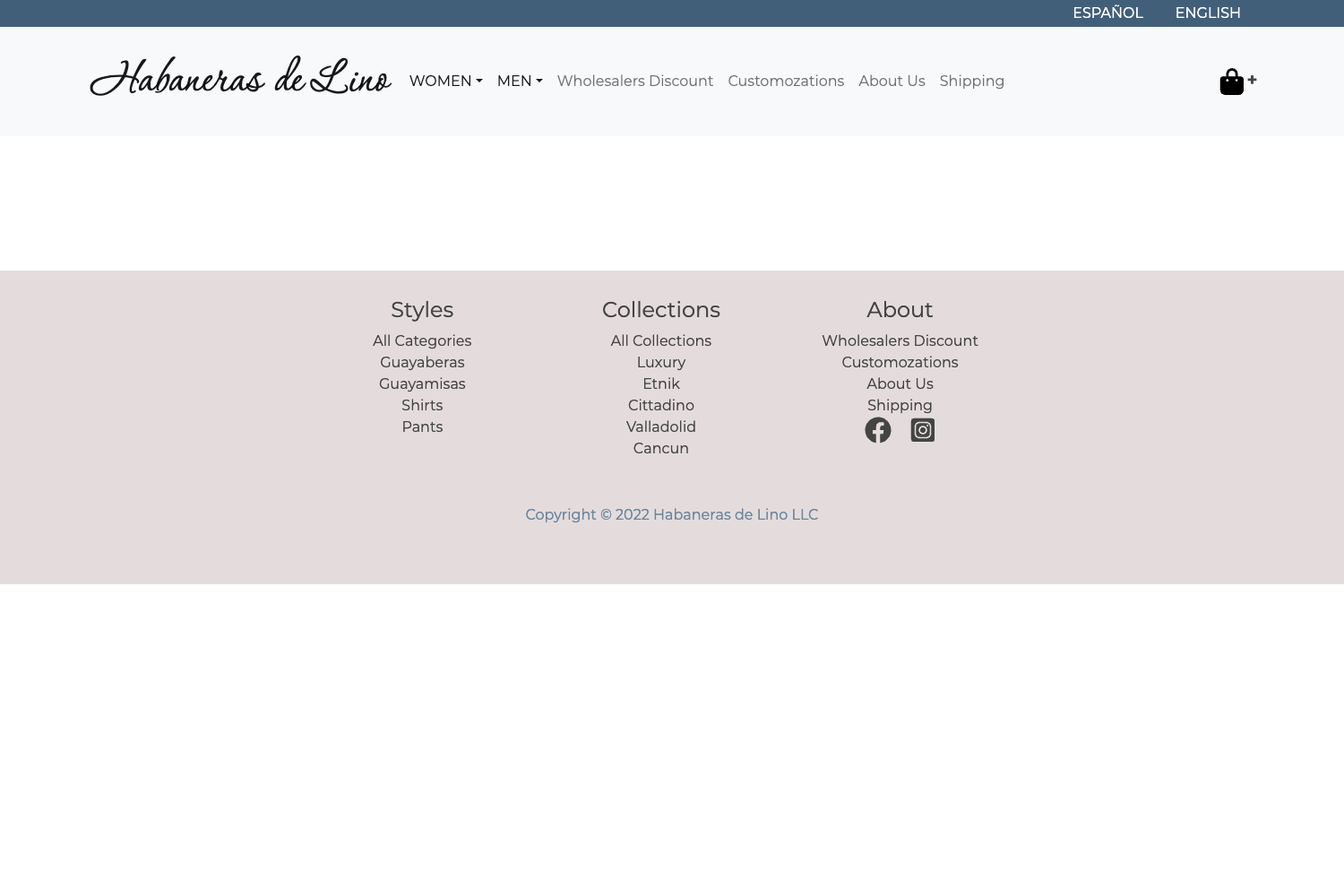
- Build product and collection pages — Pre-built templates for product pages and collection pages are published by the CLI, ready to connect to your Shopify catalog.
- Run A/B tests and internationalize content — Use Builder.io's personalization features to serve different page variations to different audiences or locales.
How does the starter work?
After cloning the repository, you run the Builder CLI with your private key to create a Builder.io space and publish starter content. You then create a Shopify custom app to obtain a Storefront API token, connect Builder to Shopify, and add the keys to .env.development and .env.production. Running npm install and npm run dev starts the server at localhost:3000, where pages are rendered by Next.js and managed via Builder.io.
Pros and cons
- Pros: Open source and free to use; integrates Builder.io and Shopify out of the box; flexible deployment options.
- Cons: Requires a Shopify subscription and a Builder.io account; manual setup steps for API keys and permissions.
Alternatives
- Shopify Hydrogen — Shopify's official headless React framework, built on Remix.
- Next.js Commerce — Vercel's storefront starter, which is CMS-agnostic and integrates with multiple providers.
FAQ
Is the Builder.io Next.js Shopify Starter free?
Yes, the starter code is open source and free to clone, modify, and deploy. You will need to pay for your own Shopify store and need a Builder.io account, but the starter code itself has no licensing cost.
What do I need to get started?
You need Node.js 12 or higher, npm, git, a Shopify store (including a development store), and a Builder.io account. You'll also create a Shopify custom app to get a Storefront API token.
Does the starter support both Vercel and Netlify?
Yes, the repository includes one-click deploy buttons for both Vercel and Netlify. Since it's a standard Next.js app, you can deploy it to any hosting provider that supports Next.js.
Can I use this starter with my existing Shopify store?
Yes, it works with any Shopify store. You just need to create a custom app in that store with the appropriate Storefront API permissions and connect the store domain and token in the environment files.