Template details
Eon
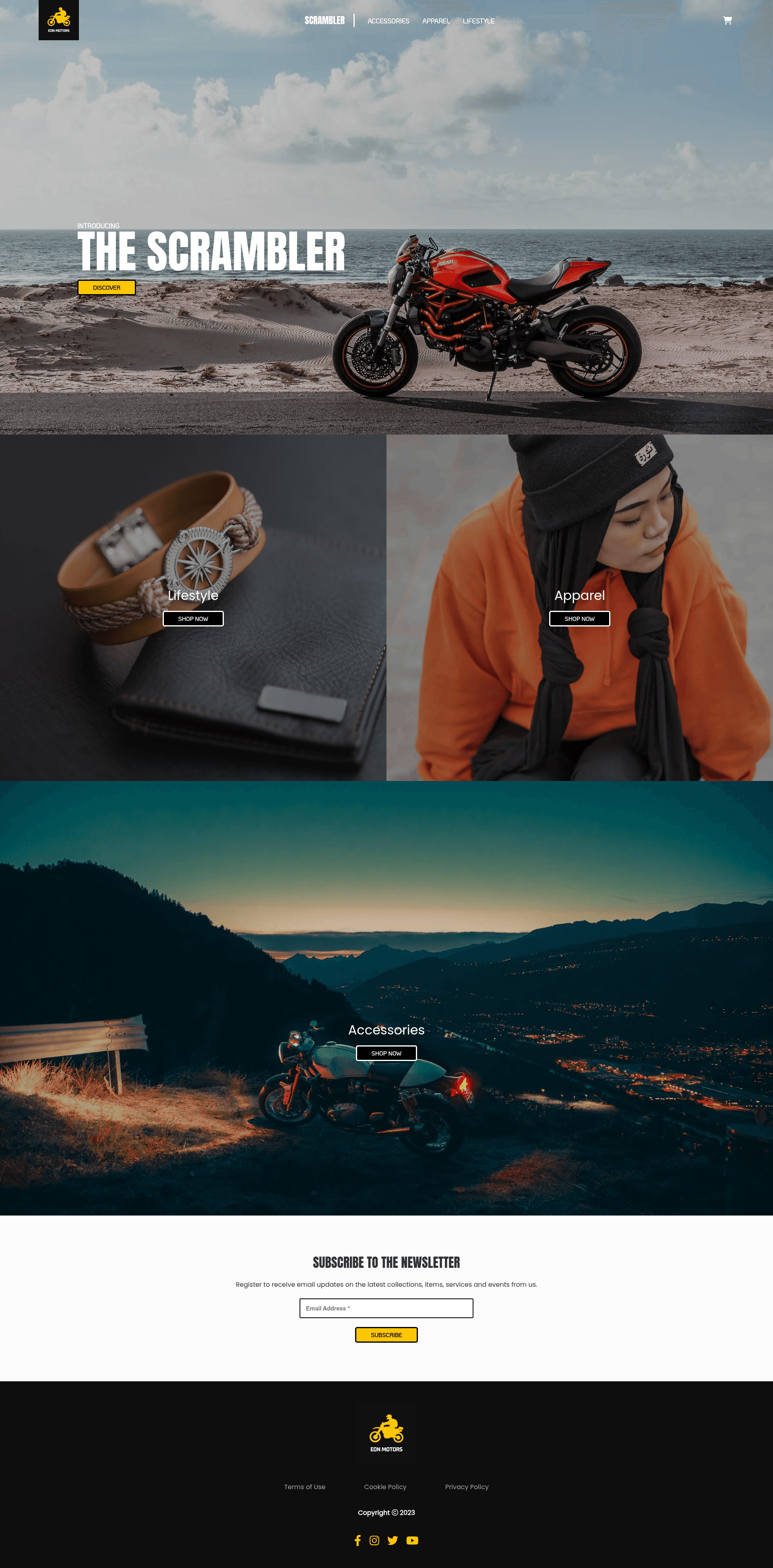
Demo headless ecommerce store built with NextJS and Shopify Storefront API for custom frontends.
About this template
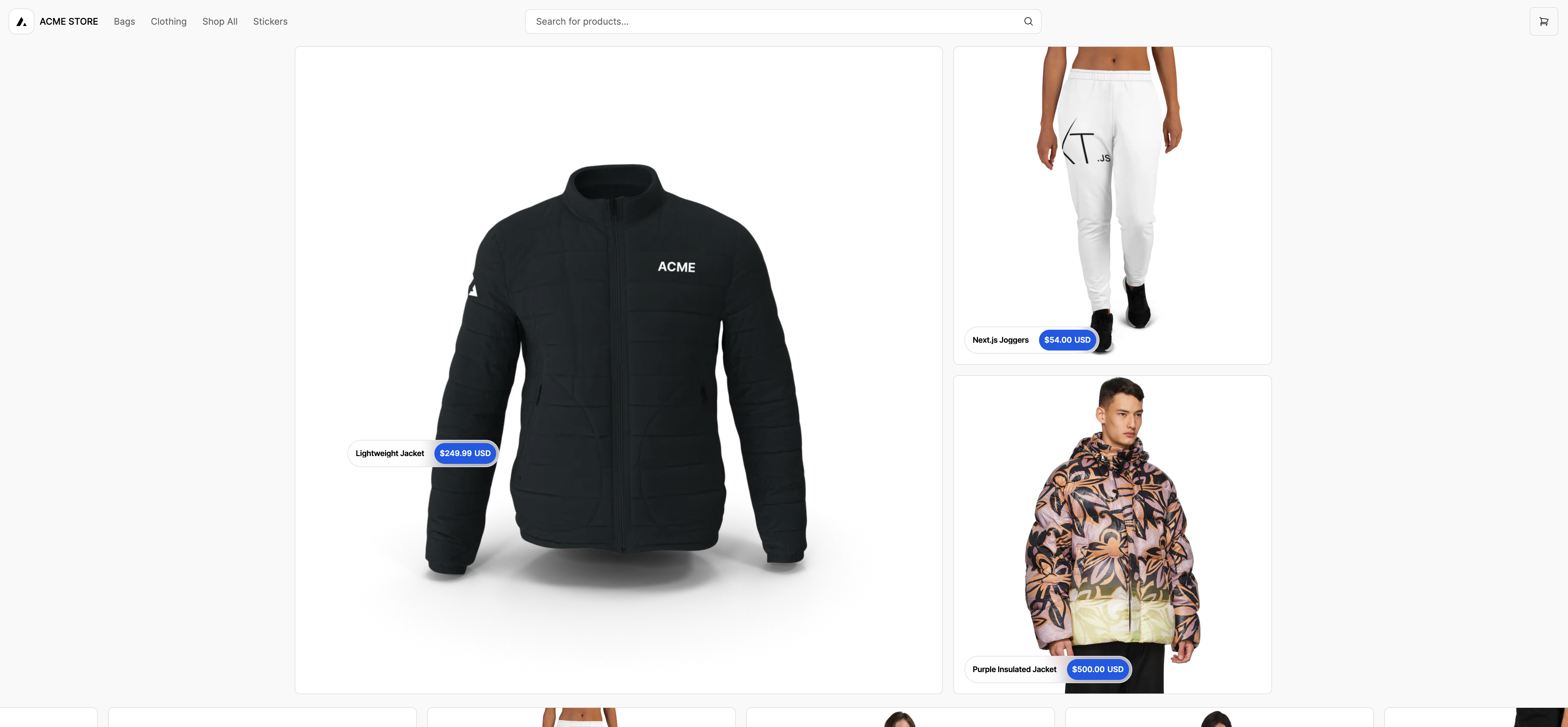
Eon is a demo headless ecommerce storefront built with NextJS and Shopify's Storefront API, showing developers how to create a custom storefront that decouples the frontend from Shopify's theme system.
What is Eon?
Eon is a demonstration headless ecommerce business built with React, NextJS, and SCSS. It consumes product data from Shopify's Storefront API and renders it through a custom Next.js frontend, producing a storefront that does not rely on Shopify's built-in themes. The project is presented as a demo, and a live deployment is available at eon-motors.vercel.app. The repository does not name an individual author or organization, but its GitHub metadata describes it as a "Headless Shopify store built with NextJS".
Key Features
- Next.js framework — The storefront is built in Next.js, giving developers a familiar React-based framework with file-based routing and built-in performance features.
- Shopify Storefront API integration — Products, collections, and other store data are fetched directly from Shopify, demonstrating how to wire a retail backend to a bespoke frontend.
- React components — The UI layer uses React, so every page can be composed from reusable components.
- SCSS styling — Styles are written in SCSS, making it easy to customize the look through variables, mixins, and partials.
- Live demo — A hosted demo at eon-motors.vercel.app shows a motor-themed store with real storefront behavior, letting anyone inspect the result without installing anything.
- Simple local setup — The
clientdirectory contains the full app; afternpm installandnpm run dev, the storefront runs on a local development server. - Headless architecture — By separating the frontend from Shopify's backend, the project avoids theme lock-in and allows faster, more custom user experiences.
Who is it for?
- Developers learning headless commerce — can use Eon to see how a Next.js application integrates with Shopify's Storefront API, from product queries to page rendering.
- Ecommerce teams prototyping — can clone the repo and replace the motor-store data with their own Shopify products to test a custom storefront idea.
- Agencies building Shopify storefronts — can reuse Eon's structure as a starting boilerplate for client work that demands a non-theme frontend.
What can you do with Eon?
- Explore a working headless storefront — open the live demo to see a nextjs storefront powered by Shopify data in action.
- Run it locally — follow the two setup commands in the README to launch the storefront on your own machine.
- Customize the design — edit the SCSS files and React components to change the style, layout, and content without touching the Shopify admin.
- Learn API patterns — study the code to understand how Next.js projects can query external ecommerce APIs for dynamic product listings.
How does Eon work?
The repository contains a Next.js app inside the client folder. After running npm install, the npm run dev command starts a development server that fetches Shopify data through the Storefront API and renders it as a storefront. The live demo at eon-motors.vercel.app lets you test the experience without a local setup.
FAQ
What is Eon?
Eon is a demo headless ecommerce storefront. It combines a Next.js (React) frontend with Shopify's Storefront API as the backend, and it's intended as a learning resource or starting point for developers.
Does Eon require a Shopify store?
Yes, in order to display products, Eon needs to connect to Shopify's Storefront API, which means you'd need a Shopify store with API credentials. The demo itself is already linked to a sample store, so you can browse it online.
Is Eon free to use?
The repository is publicly available, so you can view and modify the source code. However, the README doesn't mention a software license, so you should check the repository's license file before using it commercially.
How do I run Eon locally?
Change into the client directory, run npm install to install dependencies, then run npm run dev to start the development server. This is all that's needed to launch the Next.js app in a local environment.
What technologies does Eon use?
Eon is built with React, NextJS, and SCSS. It integrates with Shopify's Storefront API to pull product data into the custom frontend.