Template details
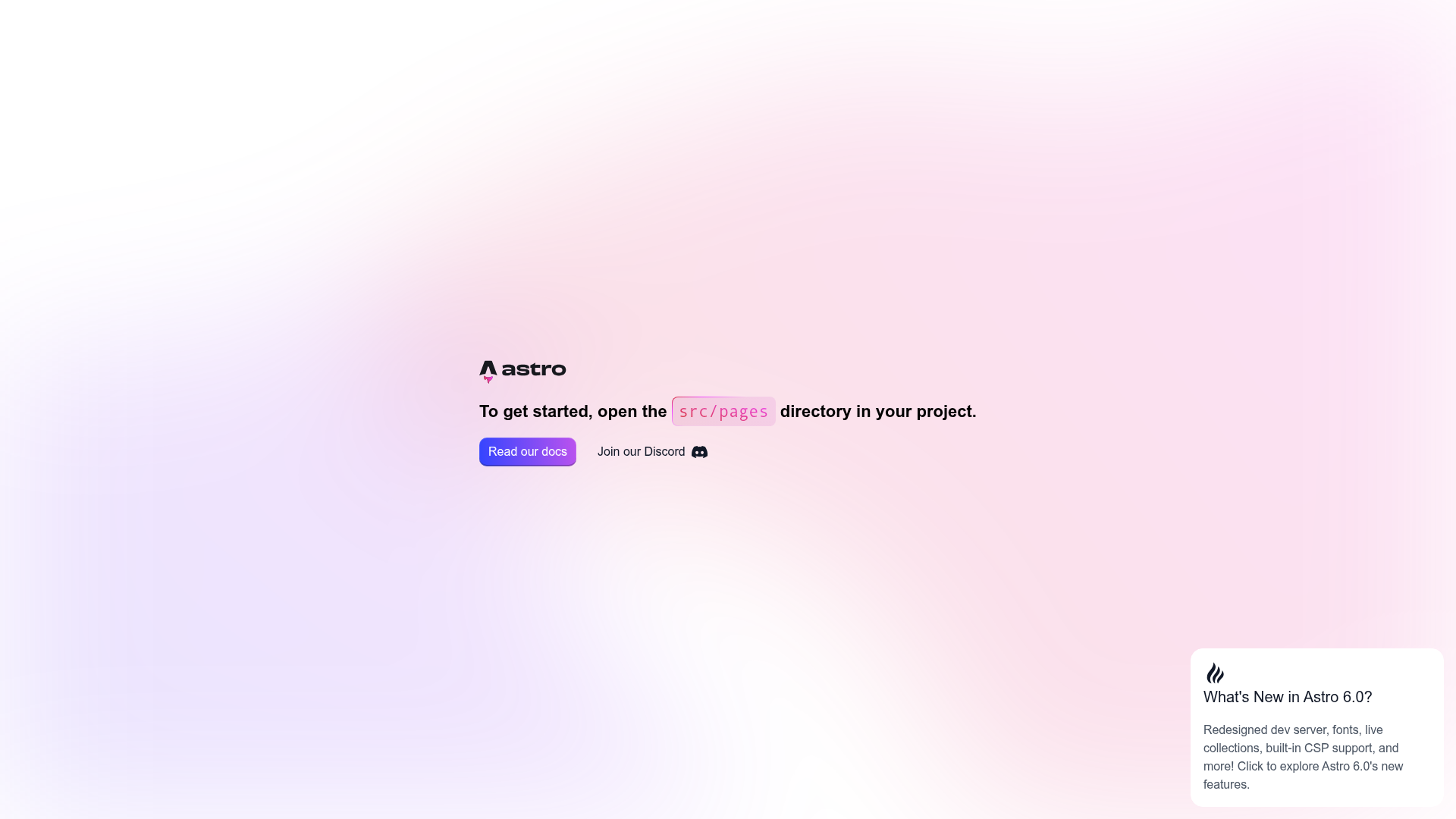
Astro Starter Kit: Basics
The official Getting Started template for Astro, with a minimal project structure for building content-driven static sites.
About this template
The Astro Starter Kit: Basics is the official minimal scaffolding for an Astro project, giving you a one-command way to create a content-driven static site with the Astro web framework.
What is the Astro Starter Kit: Basics?
The Astro Starter Kit: Basics is the minimal official template for starting a new Astro project. It generates a clean project skeleton with public/, src/assets/, src/components/, src/layouts/, and src/pages/ folders, plus a package.json. Running npm run build outputs a production-ready static site to ./dist/. The template is maintained by the Astro team and lives in the examples/basics directory of the withastro/astro GitHub repository, where the framework repository itself has over 61,000 stars.
Key Features
- One-line scaffold —
npm create astro@latest -- --template basicscreates a new project with the exact structure used in this example. - Standard Astro file structure — The template includes
public/favicon.svg,src/assets/astro.svg,src/components/Welcome.astro,src/layouts/Layout.astro, andsrc/pages/index.astro, demonstrating the Astro convention of separating static assets, components, layouts, and pages. - Local development server —
npm run devstarts a dev server atlocalhost:4321with hot-reloading for rapid iteration. - Production build —
npm run buildcompiles the site into a static./dist/folder ready for any static host. - Preview command —
npm run previewserves the built site locally so you can check the production output before deploying. - Full Astro CLI access —
npm run astrolets you run commands likeastro addfor integrations,astro checkfor type-checking, andastro --helpfor CLI assistance. - One-click cloud IDE links — The README includes buttons to open the project in StackBlitz, CodeSandbox, and GitHub Codespaces, so you can start coding without installing anything locally.
Who is it for?
- Developers new to Astro — Use the template to learn how an Astro project is organized and to see how components, layouts, and pages fit together.
- Content site creators — Use it as the starting point for a blog, marketing page, or documentation site, then add integrations such as a CMS or styling framework via
astro add. - Framework evaluators — Scaffold the template and run
npm run devto experience Astro's developer experience and static-site performance firsthand.
What can you do with the template?
- Learn the file structure: Explore the pre-created
public,assets,components,layouts, andpagesfolders to understand where different file types belong. - Build a static site: Replace
src/pages/index.astrowith your own content, keep theLayout.astrofor consistent markup, and runnpm run buildto generate a deployable site. - Develop in the cloud: Open the template directly in StackBlitz, CodeSandbox, or GitHub Codespaces from the README links, with no local Node.js setup required.
How does the template work?
After scaffolding, all commands run from the project root. First run npm install to install dependencies. Then use npm run dev for local development at localhost:4321, npm run build to create the production ./dist/ folder, npm run preview to test that build, and npm run astro to access the full Astro CLI for adding integrations or checking your project.
FAQ
Is the Astro Starter Kit: Basics the official Astro template?
Yes. It is the basics example in the official withastro/astro GitHub repository, and the README links to the Astro documentation and Discord server.
What does the template include?
It includes a minimal but complete project structure: a public/ folder with favicon.svg, a src/ folder with assets/ containing an Astro logo, components/ with a Welcome.astro component, layouts/ with a Layout.astro, pages/ with an index.astro, and a root package.json with scripts for install, dev, build, preview, and the Astro CLI.
How do I start the development server?
Run npm install once, then npm run dev from the project root. The dev server starts at localhost:4321 by default.
Can I open the template without installing Node.js?
Yes. The README provides one-click buttons to open the exact same project in StackBlitz, CodeSandbox, and GitHub Codespaces, all browser-based development environments.