Template details
ts-nextjs-chakra-starter
Next.js + Chakra-UI + TypeScript starter with testing, linting, and Git workflow automation.
About this template
ts-nextjs-chakra-starter is a GitHub boilerplate that scaffolds a Next.js 12 application with Chakra-UI, TypeScript, and a full development workflow already configured. It is a starting point for building React web apps, maintained by revell29 and published as a public GitHub repository.
What is ts-nextjs-chakra-starter?
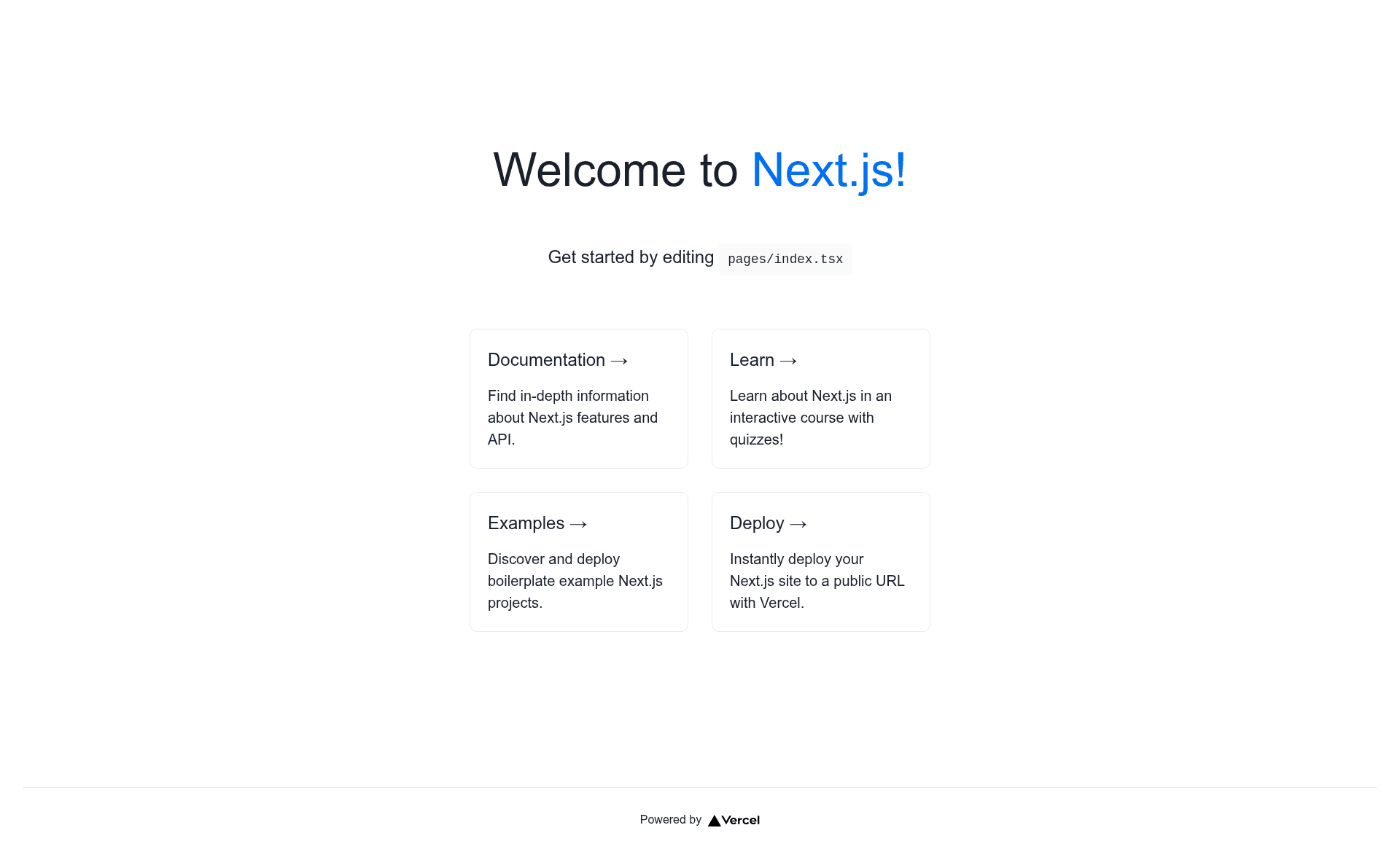
ts-nextjs-chakra-starter is a starter template that combines Next.js 12, React 17, TypeScript, and Chakra-UI into a single project skeleton. To use it, you run a create-next-app command with the template URL and a project name, and it generates a new folder containing a working src/pages/index.tsx, configured tooling, and integration files. The output is a codebase ready for development, including ESLint, Prettier, Jest, Husky, GitHub Actions, and a conventional-commit based changelog system.
Key Features
- Next.js 12 + React 17 — The starter is built on Next.js 12 with React 17 and TypeScript for typed components and server-side rendering.
- Chakra-UI styling — Chakra-UI is pre-installed as the component library, providing accessible React components for layout and theming.
- Jest unit testing — Jest is configured out of the box for unit testing components and utility functions.
- Absolute imports and path aliases — Components can be imported using the
@/prefix, replacing long relative paths. - ESLint and Prettier — ESLint finds and fixes code issues and automatically sorts imports, while Prettier enforces consistent formatting.
- Husky and lint-staged — Git hooks run linting and formatting scripts on staged files before each commit.
- Conventional commits and changelog — Conventional Commit Lint enforces commit message format, and
yarn releasegenerates a standard version changelog. - GitHub Actions and snippets — Linting runs on every pull request, branches auto-create on issue assignment with PR autolinking, and a snippet collection is included.
Who is it for?
- Solo developers building a new Next.js project who want linting, testing, and Git hooks set up without manual configuration.
- Small teams that need consistent commit messages, auto-sorted imports, and pre-commit checks across all contributors.
- Developers learning TypeScript who can use the pre-configured Jest and ESLint setup for test-driven practice in a React project.
- Open-source maintainers looking for a foundation that includes GitHub Actions linting on PRs and automatic branch and issue linking.
What can you do with it?
- Scaffold a new app: Run
npx create-next-app -e https://github.com/revell29/ts-nextjs-chakra-starter project-nameto generate a project with dependencies and configuration already in place. - Enforce code quality: Husky and lint-staged automatically lint and format staged files before every commit, and ESLint sorts imports as you code.
- Generate changelogs: Use
yarn releaseto create a changelog from conventional commit messages. - Deploy to Vercel: A one-click Deploy with Vercel button is included, letting you push the template directly to a live deployment from the GitHub repo.
How does it work?
- Clone the template either with
npx create-next-app -e <template-url> project-nameor by clicking the Deploy with Vercel button. - Install dependencies with
yarn install— the page recommends yarn so the Husky hooks work correctly. - Run
yarn devto start the development server at http://localhost:3000. - Edit
src/pages/index.tsxto customize the page, and change default metadata such as title, URLs, and favicons. - When committing, use conventional commits since the repo enforces it with Commit Lint and uses it for changelog generation.
FAQ
Is ts-nextjs-chakra-starter free to use?
Yes, the template is open source and publicly available on GitHub. You can clone it or use it as a Git template without paying anything, and you are free to modify it for your own projects.
Do I have to use yarn for this starter?
The page encourages yarn because Husky hooks work properly with it. You can still try npm, but the linting and commit hooks may not trigger reliably, so yarn is the recommended package manager.
What does the starter include for testing?
Jest is pre-configured for unit testing. The template comes with a test setup ready to run, so you can write tests for components and utilities immediately.
How do I change the site title and metadata?
The project defaults include title, URLs, and favicons that you need to update for your own project. You would edit those values in the page component and configuration files of the generated project.
Does this starter use Tailwind CSS?
No, this starter uses Chakra-UI as its component and styling library, not Tailwind CSS. The available tags for this repository also reflect Chakra, and there is no Tailwind configuration in the template.