Template details
web-presentation
Jekyll theme template to create a chronological web presentation hosted on GitHub Pages.
About this template
Web-presentation is a Jekyll theme template that converts Markdown files into a chronological, navigable web presentation hosted on GitHub Pages.
What is web-presentation?
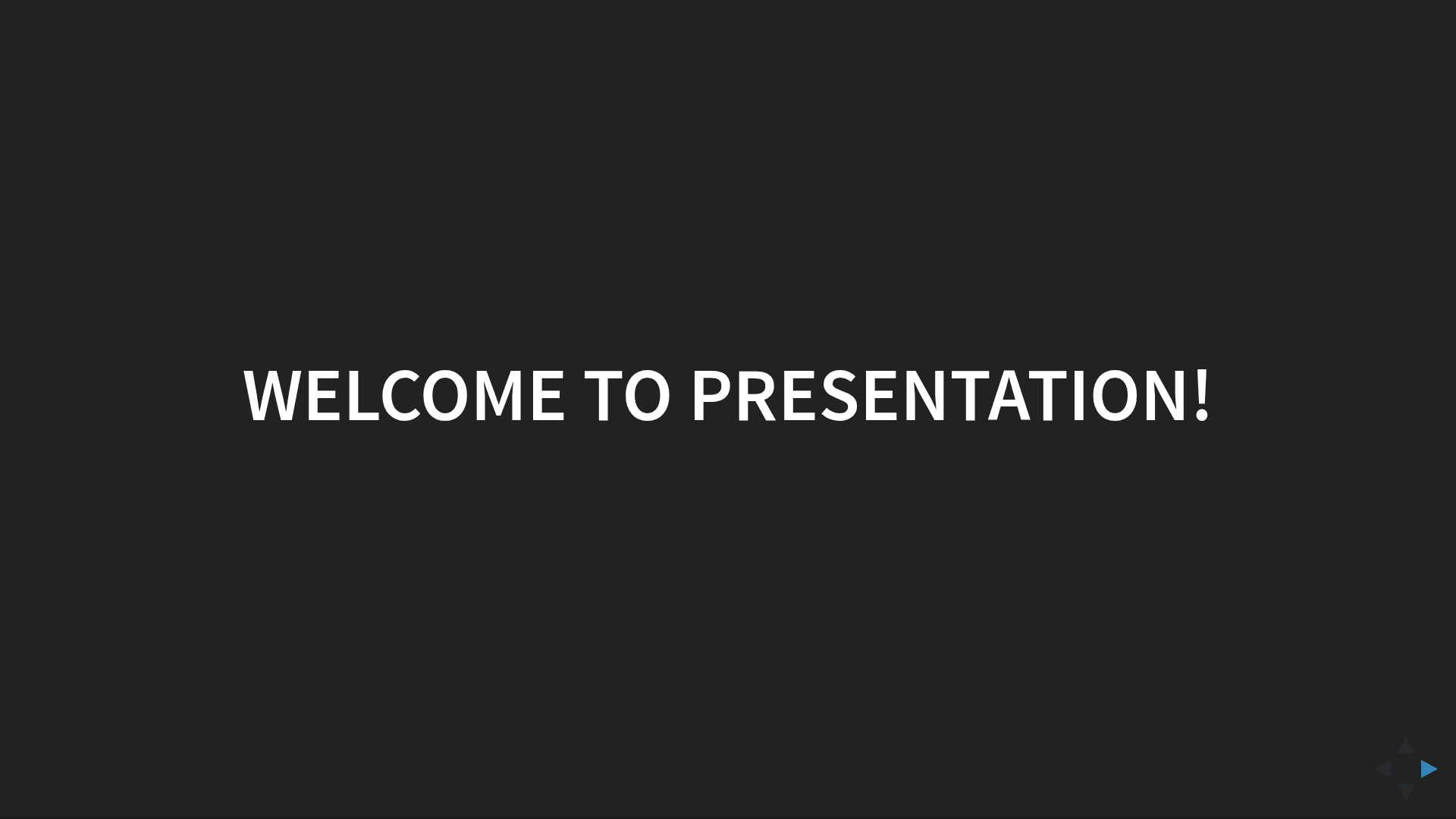
Web-presentation is a Jekyll theme template designed to quickly build a presentation as a web page. It takes Markdown files as input and produces a static website that displays those files as slides in chronological order. The project runs on GitHub Pages, which automatically generates and updates the website after each push (allow up to 1 minute). It is an open-source template that anyone can fork to create their own presentation with no additional setup.
Key Features
- Chronological slide order — Slides appear in the order of their filename dates, using a valid year-month-day format such as 1000-01-01-example.md.
- Horizontal year navigation — Years are displayed horizontally on the page, letting visitors jump between different years of content.
- Vertical month navigation — Within a selected year, months appear as vertical navigation to drill into specific months.
- GitHub Pages integration — Push changes to the repository and GitHub Pages rebuilds the presentation site automatically.
- Simple file-based workflow — Create a new slide by adding a Markdown file with the required date prefix; no HTML or configuration edits needed.
- Free and open source — The template is available for anyone to use, modify, and redistribute.
Who is it for?
Web-presentation suits developers and technical writers who are comfortable with Git and Markdown and want to maintain presentation content in a version-controlled repository. It also works well for conference speakers and educators who need a static, self-hosted slide deck without paying for presentation software. Teams already using GitHub Pages can adopt this template to publish meeting notes, project updates, or training material as a structured timeline.
What can you do with web-presentation?
- Conference speakers: Create a talk deck by writing one Markdown file per slide, pushing to GitHub, and sharing the auto-generated URL with the audience.
- Course instructors: Organize lecture notes by date so students can navigate the material month by month and year by year.
- Project managers: Publish a chronological project changelog or status report as a visual timeline without building a custom frontend.
How does web-presentation work?
Fork the repository, rename it, and edit or add Markdown files whose names begin with a valid date in year-month-day format. Commit and push to GitHub; GitHub Pages automatically regenerates the site, typically within a minute. The template then renders the files as a single-page presentation with horizontal year navigation and vertical month navigation.