Template details
Astro Starter Kit: Minimal
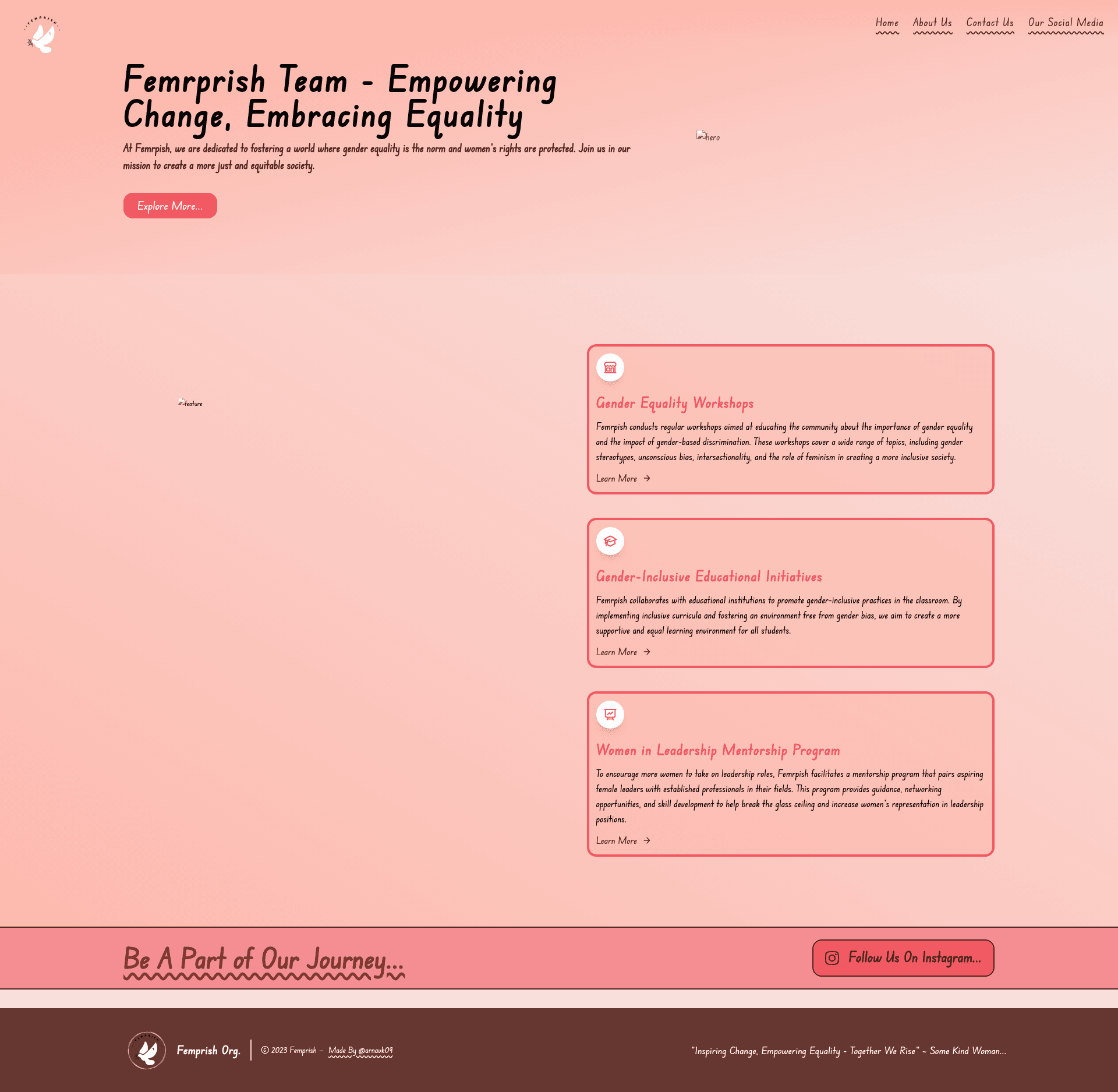
🕊️ Feminist Organization Minimal Website Template ~ Pink Theme
About this template
Astro Starter Kit: Minimal is an official Astro boilerplate template that provides a single-page starter structure for building static websites with Astro. This particular distribution is described in its repository metadata as a "Feminist Organization Minimal Website Template ~ Pink Theme", so it is intended as a foundation for pink-themed websites for feminist or NGO organizations, although the README documents the standard minimal Astro example.
What is Astro Starter Kit: Minimal?
Astro Starter Kit: Minimal is a boilerplate repository from the withastro/astro examples collection. Its core function is to give developers a bare-bones Astro project with only the essential files: public/, src/pages/index.astro, and package.json. The template takes no input beyond the project name when created with npm create astro@latest -- --template minimal, and it outputs a static site after running npm run build, placing the result in ./dist/. Astro generates HTML by default, with the option to add framework components as needed.
What makes Astro Starter Kit: Minimal stand out?
- Minimal file structure — The project contains only
public/,src/pages/index.astro, andpackage.json; there are no pre-installed components, styles, or layouts. - File-based routing — Every
.astroor.mdfile added tosrc/pages/automatically becomes a route based on its file name, as documented in the README. - Framework-agnostic component location — The README designates
src/components/as the place for Astro, React, Vue, Svelte, or Preact components, even though none are included by default. - Static asset handling — Images and other assets placed in
public/are served as-is, suitable for logos, favicons, or theme images. - Standard npm commands — Commands documented include
npm run dev(local server atlocalhost:3000),npm run build(output to./dist/),npm run preview, andnpm run astrofor CLI tools. - Feminist organization positioning — The repository metadata describes the template as a "Feminist Organization Minimal Website Template ~ Pink Theme", indicating a target use case of pink-themed websites for feminist or non-profit groups (stars: 0).
Who should use Astro Starter Kit: Minimal?
- Astro beginners — Developers who want to see the minimum viable Astro project and learn how routing and builds work before adding complexity.
- Feminist and NGO groups — Organizations that need a clean, minimal website foundation and can apply their own pink theme and content, consistent with the repository description.
- Prototype builders — Anyone who wants a fast, empty Astro environment to test a static site idea without cleaning up pre-existing template code.
Use cases
- Feminist organization website: Use this template as a starting point for a pink-themed site for a feminist or women's rights organization, adding custom pages and components.
- Astro exploration: Run the documented commands to see how Astro serves
.astroand.mdfiles, then experiment with adding React, Vue, or Svelte components. - Minimal documentation site: Add markdown files to
src/pages/to create a lightweight multi-page site with zero configuration.
How does Astro Starter Kit: Minimal work?
The template is created by running npm create astro@latest -- --template minimal. Once inside the generated folder, execute npm install to install dependencies. Use npm run dev to start the development server at localhost:3000, and npm run build to generate a static production site in ./dist/. Pages are added as .astro or .md files under src/pages/.
FAQ
Is Astro Starter Kit: Minimal free?
Yes, this template is part of the withastro/astro repository on GitHub and is free to use.
What files does Astro Starter Kit: Minimal include?
The repository contains public/, src/pages/index.astro, and package.json. The README also mentions src/components/ as an optional folder for user-added components.
Does Astro Starter Kit: Minimal include Tailwind CSS?
No. The README and repository metadata do not mention Tailwind CSS. This template ships with no CSS framework or styling utilities.
How do I deploy a site built with this template?
Since npm run build outputs a static site to ./dist/, you can host that folder on any static hosting service. The README links to Astro's official documentation for deployment guidance.