Template details
TypeScript Next.js Starter
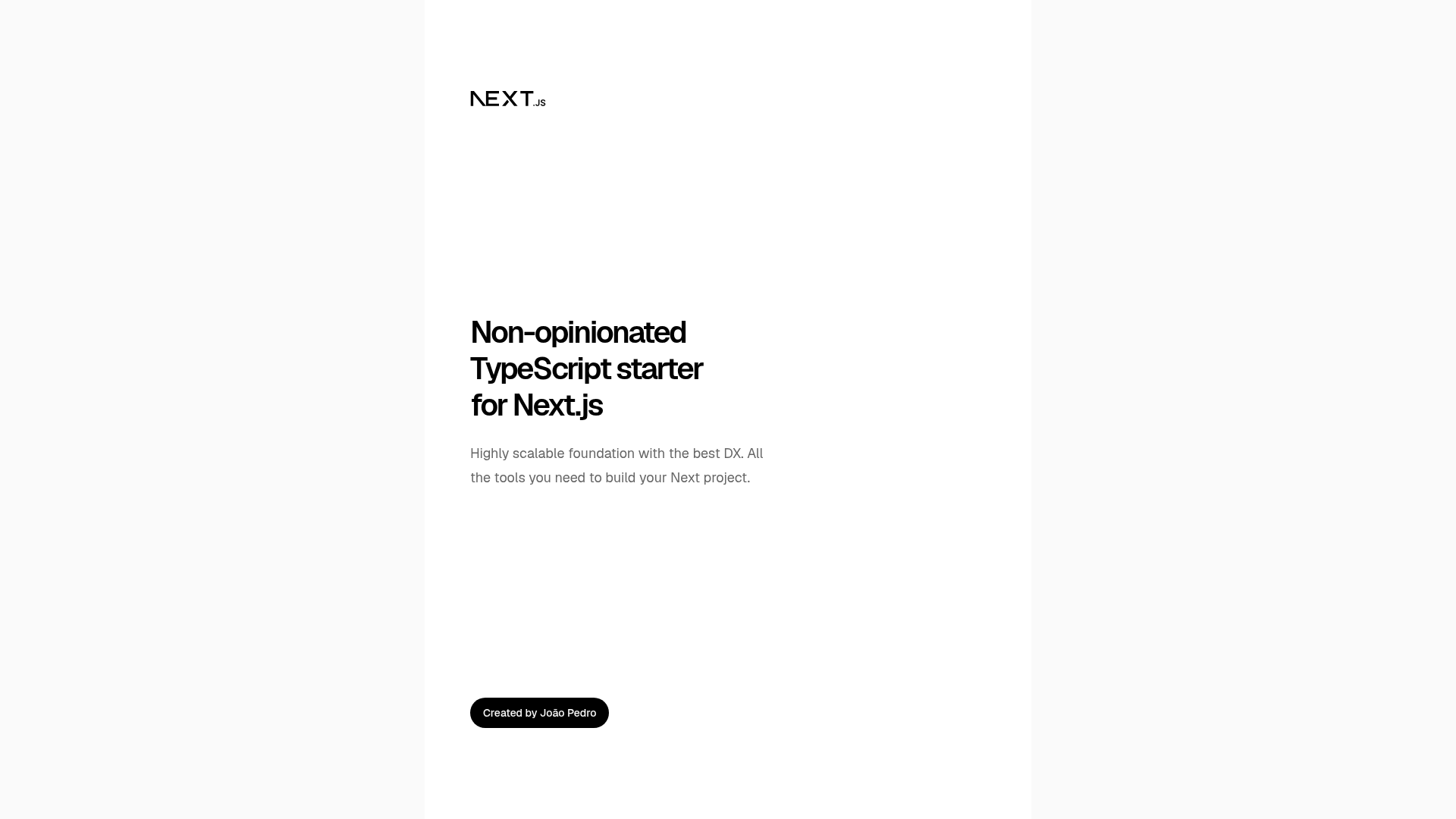
Non-opinionated TypeScript starter for Next.js 16 with App Router, React 19, and preconfigured dev tooling.
About this template
TypeScript Next.js Starter is a non-opinionated GitHub boilerplate that scaffolds a Next.js 16 application with TypeScript and a preconfigured development toolchain.
What is the TypeScript Next.js Starter?
TypeScript Next.js Starter is an open-source template created by João Pedro (GitHub: jpedroschmitz) for building Next.js applications. It uses Next.js 16 with the App Router and React 19, and it ships with TypeScript out of the box. The template takes no project-specific input — you start with a blank app structure in src/ — and produces a production-ready Next.js project with all tooling wired up. It is licensed under the MIT License.
Key Features
This starter bundles a distinctive set of development tools that are preconfigured and ready to use. The main highlights are:
- Next.js 16 with App Router — Uses the latest Next.js framework with the modern App Router, bundled with React 19 for rendering.
- TypeScript + path mapping — TypeScript is preconfigured, and path mapping via the
@prefix lets you import components and images without relative paths (e.g.import { Button } from '@/components/Button'). - Oxlint and Oxfmt — Oxlint finds and fixes code problems, and Oxfmt formats code; both run via
pnpm lintandpnpm formatcommands. - Git hooks — Husky runs Commitlint to validate commit messages and can run lint-staged to lint/format staged files; pre-commit is disabled by default and can be enabled with an environment variable.
- CI workflow — A GitHub Actions workflow in
.githubruns type checking and linters on every pull request. - T3 Env — Environment variables are type-safe, with schemas in
src/lib/env/client.tsandsrc/lib/env/server.ts. - Content Security Policy — A minimal CSP is configured in
next.config.tsto guard against XSS and data injection attacks. - Redirects — A typed
redirects.tsfile allows adding redirects with autocompletion.
Who is it for?
This starter is designed for developers and teams who want a non-opinionated starting point for Next.js projects. Specific audiences include:
- Front-end developers — scaffold a new Next.js and TypeScript project without going through manual configuration of linting, formatting, or Git hooks.
- Development teams — enforce commit message conventions and automated quality checks via Husky, Commitlint, and the included GitHub Actions PR workflow.
- Open-source maintainers — use the MIT-licensed template as a base for community projects, with a README that encourages pull requests.
Use cases
Here are concrete ways to use this template:
- Starting a new web app: run
pnpm create next-app -e https://github.com/jpedroschmitz/typescript-nextjs-starter, then usepnpm devto develop locally with hot reload. - Setting up quality gates: rely on the preconfigured CI workflow to run TypeScript type-checking and Oxlint on every pull request.
- Experimenting with React 19: use the starter as a sandbox to explore the App Router, server components, and type-safe environment variables with T3 Env.
How does it work?
The quick start uses Create Next App with the template's GitHub URL. After scaffolding, run pnpm dev to start development mode; commands like pnpm build, pnpm type-check, and pnpm lint are available for production builds and validation. The README also documents how to switch the package manager from pnpm to yarn or npm by removing pnpm-lock.yaml and updating CI and Husky configuration.
FAQ
Is the TypeScript Next.js Starter free?
Yes. The project is open-source under the MIT License, so you can use, modify, and distribute it freely.
Does it use pnpm?
Yes, pnpm is the default package manager, and the template requires Node.js version 24 or higher and pnpm 10.
Can I switch to yarn or npm?
Yes. Delete the pnpm-lock.yaml file, install dependencies with your chosen package manager, and adjust the CI workflow and Husky hooks to use yarn/npm commands.
How do I enable the pre-commit hook?
The pre-commit hook is disabled by default. To turn it on, run echo 'HUSKY_ENABLED=true' > .husky/_/pre-commit.options in the project root.
What Node.js version is required?
The README specifies Node.js >= 24 and pnpm 10 as requirements.