Template details
Multiple Layout
Next.js starter template for building apps with multiple distinct page layouts.
About this template
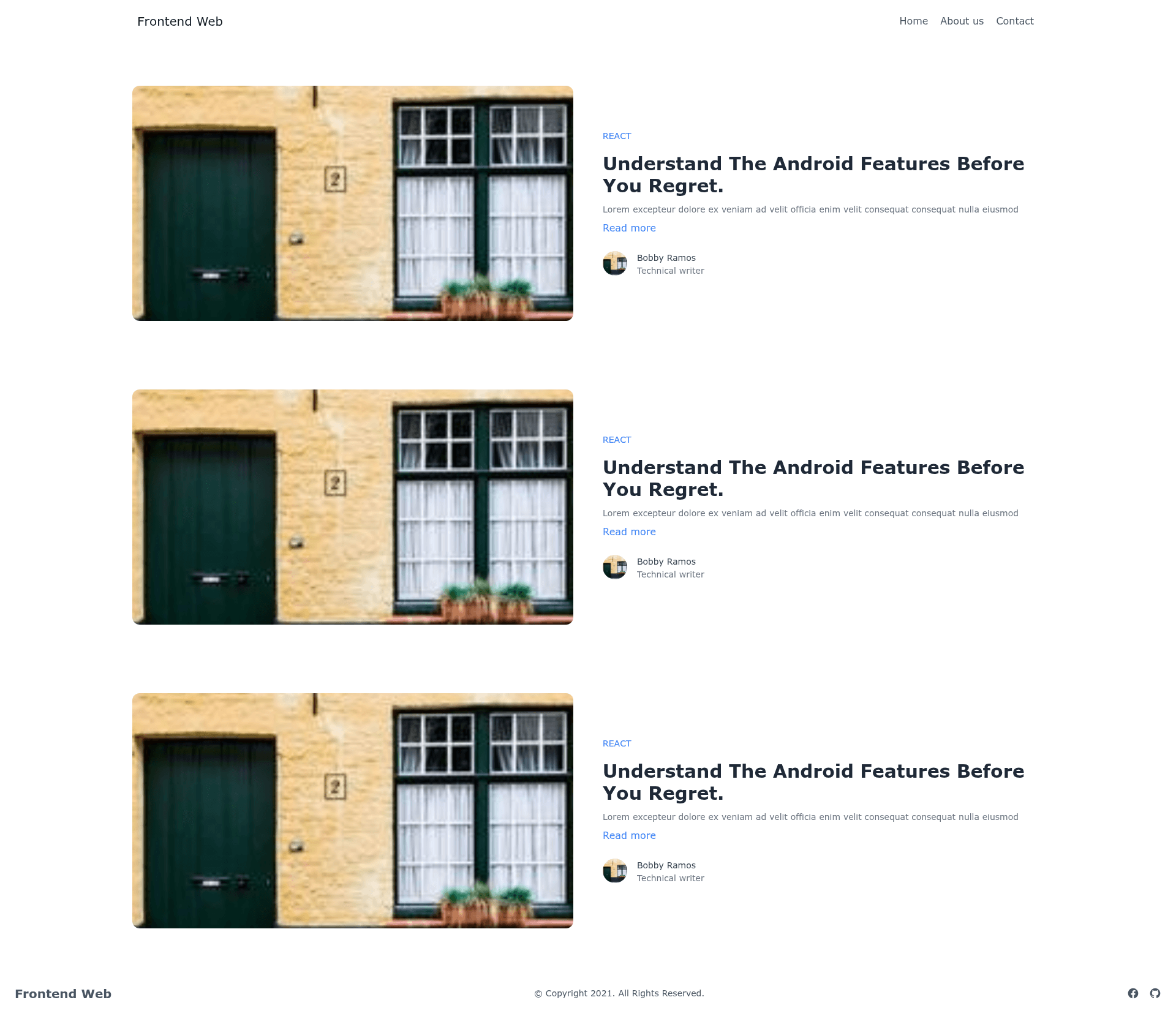
Multiple Layout is a minimal Next.js boilerplate that demonstrates how to apply different layouts to different pages within a single application.
What is Multiple Layout?
Multiple Layout is a public GitHub repository by user officialrajdeepsingh that serves as a Next.js template focused on the concept of multiple layouts. It takes a cloned copy of the repository and produces a runnable Next.js application on your local development server. The project's topics list it as a nextjs-boilerplate and nextjs-template, signaling that its purpose is to be a starting point for Next.js projects that need more than one layout structure.
The repository is intentionally small: the README only provides installation and run instructions, so the actual demonstration of multiple layouts is inside the code. As a Next.js app, it inherits the framework's file-based routing and layout composition capabilities, which let developers define a root layout and then override or add layouts for specific routes.
Key Features
- Next.js framework — Built on Next.js, the React-based framework that supports server-side rendering, static generation, and file-based routing out of the box.
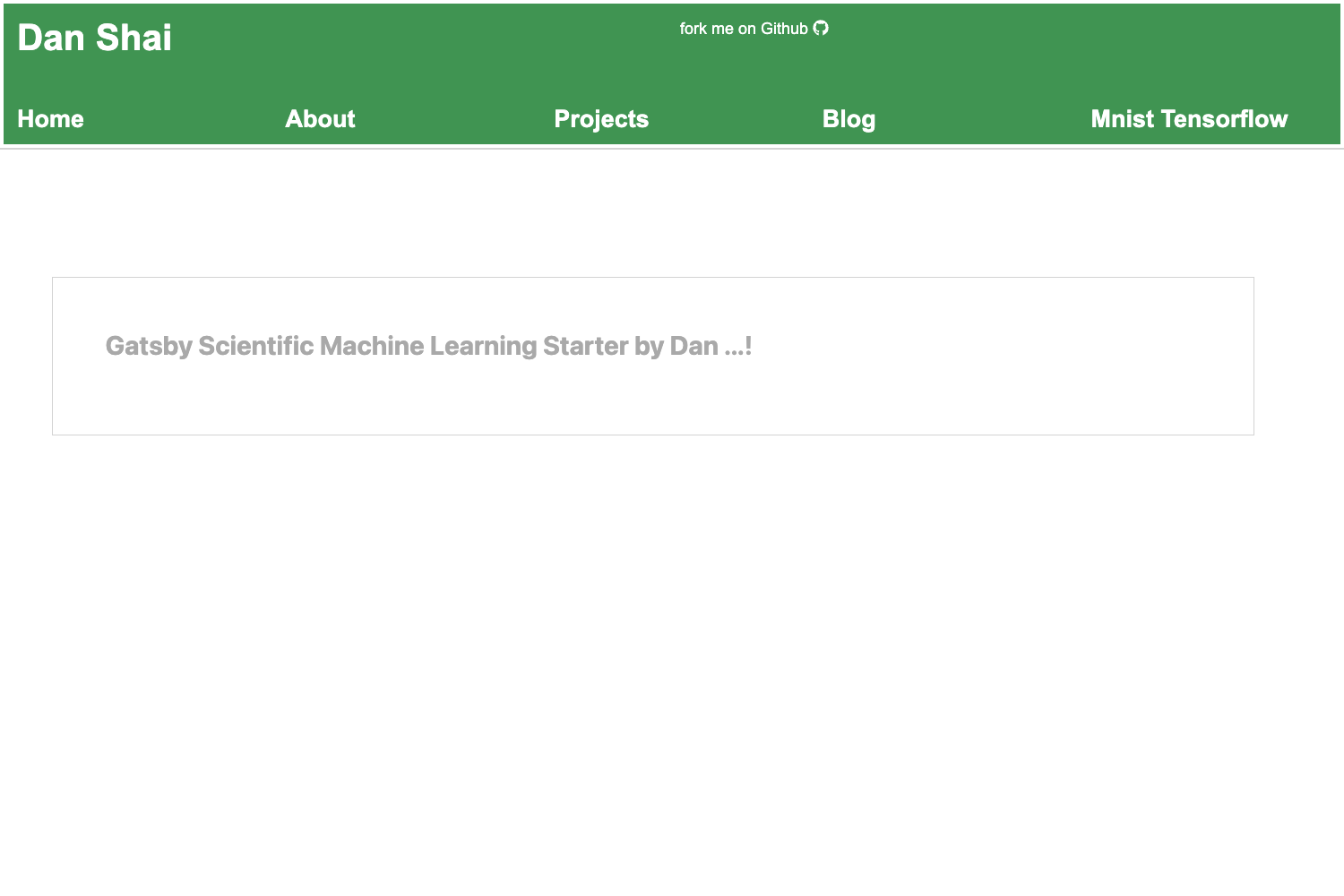
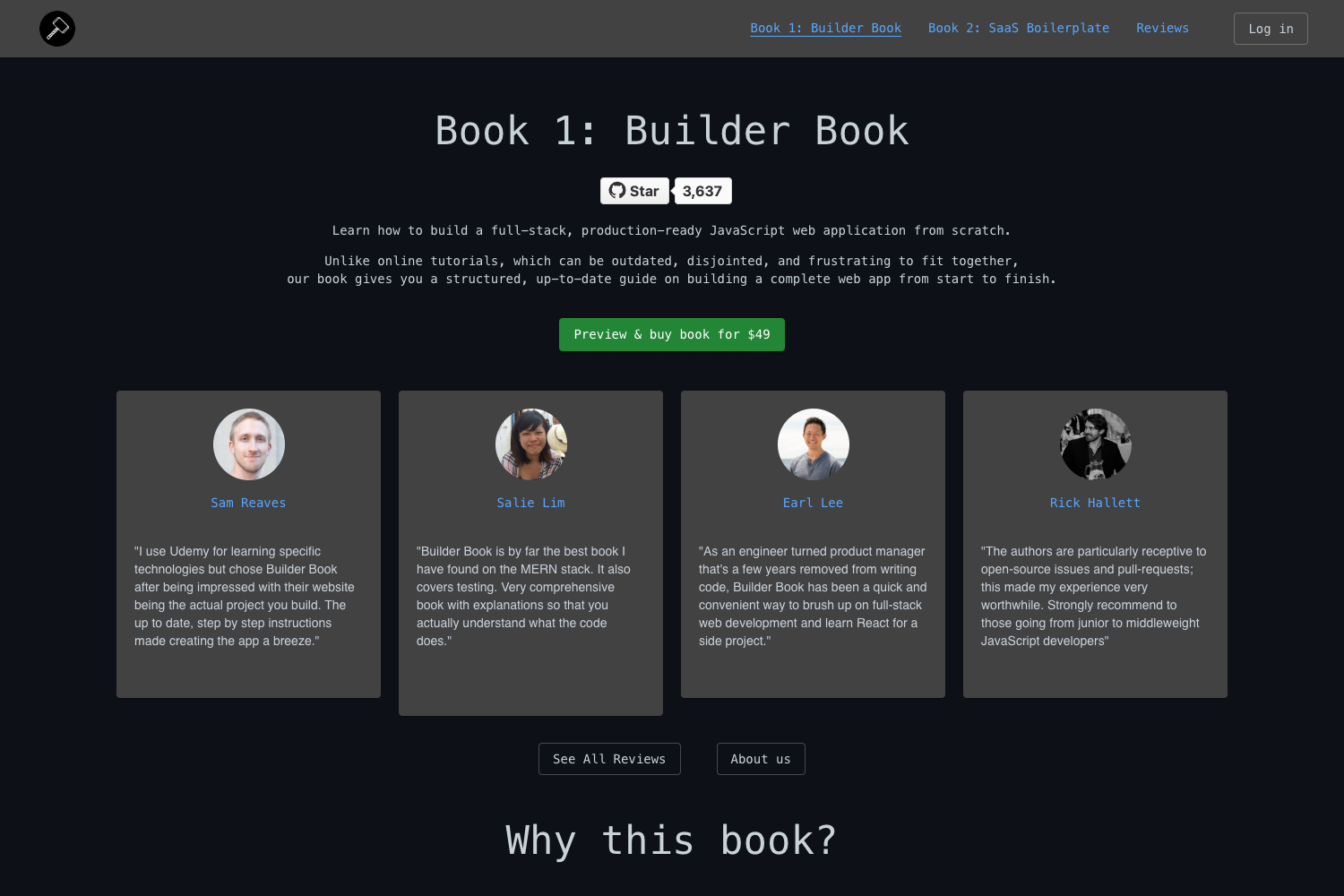
- Multiple layout pattern — Shows how to structure a single Next.js app so different pages or route groups can use different layout components, avoiding duplicated navigation or chrome.
- Package manager flexibility — Install dependencies with npm, yarn, or pnpm, all of which are explicitly mentioned in the README.
- Quick local startup — After installing, running the development server makes the app available at http://localhost:3000 for immediate preview.
- Clone-based setup — The entire template lives in a public GitHub repo, so you can copy it with a single git clone command and start editing.
- Boilerplate status — The repository's topics include nextjs-boilerplate and nextjs-template, identifying it as a scaffold for new projects.
Who is it for?
- Next.js developers who want to learn how to implement multiple layouts without reading through a large framework tutorial.
- Frontend engineers building applications where different sections, such as an admin dashboard and a public marketing site, need distinct layout components.
- Hobbyist programmers looking for a minimal, unopinionated Next.js starting point that already solves the layout problem.
- Course or tutorial creators who need a small, clear example repository they can reference when teaching Next.js layout patterns.
What can you do with Multiple Layout?
- Learn layout composition: Study the repository's structure to see how route-specific layouts are defined in Next.js and then reuse that pattern in your own projects.
- Scaffold a new app: Clone the repo as the foundation for a fresh Next.js project, replacing the demo pages with your own content while keeping the multi-layout setup.
- Prototype quickly: Launch the dev server on port 3000 and experiment with different layout arrangements before moving to a production setup.
How does Multiple Layout work?
The README describes a straightforward workflow. First, clone the GitHub repository to your machine using the provided git clone command. Next, install dependencies with npm, yarn, or pnpm — the commands for all three package managers are listed. Finally, start the development server; the app will be reachable at http://localhost:3000 in your browser.
FAQ
What is Multiple Layout?
Multiple Layout is a Next.js boilerplate that demonstrates how to give different pages of a single application their own layout. It is a small, public GitHub repository that you can clone and run locally.
Is Multiple Layout free?
Yes. The repository is public on GitHub, and no license or pricing information is mentioned in the README. Since it is a public template, you can clone and use it without payment.
What does Multiple Layout do?
It shows one approach to implementing multiple layouts in Next.js. Instead of forcing every page to share the same outer structure, the template lets different routes or sections use different layout components.
How do I run Multiple Layout?
Run git clone on the repository URL, then install dependencies with npm install, yarn install, or pnpm install. After that, start the development server with npm run dev, yarn dev, or pnpm dev and open your browser to localhost:3000.