Template details
Astro Typewriter
An Astro starter for agencies and studios with MDX blog, global search, RSS, sitemap, and light/dark/blue themes.
About this template
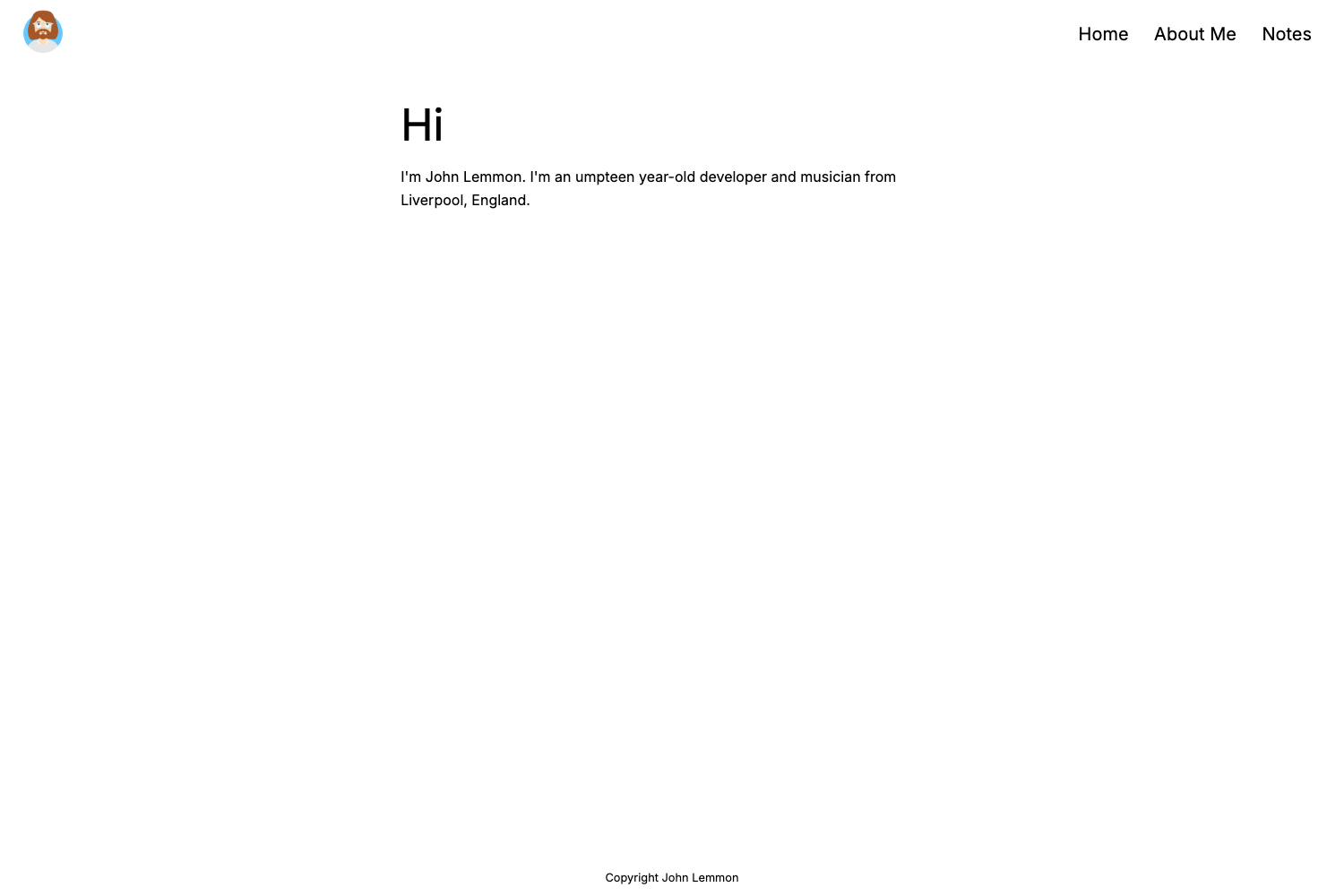
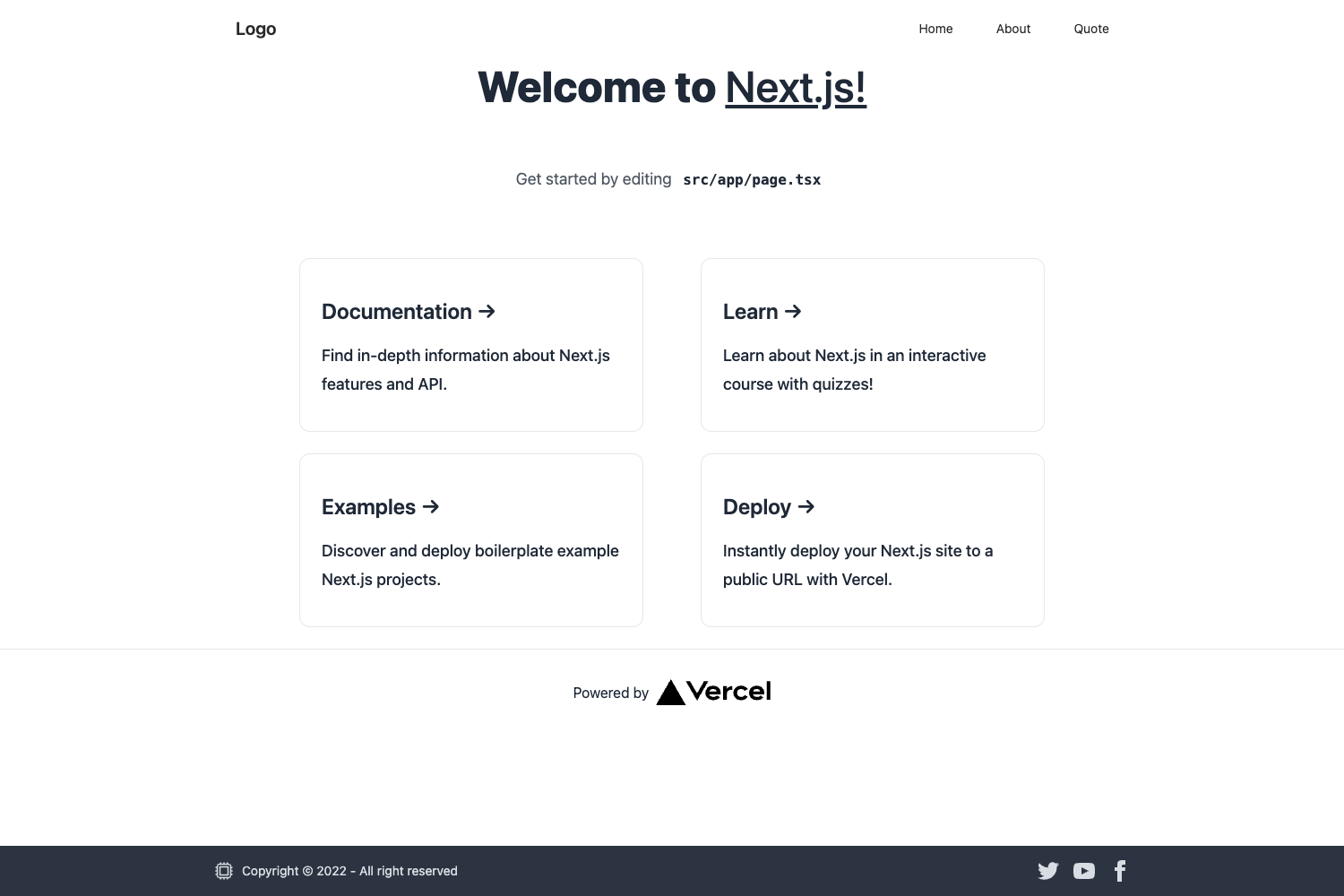
Astro Typewriter is an Astro starter template for agencies and studios that ships an MDX blog, Pagefind site search, automatic RSS and sitemap generation, and three color themes (light, dark, blue) with a persistent theme toggle. It takes type-safe content inputs — markdown or MDX posts, author and social YAML files — and produces a fully static HTML site ready to deploy to any static host.
What is Astro Typewriter?
Astro Typewriter is a static-site starter built on the Astro framework that produces a markdown/MDX blog with typed content collections, global search, and SEO metadata. It accepts content files placed in src/content/blog along with author and social data in YAML, and outputs a static dist folder. The template runs on Astro latest with Tailwind CSS for styling and uses Bun as its package manager, though npm scripts are also provided.
Key Features
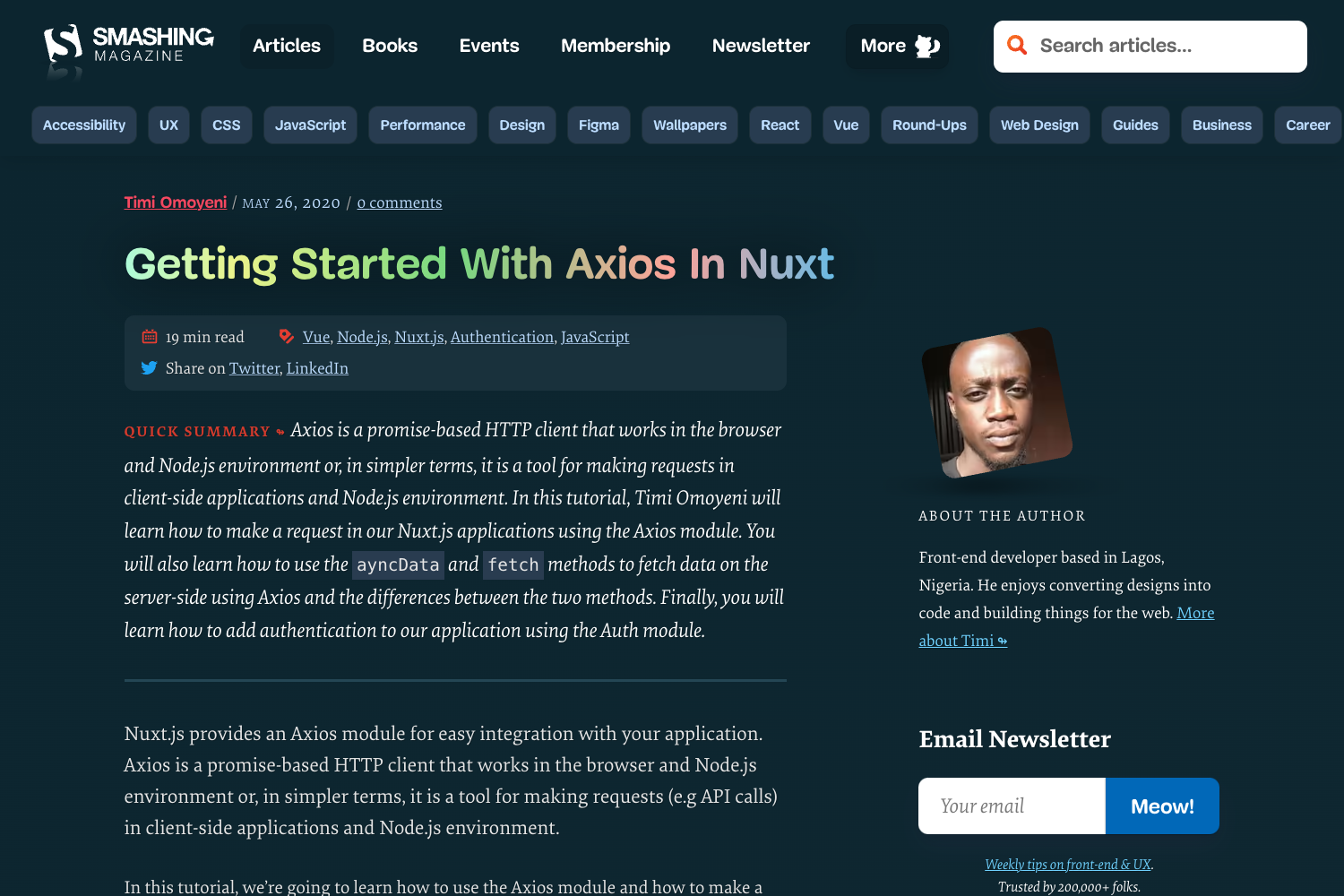
- MDX blog — Supports Markdown and MDX posts with a featured post and tag listings; the frontmatter schema validates title, description, pubDate, updatedDate, heroImage, and tags.
- Typed content collections — Posts, authors, and socials are defined in src/content.config.ts, giving type-safe schemas for each collection.
- Global search via Pagefind — Site-wide search is implemented with an accessible modal and requires no external search service.
- SEO-ready BaseHead — The shared component in src/components/BaseHead.astro handles OpenGraph/Twitter cards, canonical links, and font preloading.
- Three themes — Light, dark, and blue themes with a persistent toggle; a debug toggle shows layout borders for easy styling.
- Automatic RSS and sitemap — /rss.xml and /sitemap-index.xml are generated at build time with no extra configuration.
- Static deploy — The build outputs static HTML that can be uploaded to Netlify, Vercel, Cloudflare Pages, or any S3+CDN host.
- Bun-based tooling — Scripts run through Bun (bun install, bun run dev, bun run build, bun run preview), and the dev server runs on localhost:4321.
Who is it for?
- Agencies and studios — can publish a marketing site with service pages, case studies, and a blog without assembling the stack themselves.
- Independent writers — can add .md files to src/content/blog and get a styled blog with tag pages and site search out of the box.
- Astro developers — can customize the site name and description in src/site.yml, navigation and hero actions in src/pages/index.astro, and colors and type in src/styles/global.css.
What can you do with Astro Typewriter?
- Agency marketing sites: build a landing page with hero actions, feature sections, and a blog with featured posts to drive inbound leads.
- Studio portfolios: present work through a minimal blog layout and organize posts by project type or service tags.
- Content-driven product sites: combine MDX posts with global search and RSS to create a documentation or news hub.
How does Astro Typewriter work?
Running the starter is straightforward: install dependencies with bun install, start the dev server with bun run dev, and build the static site with bun run build. Content lives in src/content/blog as .md or .mdx files with validated frontmatter, while authors and social links are maintained in src/content/authors.yml and src/content/socials.yml. To deploy, upload the generated dist folder to your host of choice and set BASE_URL if publishing under a subpath.
FAQ
How do I add a new post to Astro Typewriter?
Create a new .md or .mdx file in src/content/blog with frontmatter that includes a title, description, pubDate, and tags. Optional fields are updatedDate and heroImage. The template validates the fields via its typed content schema.
What are the requirements to run Astro Typewriter?
The page lists three requirements: Bun, Astro at the latest version, and Tailwind CSS. The dev server runs on localhost:4321 and production output is a static dist folder.
Does Astro Typewriter support RSS and sitemaps?
Yes. Both /rss.xml and /sitemap-index.xml are generated automatically at build time, so no extra configuration is needed for syndication or search-engine indexing.
Where can I deploy the built site?
Because the build is static HTML, you can upload the dist folder to Netlify, Vercel, Cloudflare Pages, or any S3 and CDN setup. If you publish under a subpath, configure the BASE_URL setting.