Template details
Astro Validation Landing
A conversion-focused Astro landing page starter for validating product ideas with email capture and dark mode.
About this template
Astro Validation Landing is a single-page conversion-focused landing page starter built with Astro 6 for validating product ideas by collecting email signups. It takes centralized content from a TypeScript config file and outputs a static, SEO-ready site deployable to any static host. Authored by Sebasala and featured on Astro Themes, this template is designed to get a pre-launch page live in minutes.
What is Astro Validation Landing?
Astro Validation Landing is a starter template that combines Astro 6, Tailwind CSS v4, and Starwind UI primitives into a modular one-page site. It accepts content from a single source file and produces a static landing page with sections like Hero, Features, How It Works, Testimonials, FAQ, and a CTA form. The template runs on the Astro framework and is authored by Sebasala, available as a GitHub repository.
Key Features
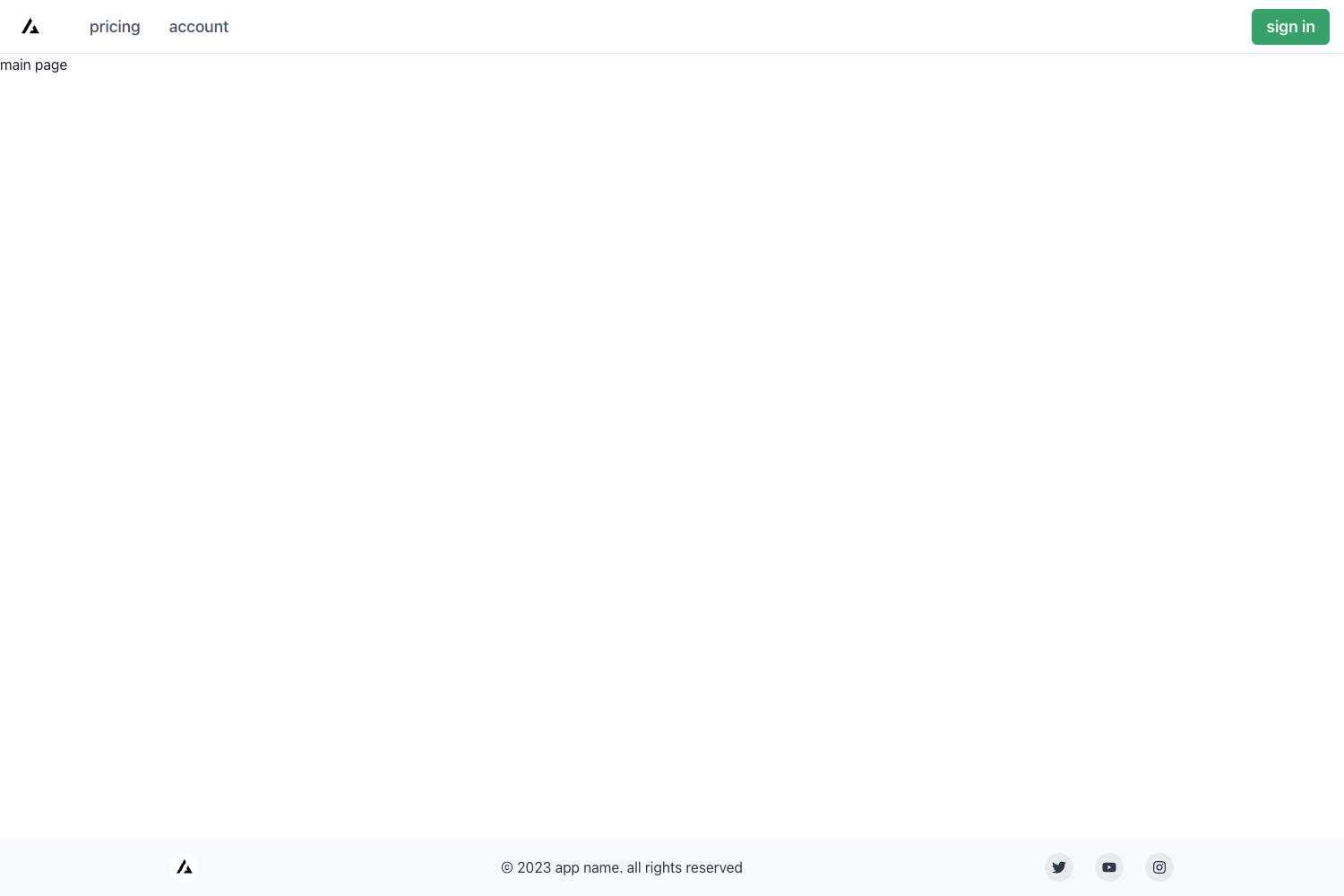
- Complete landing flow — Includes nine sections: Header, Hero, Problem/Solution, Features, How It Works, Testimonials, CTA, FAQ, and Footer, with section anchors for in-page navigation.
- Astro 6 + TypeScript — Uses a strict Astro config with TypeScript, requiring Node.js 22.12.0+ and pnpm 10+ to run.
- Tailwind CSS v4 design tokens — Light and dark themes are defined with CSS variables in
src/styles/starwind.css, including radius and semantic color tokens. - Starwind UI primitives — Component primitives from Starwind UI are included in
src/components/starwind, providing accessible UI building blocks. - Built-in lead capture via Netlify Forms — Add a
data-netlify="true"attribute to the CTA form to collect email signups directly in the Netlify Dashboard without backend code. - Centralized content config — All page copy, nav links, and social URLs live in
src/content/content.tsas exported objects likesiteConfig,hero,features, andfaq. - SEO-ready layout —
Layout.astroincludes title, description, canonical, Open Graph, and Twitter card tags, with an image path set insiteConfig. - Static build output —
pnpm buildoutputs static files todist/that can be deployed to Netlify, Vercel static output, Cloudflare Pages, GitHub Pages, or any static host.
Who is it for?
- Indie hackers and solopreneurs — Publish a landing page in minutes to test pricing messaging and collect early adopter emails before building the full product.
- Startup founders — Use the Problem/Solution and Testimonials sections to communicate product value and measure interest through CTA clicks.
- Web developers and freelancers — Use the Astro + Tailwind v4 starter as a clean base to build client landing pages quickly, then swap Netlify Forms for Mailchimp, ConvertKit, or a custom endpoint.
- Product marketing managers — Run pre-launch campaigns by updating centralized copy in
content.ts, replacing branding inLogo.astro, and deploying static builds.
What can you do with it?
- Collect early-adopter emails — Use the built-in Netlify Forms setup by adding
data-netlify="true"to the CTA form and deploying to Netlify; all signups appear under the Forms tab. - Test problem/solution messaging — Edit the
problemandsolutionobjects incontent.tsto run A/B copy tests on the same page structure. - Create a pre-launch waitlist — Customize the hero and CTA sections to capture waitlist signups, then replace placeholder logos and social links in the footer.
- Extend and redeploy — Because output is static, you can fork the repository, update content, and redeploy to any static host with zero backend dependencies.
How does Astro Validation Landing work?
After cloning, install dependencies with pnpm install, then run pnpm dev to start the local server at the URL shown in the terminal (Astro defaults to localhost:4321). To publish, edit the exported objects in src/content/content.ts, set your production site URL in astro.config.mjs, run pnpm build to generate dist/, and deploy the static output. For email capture, add a data-netlify="true" attribute to the form in CTA.astro and deploy to Netlify to have forms detected automatically.
FAQ
Is Astro Validation Landing free?
The repository is public on GitHub and the source page features no pricing or paid upgrade mention. It relies on free tools like Astro, Tailwind CSS, and Starwind UI, though Netlify Forms have their own plan limits depending on usage.
What Node version do I need to run it?
The quick start lists prerequisites of Node.js 22.12.0 or newer and pnpm 10 or newer. Older Node versions will not work with the Astro 6 setup.
Does Astro Validation Landing collect email signups?
Yes, it is designed for that. The CTA component renders a newsletter form; with Netlify Forms, you add data-netlify="true" and deployed signups are stored in your Netlify Dashboard. You can also remove that attribute and point the form at an external provider like Mailchimp or ConvertKit.
Can I change the design?
Yes. Light and dark theme tokens, radius scales, and semantic colors are defined as CSS variables in src/styles/starwind.css. Replace the placeholder logo in Logo.astro, the favicon in public/favicon.ico, and add an Open Graph image referenced by siteConfig.image.
Where should I deploy it?
The build outputs static files, so any static host works — the page explicitly lists Netlify, Vercel static output, Cloudflare Pages, and GitHub Pages. For Netlify Forms to work, the deployment target must be Netlify.