Template details
Astro Webstack
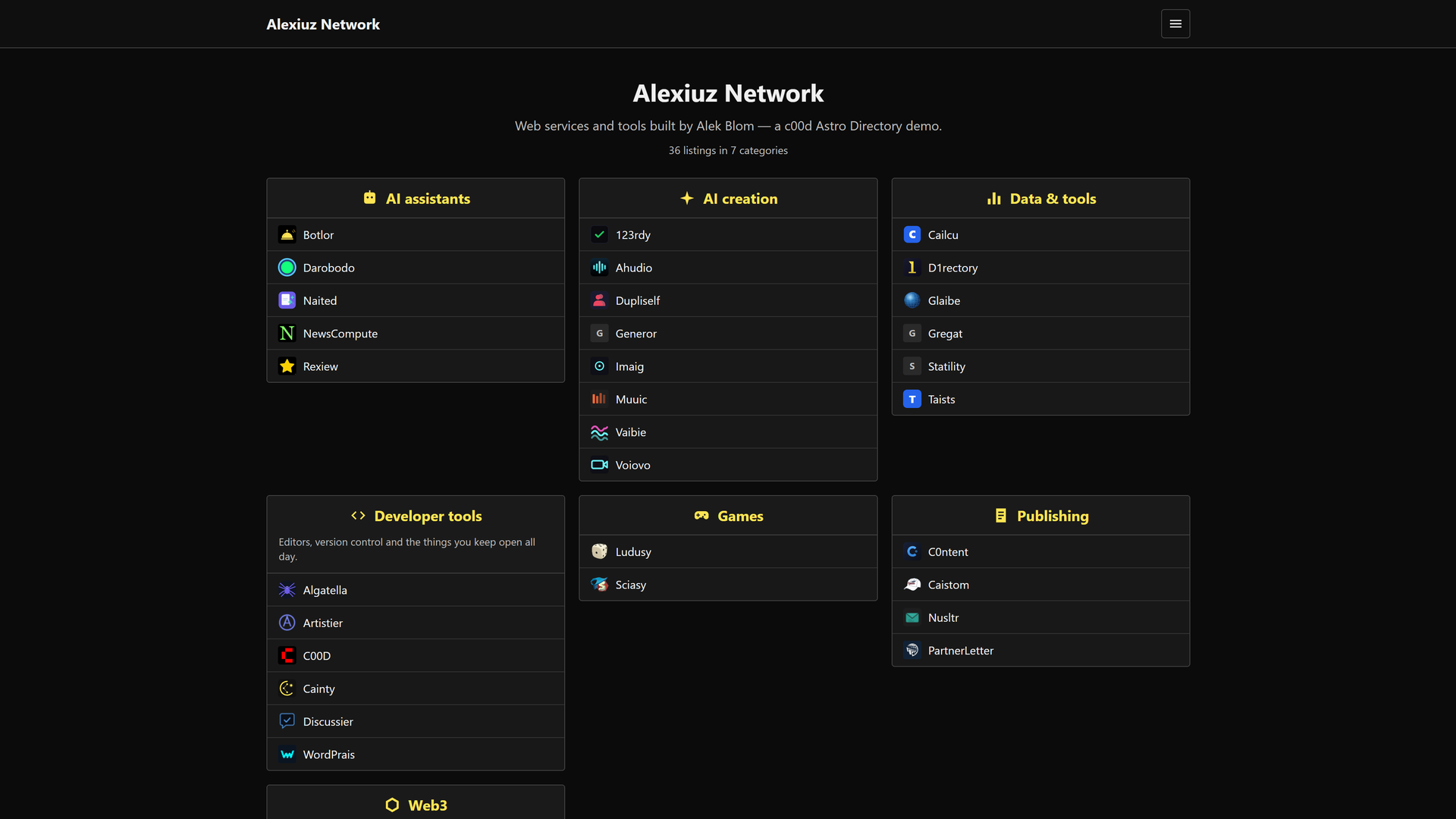
An Astro theme that ports WebStackPage, a navigation directory layout, into a static site template.
About this template
Astro Webstack is an open-source Astro theme that ports the WebStackPage design into a static-site template for building web navigation directories.
What is Astro Webstack?
Astro Webstack is an Astro port of WebStackPage.github.io, converting the popular webstack navigation layout into an Astro project. It takes the original WebStackPage structure and reimplements it using Astro's .astro page files, producing a static site that can be built with npm run build and deployed anywhere. The theme was created with support from Trae, and the repository is published on GitHub under the topics astro-template and astro-theme.
Key features
- Astro framework — The template is built on Astro, using file-based routing: .astro or .md files placed in src/pages/ become routes automatically.
- Multi-framework components — Components can be written as Astro, React, Vue, Svelte, or Preact components inside src/components/, letting you mix frameworks in one project.
- Static assets — Images and other static files go in public/ and are served as-is at the site root.
- Standard CLI workflow — npm run dev starts a local development server at localhost:4321; npm run build outputs a production site to ./dist/; npm run preview serves the built site locally before deployment.
- Minimal structure — The starter project contains public/, src/pages/index.astro, and package.json, keeping the initial surface small.
- WebStack heritage — The design and layout follow WebStackPage.github.io, a widely used directory-style webstack template.
Who is it for?
- Developers building navigation directories — Use this theme to create a webstack page that lists tools, websites, or resources in the familiar WebStack layout, with Astro's component system for customization.
- Astro learners — Study the project structure and scripts to see how a real Astro theme is organized, from routing to build commands.
- Anyone wanting a fast static link page — Because Astro builds to static HTML, the resulting site loads quickly and can be hosted on any static host without server-side dependencies.
What can you do with it?
- Create a curated web navigation hub — Present a categorized collection of links or tools in a grid-style layout, just like WebStackPage.
- Build a personal start page — Replace your browser's new-tab page with a self-hosted collection of your most-used links.
- Make an internal team portal — List internal tools and resources for your organization and deploy the static output to your existing hosting.
How does Astro Webstack work?
After cloning the repository, run npm install to install dependencies. Use npm run dev to start the development server on localhost:4321, where you can edit src/pages/index.astro and add new .astro or .md files to create routes. When ready, npm run build generates the static site into ./dist/, and npm run preview lets you verify the production build locally.
Pricing
Free — the theme is distributed as an open-source GitHub repository; no paid tiers are mentioned in the README.
Alternatives
- WebStackPage — the original HTML/CSS project that Astro Webstack ports, for those who want the non-Astro version.
FAQ
What is Astro Webstack?
Astro Webstack is an Astro theme that ports the WebStackPage navigation directory design. It converts the original webstack layout into an Astro project, using .astro pages and components to build a static site that can be generated with npm run build.
How do I get started with Astro Webstack?
Clone the repository, then run npm install to install dependencies. Use npm run dev to start the local development server at localhost:4321, and edit files in src/pages/ to customize your site.
Does Astro Webstack support React or Vue components?
Yes. Astro supports components written in Astro, React, Vue, Svelte, and Preact. Place them in the src/components/ directory and import them into your pages.
Where should I put images and static files in Astro Webstack?
Place static assets like images in the public/ directory. Files there are copied as-is to the root of your built site, ready to be referenced from your pages.
What does npm run build do in Astro Webstack?
It builds your production site into the ./dist/ directory. You can then preview that build locally with npm run preview before deploying the static files to any host.