Template details
astro-whono
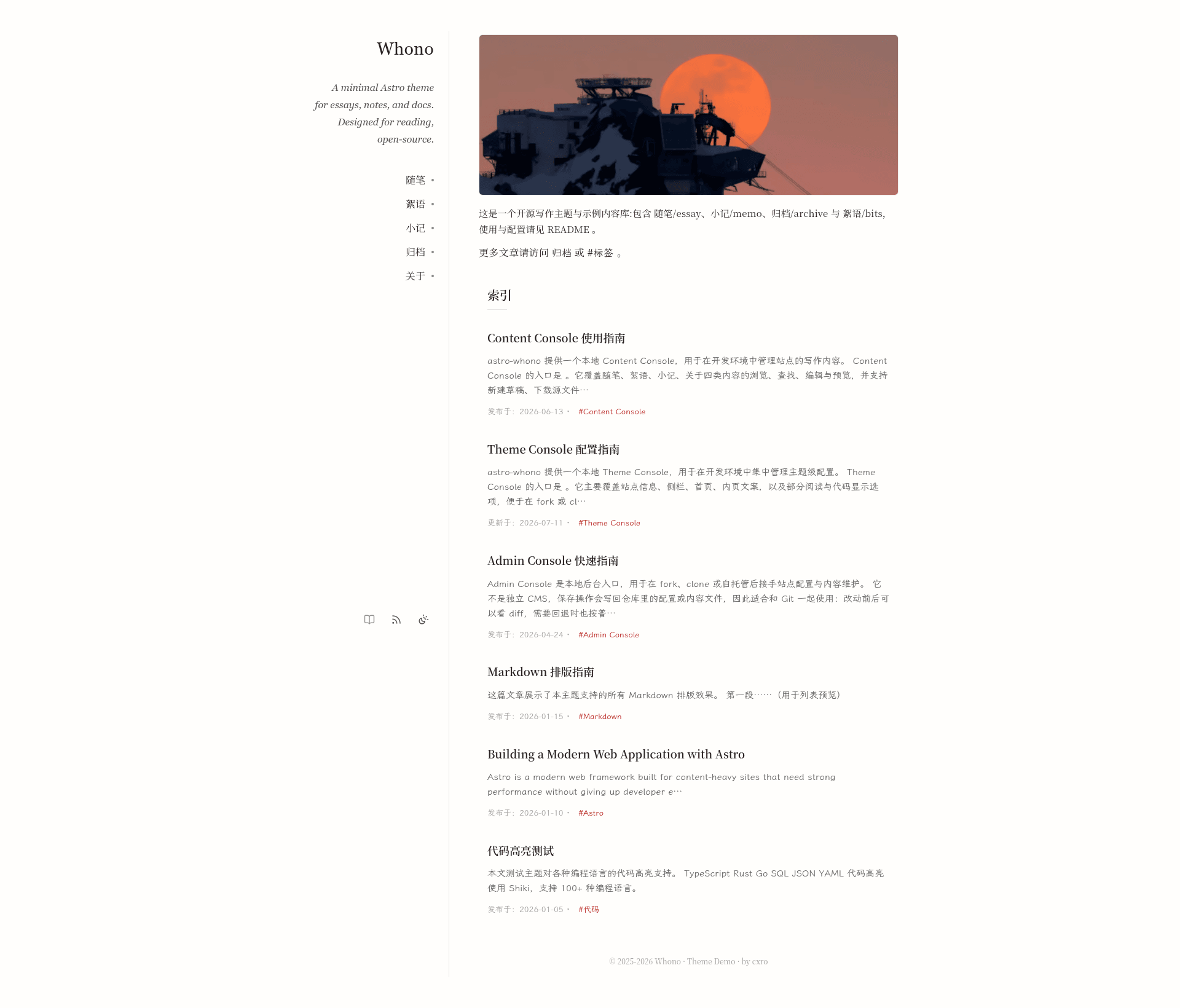
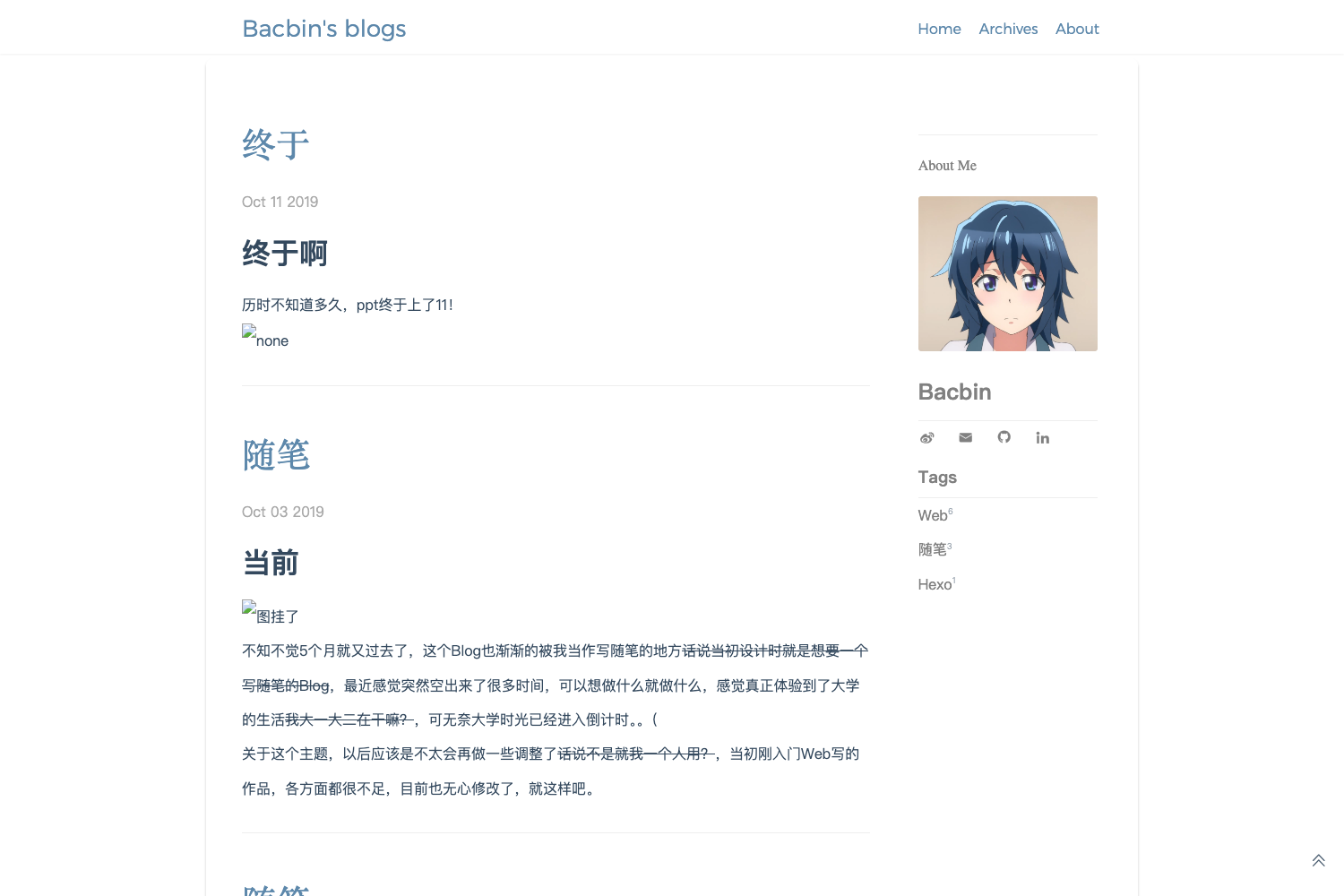
A minimal two-column Astro theme for personal writing and lightweight publishing, featuring a local Admin Console for visual previewing and editing content.
About this template
astro-whono is a minimal two-column Astro blog theme for personal writing and lightweight publishing, featuring a local Admin Console for visual preview and editing.
What is astro-whono?
astro-whono is an open-source Astro theme (MIT licensed) that turns Markdown content collections into a static website with list pages, detail pages, RSS feeds, and a local admin console. It is maintained by the GitHub user cxro and is designed for individual writers who want a clean writing environment. The theme takes Markdown files in src/content/essay, src/content/bits, src/content/memo, and src/content/about as input, and outputs a static site with self-hosted fonts.
Key Features
The theme packs a set of features aimed at writers, from a local editing console to self-hosted typography.
- Two-column minimal layout — Sidebar navigation and content area, with responsive behavior on mobile.
- Local Admin Console — Available at
/adminin development, it supports site overview, theme configuration, image browsing, diagnostic checks, settings snapshot export/import, and content editing for all content collections. - Bits draft generator — The
/bitspage offers one-click Markdown generation (copy or download), with multi-image support and automatic image dimension reading via width/height in frontmatter. - RSS feeds — The theme generates
/rss.xml,/archive/rss.xml, and/essay/rss.xml; feeds requireSITE_URLto produce correct absolute links. - Light/dark/reading modes — Users can switch between light, dark, and reading presentation; both light and dark preview screenshots are provided in the repo.
- Self-hosted subsetted fonts — Uses Noto Serif SC (400/600) and LXGW WenKai Lite in WOFF2 format with latin, cjk-common, and cjk-ext subsets, so no third-party font requests occur at runtime.
- Markdown writing conventions — Supports
:::notecallouts, figures, galleries, double-dollar math (e.g.$$x$$), pullquotes, and enhanced code blocks with toolbar/copy/line numbers. - Rich frontmatter — Essay and bits support fields like draft, archive, slug, badge, updatedAt, tags, and multi-image with dimensions.
Who is it for?
The theme suits writers who publish Markdown-based content without a database.
- Individual bloggers — write essays (随笔) and short bits (絮语) in Markdown and publish to a static site without managing a database or a separate CMS.
- Developers — who want a configurable Astro theme with a local admin console, and who are comfortable editing
site.config.mjsand content collection frontmatter. - Writers who value typography — the theme bundles Chinese and Latin fonts with proper subsetting, making it suitable for mixed-language blogs.
What can you do with astro-whono?
With astro-whono you can publish essays, short bits, and single-page content, and manage them from a local console.
- Publish a personal blog — Add Markdown files to
src/content/essaywith frontmatter (title, date, draft, archive, slug), then list pages and RSS feeds are generated automatically. - Post short updates with images — Use the bits generator at
/bitsto create a multi-image Markdown snippet with dimensions pre-filled, then save it intosrc/content/bits. - Customize the site visually — In local development, open
/admin/theme/to edit site info, sidebar, homepage texts, typography fonts, and site icons, then rebuild. - Manage content from a console — Use
/admin/content/to create and edit essays, bits, memo, and about pages locally, and export the source files.
How does astro-whono work?
The workflow is clone, install, run dev, and start writing Markdown; the build produces a static site. After npm install, run npm run dev and open http://localhost:4321/admin/ to use the Admin Console. Content lives in src/content/ as Markdown; writing a new file with the required frontmatter makes it appear in the appropriate collection. Running npm run build produces a static dist/ folder that can be deployed to Vercel, Netlify, or Cloudflare Pages with one-click deploy buttons.
Pricing
Free — the theme is open source under the MIT license, and the repository includes a demo at https://astro.whono.me.
FAQ
Is astro-whono free?
Yes, astro-whono is released under the MIT license. You can clone it, modify it, and deploy it to any static hosting service without paying a license fee.
Does astro-whono require a database?
No. All content is stored as Markdown files in src/content/ and built into static HTML with Astro. There is no database, and the only development-time admin console operates on local files.
Can the Admin Console be used on a production site?
The admin routes (/admin/) and API routes (/api/admin/**) are local-development only. In production builds, only a read-only overview page is available (or a disabled notice, depending on Theme settings), and the site remains fully static.
How do I make RSS and sitemap show my own domain?
Set the SITE_URL environment variable to your production URL before running npm run build. Without it, canonical, Open Graph, RSS, and sitemap links fall back to a placeholder domain.
Which Node.js version is needed?
Node.js 22.12 or higher is required. The repository provides a .nvmrc file, and Cloudflare Pages reads it automatically.