Template details
Murasaki
Yet another minimalist theme for Hexo. (EARLY DEV STAGE)
About this template
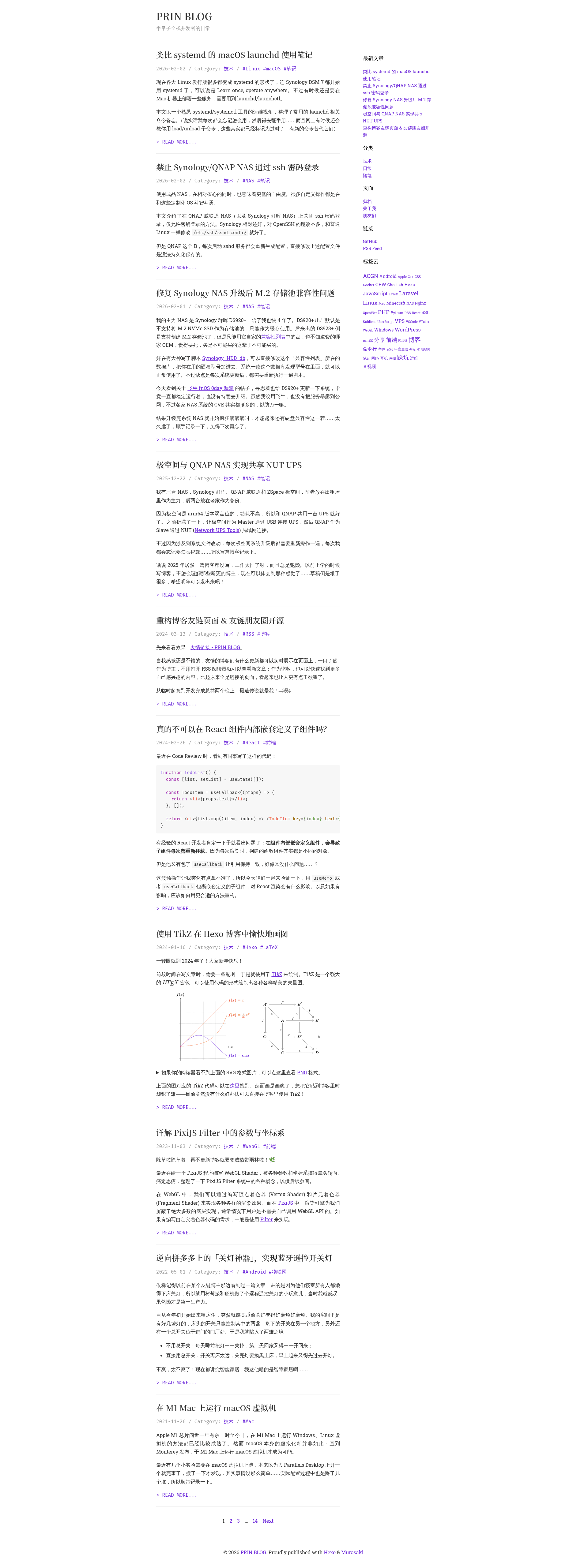
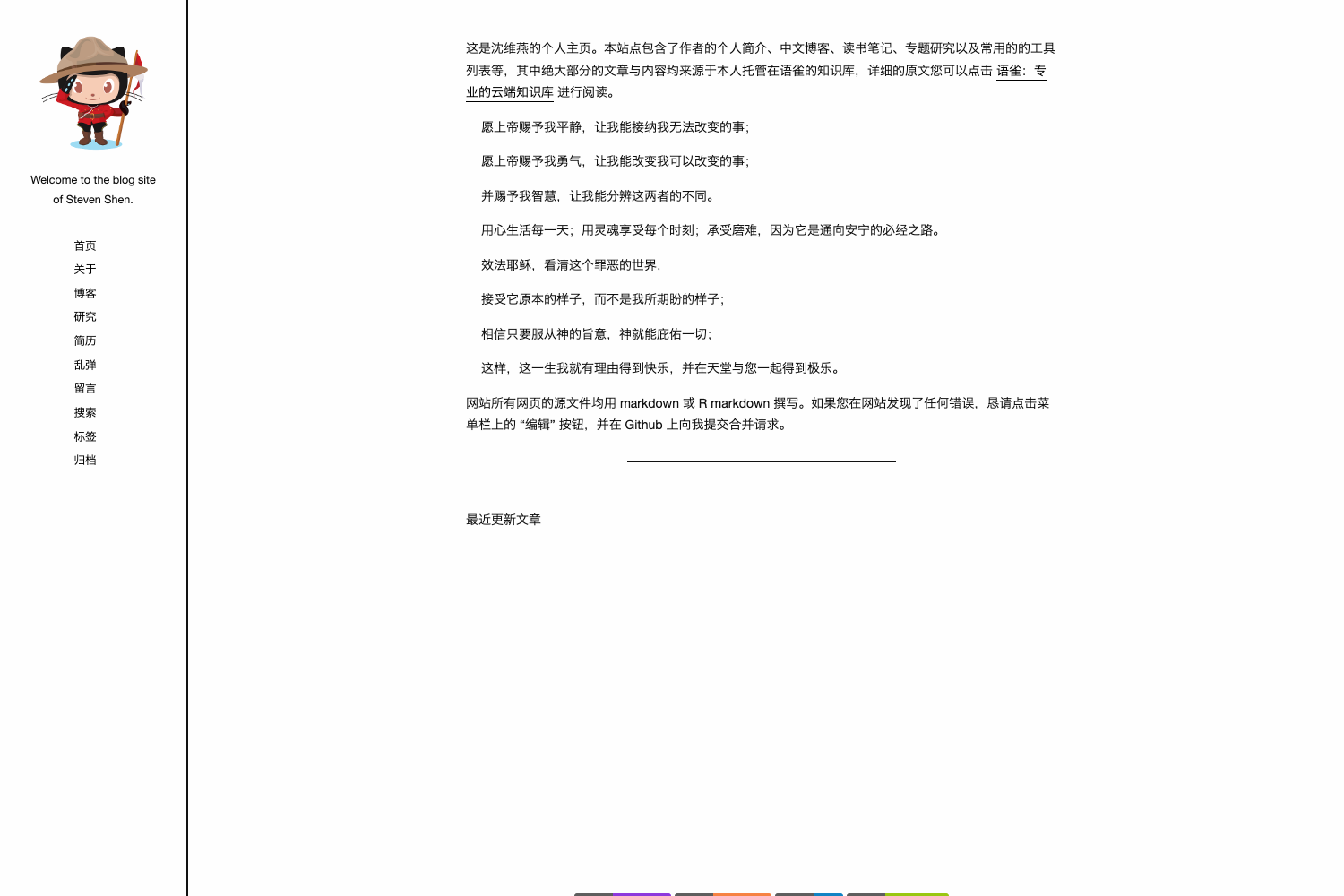
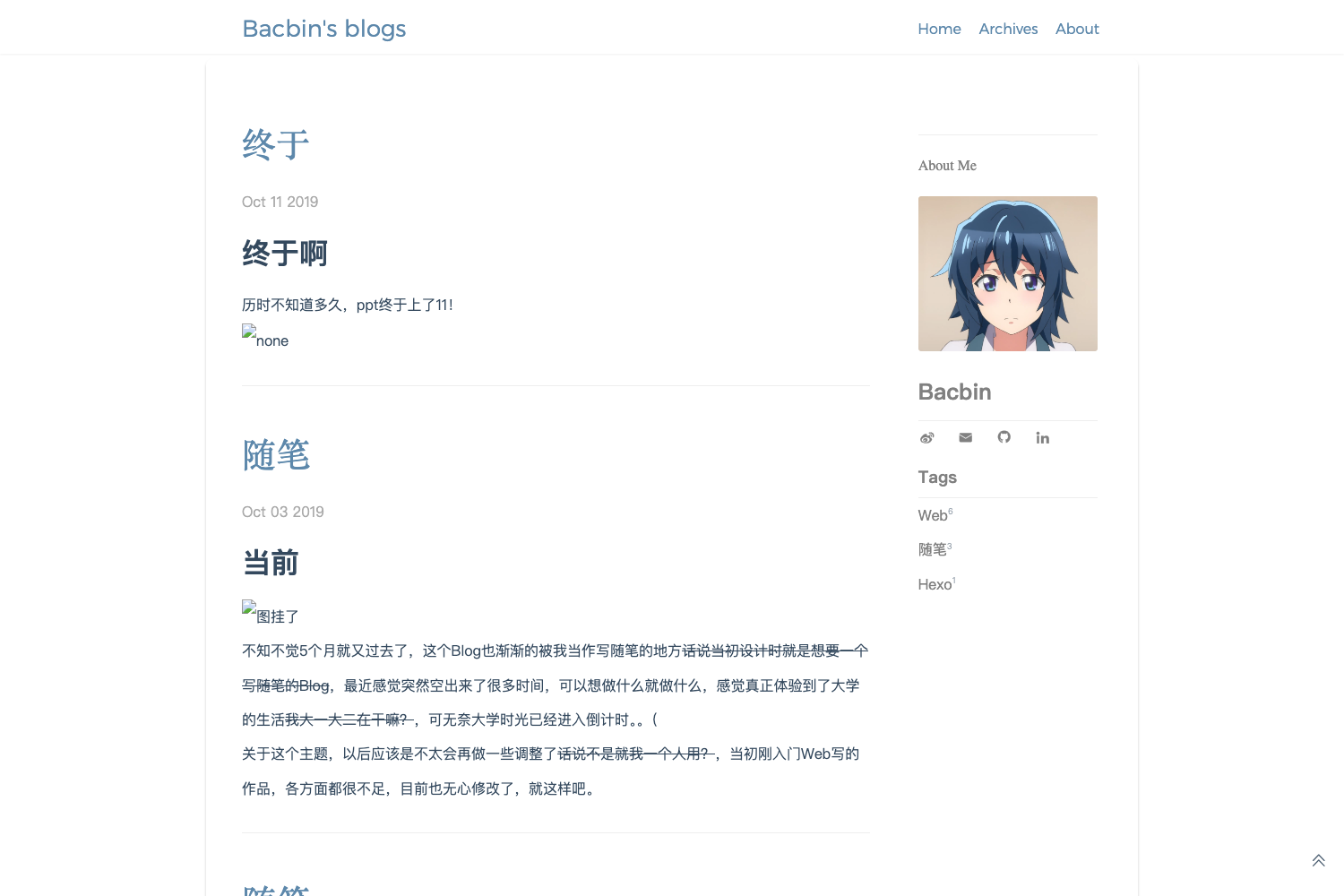
Murasaki is a minimalist theme for the Hexo static site generator, created by printempw, that renders Markdown content into a clean, readable blog layout.
What is Murasaki?
Murasaki is a Hexo theme designed to be minimalist, offering a simple and clean layout for blogs. It takes Hexo posts written in Markdown and generates static HTML pages through Hexo's build process. The theme is currently in early development, as explicitly warned in its README, so users should expect potential changes. The project is authored by printempw and released under the MIT License, and its design is greatly inspired by Typecho's default theme and the NexT theme.
Key Features
- Minimalist design — The theme focuses on content readability with a clean, uncluttered interface, avoiding excessive styling.
- Hexo compatibility — Install by cloning the repository into
themes/murasakiand setting the site's theme tomurasaki; it works with standard Hexo workflows. - Configure via site
_config.yml— Users can customize theme options such as favicon under thetheme_configkey in their main Hexo configuration, eliminating the need to edit theme files directly. - Inspired by established themes — Its design draws from Typecho's default theme and NexT, two widely used blogging themes, giving it a familiar aesthetic.
- Open-source license — MIT License permits free use, modification, and distribution.
- Development status — The project is in early development stage, meaning it may be missing features or have unstable behavior.
Who should use Murasaki?
- Hexo blog owners — For users who already run a Hexo site and want a minimalist layout that emphasizes written content over visual clutter.
- Developers seeking a simple theme — Developers who prefer a small codebase and configuration via
_config.ymlcan quickly set up and customize Murasaki. - Writers who value distraction-free publishing — Bloggers who want a calm, readable environment similar to Typecho's default and NexT, but with a lighter approach.
What can you do with Murasaki?
- Launch a personal blog — Write Markdown posts in Hexo and publish them as a minimalist blog using Murasaki.
- Customize the favicon — Set a custom favicon by adding
favicon: /path/to/icon.pngundertheme_configin your site's_config.yml. - Study theme development — Because the theme is MIT-licensed and references NexT and Typecho's default theme, developers can examine its code to learn Hexo theme development patterns.
How does Murasaki work?
Installation follows the standard Hexo theme workflow: clone the repository into your themes folder, enable it by setting theme: murasaki in the site's main _config.yml, and optionally configure theme options via theme_config. Then run hexo generate to produce static files and hexo deploy to publish.
Pricing
Murasaki is free and open source under the MIT License, with no paid tiers or premium features mentioned.
Alternatives
- NexT — A popular Hexo theme with a wide range of features and customization options; Murasaki is inspired by its design.
- Typecho's default theme — The default theme of the Typecho blogging platform, which also inspired Murasaki's minimalist approach.