Template details
Henryyan.github.com
My blog host on Github, use Github+Jekyll+Markdown.
About this template
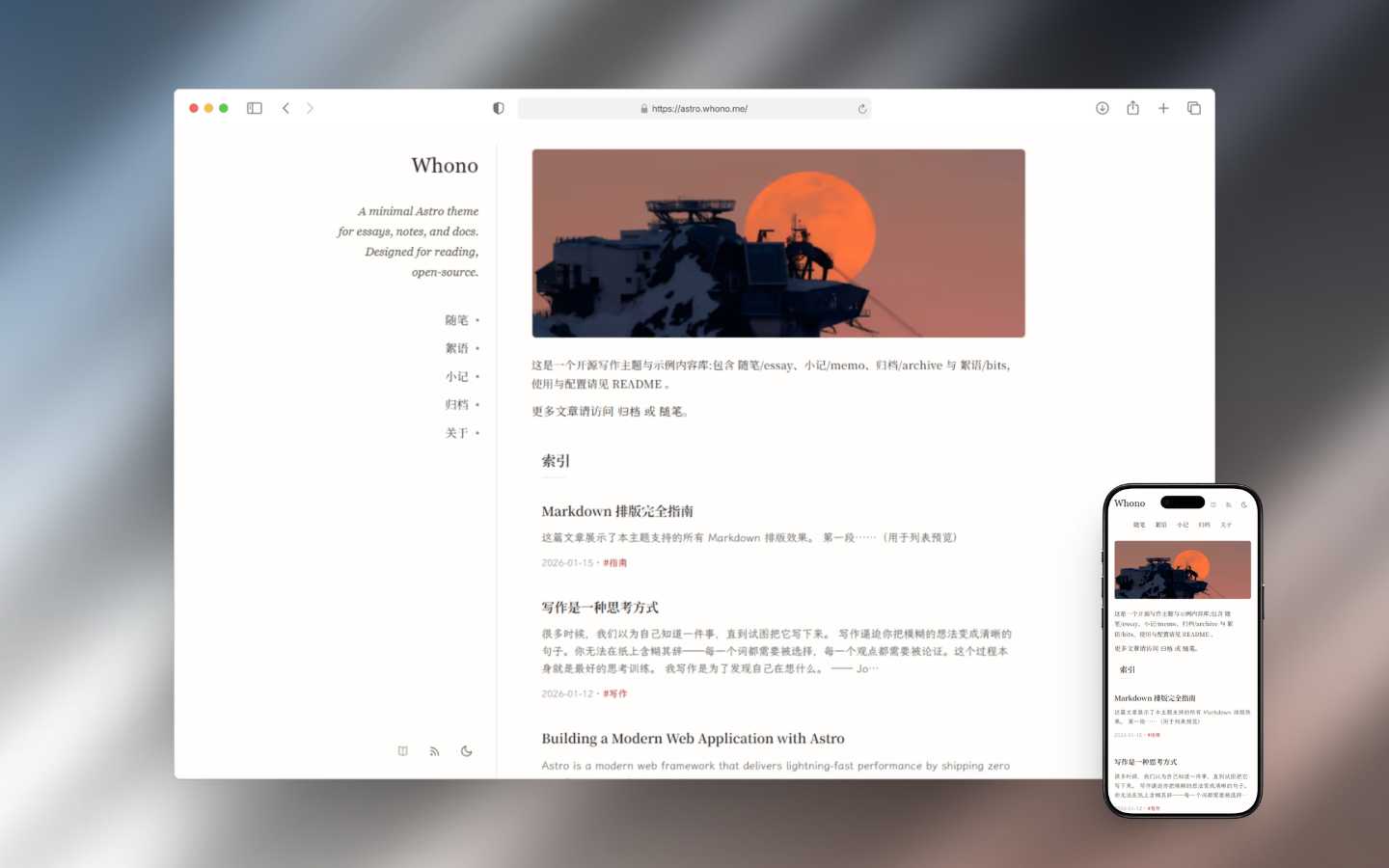
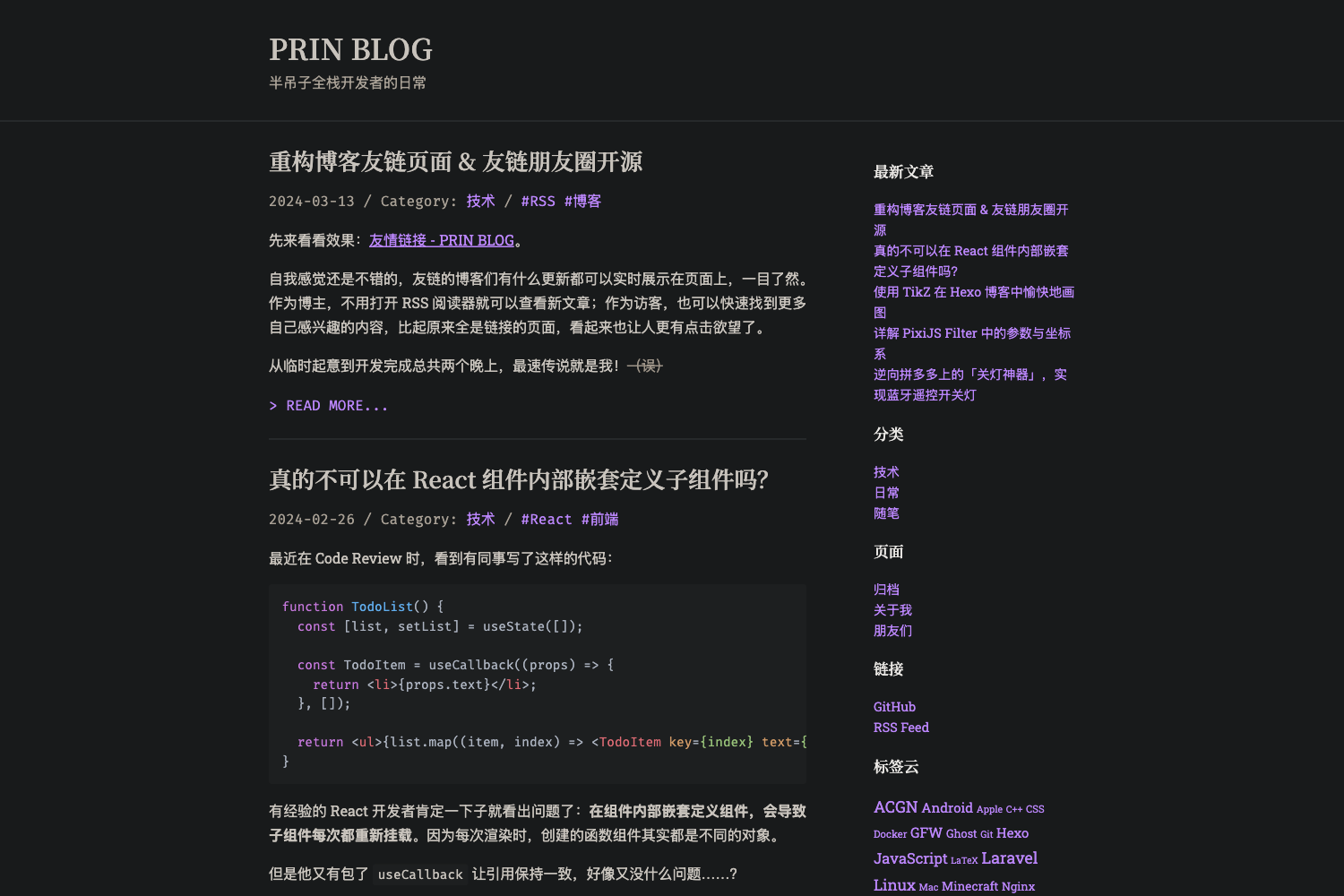
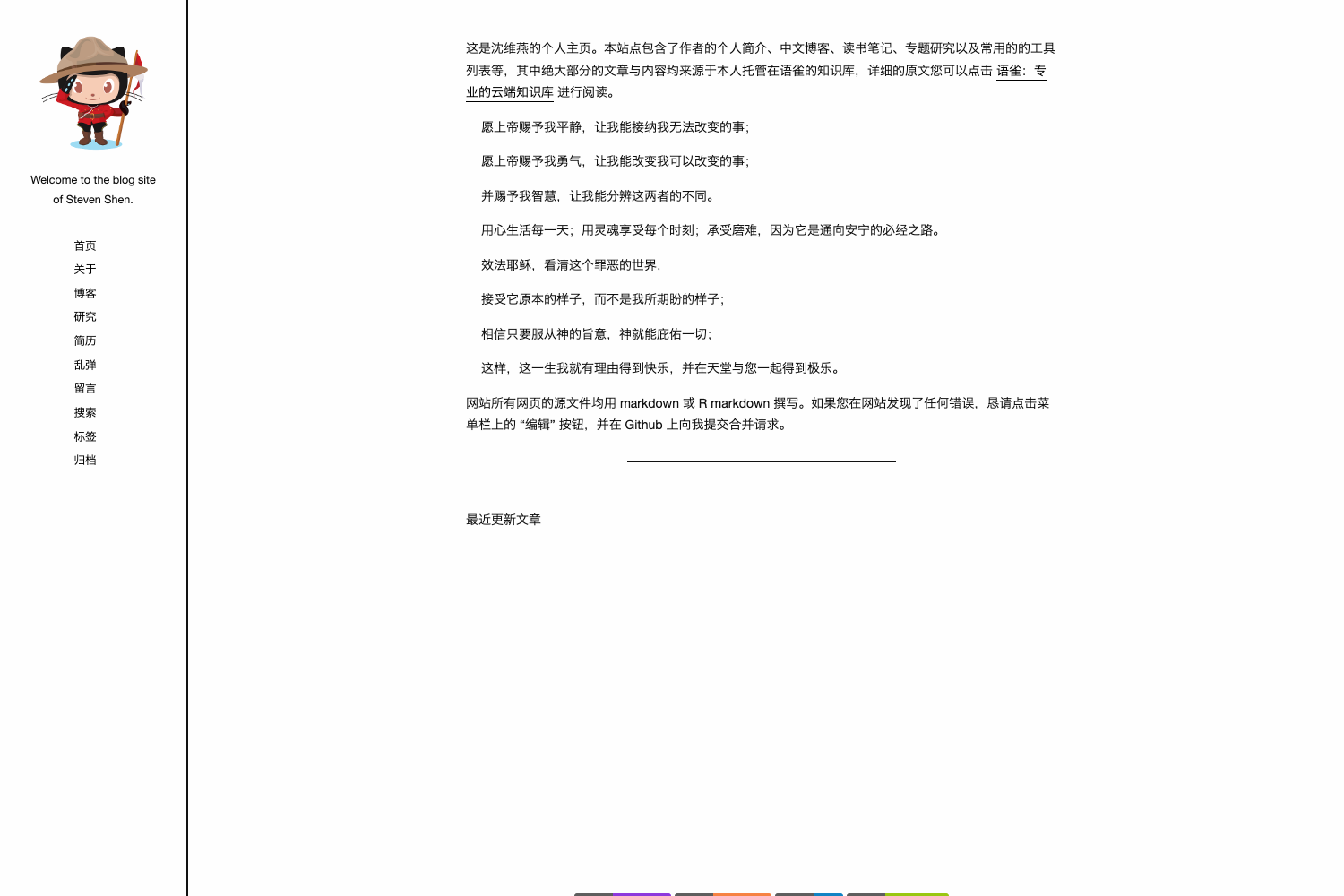
Henryyan.github.com is a personal blog repository hosted on GitHub, built with Jekyll and Markdown on the Minimal Mistakes theme. It takes Markdown posts as input and renders a static HTML blog site, published via GitHub Pages. The repository, named after the GitHub user Henryyan, has 115 stars and carries the description "My blog host on Github, use Github+Jekyll+Markdown." The blog itself is titled "咖啡兔的博客" (Coffee Rabbit's Blog).
What is Henryyan.github.com?
Henryyan.github.com is a personal blog repository hosted on GitHub, built with Jekyll and Markdown on the Minimal Mistakes theme. It takes Markdown posts as input and renders a static HTML blog site, published via GitHub Pages. The repository, named after the GitHub user Henryyan, has 115 stars and carries the description "My blog host on Github, use Github+Jekyll+Markdown." The blog itself is titled "咖啡兔的博客" (Coffee Rabbit's Blog).
Key Features
- Hosted on GitHub — The entire blog lives in a GitHub repository (Henryyan.github.com) and can be published directly through GitHub Pages, making version control and deployment simple.
- Built with Jekyll — Uses the static site generator Jekyll to convert Markdown content into HTML, with no database required.
- Markdown-based writing — Content is authored in Markdown files, allowing simple formatting without a CMS.
- Minimal Mistakes theme — The site is based on the popular Minimal Mistakes Jekyll theme, linked from the MMistakes GitHub repository, which provides a clean responsive design out of the box.
- 115 stars — The repository has attracted 115 GitHub stars, indicating some community interest.
- Personal branding — The blog uses the title "咖啡兔的博客" and a custom domain-style repository name, making it a personal space for the author.
Who is it for?
- A GitHub user named Henryyan — This is the author's personal blog, used to publish posts written in Markdown and share them publicly.
- Developers learning Jekyll — Anyone who wants to see a real-world example of a Jekyll-based blog hosted on GitHub Pages can study this repository.
- Writers wanting a free blog — GitHub Pages offers free static hosting, so writers comfortable with Markdown and Git can use this setup as a template for their own blog.
What can you do with Henryyan.github.com?
- Publish technical articles: Write posts in Markdown, commit them to the repository, and they are rendered as a static blog accessible via GitHub Pages.
- Customize the theme: Since it uses Minimal Mistakes, you can fork the repository and modify layouts, styles, and navigation to match your preferences.
- Showcase a GitHub profile: Use the blog as a portfolio or link to your GitHub projects, since the repository is named after the user.