Template details
hexo-theme-Tsu
A light and simple theme for Hexo, designed by Bacbin.
About this template
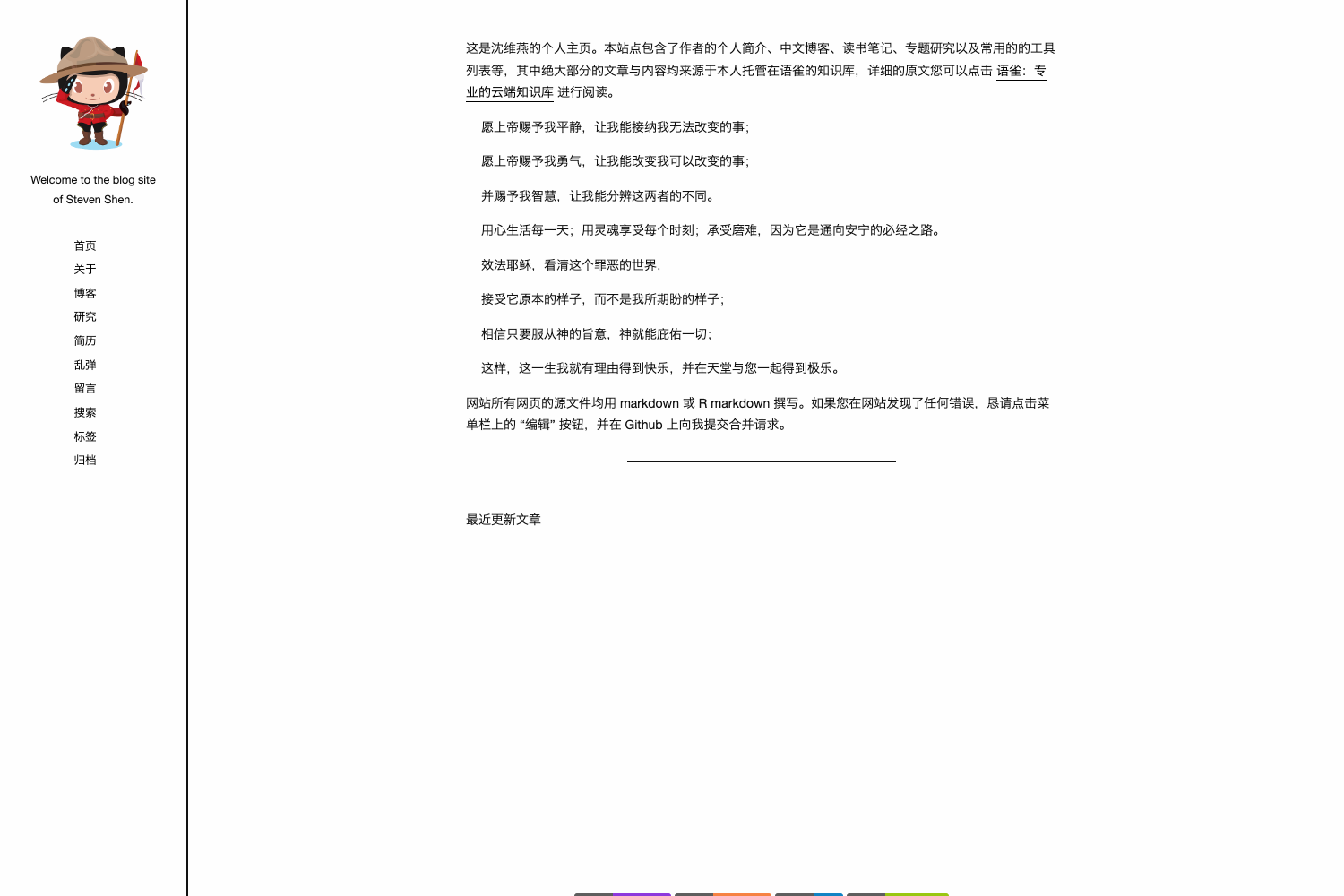
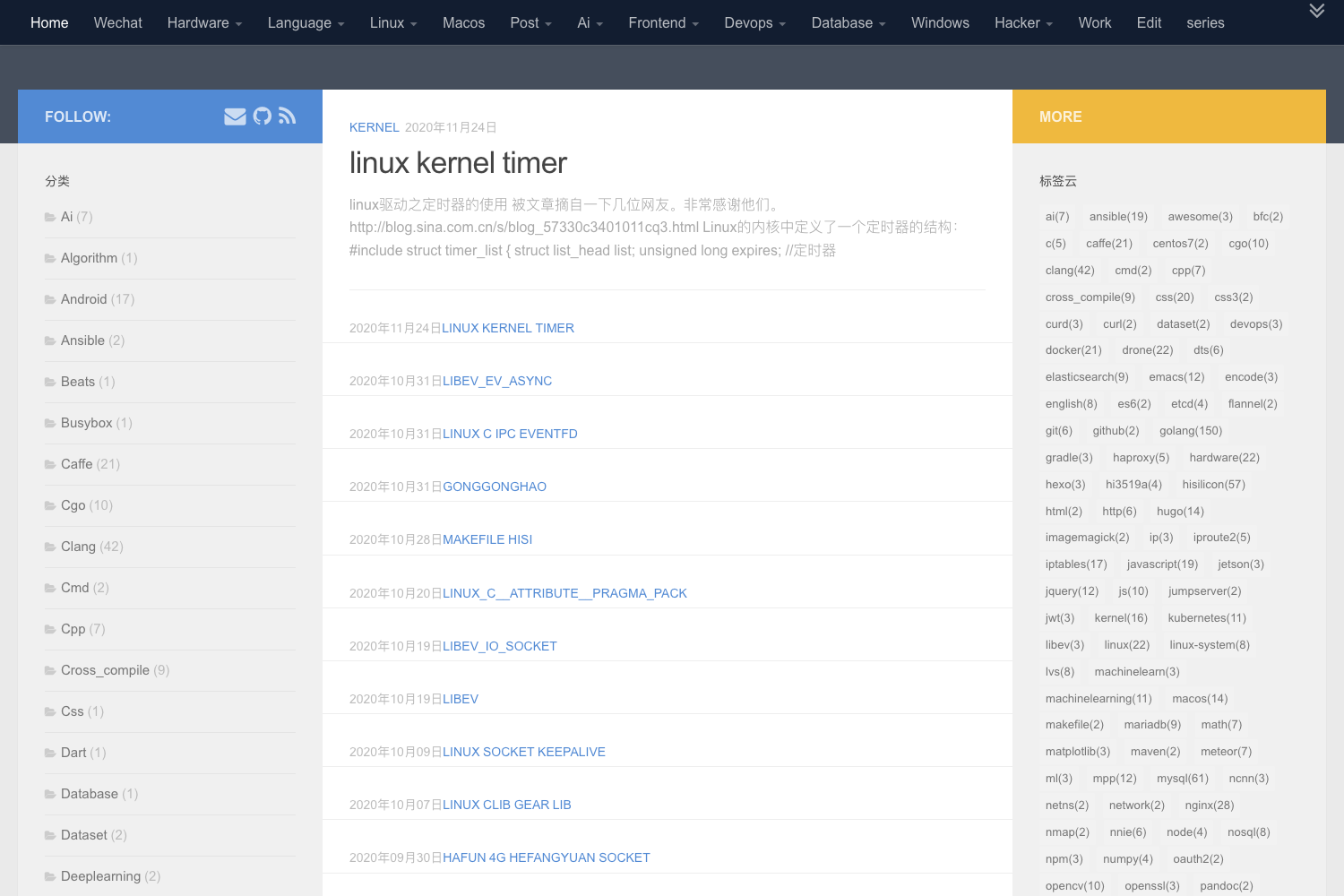
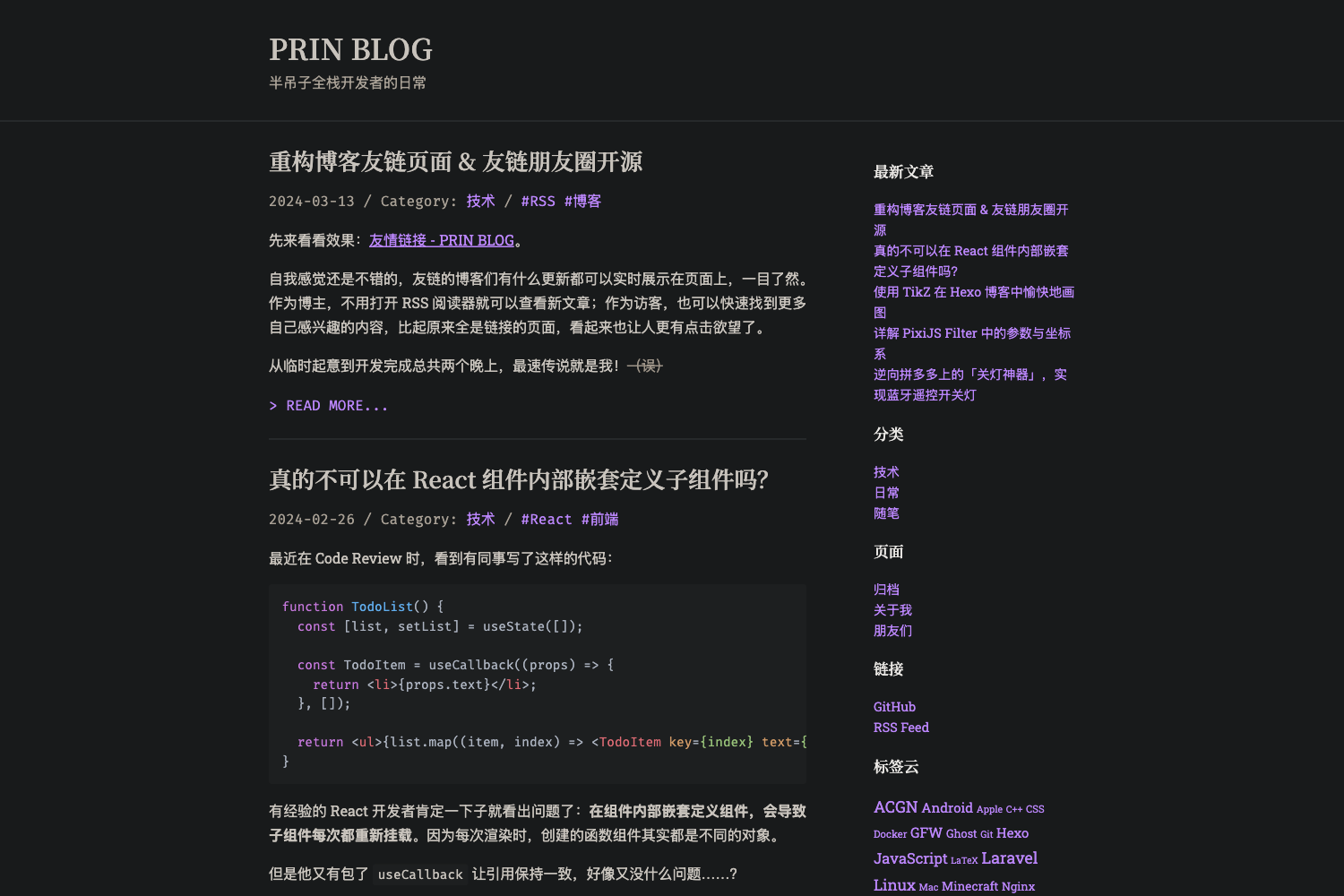
hexo-theme-Tsu is a light and simple theme for the Hexo static site generator, designed by Bacbin as a variant of the polarbear theme, turning Markdown posts into a minimal, text-focused blog.
What is hexo-theme-Tsu?
hexo-theme-Tsu is a light and simple Hexo theme created by Bacbin and derived from the polarbear theme. It accepts Markdown content and site configuration from Hexo and outputs a static blog with a clean, minimal design. The theme relies on the hexo-renderer-scss plugin to compile its SCSS stylesheets, and installation requires cloning the GitHub repository and activating the theme via the site's _config.yml file. The repository metadata shows 18 stars, and the README describes it as "a light and simple theme."
Key Features
- Based on polarbear — The theme builds upon the polarbear design, simplifying it further to keep the layout light and simple.
- SCSS styling — Uses SCSS, which is compiled by the
hexo-renderer-scsspackage; this makes the theme's styles easy to inspect and modify. - Configurable avatar — The README instructs users to modify the theme's
config.ymlfor "Avator" (sic) and other settings, indicating an avatar option is built in. - Straightforward installation — The README lists only two commands: installing the SCSS renderer via npm and cloning the repository; then you switch the theme in
_config.yml. - Designed for Hexo blogs — Works as a standard Hexo theme, rendering Markdown posts with no extra runtime dependencies.
Who is it for?
- Hexo bloggers — Anyone running a Hexo blog who wants a light, unobtrusive theme that puts content first.
- Minimalist developers — Developers who prefer a small codebase and clean styling without heavy JavaScript frameworks.
- Theme customizers — Users who like to adjust styles; because styling is SCSS-based, changing colors and layout variables is straightforward.
What can you do with hexo-theme-Tsu?
- Start a minimal blog: Write Markdown posts in Hexo, select Tsu as the theme, and publish a simple blog site.
- Customize the look: Edit SCSS files and the theme's
config.ymlto change the avatar and other presentation details. - Learn Hexo theme structure: Use this small theme as an example to understand how Hexo themes organize templates and styles.
How does hexo-theme-Tsu work?
The README shows three setup steps: first run npm install hexo-renderer-scss --save in your project; second, clone the theme with git clone https://github.com/zjx137/hexo-theme-Tsu.git; third, set the theme value in your site's _config.yml to either Tsu or hexo-theme-Tsu. Once configured, Hexo generates the static site using the theme's templates and SCSS-derived CSS.
Pros and cons
- Lightweight — The README describes it as "a light and simple theme."
- SCSS styling — Uses SCSS compiled via
hexo-renderer-scss, so colors and layout are easy to tweak. - Requires separate installation — You must install
hexo-renderer-scssbefore cloning the theme; without it, the theme's styles won't compile.
FAQ
Is hexo-theme-Tsu free?
The theme is hosted as a public GitHub repository, so you can clone and use it without paying a fee. No pricing or license details are mentioned in the README.
What do I need to install hexo-theme-Tsu?
You need a working Hexo site and the hexo-renderer-scss npm package. The README instructs you to install that package before cloning the theme repository.
How do I change the avatar?
Open the theme's config.yml file and modify the Avatar field—the README spells it "Avator"—along with any other settings you wish to change.