Template details
ASTRObash
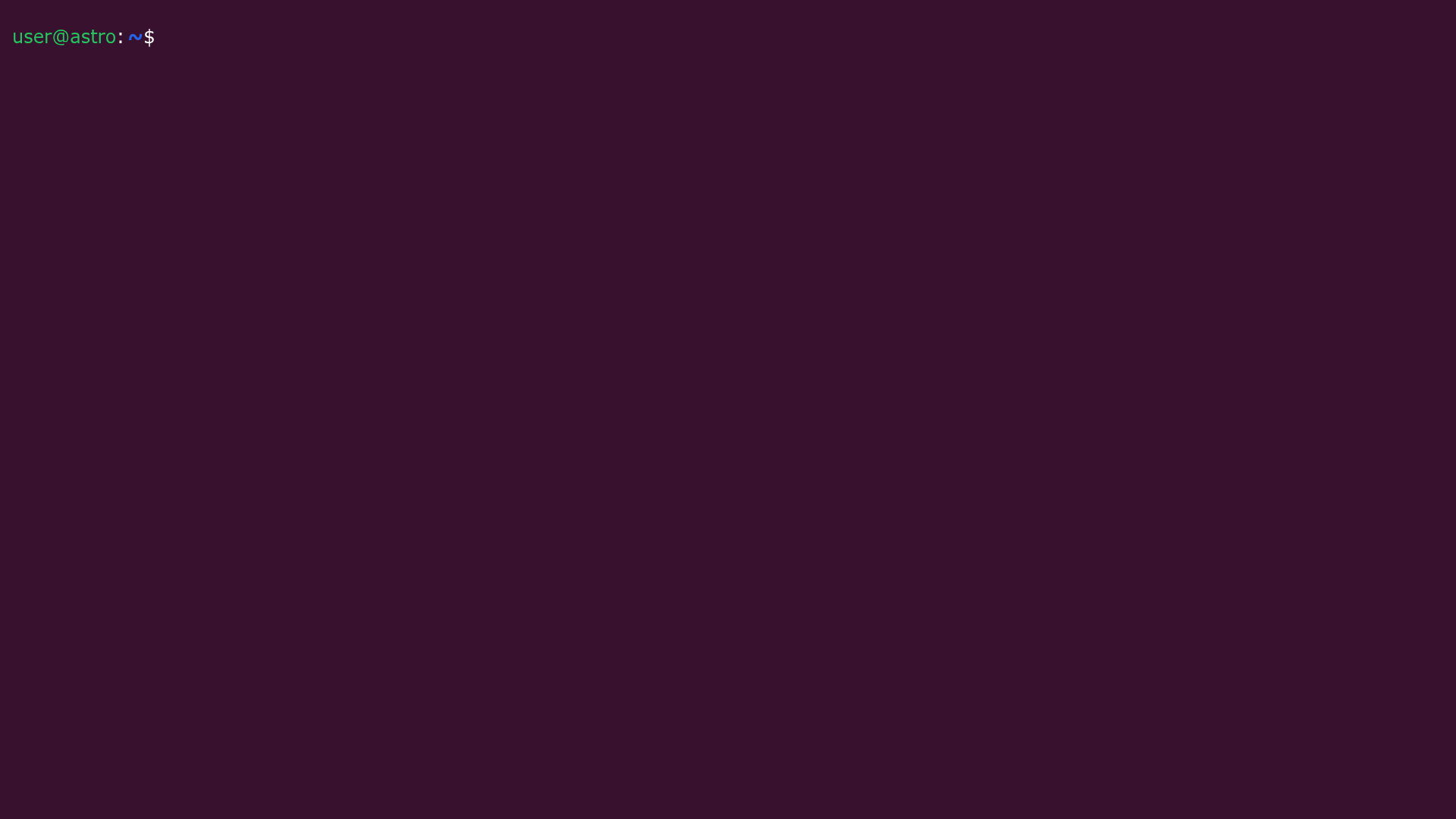
A browser-based Linux terminal simulator built with Astro, React, and Tailwind CSS, supporting commands like ls, pwd, cat, and open-image.
About this template
ASTRObash is a terminal simulation boilerplate that runs entirely in the browser, letting visitors type Linux commands such as ls, pwd, cat, and open-image to interact with a virtual file system, powered by Astro, React, and Tailwind CSS.
What is ASTRObash?
ASTRObash is a web template that recreates a Linux terminal interface as a static site. It takes typed terminal commands as input and outputs simulated directory listings, file contents, and image modals. The project is built with the Astro static site generator, React for interactive components, and Tailwind CSS for styling. The source code lives on GitHub under the repository jjunlob074/ASTRObash, and the included npm scripts allow developers to run, build, and preview the site locally.
Key Features
- Command simulation — Implements
ls(list directory contents),pwd(print working directory),cat(view file contents), andopen-image(open images in a modal). - Directory navigation — Users can move through directories and manage file paths with terminal-style commands.
- Responsive terminal UI — The interface is styled with Tailwind CSS and adapts cleanly to different screen sizes.
- Astro static site generation — The project compiles to static HTML with Astro, which makes it fast to load and easy to deploy.
- React interactive components — Interactive terminal behavior is handled by React components embedded in the Astro site.
- Open-image modal — The
open-imagecommand displays image files in a modal overlay, demonstrating how to view assets from within the simulated shell.
Who is it for?
ASTRObash is aimed at developers who want to learn how a command-line environment can be embedded in a static website, as well as educators who need a browser-based way to demonstrate basic Linux commands. It is also a practical starting point for anyone building a terminal-styled portfolio, documentation, or interactive tool with Astro and React.
- Web developers — Use the template to see how React islands handle interactive events inside an Astro static page, and reuse the structure for command-driven widgets.
- Educators and trainers — Demonstrate commands like
lsandpwdin class without requiring a local terminal or admin access. - Front-end enthusiasts — Explore a working Tailwind CSS design system for a terminal UI and extend it with additional commands.
What can you do with ASTRObash?
- Simulate a Linux shell — Execute pre-defined commands that list directories, show the current path, display file contents, and open images in a modal.
- Build a command-driven website — Use the same project as a boilerplate for interactive terminals, command-palette navigation, or a retro-themed command-line interface in a static site.
- Learn Astro and React integration — Study how React components are embedded in Astro pages to handle user input and state.
How does ASTRObash work?
To run ASTRObash locally, clone the GitHub repository, install dependencies with npm install, and start the development server with npm run dev. The site then serves at http://localhost:4321. For production, run npm run build and preview the result with npm run preview.
FAQ
What commands does ASTRObash support?
ASTRObash currently simulates ls, pwd, cat, and open-image. These commands list directory contents, print the working directory, display file contents, and open images in a modal, respectively.
Do I need a backend to run ASTRObash?
No. ASTRObash is a static site built with Astro, so all command processing happens client-side through React components. It can be deployed to any static hosting service.
How do I install ASTRObash?
Clone the repository with git clone https://github.com/jjunlob074/ASTRObash.git, then run npm install and npm run dev. The development server will be available at localhost:4321.