Template details
vite-react-typescript-tailwind-starter
Template for React + Tailwind CSS + TypeScript projects with Vite, testing, and code-quality tools preconfigured.
About this template
vite-react-typescript-tailwind-starter is a GitHub template repository that scaffolds a frontend project combining Vite 4, React 18, TypeScript 4.9.5, and Tailwind CSS 3, with code-quality tooling preconfigured. It produces a ready-to-run development setup: run yarn to install dependencies, yarn dev to launch the Vite dev server, and yarn test to execute unit tests with Vitest.
What is this template?
This is a boilerplate for building React single-page applications with TypeScript and Tailwind CSS, using Vite as the build tool. It was created for developers who want a modern frontend stack without spending time wiring up configuration files. The template includes React Router 6 for client-side routing and the official Tailwind CSS forms plugin for styling form elements.
Key Features
- React 18 + React Router 6 — The template ships with React 18 and the latest React Router major version, so applications support client-side navigation out of the box.
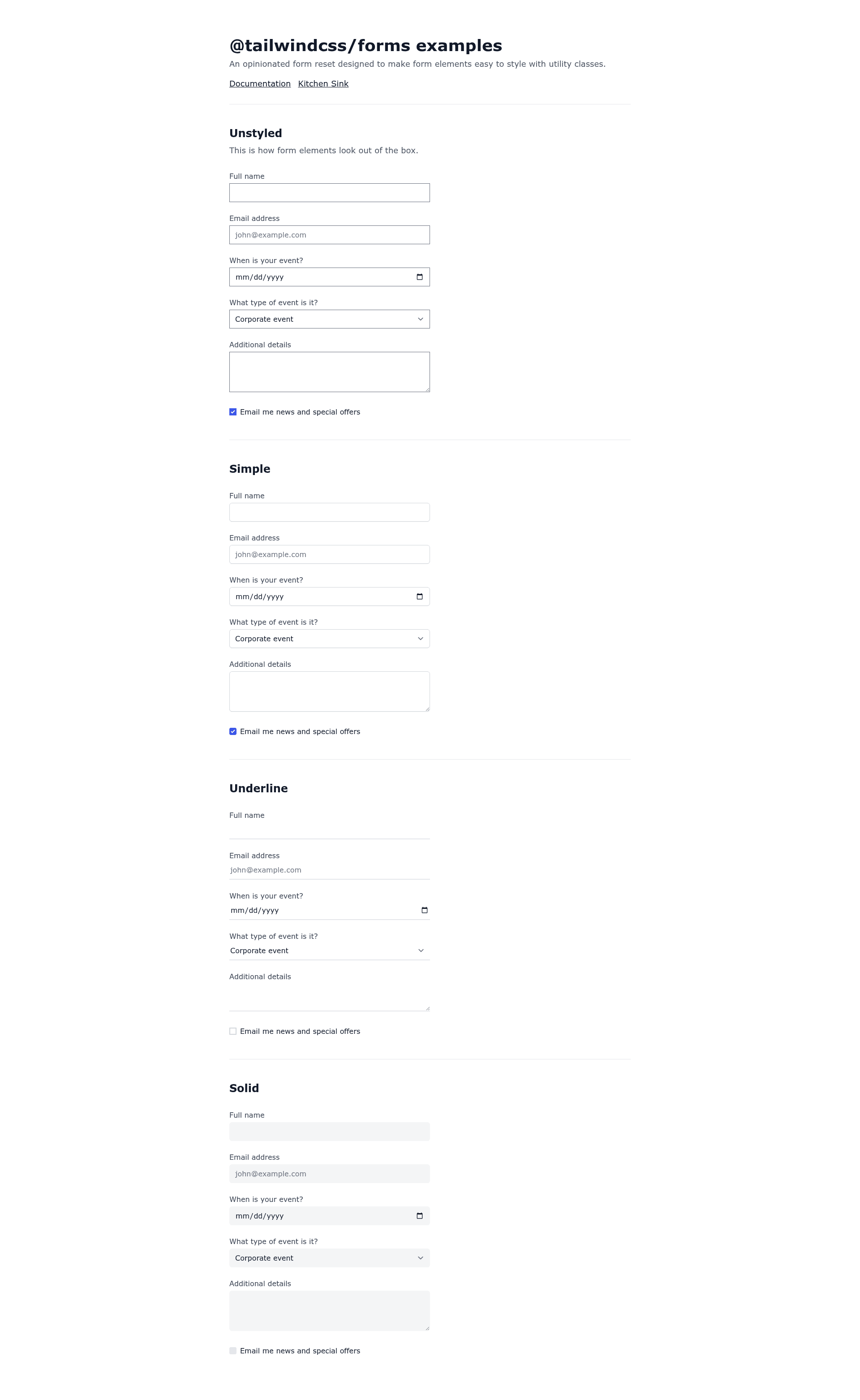
- Tailwind CSS 3 with forms plugin — Tailwind's utility-first styling is preconfigured, and the forms plugin normalizes form element styles for easier customization.
- TypeScript 4.9.5 — Strict typing is enabled for the entire project, covering components, hooks, and Vite configuration.
- Vite 4 dev server — Fast cold starts and hot module replacement through Vite, configured as the default build tool and development server.
- Vitest for unit testing — A test runner that integrates with Vite's config, ready for component and utility tests via the
yarn testcommand. - ESLint 8 and Prettier 2 — Static analysis and code formatting are preconfigured with common React and TypeScript rules; Prettier handles consistent formatting.
- Husky 8 and commitlint 17 — Git hooks run commitlint on every commit to enforce Conventional Commits message format.
- EditorConfig and VS Code settings — Shared editor settings keep indentation and line endings consistent across contributors and include recommended VS Code extensions.
Who is it for?
- Frontend developers starting a new React project who want TypeScript and Tailwind configured without manual setup.
- Development teams that enforce consistent code style and commit conventions, since ESLint, Prettier, and commitlint are already wired up.
- Anyone familiar with GitHub templates who wants to create multiple repositories from the same starting point by clicking the "Use this template" button.
What can you do with it?
- Scaffold a new SPA: Copy the template to a new GitHub repository, clone it, and run
yarn devto start developing immediately with Hot Module Replacement. - Run and extend tests: Add component tests using Vitest and run them with a single
yarn testcommand; Vitest reads the same Vite configuration. - Enforce commit standards: Husky hooks check every commit message against Conventional Commits rules, so commit history stays consistent before it is pushed.
How does it work?
- Click the "Use this template" button on the GitHub repository page to create a new repository with the same file structure.
- Clone the new repository locally and run
yarnto install all dependencies listed in the template's package manifest. - Run
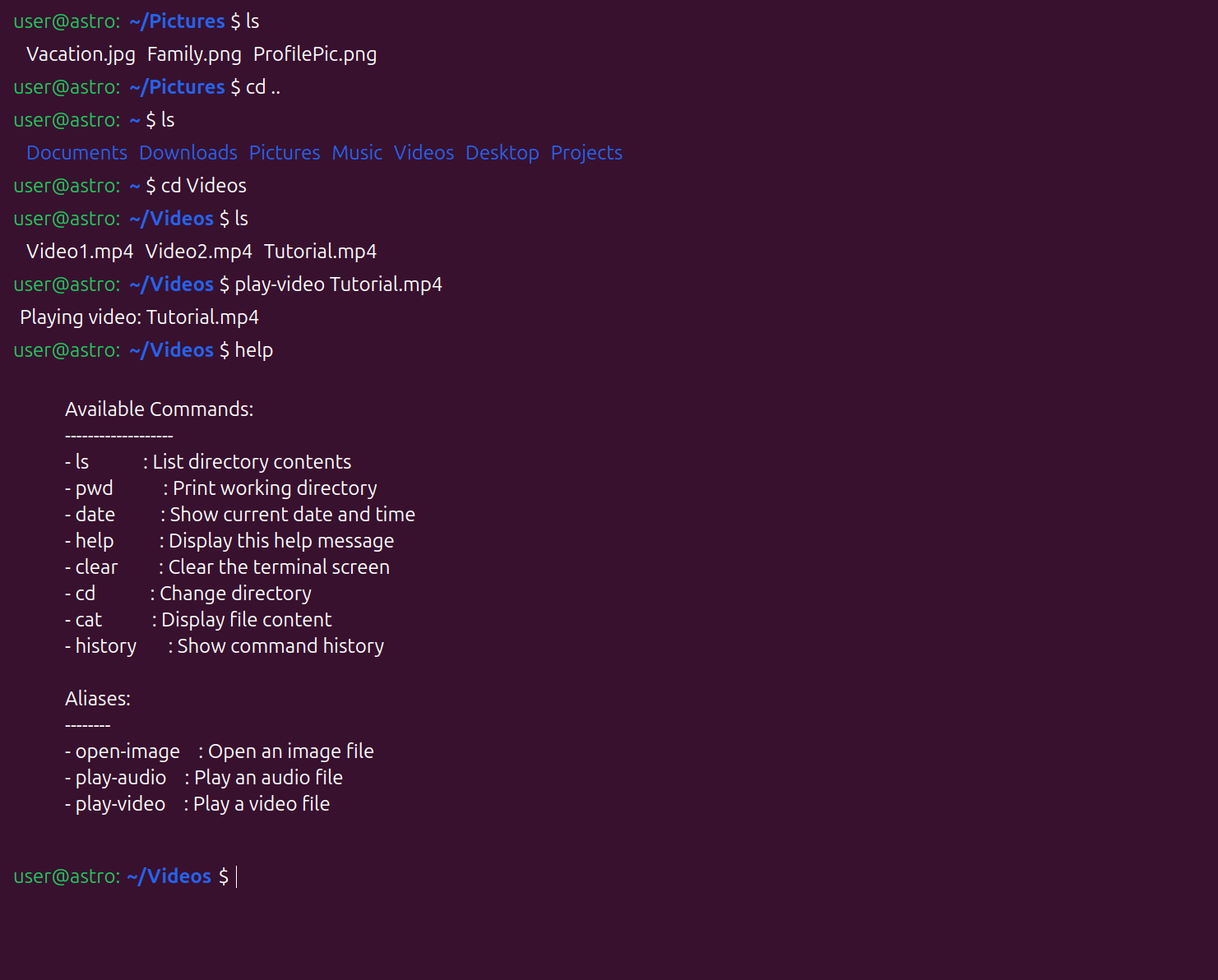
yarn devto start the Vite development server, oryarn testto run the test suite with Vitest.
FAQ
What versions of React and Vite are included?
React 18, React Router 6, Tailwind CSS 3, TypeScript 4.9.5, and Vite 4 are the core dependencies. The template also includes Vitest for testing and ESLint 8, Prettier 2, Husky 8, and commitlint 17 for tooling.
Does the template include routing?
Yes, React Router 6 is preinstalled and ready to use. You can define routes in your application immediately without installing additional packages.
What testing setup is preconfigured?
Vitest is included as the test runner. The yarn test command executes tests, and because Vitest uses the Vite configuration, no separate test configuration file is required.
Are there Git hooks enabled?
Yes, Husky 8 sets up a pre-commit hook that runs commitlint 17. This hook checks that your commit messages follow the Conventional Commits specification.
Is this template free to use?
The template is an open-source GitHub repository. You can use it to create as many projects as you like by using the "Use this template" feature, which copies all files to your own repository.