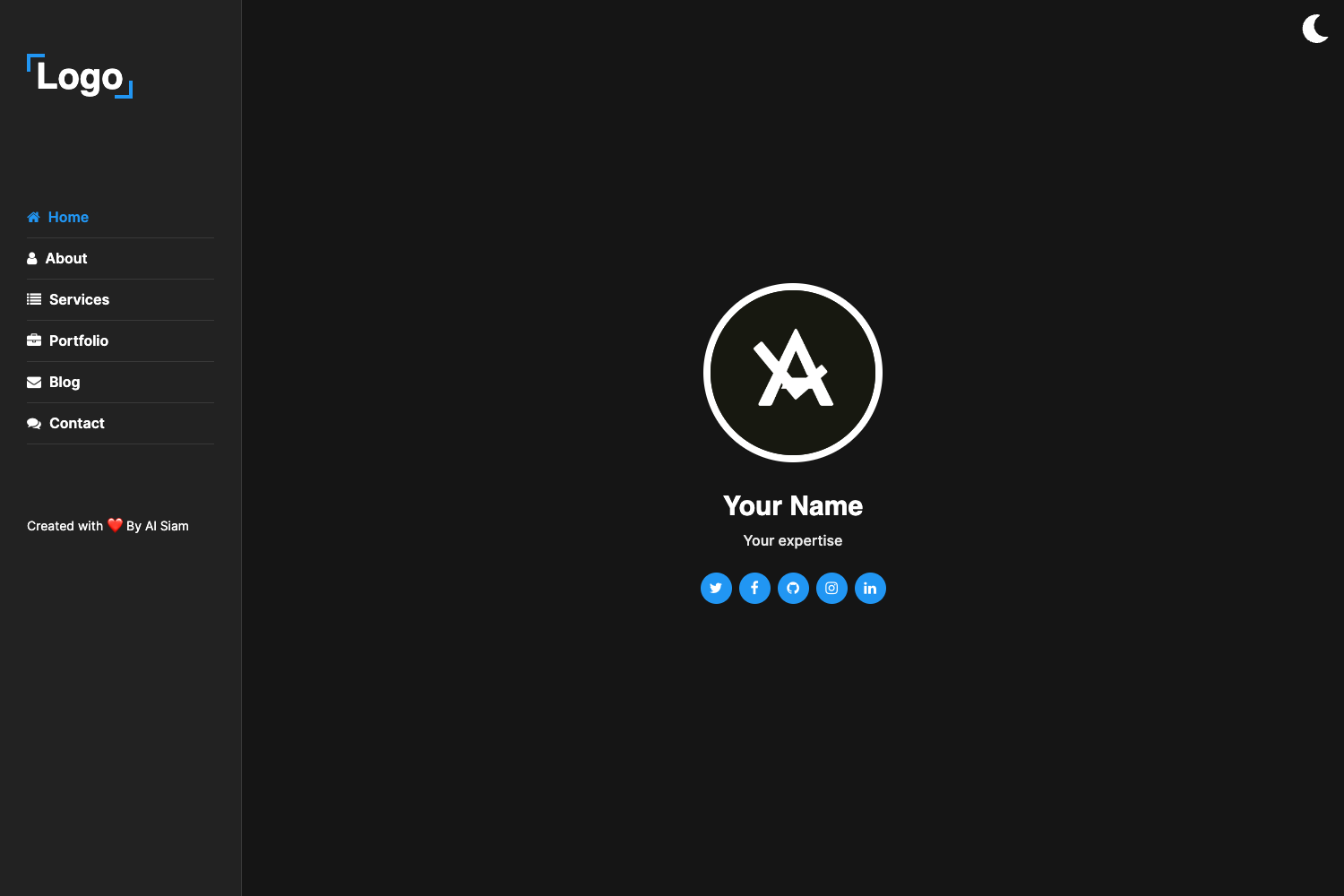
Template details
AstroGaia
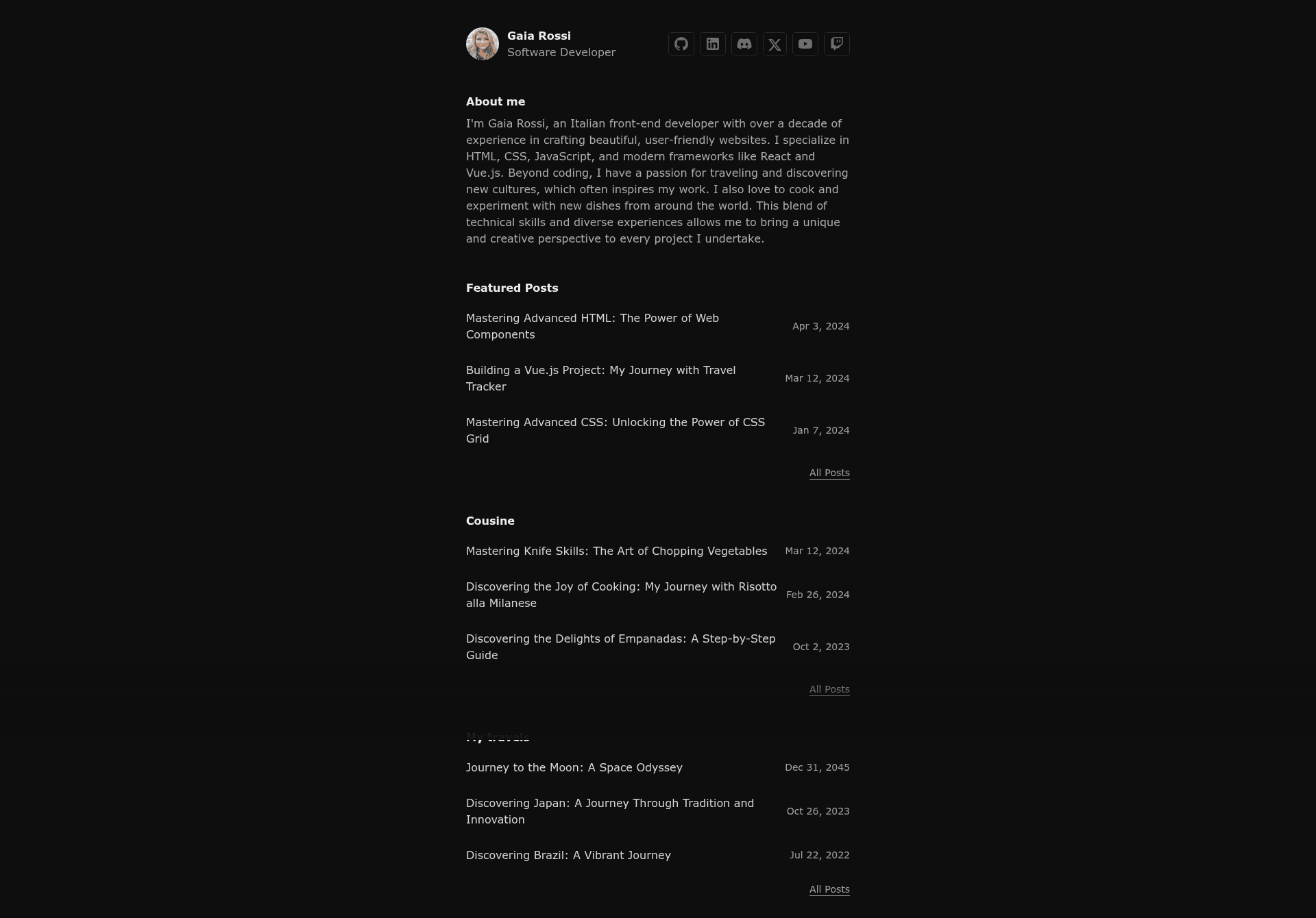
A single-author portfolio theme for Astro.js, mostly oriented to a software developer.
About this template
AstroGaia is a single-author portfolio theme for Astro.js, built with Tailwind CSS, ReactJS, and shadcn/ui, that generates a static portfolio site with a blog from Markdown and MDX content.
What is AstroGaia?
AstroGaia is a portfolio theme for Astro.js, available on GitHub under the repository danielecammarata/astro-gaia, and oriented primarily toward software developers. It takes Markdown and MDX files (as well as Astro components) in the src/pages/ and src/content/ directories and produces a static site with portfolio collection and blog post category support. The theme runs on any platform that supports Astro builds, including a one-click deployment option for Netlify.
Key Features
- Portfolio collection — Organize project case studies as a content collection using
getCollection()in Astro; frontmatter is type-checked with an optional schema. - Post category support — Group blog posts into categories so visitors can filter content by topic, with category pages generated automatically.
- View transitions — Built-in animated page transitions between routes, enabled by Astro's View Transitions API.
- Tailwind CSS styling — Utility-first CSS via the
@astrojs/tailwindintegration, configured intailwind.config.mjs. - ReactJS components — Add interactive components using
@astrojs/react; the project structure includes asrc/components/directory for custom Astro, React, or shadcn/ui components. - shadcn/ui integration — Leverages the shadcn/ui component set, with the
components.jsonconfig file present for component management. - SEO-friendly — Outputs canonical URLs and OpenGraph metadata, plus sitemap support via
@astrojs/sitemap. - Biome code quality — Uses Biome for linting and formatting, with
npm checkto run checks andnpm writeto fix issues.
Who should use AstroGaia?
AstroGaia is designed for individual developers who want a personal portfolio and blog without building from scratch. Software developers can use it to showcase projects, write technical articles, and share code snippets. Freelancers and consultants can replace the demo content with their own work history and case studies to publish a professional site quickly. Tech bloggers who already write in Markdown or MDX can drop their posts into src/content/blog/ and get a categorized blog with minimal setup.
What can you do with AstroGaia?
- Developers: Showcase open-source projects and contributions in a portfolio collection, each page linking to code repositories or live demos.
- Technical writers: Publish tutorials and articles using Markdown or MDX, organized into categories for easier navigation.
- Freelancers: Create a one-page-style personal site with project highlights and a blog to attract clients, deploying to Netlify with a single click.
- Astro learners: Use AstroGaia as a working reference for Astro content collections, the Tailwind integration, and adding React components to an Astro site.
How does AstroGaia work?
AstroGaia follows the standard Astro content structure: pages live in src/pages/ and become routes based on their filename, while Markdown and MDX posts are stored in src/content/ as collections. After cloning or using the Netlify deploy button, run npm install, then npm run dev to start the local server at localhost:4321. When ready, npm run build creates a production build in ./dist/, and npm run preview lets you test that build locally before deployment.
FAQ
Does AstroGaia support Markdown and MDX?
Yes, AstroGaia includes the @astrojs/mdx integration and supports both Markdown and MDX content in its content collections. Post frontmatter can be type-checked with a Schema, and the demo content in the repository is generated with ChatGPT.
What styling system does AstroGaia use?
AstroGaia uses Tailwind CSS through the @astrojs/tailwind integration, with the configuration in tailwind.config.mjs. It also includes shadcn/ui components and a components.json file, allowing you to add or customize shadcn/ui components in a React-friendly environment.
How do I deploy AstroGaia to Netlify?
The repository includes a one-click "Deploy to Netlify" button that creates a new GitHub repository from the template and sets it up for immediate deployment on Netlify. Alternatively, you can build the site with npm run build and deploy the resulting ./dist/ folder to any static hosting service.
What commands are available for development and maintenance?
The theme provides standard Astro commands plus two Biome commands: npm run dev starts a development server at localhost:4321, npm run build generates the production site, npm run preview previews the build, npm check runs Biome linting and formatting checks, and npm write applies automatic fixes.
Is AstroGaia suitable for a multi-author blog?
No, AstroGaia is explicitly a single-author portfolio theme. The project structure and content collections are designed for one author, and the theme's README states it is "mostly oriented to a software developer" rather than team-based publishing.