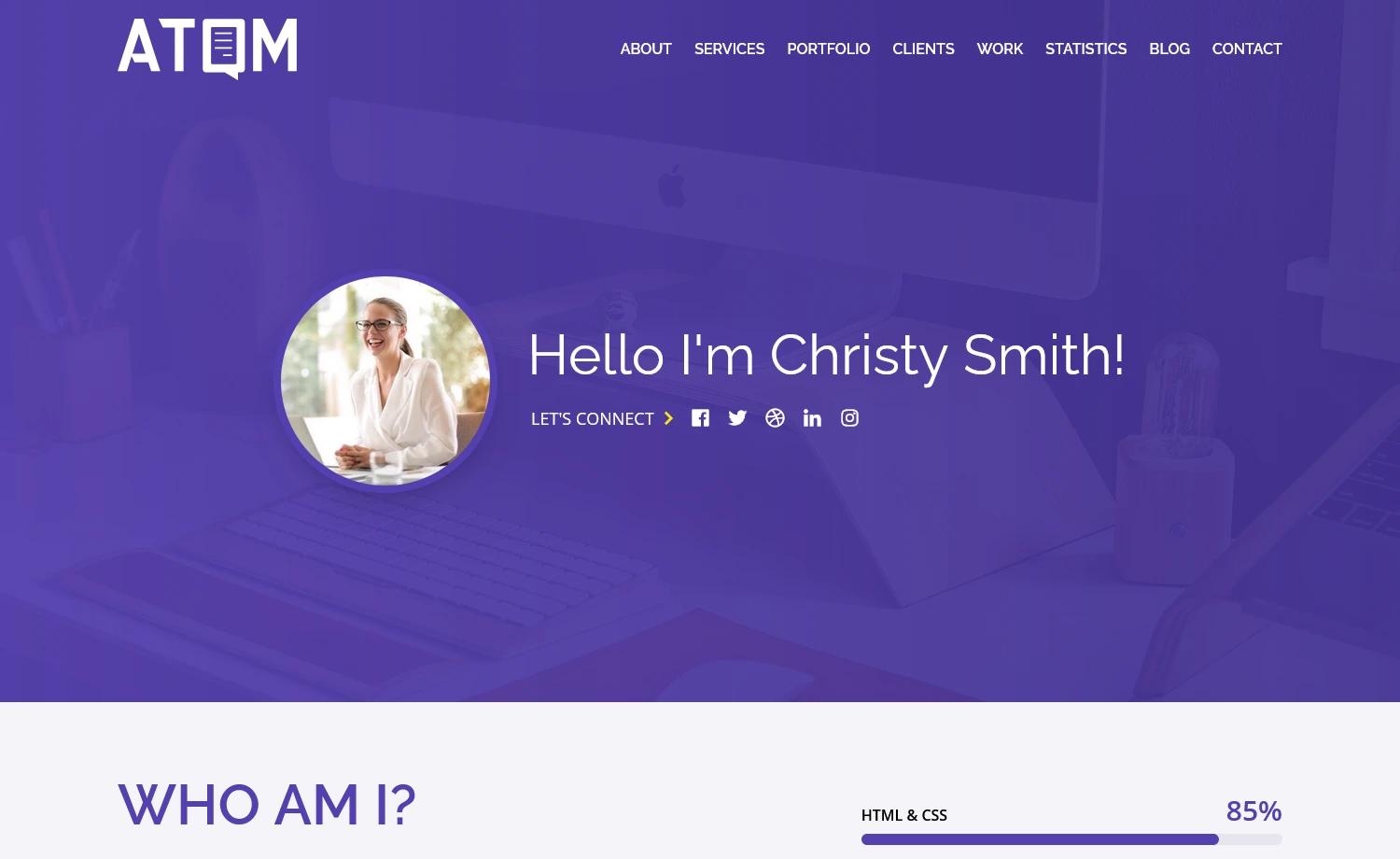
Template details
AstroZen
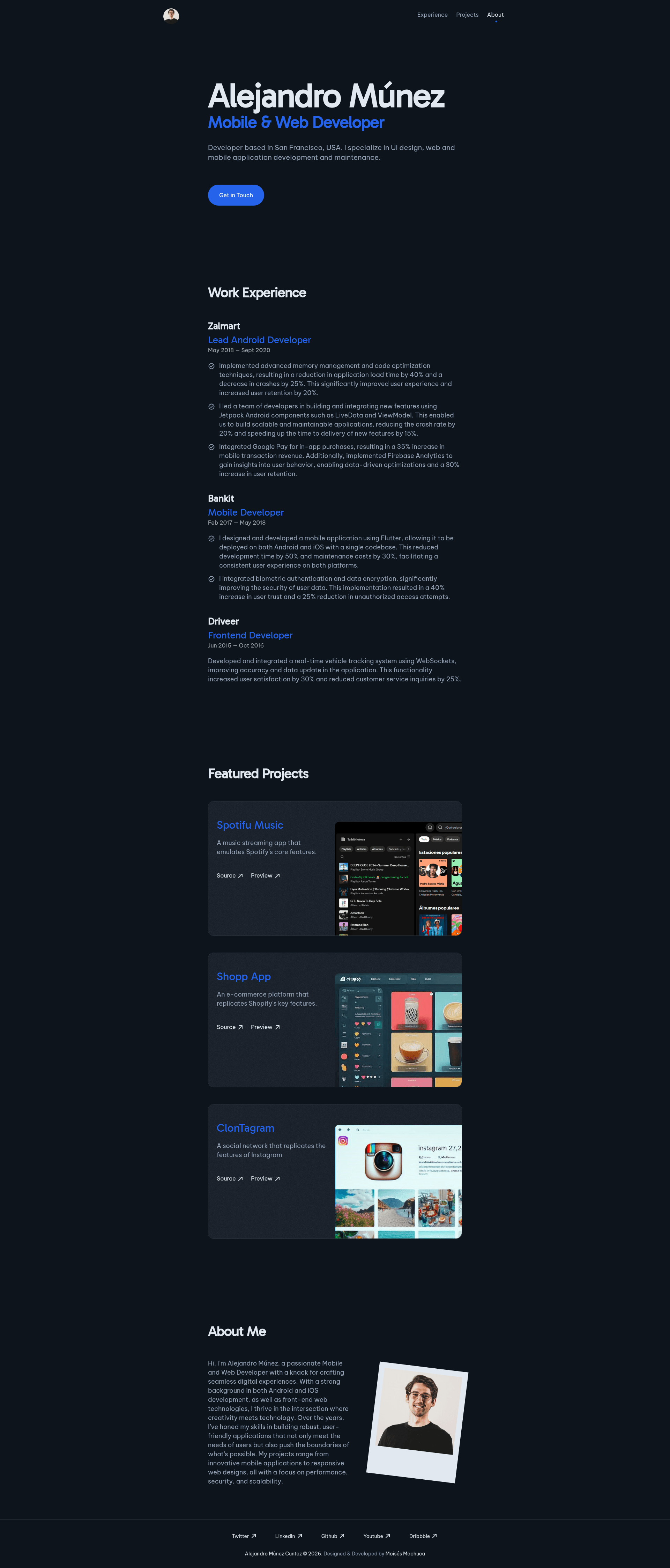
AstroZen is a minimalist, accessible and responsive portfolio template for your personal portfolio website. It is built with Astro and TailwindCSS.
About this template
AstroZen is a minimalist, accessible, and responsive personal portfolio website template built with Astro and TailwindCSS, designed to be customized through a single configuration file. It is distributed as a public GitHub repository by immois and is intended for developers and professionals who want a clean, SEO-friendly static portfolio site without building one from scratch.
What is AstroZen?
AstroZen is a personal portfolio website template that uses Astro as its static site generator and TailwindCSS for styling. It takes your personal information and produces a static site with a clean, minimalist design. The template is available on GitHub under the repository name immois/astro-zen, and it includes placeholder content—names, images, and copy—that is explicitly marked as fictitious and meant to be replaced with your own details.
The template is built with a mobile-first approach, ensuring the layout works on small screens and scales up to desktop. It is also designed to be SEO-friendly and accessible, with semantic HTML and a focus on performance. The project shows a Lighthouse score screenshot in its README, indicating that performance and accessibility are measured during development.
Key Features
- Minimalist design — clean and simple layout with no visual clutter, prioritizing content.
- Mobile-first responsive layout — styles are written for small viewports first and then enhanced for larger screens.
- SEO-friendly and accessible — structured HTML helps search engines index the page, and accessibility considerations support assistive technologies.
- Single configuration file — customization is centralized, so you can update site content and settings in one place.
- Astro and TailwindCSS stack — uses the Astro static site generator with TailwindCSS utility classes; no JavaScript framework is required.
- PNPM commands — development, build, and preview scripts run through pnpm; the dev server starts at localhost:4321, and the production build outputs to ./dist/.
- Fictitious placeholder content — the template ships with fictional names, images, and content that give the design a realistic appearance, with a note recommending you replace them.
Who is it for?
- Developers — who want a fast, minimal portfolio site and are comfortable with Git and pnpm commands to clone and run the project.
- Freelancers and job seekers — who need a professional web presence to showcase their work, and can edit the single configuration file to publish their own information.
- Students learning Astro — who can use the template as a reference for building static sites with Astro and TailwindCSS.
What can you do with AstroZen?
- Launch a personal portfolio: clone the repository, edit the configuration file with your own name, bio, projects, and images, then build the site for deployment.
- Preview locally: run pnpm dev to start a development server at localhost:4321 and see changes live as you edit.
- Deploy a static site: run pnpm build to generate a static site in ./dist/, which can be hosted on any static hosting service.
How does AstroZen work?
AstroZen follows a straightforward Git-based workflow. First, clone the repository with git clone https://github.com/immois/astro-zen.git, then install dependencies using pnpm install. Once installed, pnpm dev launches a live development server, pnpm build compiles the production site into the dist folder, and pnpm preview lets you test the built output locally.
FAQ
Is AstroZen free to use?
The template is published as a public GitHub repository, so anyone can clone it and use it without payment. There is no mention of licensing costs in the README, and the repository is open to the public.
What commands do I need to run AstroZen?
The README documents four pnpm commands: pnpm install to install dependencies, pnpm dev to start the development server, pnpm build to create a production build, and pnpm preview to preview the build locally before deployment.
What is the default development server URL?
When you run pnpm dev, the development server starts at localhost:4321, as stated in the README command table.
Does AstroZen include real content?
No, all names, images, and content in the template are entirely fictitious and are included only to give the design a realistic appearance. The README includes a note recommending that you replace this placeholder content with your own information.