Template details
Layout-Muse
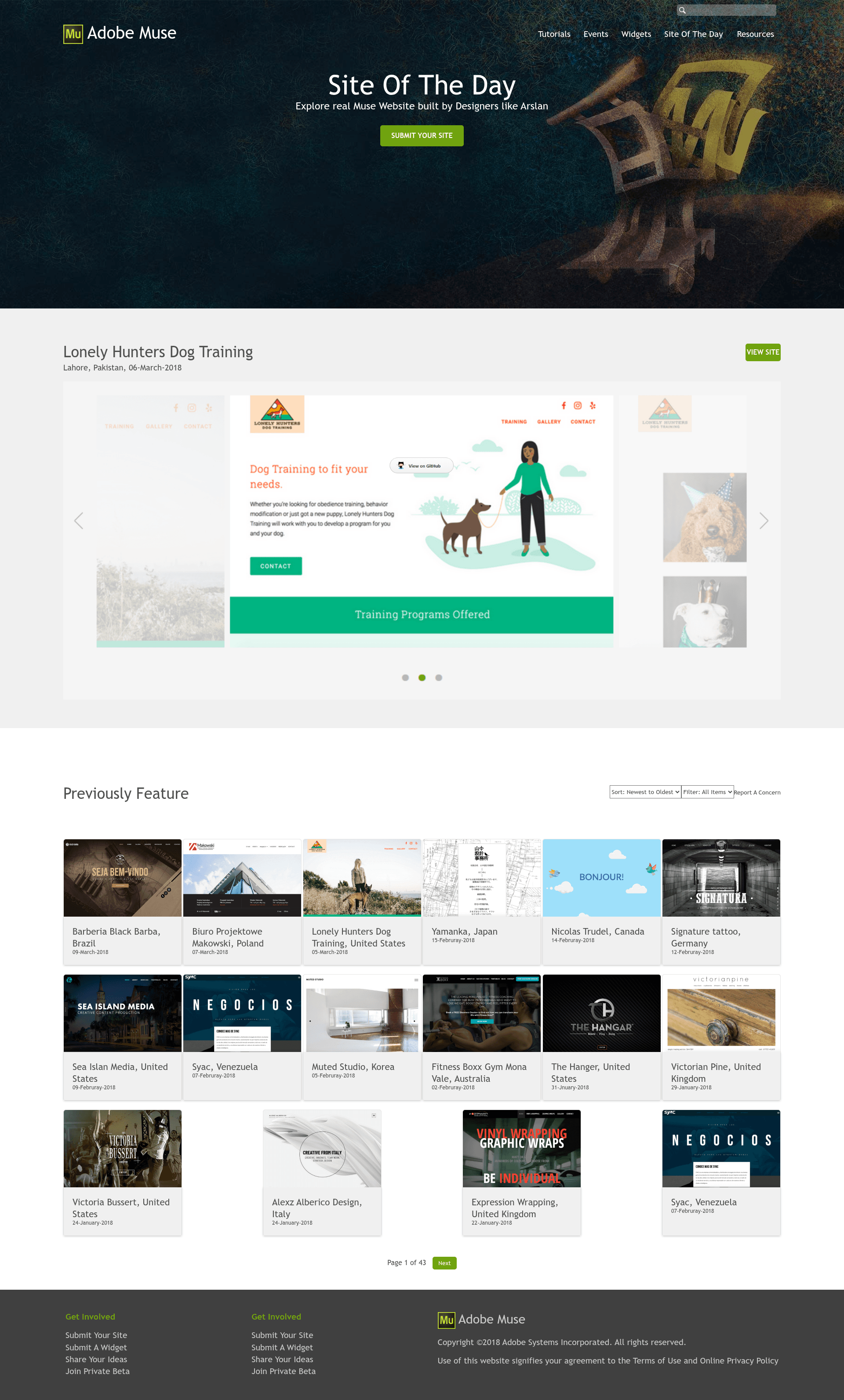
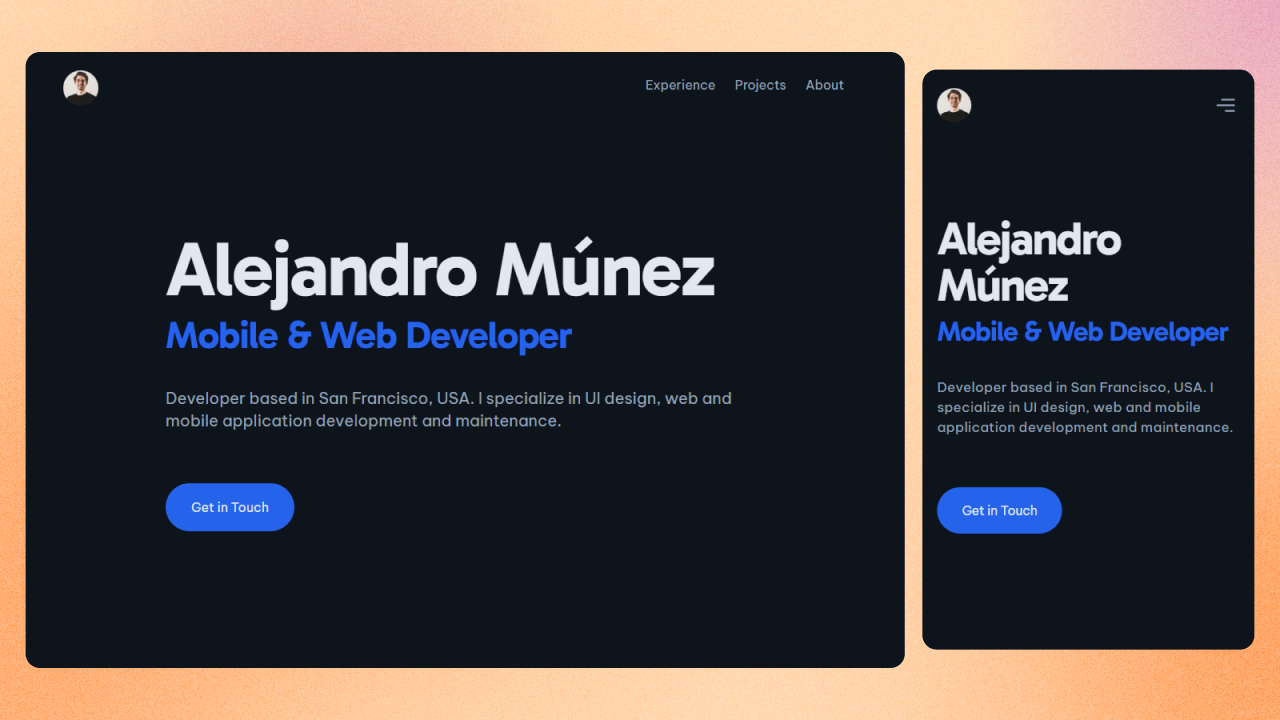
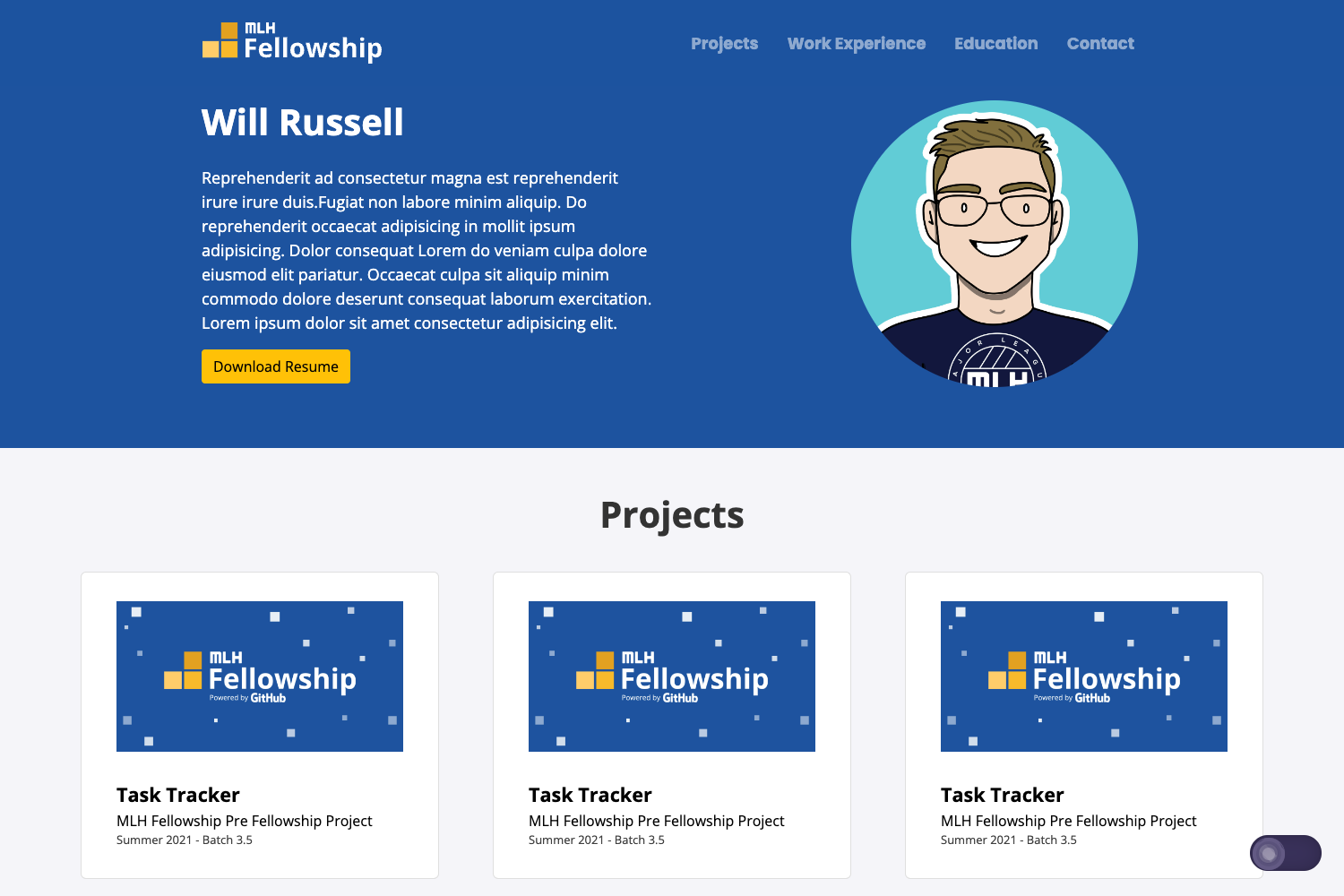
A Simple and Delicate Single Paged Layout (inspired by Adobe Muse - Site Of The Day) made with Pure HTML5, CSS3/LESS and JS/ES6.
About this template
Layout-Muse is a free, open-source, single-page website layout built with pure HTML5, CSS3 (compiled from LESS) and JavaScript (ES6). It recreates the visual style of Adobe Muse's "Site of the Day" showcases as a static template. The project was created by Arslan Ameer and is hosted on GitHub with a live demo available. It is fully responsive and mobile-friendly, and requires no backend server to run.
What is Layout-Muse?
Layout-Muse is a free, open-source, single-page website layout built with pure HTML5, CSS3 (compiled from LESS) and JavaScript (ES6). It recreates the visual style of Adobe Muse's "Site of the Day" showcases as a static template. The project was created by Arslan Ameer and is hosted on GitHub with a live demo available. It is fully responsive and mobile-friendly, and requires no backend server to run.
Key Features
- Pure HTML5/CSS3/JS — No frameworks or libraries; the page runs entirely on standard web technologies.
- LESS preprocessor — CSS is authored in LESS, then compiled to clean CSS3 for production.
- ES6 JavaScript — Modern JavaScript syntax for any interactive behavior on the page.
- Gulp build pipeline — Automates tasks like minification of CSS (gulp-clean-css), HTML (gulp-html-min), images (gulp-imagemin), and JavaScript (gulp-uglify-js).
- Single-page layout — Everything lives on one page, ideal for portfolios, landing pages, or personal sites.
- Responsive and mobile-friendly — The layout adapts to different screen sizes without extra configuration.
- Static output — The build produces static files that can be hosted on any web server or CDN.
Who is it for?
- Front-end developers — Use it as a lightweight starting point for a personal project or client landing page.
- Designers — Study how the Adobe Muse look is achieved with plain HTML/CSS/JS, or use it as a base for a portfolio.
- Students learning web development — Inspect a clean, minimal codebase that shows modern CSS and JS practices without framework overhead.
- Anyone needing a quick one-page site — Deploy it directly to GitHub Pages or any static host with no build configuration beyond Gulp.
What can you do with Layout-Muse?
- Portfolio owners: Showcase your work in a single scrolling page with a refined, editorially-styled presentation.
- Freelancers and agencies: Create a fast, lightweight landing page to introduce services and contact details.
- Hobbyists: Set up a personal link-in-bio or small project page without paying for a template builder.
How does Layout-Muse work?
The source uses Gulp as a task runner. After cloning the repository, you run the Gulp tasks to watch files, compile LESS to CSS, transpile ES6 JavaScript to compatible output, and minify all assets for production. The final static files can be deployed to any hosting service. The author notes that the layout still needs minor improvements and enhancements, and updates are planned.
Pros and cons
- Pros: Lightweight (no dependencies), fast loading, easy to customize for anyone comfortable with HTML/CSS, and free to use.
- Cons: Only a single page by design, and the author states it needs minor improvements; it lacks the built-in components of larger templates.
Pricing
Layout-Muse is free and open source. You can download the code from the GitHub repository and use it without paying any fee.
FAQ
Is Layout-Muse free?
Yes, Layout-Muse is a free, open-source template available on GitHub. You can use, modify, and deploy it without payment, subject to the project's license.
What technology does Layout-Muse use?
It uses pure HTML5, CSS3 (authored in LESS), and JavaScript (ES6). The build process relies on Gulp with plugins for minifying CSS, HTML, images, and JavaScript.
Is Layout-Muse responsive?
Yes, the layout is responsive and mobile-friendly. It adapts to different screen sizes, as stated on the project page.
Does Layout-Muse require a backend?
No. It is a static site template, so it can be hosted on any static file server, like GitHub Pages, Netlify, or a CDN.