Template details
Auth for subdomains
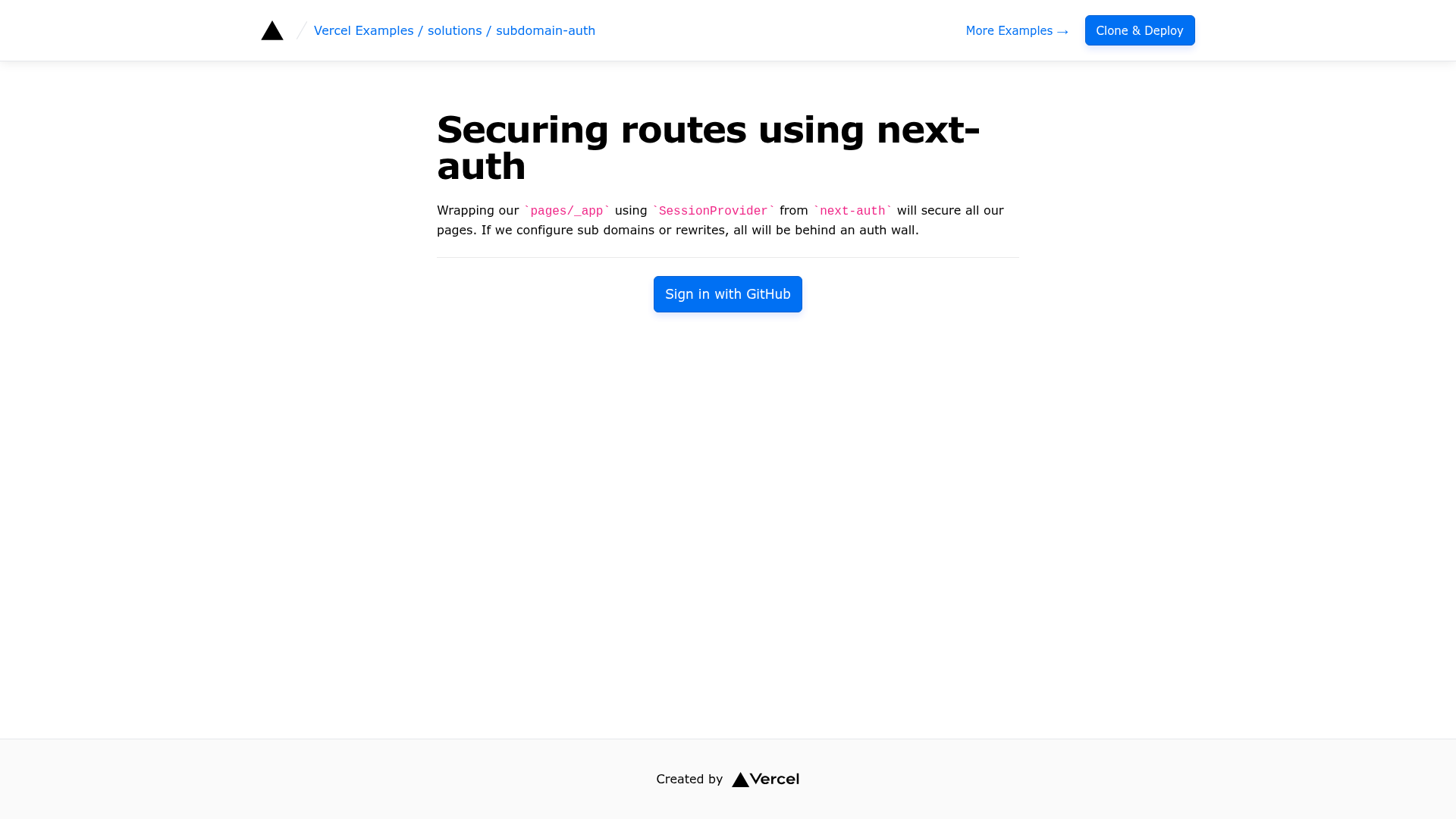
Learn how to secure subdomains using Next.js and NextAuth.
About this template
Auth for subdomains is a Vercel example project that demonstrates how to secure subdomains in a Next.js application using NextAuth.js for authentication.
What is Auth for subdomains?
Auth for subdomains is a working reference implementation that pairs Next.js with NextAuth.js to authenticate users across a main domain and its subdomains. It takes GitHub OAuth credentials and a secret as environment variables, runs as a Next.js app, and produces a login flow where authentication state is shared between the main domain and a subdomain. The example is maintained by Vercel as part of its public examples repository on GitHub.
Key Features
- One-click deploy — Deploy directly to Vercel using the provided Deploy button; the setup pre-configures the repository with the required environment variables GITHUB_ID, GITHUB_SECRET, and SECRET.
- Clone and deploy workflow — Bootstrap the project locally with
pnpm create next-apppointing at the GitHub example, then runpnpm devfor development. - GitHub OAuth integration — Uses NextAuth.js with GitHub as the authentication provider, so credentials are supplied through environment variables rather than a custom auth UI.
- Shared authentication across subdomains — The demo links a main domain and a subdomain, showing how a session established on one is recognized on the other.
- Live demo environment — Two public URLs are provided: the root domain for login and a subdomain showing authenticated access (login is expected from the root).
- Built on Next.js with pnpm — The example uses Next.js as the framework and pnpm as the package manager, following the patterns in the Vercel examples collection.
Who is it for?
- Next.js developers learning how to implement authentication across subdomains can use this example as a reference for their own projects.
- SaaS teams building multi-tenant applications where each customer has a subdomain can copy the auth setup and adapt the GitHub provider to their identity provider.
- Platform engineers evaluating how to structure session handling in a Next.js deployment can study this minimal end-to-end demonstration.
What can you do with Auth for subdomains?
- Multi-tenant dashboards: Give each tenant a subdomain and require GitHub login before the dashboard content is served on that subdomain.
- Separate marketing and app domains: Keep the marketing site on the root domain and the authenticated application on a subdomain, with a shared session.
- Prototype a paid membership area: Use the live demo to see how login on the main domain carries over to a gated subdomain before building your own flow.
How does Auth for subdomains work?
The example is bootstrapped with pnpm create next-app from the Vercel examples repository. After installing dependencies, you run pnpm dev, then set the GITHUB_ID, GITHUB_SECRET, and SECRET environment variables. Visiting the root domain triggers the GitHub OAuth login, and the resulting session is valid on the connected subdomain.
FAQ
What environment variables does Auth for subdomains require?
The deploy configuration requires GITHUB_ID, GITHUB_SECRET, and SECRET. GITHUB_ID and GITHUB_SECRET come from a GitHub OAuth app you create, while SECRET is used by NextAuth.js to encrypt session data.
How do I try the demo?
Log in from the main demo URL (solutions-subdomain-auth.vercel.sh), then visit the subdomain (subdomain.solutions-subdomain-auth.vercel.sh). The exercise is designed so that you log in from the root domain and are recognized on the subdomain.
Does this example use Tailwind CSS?
The example's project metadata lists Tailwind as the CSS approach, though the documentation page focuses on the authentication logic rather than styling details.