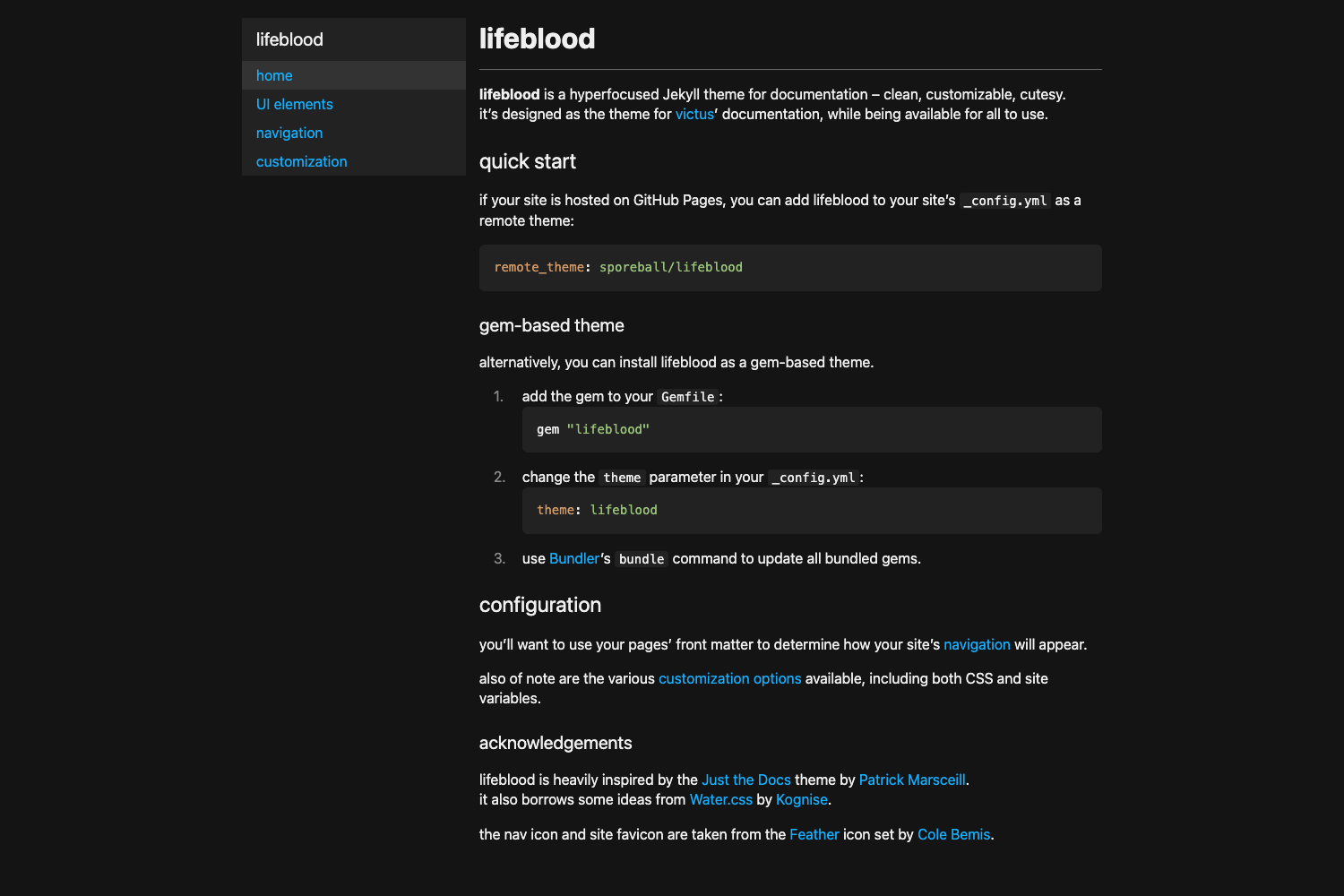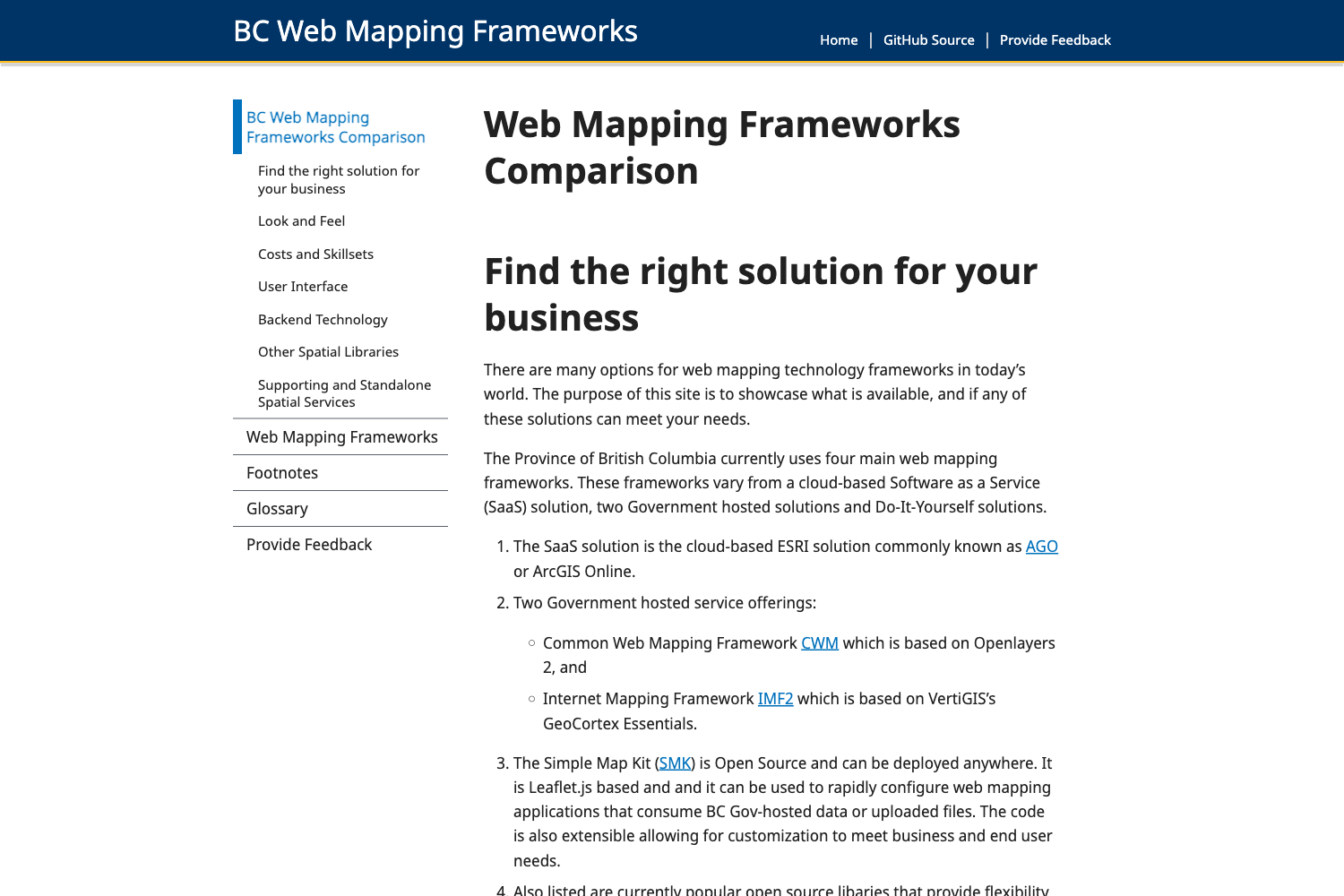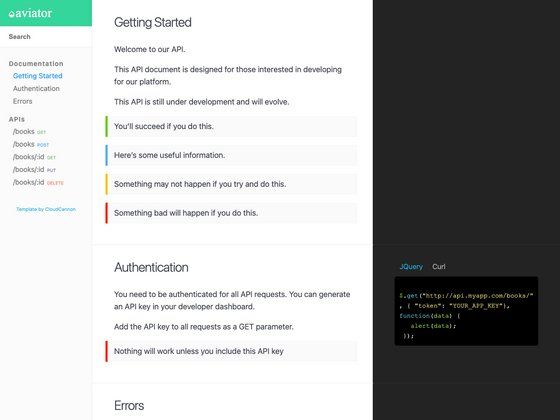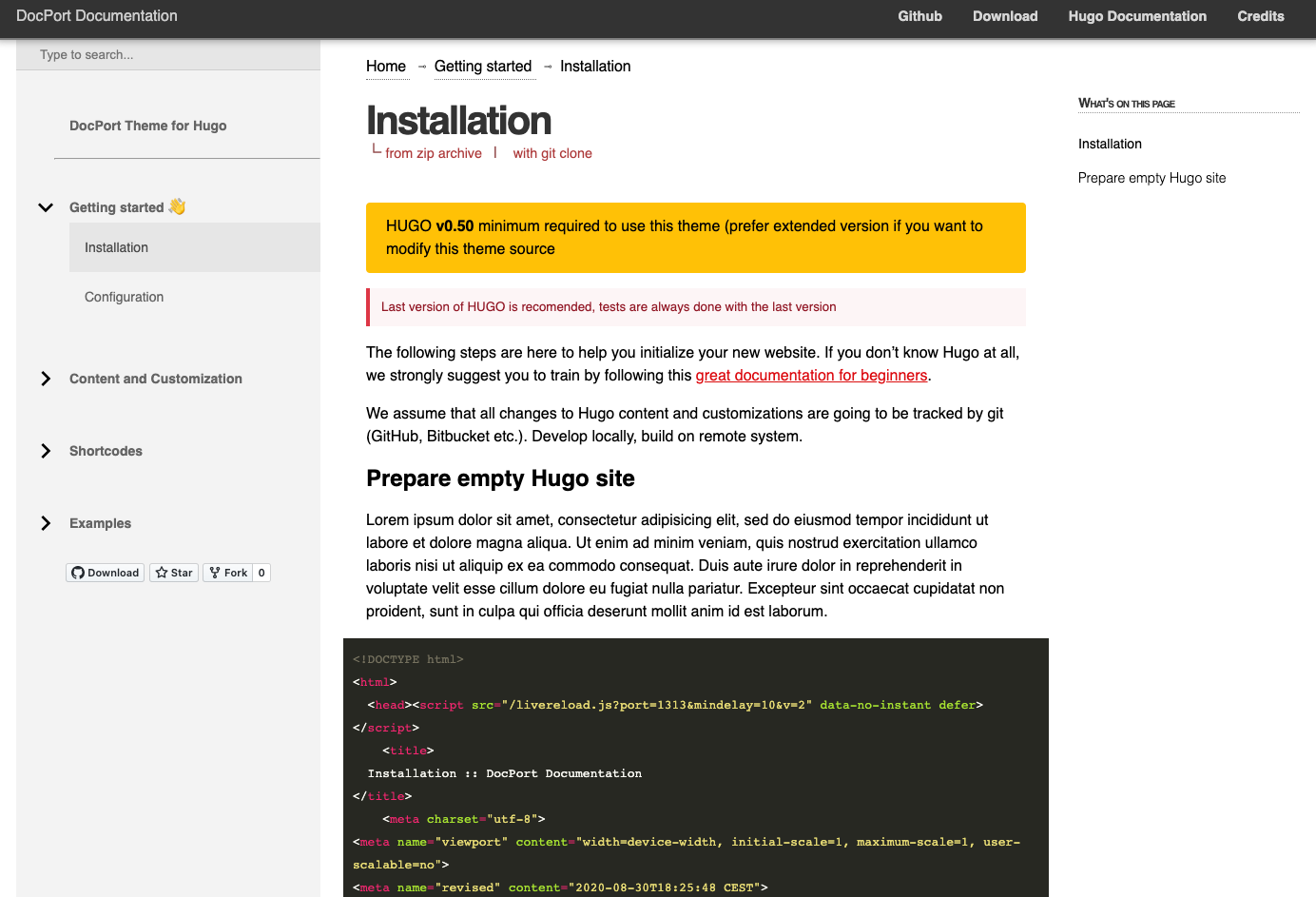
Template details
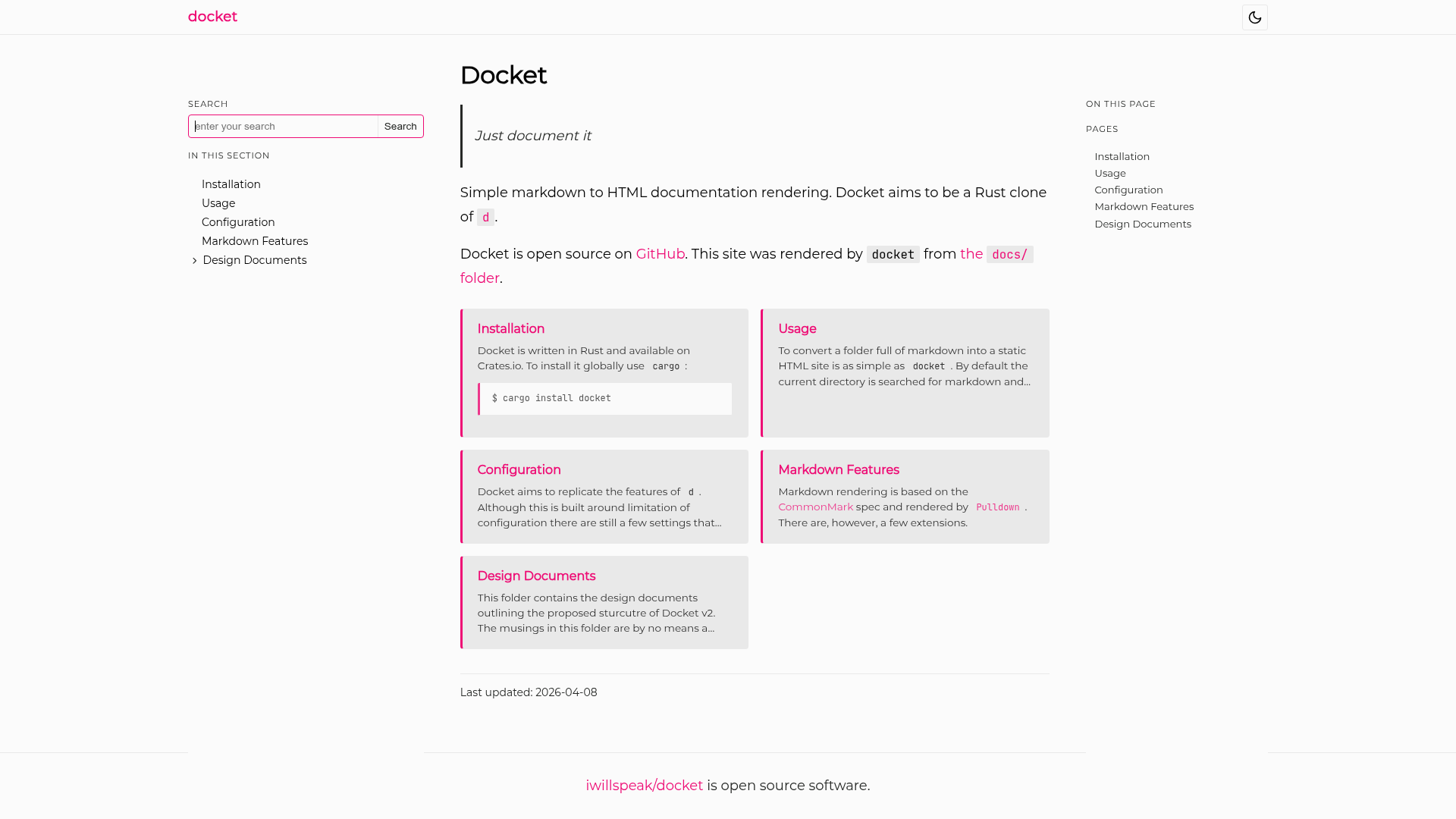
Docket
Simple Markdown to HTML documentation rendering
About this template
Docket is a Rust command-line tool that renders a folder of Markdown files into a static HTML documentation site, positioned as a simple, zero-configuration clone of the Python tool d. It reads a docs/ directory containing Markdown pages and outputs a complete, deployable site into a docs/build/ subfolder, ready for GitHub Pages or any static web server. The tool is installed with Cargo and is designed for programmers who want documentation generated directly from their existing Markdown files without templates, themes, or build configuration.
What is Docket?
Docket is a binary written in Rust that converts a directory of Markdown files into a static HTML site. It accepts a docs/ folder containing index.md and additional Markdown pages, then produces an output site in docs/build/. The tool uses pulldown-cmark for Markdown parsing, Syntect for syntax highlighting, and Docopt for command-line argument parsing. It is maintained on GitHub and can be installed with cargo install docket.
Key Features
- Zero-configuration — Docket runs with no setup; placing Markdown files in a
docs/folder and executingdocketin that folder renders the site immediately. - Cargo installation — The tool is distributed as a Rust crate, installable with the single command
cargo install docket. - JavaScript-powered search — The generated site includes client-side search functionality without any external services or backend.
- Syntax highlighting — Code blocks are highlighted using the Syntect library, which supports many languages via Sublime Text syntax definitions.
- Watch mode — An optional
watchCargo feature watches the source files and regenerates the output folder automatically when changes are made. - Parallel rendering — The optional
par_renderfeature uses the Rayon crate to render pages in parallel, speeding up builds on multi-core machines. - Build folder output — Every build produces a fresh
docs/build/directory containing the final HTML site, suitable for direct deployment to GitHub Pages or any static host.
Who is it for?
- Open-source project maintainers — Generate clean, searchable documentation from Markdown files in the repository, deployable to GitHub Pages with zero additional tooling.
- Rust developers — A lightweight alternative to heavier documentation generators, installable through the Cargo ecosystem and written in the same language.
- Technical writers — Write documentation in plain Markdown with a level-1 heading as the page title, and let Docket handle the conversion to a navigable HTML site.
What can you do with Docket?
- Publish project docs — Convert a
docs/folder into a static site and host it on GitHub Pages or any web server without touching configuration files. - Develop with live refresh — Enable the
watchfeature so the output regenerates each time a Markdown file is saved, ideal for local writing workflows. - Build a multi-page reference — Structure documentation across many Markdown pages, each with a level-1 heading as its title, and get a consistent HTML site with search.
How does Docket work?
Create a new docs/ folder at the root of your repository and add an index.md file with a short Markdown description. Add additional pages as Markdown files, each starting with a level-1 heading that becomes the page title. Then change into the docs/ directory and run docket, which generates a docs/build/ folder containing the rendered site ready to publish.
FAQ
Is Docket free?
Yes, Docket is an open-source project published on GitHub and available through Cargo. You can install it with cargo install docket and use it without any licensing fees.
Does Docket require configuration?
No, Docket is designed to be zero-configuration. You only need to place Markdown files in a docs/ folder and run docket from that folder; the default behavior produces a working static site.
Can Docket watch files and rebuild automatically?
Yes, Docket includes an optional Cargo feature called watch which is enabled by default. With this feature, Docket watches the source Markdown files and regenerates the output folder whenever changes are detected.
What Markdown features are supported?
Docket uses the pulldown-cmark library for Markdown parsing, which provides CommonMark-compliant rendering. Code blocks receive syntax highlighting through the Syntect library, which supports a wide range of programming languages.
How do I install Docket?
Run cargo install docket in your terminal. Docket has two default Cargo features, watch and par_render; you can disable either with --no-default-features and enable only what you need to reduce compilation time.