Template details
Automatic Tool Call Roundtrips
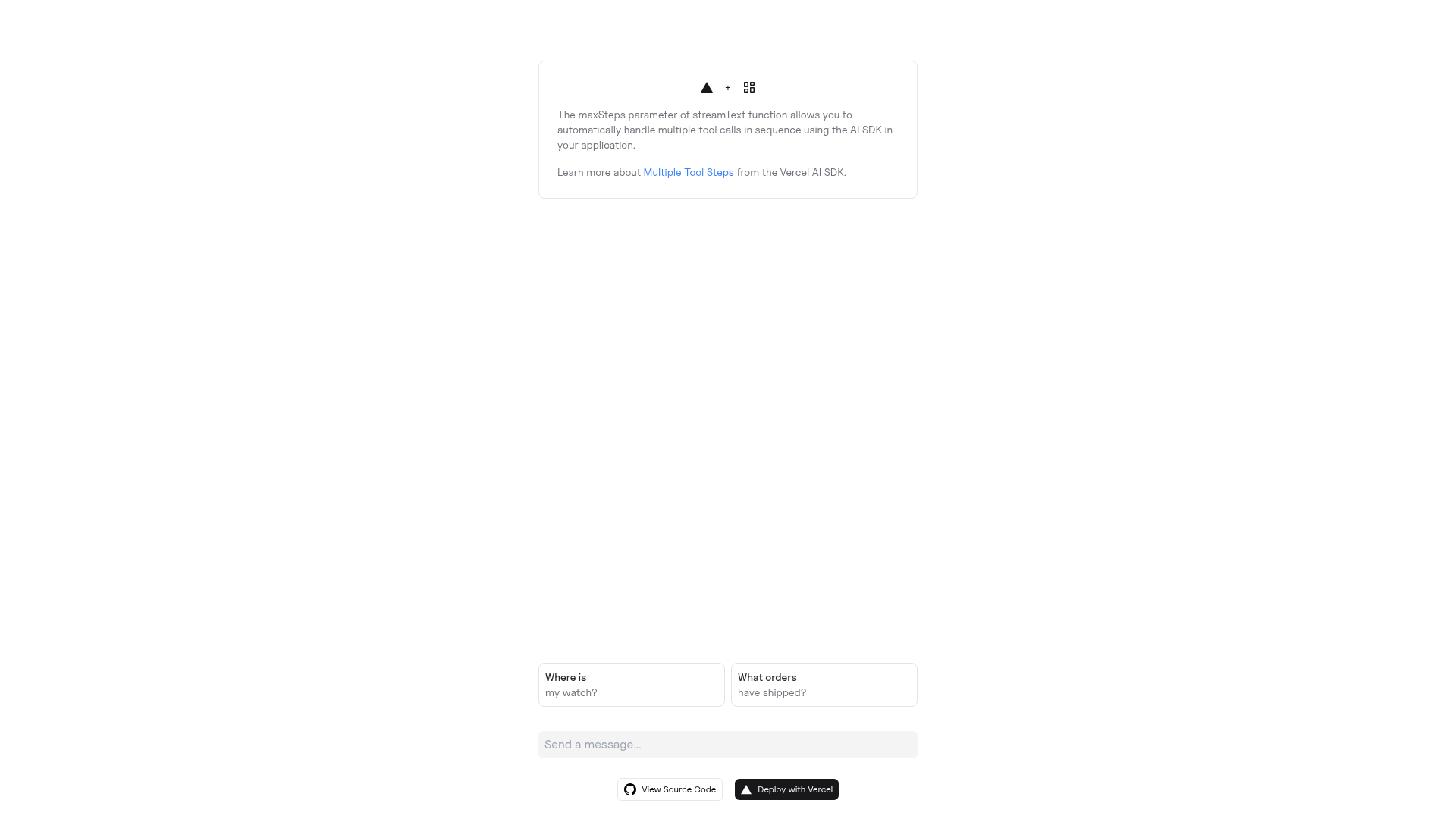
A Next.js example using the Vercel AI SDK's streamText function to automatically handle multiple tool call roundtrips in one chat turn.
About this template
Automatic Tool Call Roundtrips is a Next.js starter from Vercel Labs that wires the Vercel AI SDK streamText function into a chat app so a single prompt can trigger several tool calls in sequence without manual re-invocation.
What is the Automatic Tool Call Roundtrips template?
It is a runnable Next.js example project, published under the vercel-labs GitHub organization, that demonstrates automatic multi-step tool calling with the Vercel AI SDK. You provide a prompt in the app, the model decides which tools to call, and streamText loops through the resulting tool roundtrips automatically instead of stopping after the first tool result. The output is a streamed conversation that reflects every step of that chain. It ships with a one-click Vercel deploy flow and a create-next-app bootstrap command, and the repository has around 141 GitHub stars.
What makes it stand out?
- streamText with automatic step handling — the example's stated purpose is handling multiple tool steps automatically, so the loop back to the model after each tool result is built into the request flow.
- Next.js application — bootstrapped with
create-next-app --example https://github.com/vercel-labs/ai-sdk-preview-roundtrips, so it follows the standard Next.js project layout and dev server. - Multiple AI provider support — setup instructions reference signing up with providers such as OpenAI and Anthropic and obtaining a key for each one you plan to use.
- Environment-variable configuration — keys are loaded from a
.envfile created from the repository's.env.example. - One-click Vercel deployment — the README carries a Deploy with Vercel button that clones the repository and asks for
OPENAI_API_KEYduring setup. - Package-manager agnostic install — identical bootstrap commands are documented for npm, Yarn, and pnpm.
- Minimal local workflow —
npm installfollowed bynpm run devstarts the development server. - Documentation links included — the README points to the Vercel AI SDK docs, the Vercel AI Playground, and the Next.js documentation.
Who should use it?
- Next.js developers learning tool calling: use it as a working reference for how a streamed model response continues after a tool result.
- AI SDK evaluators: clone it to see multi-step roundtrips running locally before committing to the SDK in a larger app.
- Prototypers with a Vercel account: deploy the repository in one click and supply an OpenAI key to get a hosted demo.
- Developers comparing providers: swap between OpenAI and Anthropic keys through environment variables to test the same tool loop.
How do you run the template?
- Bootstrap with
npx create-next-app --example https://github.com/vercel-labs/ai-sdk-preview-roundtrips ai-sdk-preview-roundtrips-example(or the Yarn/pnpm equivalents). - Sign up with the AI providers you want and obtain their API keys.
- Copy
.env.exampleto a new.envfile and set the required environment variables. - Run
npm install, thennpm run devto launch the development server.
FAQ
What does this template actually demonstrate?
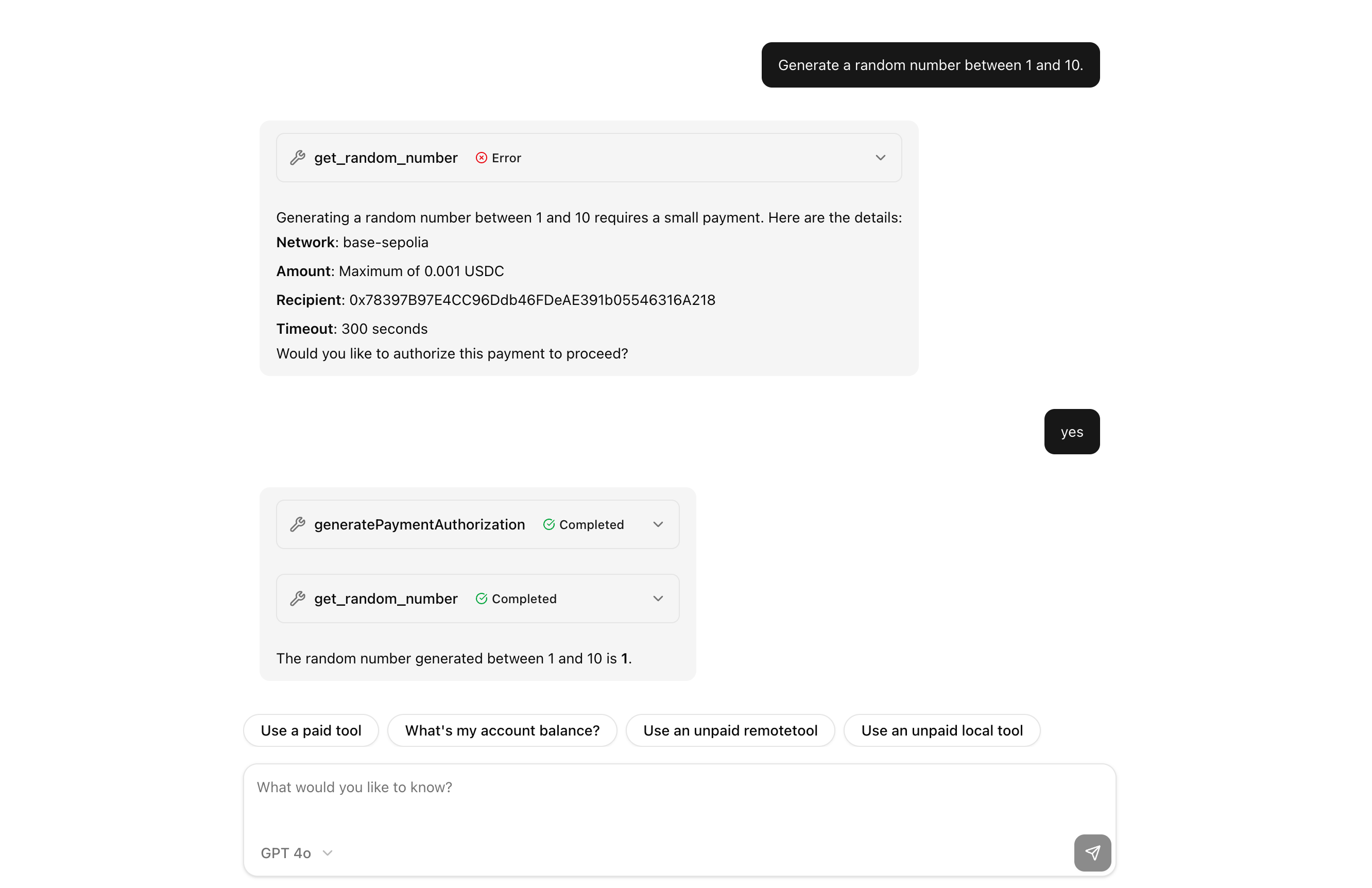
It shows a Next.js chat app where the Vercel AI SDK's streamText function keeps calling the model after each tool result, so a single user prompt can produce multiple tool call roundtrips automatically.
Which AI providers does it work with?
The setup steps name OpenAI and Anthropic as examples. The Vercel deploy button specifically prompts for OPENAI_API_KEY, so an OpenAI key is the documented minimum to get the hosted demo running.
Is it free to use?
It is a public GitHub repository under vercel-labs, so the code itself is free to clone, modify, and deploy. Model usage is billed by whichever AI provider you connect, not by the template.
Does the README document a UI library or styling system?
No. The README covers only installation, environment variables, deployment, and links to related documentation, so the page gives no stated styling system or component library.
Do I need a Vercel account to run it locally?
No. Local use requires Node.js and provider API keys in a .env file; the one-click Deploy with Vercel button is an optional shortcut for hosting the demo.