Template details
Builder.io Personalization Starter
Next.js Commerce fork with Builder.io visual editing and Vercel Edge Middleware for cookie-driven personalization and A/B testing.
About this template
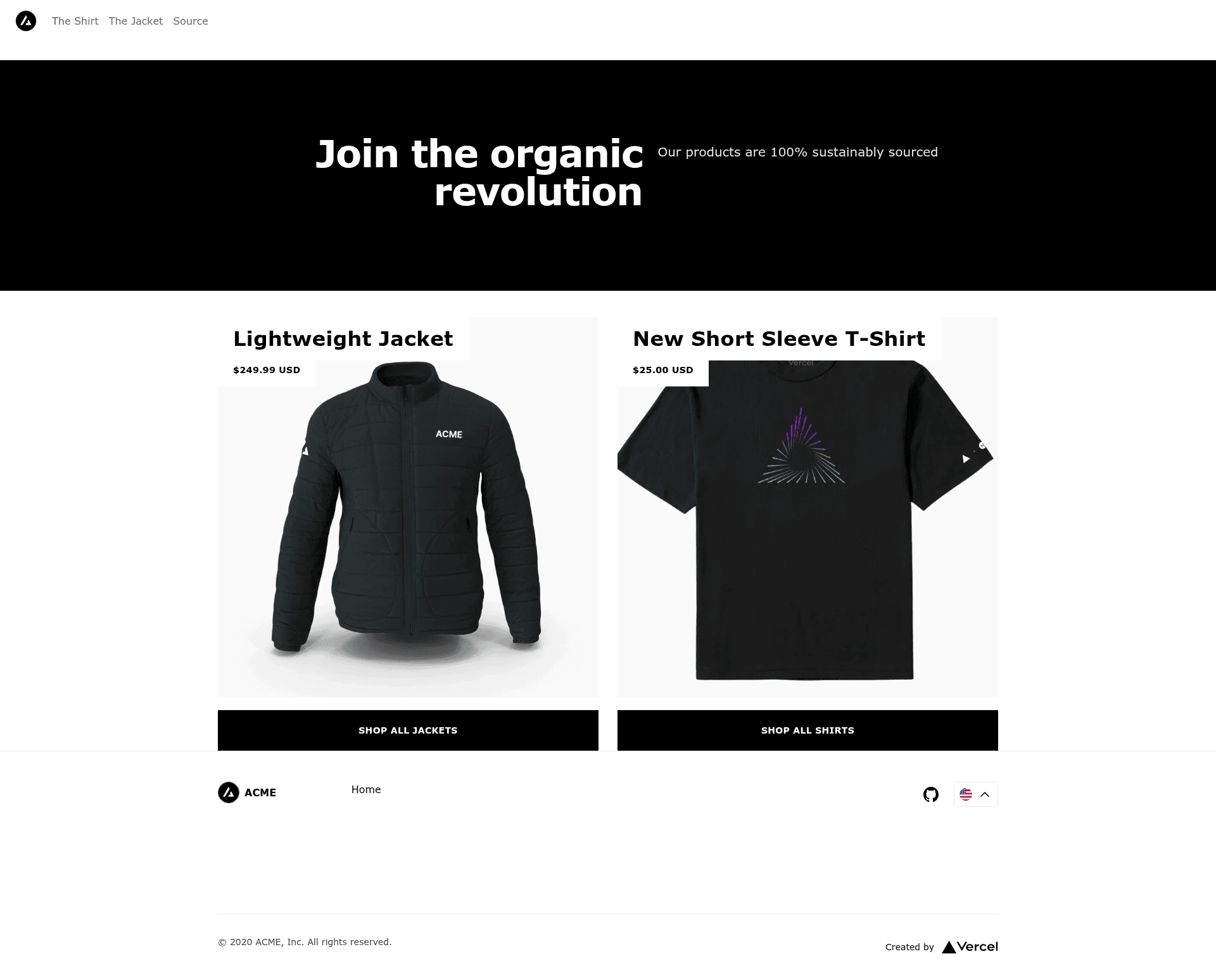
Builder.io Personalization Starter is a Next.js Commerce fork that adds Builder.io visual page building and Vercel Edge Middleware-driven personalization and A/B testing to an ecommerce storefront, maintained by Builder.io.
What is the Builder.io Personalization Starter?
It is an open demo repository whose site app is a fork of Next.js Commerce with Builder.io integrated, using Edge Middleware to personalize pages with targeting rules and A/B tests while keeping page delivery fast. The app takes cookie-based targeting attributes such as personalization.returnVisitor and personalization.audience as input, rewrites a basic path into that path plus a hash of the personalized attributes, and returns a Builder.io-authored page variant as output. Content editors build and publish those variants in Builder.io's visual editor, and the same deployed code serves every variant without a rebuild. A free Builder.io account and a public API key pasted into site/config/builder.ts are the only external requirements.
Key features
- Edge Middleware path rewriting —
site/middleware.tsrewrites a route such as/pageinto/page/returnVisitor=truewhenever the matching cookie is present, so personalization happens before the page renders. - Cookie-driven targeting — any cookie prefixed with
personalization.becomes a targeting attribute; settingCookies.set('personalization.returnVisitor', 'true')immediately changes which variant a visitor sees. - Builder.io visual editor — pages, sections, and data are dragged and dropped from registered React components, and unlimited variations can be published with no code changes or deploys.
- Custom targeting attributes — defined in the Builder.io account settings as booleans or enums, for example a
returnVisitorboolean and anaudienceenum with segments likeshirt-shipperandjacket-shopper. - Personalization Utils package — the example uses Builder.io's
personalization-utilslibrary for reading and generating personalized hashes. - Next.js Commerce base — the storefront starts from Vercel's commerce template, so product, cart, and page routes are already wired into the app.
- Key integration files —
site/config/builder.tsholds Builder.io components and settings, andsite/pages/[[...pages]].tsxfetches Builder.io content and renders it. - One-click deploys — a Vercel deploy button is included, and the docs state Netlify needs no extra configuration.
Who should use the Builder.io Personalization Starter?
- Next.js storefront developers: add edge personalization and A/B testing to an existing commerce app by copying the middleware rewrite pattern and the cookie attribute conventions.
- Growth and marketing teams: publish audience-specific page variants from the Builder.io editor and target them at segments without waiting on an engineering release.
- Agencies and consultants: use the demo as a reference implementation for clients that need visitor segmentation (return visitors, browsing-history audiences) on a statically generated site.
- Platform teams testing edge rendering: evaluate how middleware rewrites plus cached static pages behave before committing to a broader architecture.
What can you do with it?
- Return-visitor campaigns: set the
returnVisitorboolean cookie and let the middleware rewrite the route so returning shoppers see a different hero, offer, or layout. - Audience segmentation: populate the
audienceenum from browsing history, add-to-cart events, or a CDP call, then publish separate page variants for segments likeshirt-shipperandjacket-shopper. - A/B testing without deploys: create multiple variants of the same page in Builder.io, assign each to a target audience, and publish while the underlying Next.js build stays untouched.
- CDP-driven personalization: replace the demo's cookie setting with an audience fetch from your customer data platform, writing the returned segment strings into the personalization cookie.
How does the Builder.io Personalization Starter work?
Personalization works by rewriting a basic path into that path plus a hash of the visitor's personalized attributes. Rename a route such as pages/page.tsx to pages/page/[hash].tsx and register it in the rewriting middleware at site/middleware.ts; the page can then return personalized content automatically based on whichever personalization.* cookies exist.
How do you set it up?
- Clone the repository, then run
yarnandyarn devfrom the monorepo root so the site is available onhttp://localhost:3000. - Create a free Builder.io account, copy the Public API Key, and paste it into
site/config/builder.ts. - In the Builder.io
pagemodel, set the preview URL tohttp://localhost:3000and save. - Add custom targeting attributes such as
returnVisitor(boolean) andaudience(enum) in the Builder.io account settings. - Create a page in the Builder.io editor, assign the audiences that should see it, and publish.
FAQ
Is the Builder.io Personalization Starter free?
The starter code is a public GitHub repository, so cloning and running it locally costs nothing. Using the visual editor requires a Builder.io account, which the setup instructions describe as a free account, and a public API key copied from your account settings. The docs do not list paid tiers.
Can I deploy it to Vercel or Netlify?
Yes. A Vercel deploy button is included, and the recommended Vercel settings are the Next.js framework preset with the build command cd .. && yarn build. For Netlify, the readme states no extra work is needed beyond connecting the repository.
Do I need a CDP to use personalization?
No. The demo sets cookies directly, for example a boolean return-visitor flag and an audience enum derived from browsing history. The readme notes that in production audiences would normally come from a customer data platform, whose segment strings are written into the personalization cookie.
Does personalization require rebuilding or redeploying the site?
No. Variants are authored and published in Builder.io's visual editor after pages and targeting attributes are configured, and the Edge Middleware selects the matching variant at request time. The readme emphasizes publishing unlimited variations without any code or deploys.