Template details
Azia Admin
Free responsive Bootstrap 4 admin template for building dashboards, e-commerce backends, CMS, and CRM interfaces.
About this template
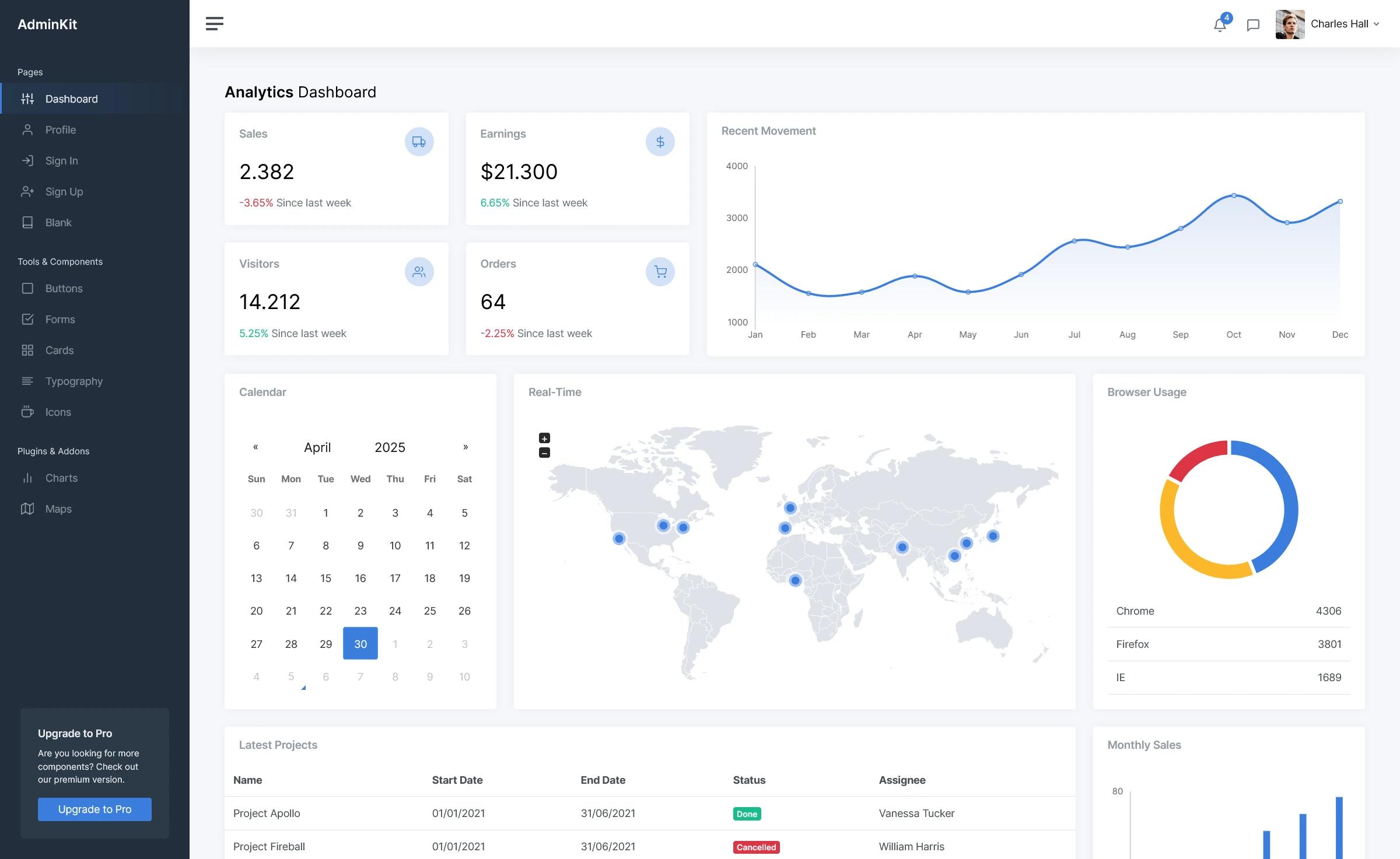
Azia Admin is a free, responsive admin dashboard template built with Bootstrap 4 by BootstrapDash, designed to jump-start admin panels, e-commerce backends, project management systems, CMS, and CRM interfaces.
What is Azia Admin?
Azia Admin is a free admin dashboard template built on Bootstrap 4, created and maintained by BootstrapDash. It provides a complete set of HTML, CSS, and JavaScript files that you can modify and integrate into your own projects; the output is a responsive web interface for admin panels, e-commerce systems, project management tools, CMS, and CRM platforms. The template runs in any modern web browser and uses jQuery for interactions, Chart.js for data visualization, and Font Awesome for icons.
Key Features
- Bootstrap 4 framework — Built on Bootstrap 4 grid and components, ensuring responsive layouts and consistent styling across desktop, tablet, and mobile screens.
- Font Awesome icons — Includes the Font Awesome icon set for UI elements, navigation, and action buttons without extra icon libraries.
- Chart.js integration — Comes with Chart.js for rendering interactive charts and graphs, useful for analytics dashboards and reporting pages.
- Gulp-based workflow — Uses Gulp for task automation, including a local development server with
gulp serveand dependency management through npm. - Clean, commented code — HTML, CSS, and Sass files are structured and commented to make customization straightforward for developers.
- MIT license — Released under the MIT license, so you can use, modify, and distribute the template freely in personal and commercial projects.
- Wide browser support — Designed for Chrome, Firefox, Safari, Opera (latest versions), and IE10 and above.
Who is it for?
- Web developers — Quickly bootstrap admin interfaces without designing UI from scratch; use the Gulp build system and editable HTML files to integrate with existing backends.
- Agencies and freelancers — Deliver dashboard and CMS frontends for clients faster by customizing the color scheme, layout, and components to match the project brand.
- Product teams — Use Azia Admin as a starting point for internal tools, project management dashboards, or e-commerce admin panels where a functional UI is needed immediately.
What can you do with Azia Admin?
- Build a business analytics dashboard — Add Chart.js graphs and tables to display key metrics and monitor performance.
- Create an e-commerce backend — Style product lists, order management pages, and customer tables within the Bootstrap 4 layout.
- Prototype a CMS or CRM interface — Arrange sidebar navigation, forms, and modal components to model the admin workflows before writing business logic.
- Customize the look and feel — Edit Sass variables and HTML partials to change colors, fonts, and page structure, then rebuild with Gulp.
How does Azia Admin work?
Getting started involves cloning or downloading the repository, running npm install to fetch dependencies, and editing index.html directly in a text editor. For development, run gulp serve to open the template in your browser; for production, the files are plain HTML that can be deployed to any static host. The README notes that npm commands should be run with administrator privileges on Windows.
Pricing
Azia Admin itself is free and open source under the MIT license. BootstrapDash also offers premium versions with more plugins, animations, and sample pages, but the free template includes the core features described on this page.
FAQ
Is Azia Admin free?
Yes, Azia Admin is released under the MIT license, so it is free to use, modify, and distribute, including in commercial projects. No attribution is required per the MIT terms.
What technologies does Azia Admin use?
The template uses Bootstrap 4, Font Awesome, jQuery, Chart.js, Gulp, and Sass. The repository topics also reference Bootstrap 4 and Gulp, and the development setup relies on Node.js and npm.
What browsers are supported?
Azia Admin supports the latest versions of Chrome, Firefox, Safari, and Opera, as well as Internet Explorer 10 and above. All modern web browsers are covered according to the project README.
How do I contribute to Azia Admin?
To contribute, fork and clone the repo, run npm install, then run gulp serve to open the template locally. Make your changes and submit a pull request. Gulp must be installed globally first.