Template details
CoreUI Free React Admin Template
Free React admin dashboard template built with Vite, Bootstrap 5, and CoreUI React, optimized for AI-assisted development.
About this template
CoreUI Free React Admin Template is a free, MIT-licensed React 19 admin dashboard template built with Vite, Bootstrap 5, and the CoreUI React component library, designed specifically for AI-assisted development workflows.
What is CoreUI Free React Admin Template?
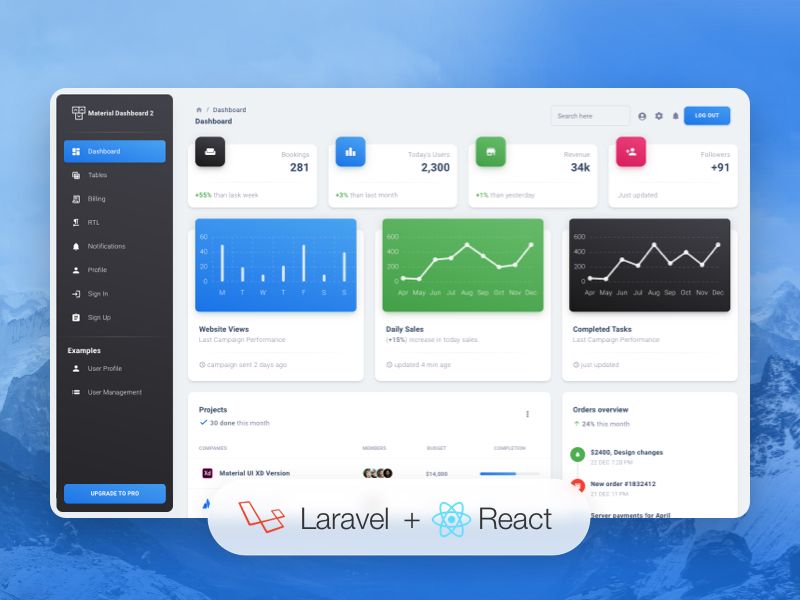
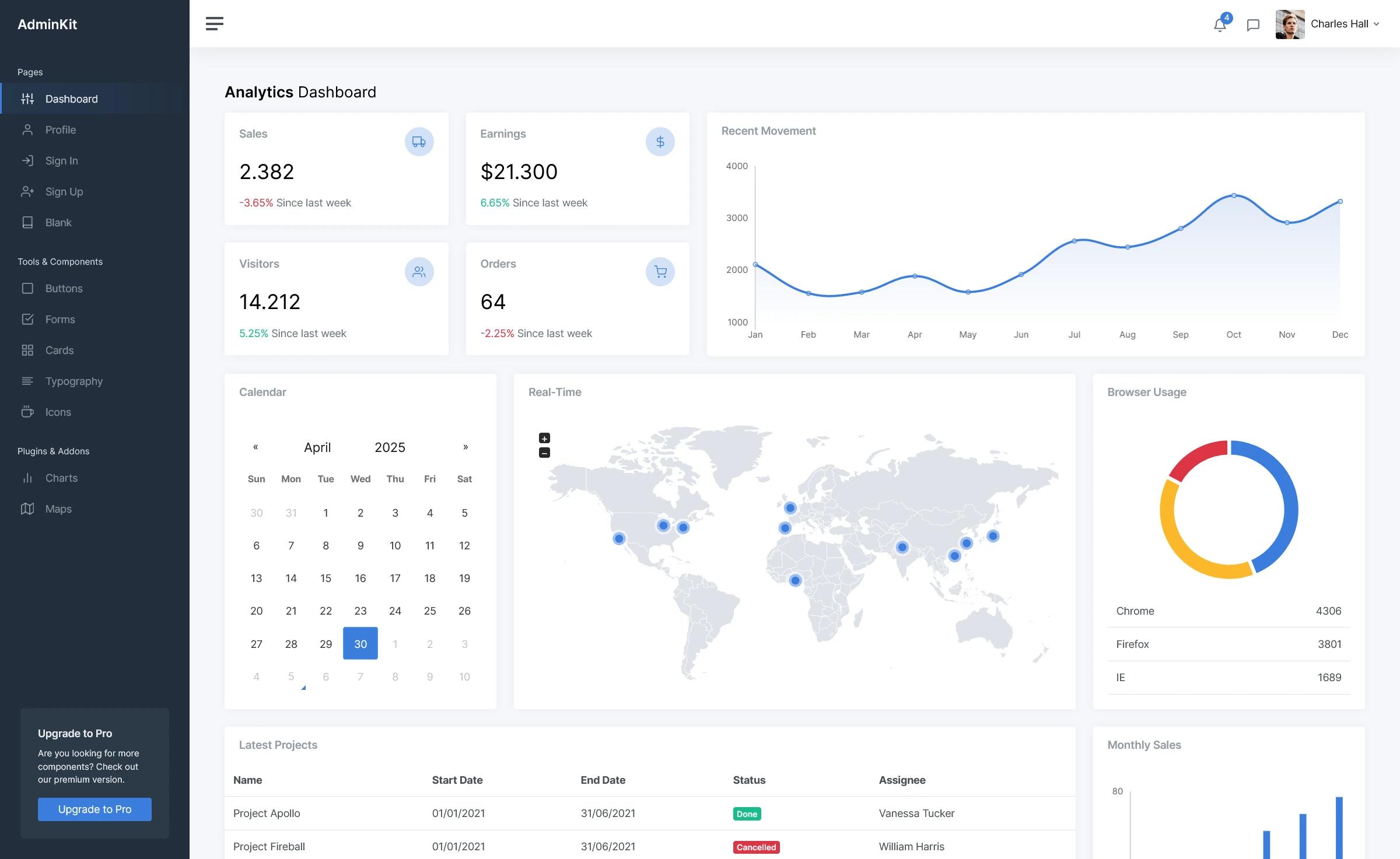
CoreUI Free React Admin Template is an open-source starter project for building admin panels and dashboards in React. It takes a freshly cloned repository and gives you a runnable application with a configurable sidebar navigation, multiple layout containers, SCSS styling, and a set of pre-built views organized under src/views. The template is maintained by Łukasz Holeczek and the CoreUI team, and it is released under the MIT license, meaning it is free to use in commercial and personal projects.
The project uses Vite as its build tool, React 19 as the UI framework, and the CoreUI React components library (@coreui/react) for UI elements. It also ships with a Create React App variant, plus sibling templates for Bootstrap, Angular, and Vue.
Key Features
- React 19 + Vite — The template runs on React 19 and Vite, with a development server at http://localhost:3000 that hot-reloads source changes, and a production build command that outputs minified files to the build/ directory.
- Bootstrap 5 and SCSS — Styling is built on Bootstrap 5 using SCSS source files located in src/scss, so you can override design tokens and theme variables directly.
- CoreUI React components — The bundle includes over 50 documented components from @coreui/react, such as accordion, alert, avatar, badge, breadcrumb, button, card, carousel, dropdown, modal, navs and tabs, pagination, sidebar, spinner, switch, table, toast, and tooltip, each with its own documentation page.
- AI-friendly context files — The repository ships with .cursorrules, ARCHITECTURE.md, and DEVELOPMENT.md to provide AI coding assistants like Cursor, Claude Code, or GitHub Copilot with project conventions, component hierarchy, routing, and build pipeline details.
- Documented code — React components include JSDoc comments with parameter types, inline explanations for complex logic, and PropTypes definitions for runtime type checking.
- Layout API — The CoreUI Layout API lets you customize navigation and layout for mobile, web, or web app presentations, using the layout containers in src/layouts.
- Organized project structure — The repository separates concerns into public/, src/assets, src/components, src/layouts, src/scss, src/views, plus _nav.jsx for sidebar navigation config and routes.js for route definitions.
- Multiple framework versions — CoreUI publishes free admin templates for Bootstrap, Angular, Vue, React with Vite, and React with Create React App, so the same design system is available across stacks.
Who is it for?
CoreUI Free React Admin Template is for React developers who need a production-ready starting point for an admin dashboard or internal tool. A developer can clone the repo, run npm install, and immediately get a working layout with navigation, routing, and example views to build on top of. Product teams evaluating admin UI options can use the free template to test CoreUI React components and the Layout API before deciding whether to purchase CoreUI PRO. It is also suited to developers who rely on AI coding assistants: the included context files help those tools generate code that matches the project's React architecture, styling conventions, and CoreUI component usage.
What can you do with it?
- Scaffold an admin panel — Start from the provided src/views and routes.js, then add your own pages while keeping the existing sidebar, header, and layout structure.
- Prototype a dashboard — Use the included forms, tables, navigation, and feedback components to assemble analytics or management interfaces quickly without writing UI code from scratch.
- Use it as a learning resource — Study the commented source, ARCHITECTURE.md, and DEVELOPMENT.md to see how a Vite-based React application with SCSS and a third-party component library is structured.
- Evaluate CoreUI PRO — Run the free template to understand the base features, then compare the component list to the PRO-only items like Smart Table, Date Picker, Multi Select, and Stepper to see what the paid upgrade adds.
How does it work?
Getting started involves three commands. First, download the latest release from GitHub or clone the repository with git clone. Second, install dependencies using npm install or yarn install. Third, run npm start or yarn start to launch the dev server with hot reload at http://localhost:3000. For deployment, npm run build or yarn build creates a minified production build in the build/ directory.
AI-Friendly Development
The template is explicitly built for AI-assisted development. In addition to .cursorrules, it includes ARCHITECTURE.md, which documents the project structure, component hierarchy, routing system, state management, and build pipeline, and DEVELOPMENT.md, a practical guide with setup instructions and code examples. When you open the project in an AI-enabled IDE, the assistant automatically has context about React 19, CoreUI React components, ESLint and Prettier rules, and the established routing and styling patterns, so generated code fits the existing architecture.
FAQ
Is CoreUI Free React Admin Template free?
Yes. The template is open source and released under the MIT license, so it is free to use in personal and commercial projects. The project also accepts support through CoreUI PRO purchases and Open Collective sponsorships.
What React version does it use?
The Vite version of the template uses React 19. The CoreUI team also maintains a separate Create React App version at github.com/coreui/coreui-free-react-admin-template-cra.
What is the difference between the free and PRO versions?
The free template includes a core set of UI components. PRO-only components are marked in the documentation and include Autocomplete, Date Picker, Date Range Picker, Loading Button, Multi Select, One Time Password Input, Password Input, Range Slider, Smart Pagination, Smart Table, Stepper, and Time Picker.
Which other frameworks is CoreUI available for?
CoreUI maintains free admin templates for Bootstrap, Angular, Vue, and React (both Vite and Create React App variants). Paid PRO templates are also available for Next.js.
How do I run the project?
After cloning the repository, run npm install (or yarn install) to install dependencies, then npm start (or yarn start) to start the development server at http://localhost:3000. To create a production build, run npm run build, which outputs minified files to the build/ directory.