Template details
Material Dashboard 2 React Laravel JSON:API
Full-stack admin dashboard template combining React + MUI frontend with Laravel JSON:API backend, including auth and CRUD pages.
About this template
Material Dashboard 2 React Laravel JSON:API is a full-stack admin dashboard template by Creative Tim and UPDIVISION that pairs a React frontend built on MUI (Material UI) with a Laravel JSON:API backend, delivering ready-to-use authentication, user management, and dashboard pages out of the box.
What is Material Dashboard 2 React Laravel JSON:API?
It is a downloadable starter project for building admin panels and web applications. The repository contains two parts: a React single-page application using MUI components, and a Laravel API serving JSON:API endpoints with MySQL storage and Laravel Passport for OAuth authentication. The frontend produces a responsive dashboard interface, while the backend handles login, registration, password reset, and profile updates. The product was built by Creative Tim (UI) and UPDIVISION (Laravel integration) and is at version 2.1.0.
Key Features
- MUI-based React dashboard — The interface is built with Material UI components, including custom MDBox, MDButton, MDInput, and MDTypography wrappers, with dark theme and RTL layout options included.
- Laravel JSON:API backend — A separate API project using Laravel with Passport for authentication, MySQL for the database, and a migration seed that creates the users table.
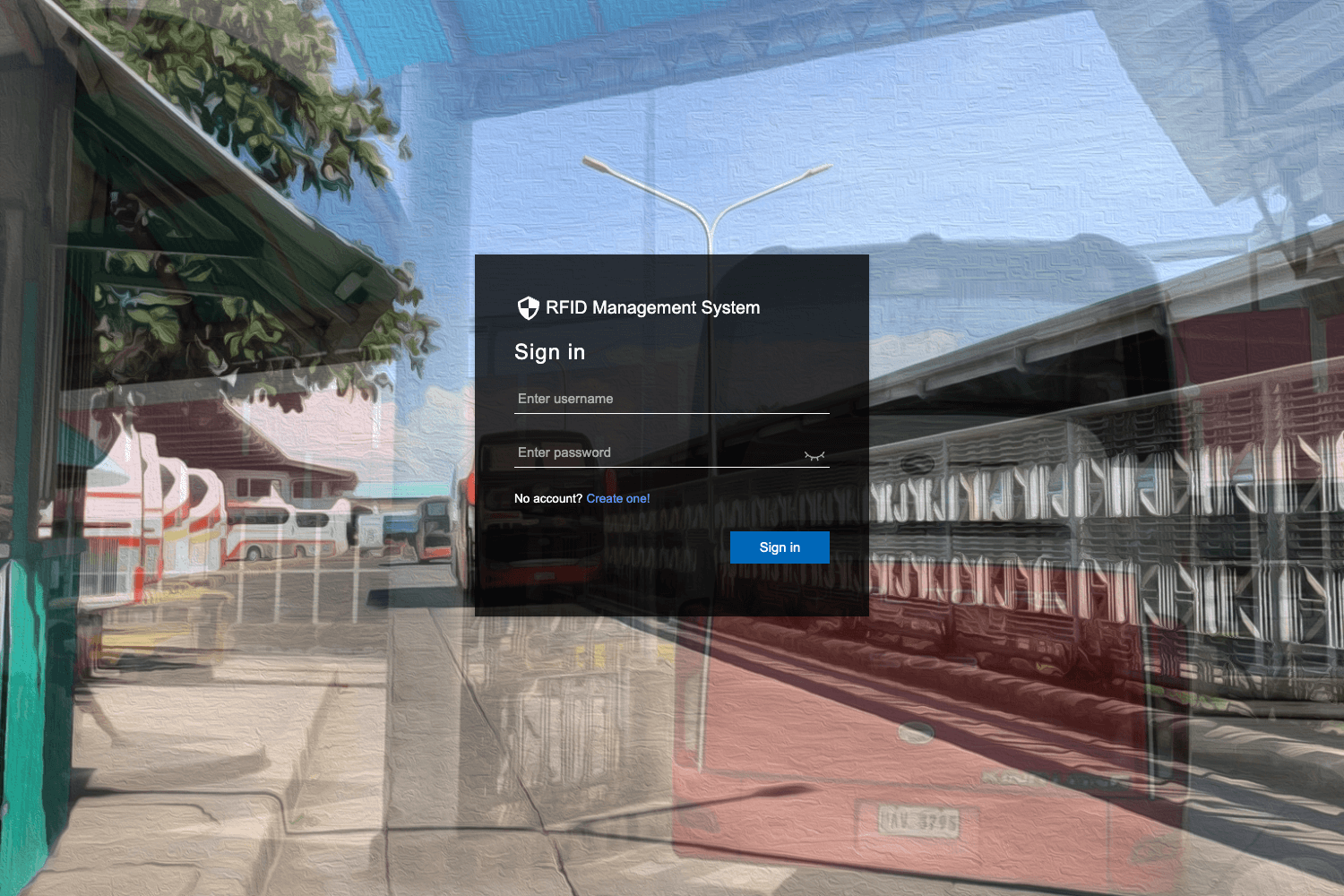
- Complete authentication flow — Pages for login, register, forgot password, and reset password are wired to the API through an auth service and React context, with protected routes guarding all other pages.
- User profile CRUD — Logged-in users can view and edit their profile image, name, email, and password via the me endpoint, with validation on each input.
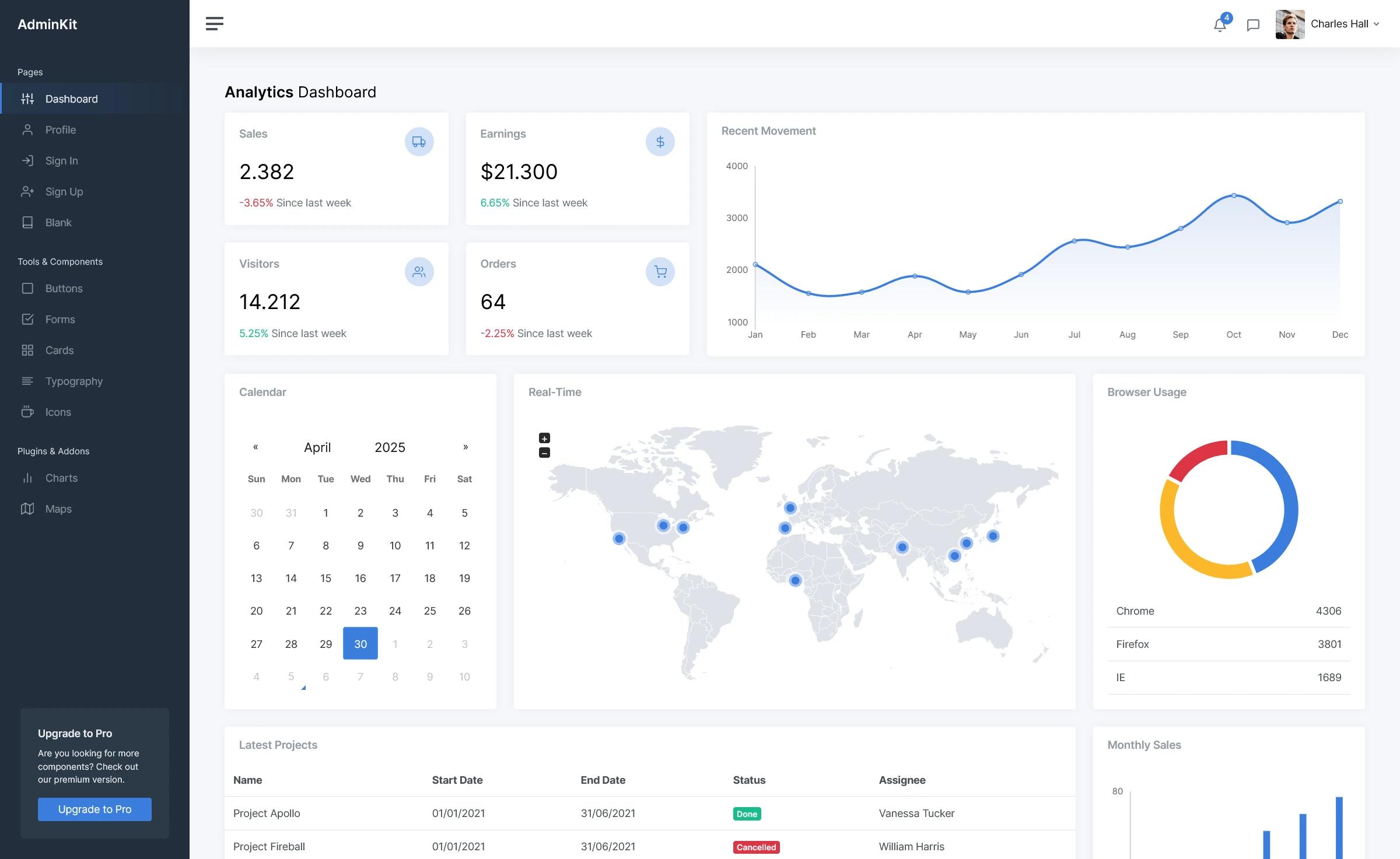
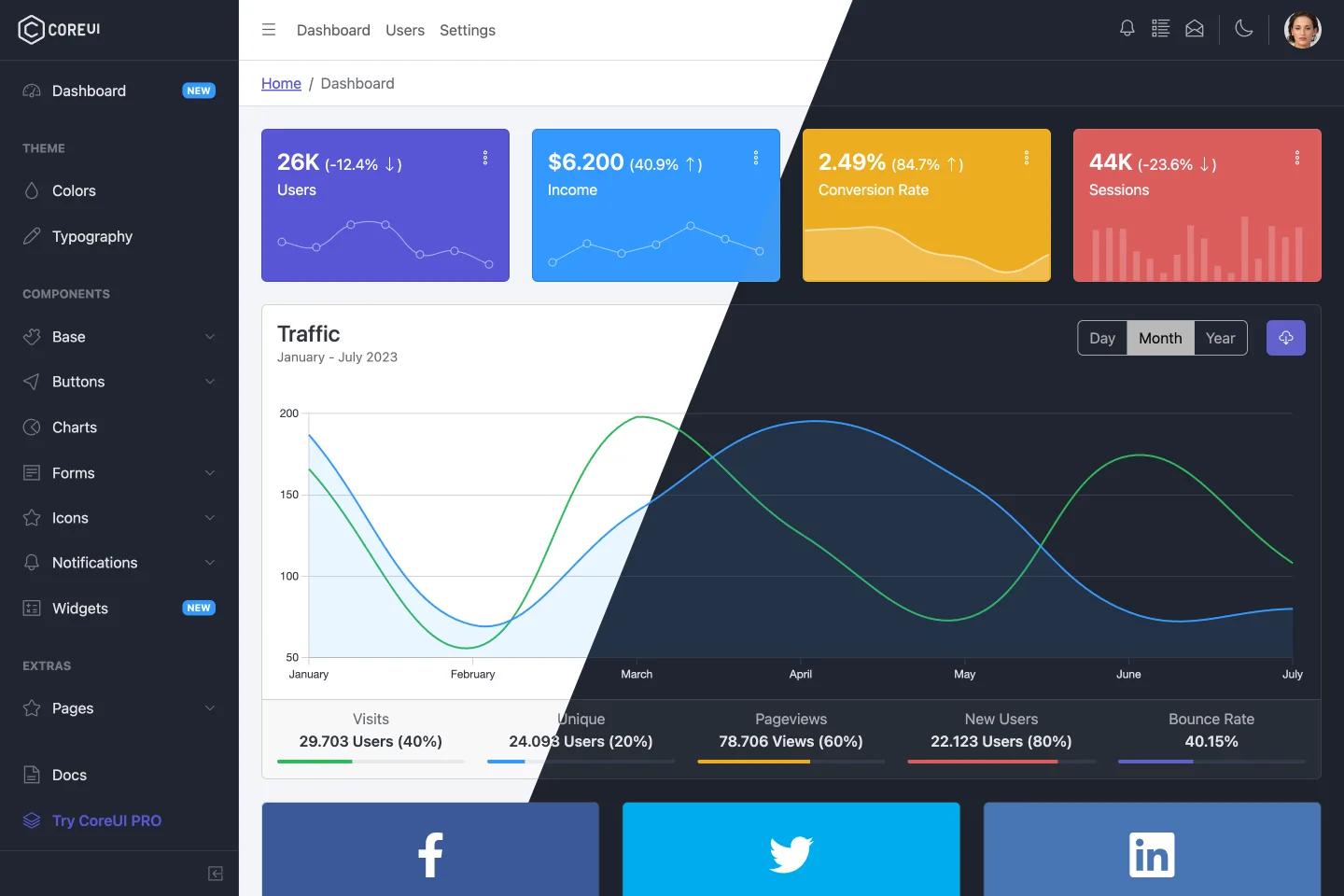
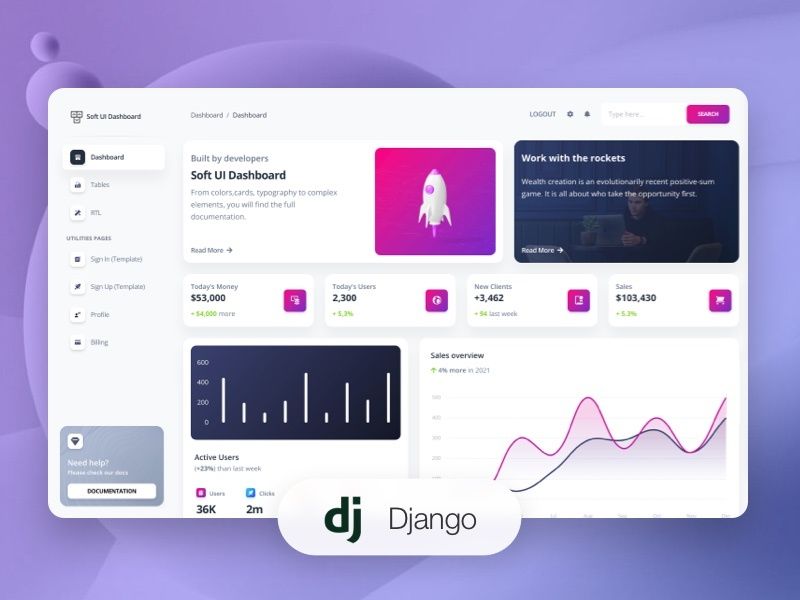
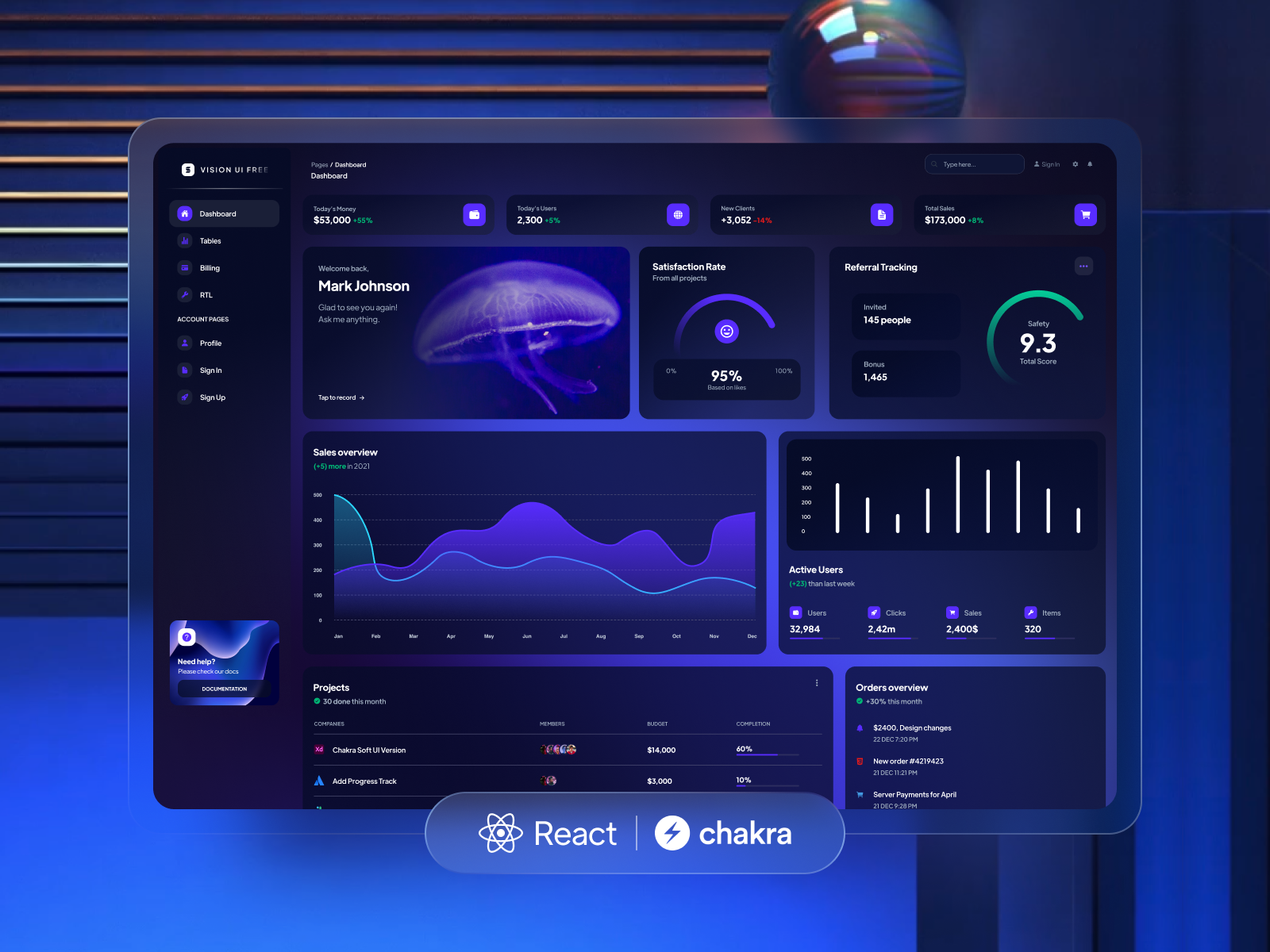
- Pre-built example pages — The download includes dashboard (with reports bar/line charts and project cards), tables, billing with invoices, notifications, profile, user-management, and an RTL layout.
- Charting with React ChartJS 2 — Bar, line, doughnut, bubble, polar, and radar charts are available as configurable components, and ChromaJS is used for color scale utilities.
- Environment-driven configuration — Frontend settings are set through a .env file with REACT_APP_URL, REACT_APP_API_URL, and REACT_APP_IS_DEMO variables to point at your own API.
- Composer and npm setup — The backend installs with composer install plus artisan migrate and passport:install commands; the frontend uses npm install or yarn install and a Node.js LTS environment.
Who is it for?
- Full-stack developers who need a working React + Laravel starting point with authentication already implemented, so they can focus on business logic.
- Agencies and freelancers building admin panels or internal tools for clients who want a ready-made MUI interface with a Laravel API backend.
- Students and self-taught developers learning how to connect a React SPA to a Laravel JSON:API, since the repo shows the service, context, and interceptor patterns.
- Product teams that need user management features fast and plan to rebrand the dashboard with their own colors and assets.
What can you do with it?
- SaaS founders: launch a customer admin dashboard with login, registration, and profile management without writing auth code from scratch.
- Agency developers: customize the pre-built dashboard, tables, billing, and notifications pages to deliver a client project on a tight deadline.
- Backend-focused developers: use the Laravel JSON:API as a reference for building Passport-protected endpoints, then test them with the provided Postman documentation.
- UI designers: use the MUI theme structure (base, components, functions) to adjust colors, typography, and shadows across the entire dashboard in one place.
How does it work?
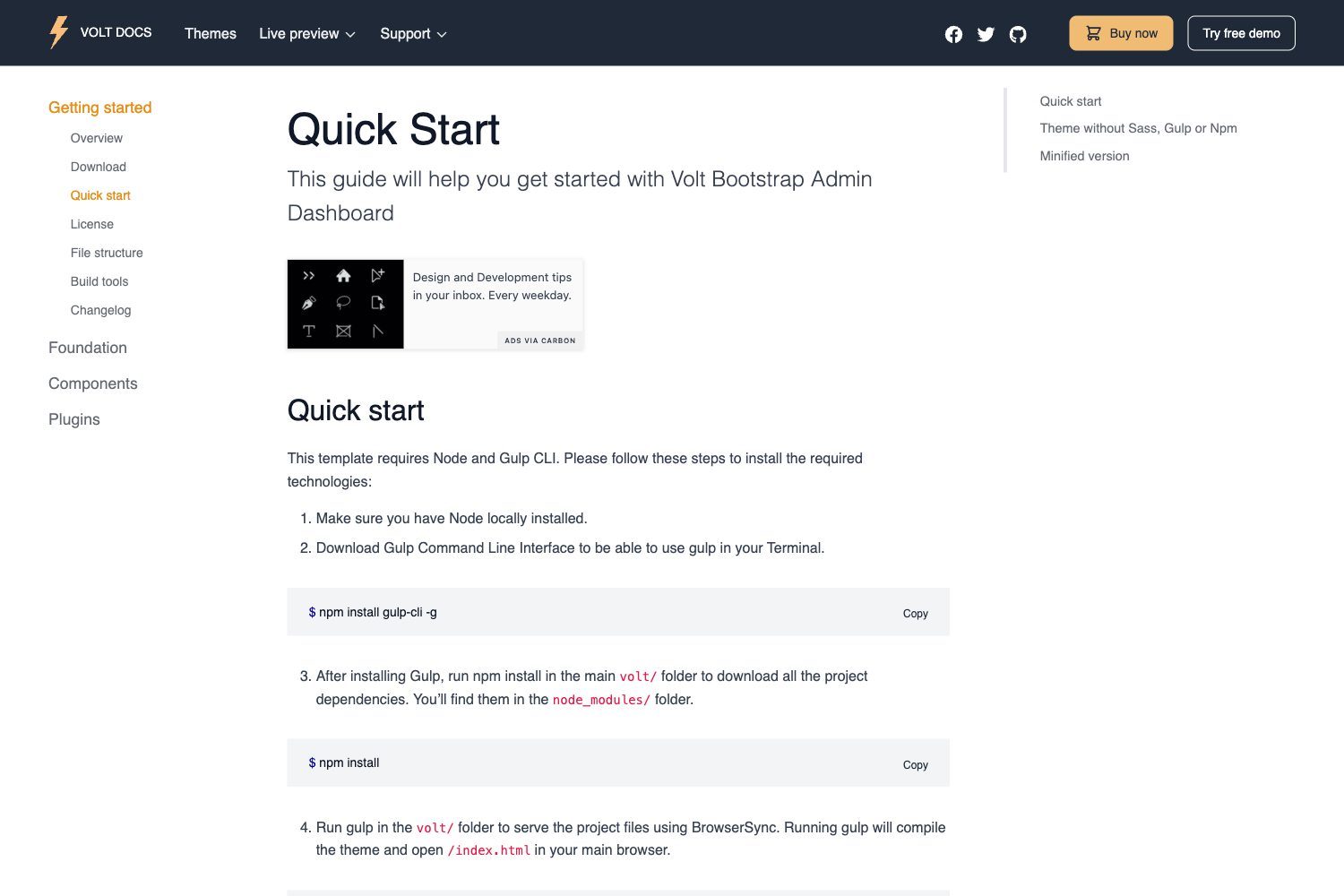
The project is split into two folders: a Laravel API project and a React app. After setting up a local Apache/Nginx environment with PHP, Composer, and MySQL, you install the backend with composer install, create a .env file with database credentials, run php artisan migrate --seed, and run php artisan passport:install to get client credentials. For the frontend, you install Node.js LTS, run npm install or yarn install, and add a .env file pointing REACT_APP_API_URL to your API path. The React app then communicates with the API through services in the /src/services folder, with auth state managed by a context provider.
FAQ
Is Material Dashboard 2 React Laravel JSON:API free?
Yes, this is the free version of the product. Creative Tim also sells a PRO version called Material Dashboard 2 PRO React Laravel JSON:API with additional features, which is linked from the product page.
What are the default login credentials?
The demo uses the email admin@jsonapi.com with the password secret. These credentials are seeded by the migration and allow you to test the login flow immediately after setup.
What are the system requirements?
The Laravel backend requires a local Apache/Nginx environment with PHP, Composer, and MySQL. The React frontend requires Node.js LTS and npm or yarn. Windows users can install WAMP, while Linux and Mac users can set up LAMP.
Where is the documentation?
The dashboard documentation is hosted on the Creative Tim website, and the Laravel JSON:API documentation is available on Postman as a public viewer document. Both links are included in the repository readme.
Does it support RTL languages?
Yes, the template includes a dedicated RTL layout and an RTL theme file (theme-rtl.js) in both light and dark theme folders, so you can run the dashboard in right-to-left mode.