Template details
StarAdmin Angular
Star Admin Angular is a free admin dashboard template built on Bootstrap 4 and Angular, generated with Angular CLI 7.2.1.
About this template
StarAdmin Angular is a free admin dashboard template that combines Bootstrap 4's UI components with an Angular application scaffolded by Angular CLI 7.2.1, giving developers a ready-to-run shell for building dashboard-style interfaces.
What is StarAdmin Angular?
StarAdmin Angular is a free admin template distributed by BootstrapDash on GitHub, built from an Angular CLI 7.2.1 project and styled with Bootstrap 4. It takes the standard Angular project structure—with modules, components, and npm scripts—as its input, and produces a working admin dashboard that you can run locally or deploy to production. The repository includes a live demo of the default dashboard hosted on BootstrapDash's website.
Key Features
- Bootstrap 4 integration — The template's styling is based on Bootstrap 4, providing a responsive grid, form controls, buttons, and utility classes for building admin layouts.
- Angular CLI 7.2.1 scaffolding — The project follows the standard Angular CLI layout, so you can generate new components, directives, pipes, services, and more with
ng generatecommands. - Live development server — Running
ng servestarts a dev server at localhost:4200 that automatically reloads the app when you edit source files. - Production build —
ng build --prodcompiles an optimized production bundle into thedist/directory. - Unit testing via Karma —
ng testruns the project's unit tests through the Karma test runner. - End-to-end testing via Protractor —
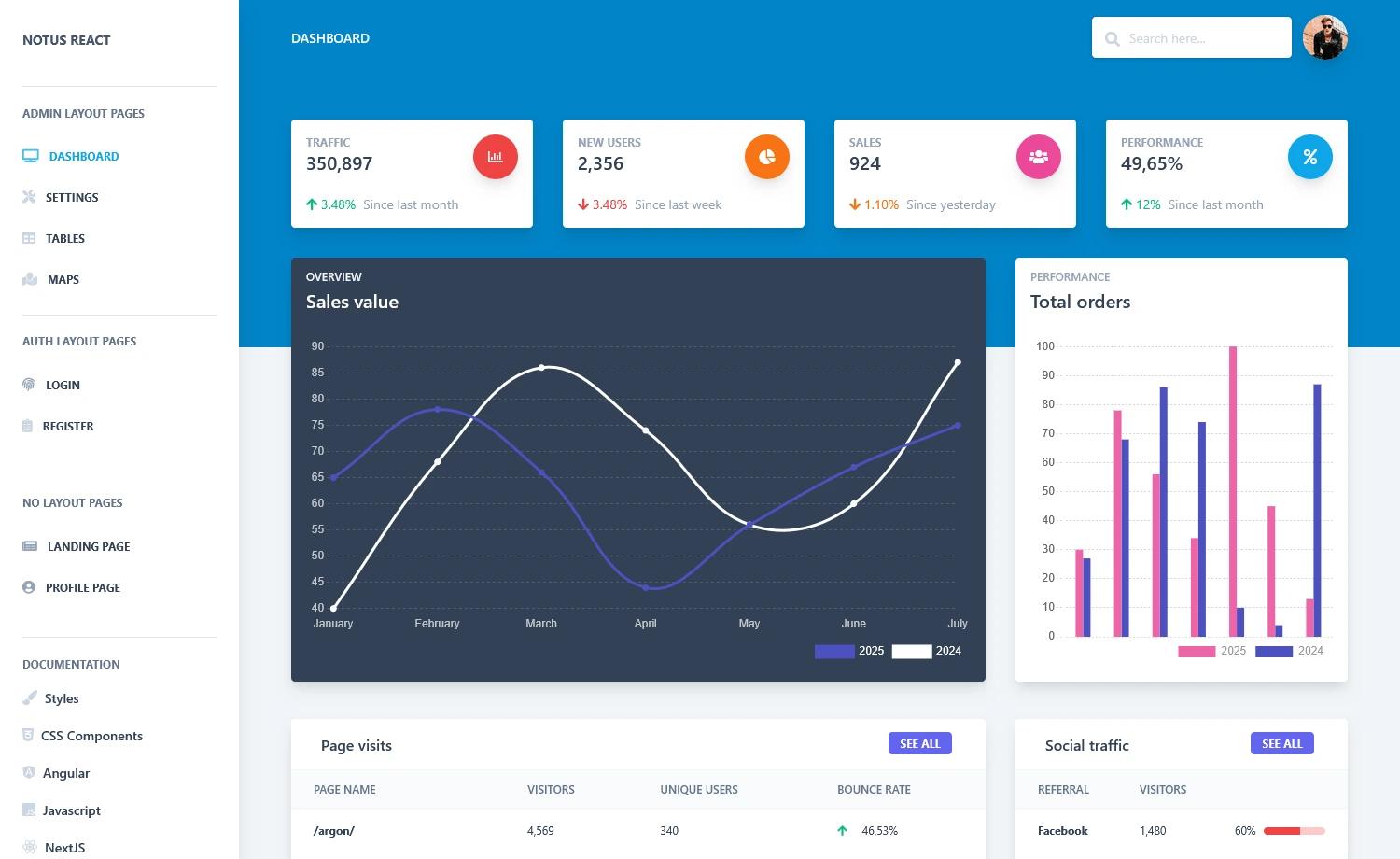
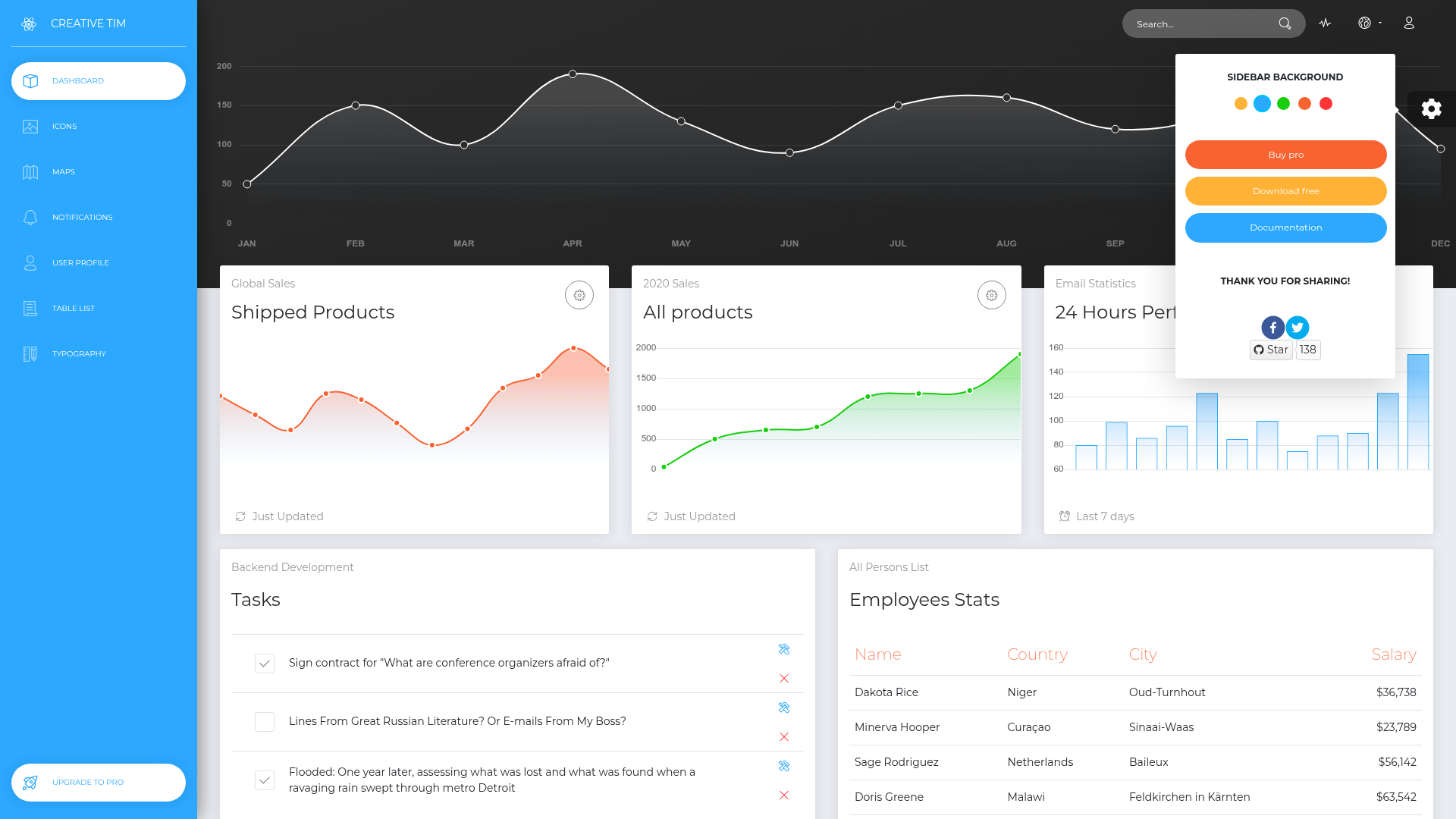
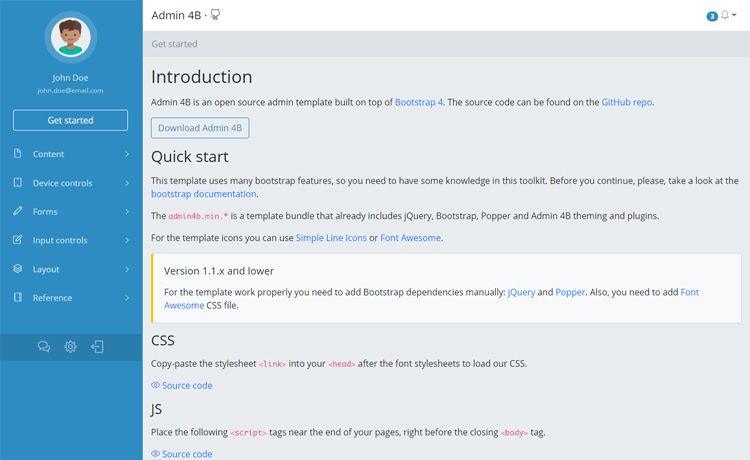
ng e2eruns browser-based end-to-end tests with Protractor. - Dashboard demo page — A preview of the default dashboard is available at the live demo link, showing the template's look before you download it.
Who is StarAdmin Angular for?
StarAdmin Angular is for web developers who need a starting point for admin panels, dashboards, or back-office interfaces. Front-end developers can clone the repository and immediately customize the Bootstrap 4 components and Angular templates. Angular learners can study a working Angular 7 project that includes testing and build configurations. Freelancers and agencies can use it as a base to deliver client dashboards faster, adjusting colors and layout to match branding.
What can you do with StarAdmin Angular?
- Build admin dashboards — Use the provided dashboard shell to assemble metrics, tables, and forms in a responsive Bootstrap 4 layout.
- Prototype internal tools — Start from the Angular CLI structure to add CRUD screens, login pages, or data visualizations with generated components.
- Learn Angular project conventions — Inspect how the Angular CLI 7.2.1 project wires up components, tests, and production builds, then modify it to try your own ideas.
How does StarAdmin Angular work?
StarAdmin Angular follows the standard Angular CLI workflow. Run ng serve from the project directory to launch a development server on localhost:4200 with hot reload. Use ng generate component component-name to scaffold new parts of the UI, ng test for unit tests, ng e2e for end-to-end tests, and ng build --prod to produce deployable files in the dist/ folder.
Pricing
StarAdmin Angular is free. The repository metadata describes it as a free admin template, and no paid tiers or premium plans are mentioned in the source.
FAQ
Is StarAdmin Angular free?
Yes, StarAdmin Angular is identified as a free admin template in the repository metadata. The source code is publicly available on GitHub, and there is no mention of a paid version.
What tech stack does StarAdmin Angular use?
StarAdmin Angular is generated with Angular CLI 7.2.1, meaning it uses Angular 7 and TypeScript. Styling is done with Bootstrap 4. Testing relies on Karma for unit tests and Protractor for end-to-end tests.
How do I run the development server?
From the project root, run ng serve. The app will be served at http://localhost:4200 and will automatically reload when you modify any source file.
How do I create a production build?
Run ng build --prod. The compiled and optimized files will be written to the dist/ directory, ready to be deployed to a static host or web server.
What testing commands are included?
ng test executes unit tests via Karma, and ng e2e runs end-to-end tests using Protractor. Both commands are standard for Angular CLI projects and are documented in the README.