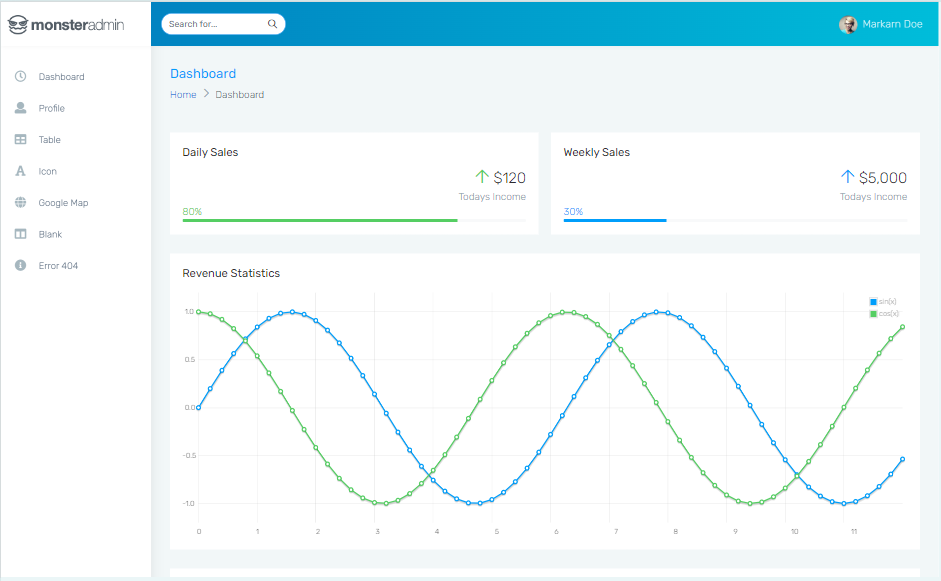
Template details
Kanakku Next
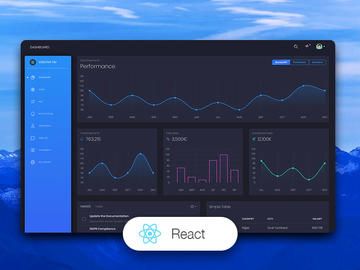
Full-scale Dashboard application written in Next.js
About this template
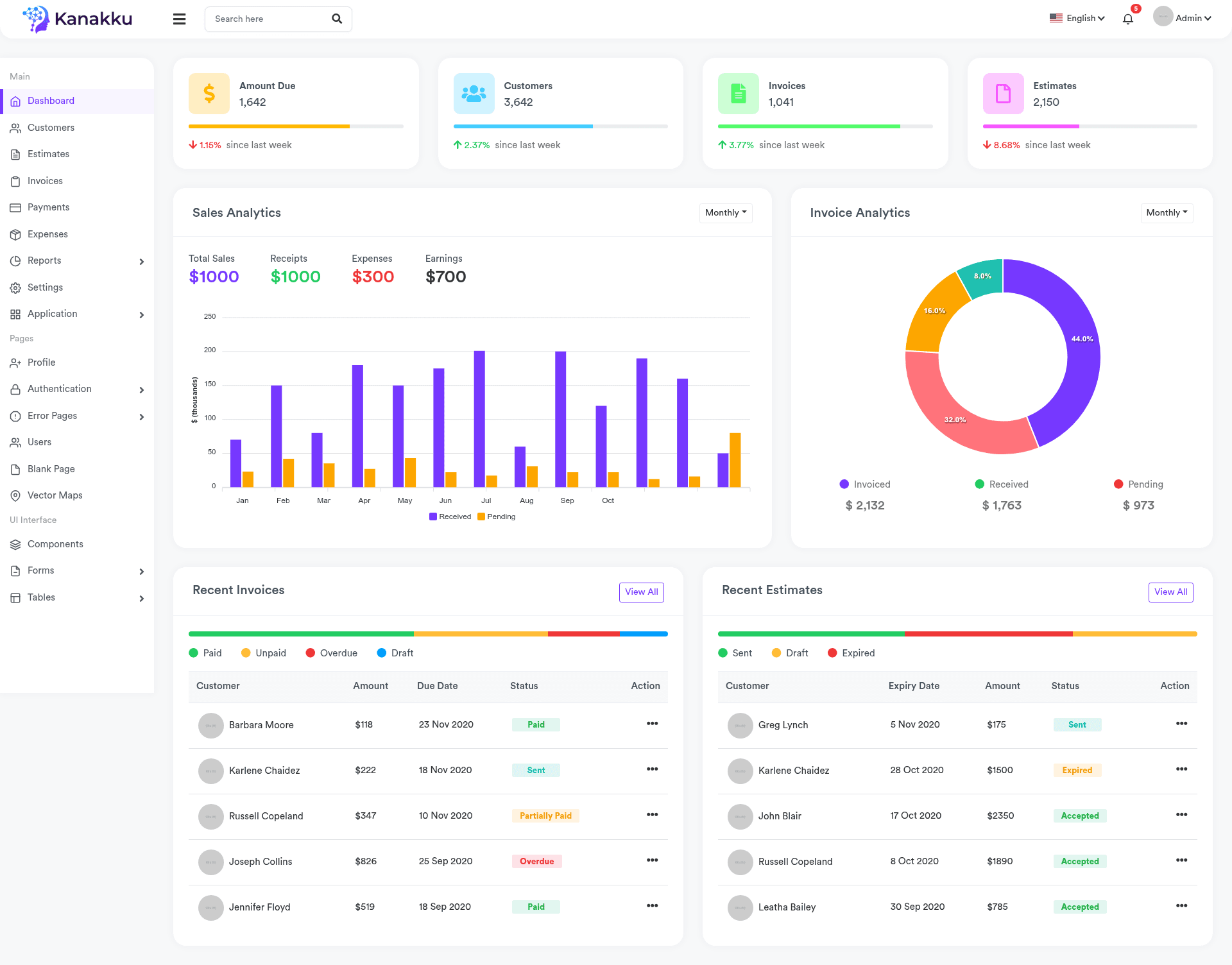
Kanakku Next is a full-scale dashboard application template built with Next.js, intended as a starting point for building admin panels and data visualization interfaces. It is a Next.js project bootstrapped with create-next-app, meaning it ships with the standard Next.js file structure, API routes, and a development server. The repository metadata describes it as a "Full scale Dashboard application" and lists charts, maps, dashboard, and nextjs as its topics, signaling that the template is geared toward data-dense, visually rich admin dashboards.
What is Kanakku Next?
Kanakku Next is a dashboard application written in Next.js, the React-based framework for server-rendered and statically generated web applications. As a create-next-app scaffold, the project includes a pages directory for file-based routing, a pages/api directory where backend API endpoints live, and package.json scripts to run the development server with npm run dev or yarn dev. The template's output is a functional web application that serves both React pages and JSON API endpoints, ready to be customized into a full-scale dashboard. Its repository topics—charts, dashboard, maps, nextjs—indicate that the intended use is data visualization and administrative interfaces.
Key Features
- Next.js framework — Built on Next.js, which provides file-based routing, server-side rendering, and static generation. The project uses a
pagesdirectory where each file maps to a URL route. - API routes — The
pages/apidirectory is mapped to/api/*, so files placed there are exposed as API endpoints. An example endpoint at/api/hellois included and can be edited inpages/api/hello.js. - Development workflow — Run
npm run devoryarn devto start the dev server at http://localhost:3000. Editing files inpages/.jstriggers automatic page updates. - Deployment on Vercel — The README recommends deploying with the Vercel Platform, the service created by the Next.js team, and links to the official Next.js deployment documentation.
- Dashboard-oriented topics — The repository's topics (charts, dashboard, maps, nextjs) suggest the template is designed to support data-dense interfaces with charting and mapping capabilities.
- Customizable pages — Because it uses standard Next.js routing, developers can modify existing pages or add new ones under
pagesto shape the dashboard's layout and features.
Who is it for?
- Developers building admin dashboards — Use Kanakku Next as a base scaffold, then add charting and mapping libraries to visualize metrics, user data, or operational KPIs.
- Teams starting a Next.js project — The create-next-app foundation gives you a working app with API routes and a dev server immediately, so you can focus on business logic rather than configuration.
- Data visualization projects — With topics like charts and maps, this template targets projects that need to present geographic or statistical data in a dashboard layout.
Use cases
- Admin panel developers: scaffold a full-scale dashboard with Next.js and quickly wire up API routes for real data, then render KPIs and tables in the pages you customize.
- Geospatial analytics teams: build a map-centered dashboard by integrating mapping libraries, supported by the template's map-related topic focus.
- Product analytics dashboards: use the template to lay out charts and metrics for user engagement, revenue, or system health, starting from a pre-structured file layout.
How does Kanakku Next work?
The template follows a standard Next.js workflow: start the development server with npm run dev or yarn dev, open http://localhost:3000, and edit files inside the pages directory to see hot updates. API routes are defined in pages/api and become available at /api/*. For production, the README points to deploying on the Vercel Platform, which integrates with the Next.js framework.
FAQ
How do I start the development server?
Run npm run dev or yarn dev from the project root. This launches a Next.js development server at http://localhost:3000, and pages auto-update as you edit files in the pages directory.
Where are API routes defined?
API routes are located in the pages/api directory. Each file there is treated as an API route rather than a React page; for example, pages/api/hello.js is served at /api/hello.
How do I deploy Kanakku Next to production?
The template's README recommends the Vercel Platform, which is maintained by the Next.js team and offers one-click deployment for Next.js apps. You can also follow the general Next.js deployment documentation for other hosting options.
Can I customize the dashboard pages?
Yes. Because the project uses standard Next.js file-based routing, you can edit existing files in pages or create new ones. The page auto-updates during development, and changes to the pages directory define the routes of your dashboard.