Template details
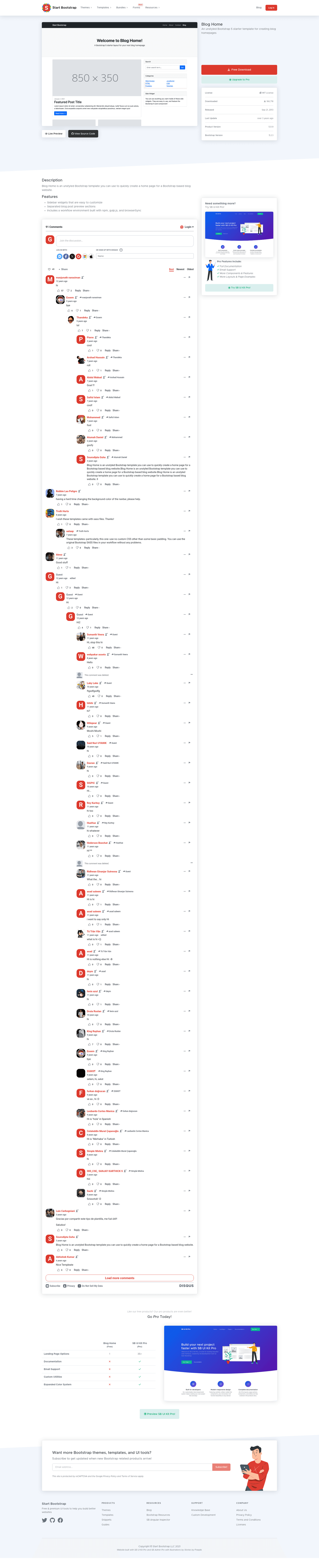
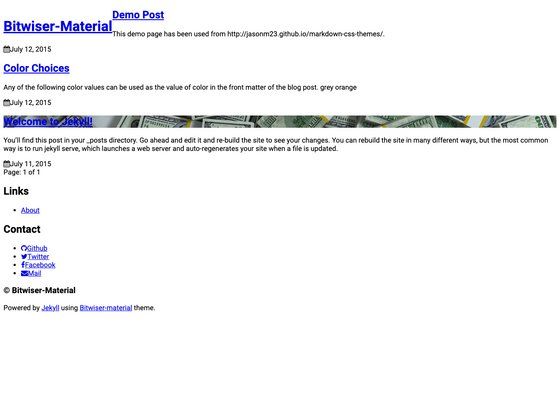
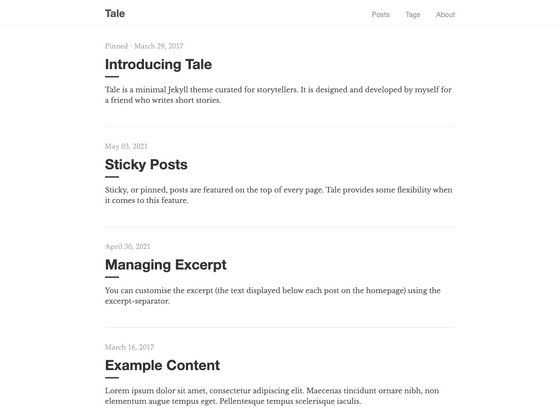
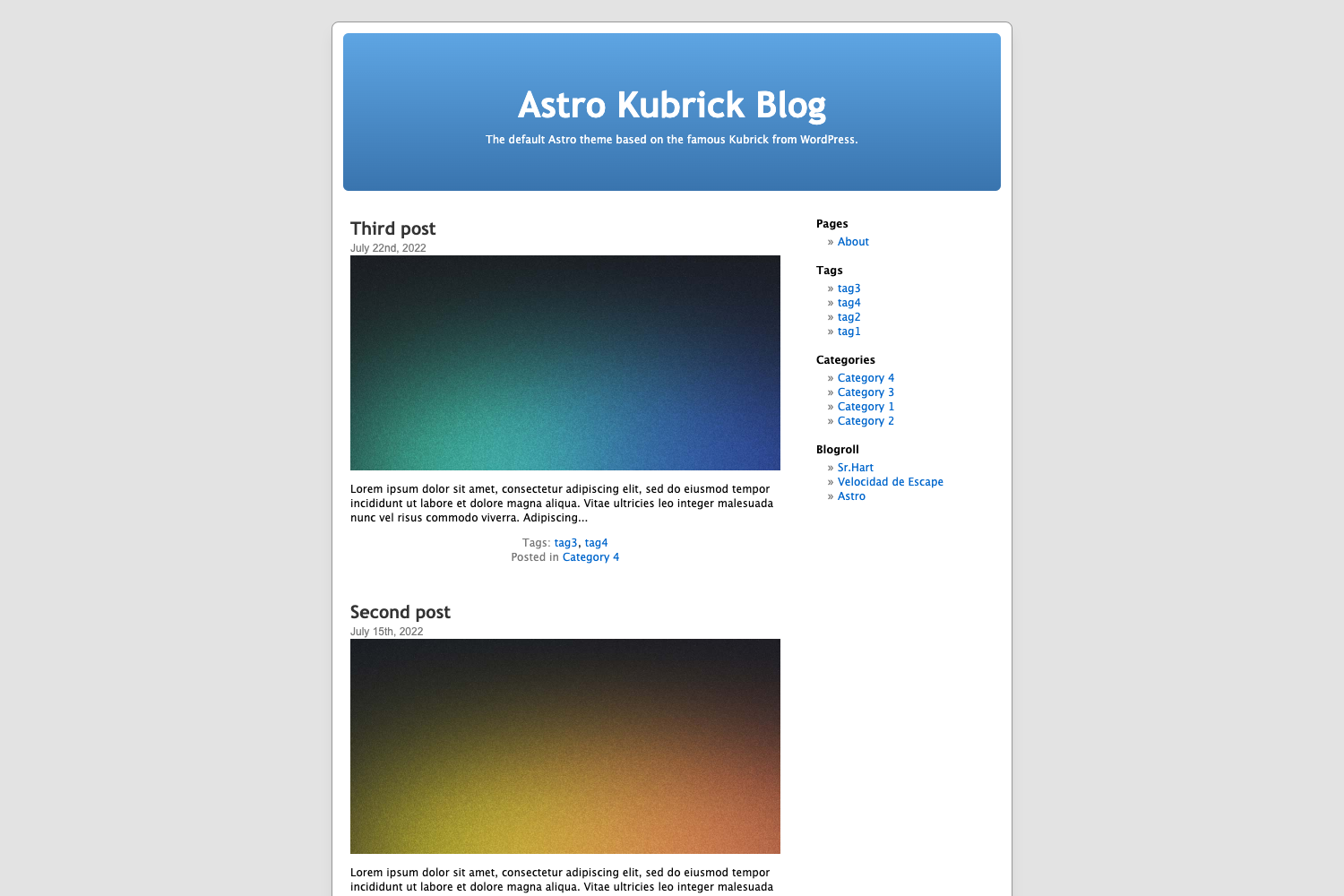
Blog Home
A Bootstrap HTML template for blog homepages - created by Start Bootstrap
About this template
Blog Home is a free, open-source Bootstrap HTML starter template for creating blog homepage layouts, released under the MIT license by Start Bootstrap.
What is Blog Home?
Blog Home is a basic blog homepage HTML starter template built on the Bootstrap CSS framework. It takes static HTML, CSS, and JavaScript files from its dist folder and produces a fully styled blog homepage that you can upload to any web host or open directly in a browser. The template is created and maintained by Start Bootstrap, an open-source library of free Bootstrap templates, and originally authored by David Miller.
Key Features
- Bootstrap CSS framework — Responsive grid, typography, and components from the Bootstrap project; the repository metadata lists both Bootstrap 4 and Bootstrap 5 among its topics.
- Pre-built blog homepage layout — A single index page with the standard blog home structure: a top navigation bar, a list of blog post previews, and a footer.
- Compiled dist directory — The downloadable release includes ready-to-use HTML and CSS files; you can edit these directly without a build step.
- Pug source files — The
src/pugdirectory contains the template's markup as Pug for developers who prefer a more modular workflow. - SCSS styling source — The
src/scssfolder contains the Sass source that compiles into the final CSS. - Custom JavaScript — A
src/js/scripts.jsfile is compiled intodistto handle any interactive behavior. - npm build environment —
npm installfollowed bynpm startlaunches a live preview, watches source files, and reloads the browser on changes;npm run buildoutputs everything todist. - MIT license — Free for personal and commercial use with no attribution required.
Who should use Blog Home?
- Freelance web developers — Quickly scaffold a client's blog homepage without starting from an empty HTML page.
- Bootstrap beginners — Study a clean, minimal blog layout to learn how Bootstrap's grid and components fit together.
- Hobbyist bloggers — Set up a simple blog front page by editing the provided
index.htmland CSS.
What can you do with Blog Home?
- Launch a blog quickly: Download the dist files, edit the text and links in
index.html, and host the folder anywhere to publish your blog homepage. - Customize the design: Use the npm workflow to modify the Pug and SCSS source files, then rebuild the static site with
npm run build. - Learn Bootstrap: Treat the template as a reference implementation that demonstrates the standard structure and classes used in a Bootstrap blog homepage.
How does Blog Home work?
Start by downloading the latest release or cloning the GitHub repository. For a simple setup, open the index.html file in dist and edit the HTML and CSS content directly. For advanced customization, clone the repo, run npm install to fetch dependencies, then npm start to get a live-reloading preview; the source lives in src/pug and src/scss and is compiled to dist.
Pricing
Blog Home is completely free and released under the MIT license.
FAQ
Is Blog Home free?
Yes. The template is open-source and released under the MIT license by Start Bootstrap LLC, so you can use it for commercial projects without paying fees or including attribution.
What does Blog Home do?
Blog Home is a starter HTML template for a blog homepage. It provides the layout and styling for a blog with a navigation bar, post listings, and footer, and you replace the sample content with your own.
How do I install Blog Home?
You can download the latest release from the Start Bootstrap website, install it via npm with npm i startbootstrap-blog-home, or clone the GitHub repository. After installation, edit the files in the dist directory to customize it.
Does Blog Home use Bootstrap 5?
The project's repository metadata includes both Bootstrap 4 and Bootstrap 5 among its topics, indicating support for both versions. The current Start Bootstrap release is built on the Bootstrap framework.
How do I customize Blog Home?
You have two options: edit the compiled HTML and CSS files in dist for a quick change, or use the source workflow by running npm install and npm start to edit the Pug and SCSS files and compile a new build.