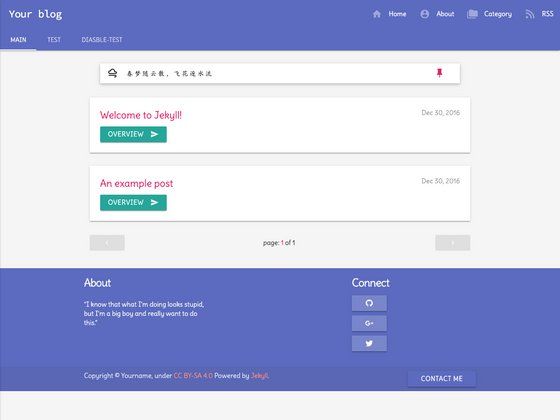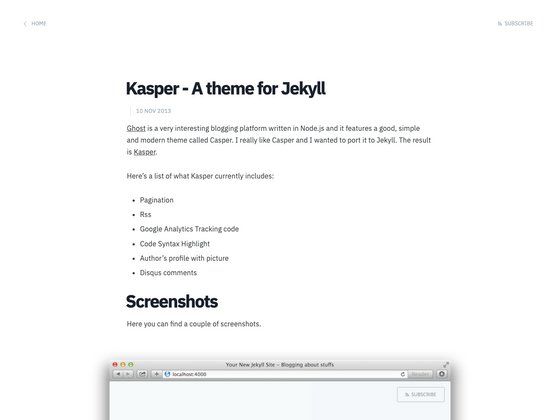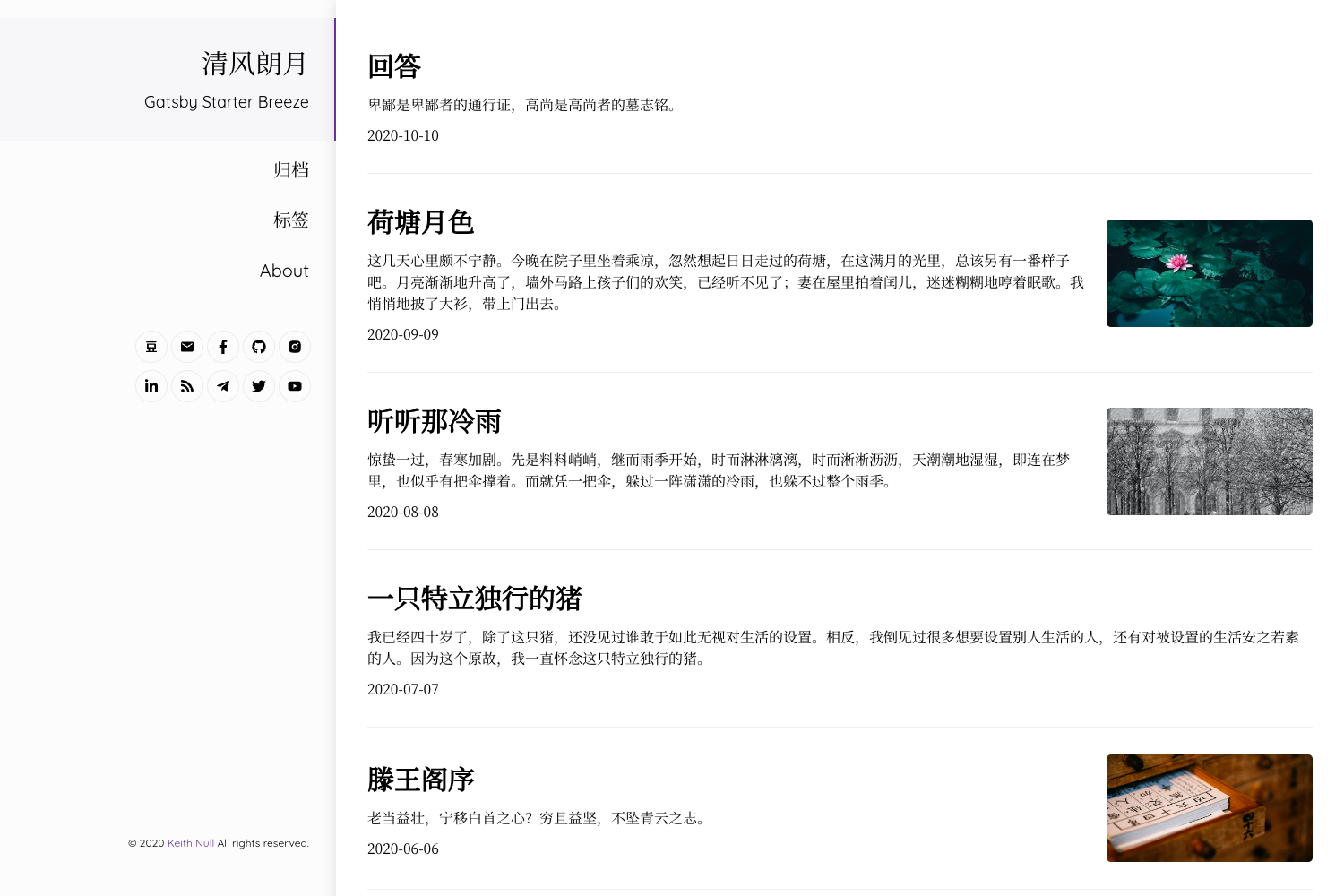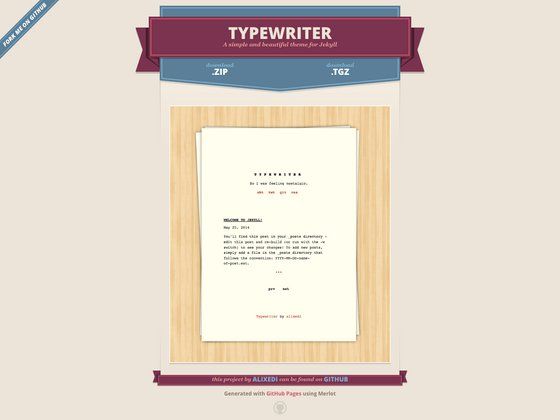
Template details
Tale
Minimal Jekyll theme for storytellers with GitHub Pages support, pagination, tags, and Disqus comments.
About this template
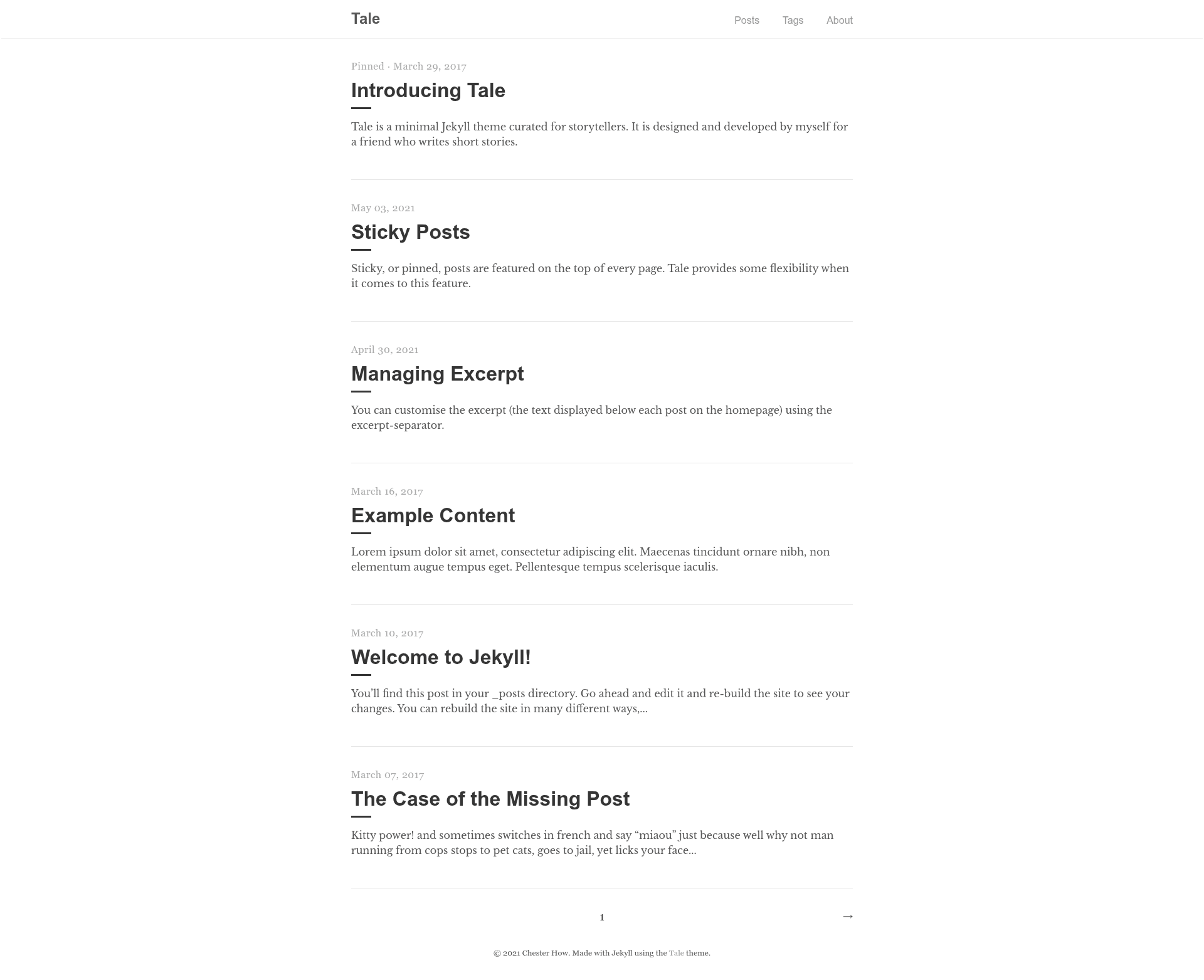
Tale is a minimal Jekyll theme curated for storytellers, delivering a typography-first blog layout with pagination, tags, sticky posts, and Disqus comments.
What is Tale?
Tale is a minimal Jekyll theme built for storytellers and released under the chesterhow GitHub account, with a live demo hosted at chesterhow.github.io/tale. It takes standard Jekyll content — Markdown or HTML posts with YAML front matter — and outputs a static blog site with paginated post listings, tags, sticky posts, and excerpt management. The theme can be installed three ways: as a Ruby gem, through the jekyll-remote-theme plugin for GitHub Pages, or by forking the chesterhow/tale repository directly.
Key Features
- GitHub Pages compatibility — Install via the jekyll-remote-theme plugin or fork the repository; no separate gem server is needed for Pages-hosted sites.
- Responsive design — The layout renders consistently on mobile and desktop viewports.
- Syntax highlighting — Code blocks are highlighted using Pygments, Jekyll's default highlighter.
- Pagination — Posts are paginated using the jekyll-paginate gem, with a default of five posts per page set in _config.yml.
- Sticky posts — Individual posts can be pinned to stay at the top of the post listing.
- Tags and excerpts — Posts can be organized under tags and trimmed via excerpt management in front matter.
- Disqus comments — Comment threads are disabled by default; enabling them requires a Disqus id in _config.yml and comments: true in a post's front matter.
- Markdown and HTML formatting — Posts can be written in Markdown or plain HTML.
Who is Tale for?
- Personal bloggers — Publish a minimal, text-focused blog with paginated archives, tags, and excerpt previews without configuring a full-featured theme.
- Storytellers and writers — Use a theme explicitly curated for narrative content, with a simple reading layout and post-focused design.
- Developers hosting on GitHub Pages — Deploy a Jekyll site by adding jekyll-remote-theme and jekyll-paginate to the Gemfile and setting remote_theme: chesterhow/tale in _config.yml.
- Self-hosted Jekyll users — Install Tale as a Ruby gem and manage the site locally with bundle exec jekyll serve.
What can you do with Tale?
- GitHub Pages users: configure remote_theme: chesterhow/tale plus the jekyll-paginate and jekyll-remote-theme plugins, and deploy without maintaining a fork of the theme.
- Self-hosted bloggers: add gem "tale" to the Gemfile, run bundle, and set theme: tale with the permalink and paginate values in _config.yml.
- Writers wanting comments: swap the default jekyll-tale Disqus id for their own, then add comments: true to front matter on selected posts.
- Theme developers: fork the repository, remove the sample files (CODE_OF_CONDUCT.md, LICENSE, README.md, tale.gemspec), and delete the baseurl line in _config.yml to start customizing.
How does Tale work?
Tale runs as a standard Jekyll theme: add it via the Gemfile or remote_theme, configure _config.yml with the theme name, permalink format, and paginate count, then build and serve with bundle exec jekyll serve. Two manual setup steps are required: index.md must be renamed to index.html for jekyll-paginate to work, and about.md must have its layout field changed to post.
FAQ
Is Tale free?
Tale is a free, open-source project published on RubyGems as the tale gem and on GitHub as the chesterhow/tale repository. It can be installed as a gem, used as a remote theme, or forked without payment.
How do I install Tale on GitHub Pages?
Add gem "jekyll-remote-theme" and gem "jekyll-paginate" to your Gemfile, run bundle, then set remote_theme: chesterhow/tale in _config.yml along with the permalink and paginate lines. List both gems under the plugins key and remove any existing theme or remote_theme lines.
Why is my pagination not working?
The jekyll-paginate gem only activates when the site's index file is named index.html. The theme ships with index.md, which must be renamed to index.html during installation, or the paginate setting in _config.yml will not take effect.
How do I enable Disqus comments?
Comments are off by default. Locate the disqus: jekyll-tale line in _config.yml and replace jekyll-tale with your site's Disqus id, then add comments: true to the YAML front matter of each post where you want comment threads.
How do I preview Tale locally?
After installing the theme, run bundle exec jekyll serve from the project directory and open http://127.0.0.1:4000/ in your browser to see the site.
Pricing
Tale is free and open source. It is distributed through RubyGems as the tale gem and through the public chesterhow/tale GitHub repository, with no paid tiers or premium features listed.